
How To Check Crime Rates In Neighborhood

So, picture this: My friend, let's call her Brenda (because why not?), was apartment hunting a few months back. She found this place that looked absolutely perfect online – dreamy photos, great price, seemed like a steal. She even drove by, gave it the ol' eyeball test, and everything felt... fine. You know that gut feeling? The one that says, "Yeah, this could work!"
Fast forward a couple of weeks after moving in. Brenda starts noticing things. Little things at first, then bigger ones. Packages disappearing, strange noises at night, a general vibe that just didn't sit right. Turns out, her "perfect" neighborhood had a slightly less-than-perfect crime rate. And guess what? She hadn't bothered to check beyond the aesthetics and her gut. Oops!
That got me thinking: How many of us just wing it when it comes to something as important as feeling safe where we live? Or even when we're just visiting a new city and want to know which areas to maybe avoid after dark? Your gut is great, don't get me wrong, but sometimes it needs a little backup from, you know, actual data.
Must Read
So, if you're like Brenda pre-enlightenment, or just someone who likes to be informed (good for you!), here’s a quick-and-dirty guide on how to actually check crime rates in any neighborhood. Consider this your personal detective toolkit!
Start with the Official Stuff: Police Department Websites
This is your gold standard, folks. Most local police departments and sheriff's offices have websites that include crime statistics. Sometimes it’s a simple annual report, other times it’s a fancy interactive map showing incidents in near real-time. Look for sections like "Crime Statistics," "Public Safety," or "Open Data."

Why go official? Because it's coming straight from the source. No filtering, no third-party interpretation. It's the raw data. The downside? It can sometimes be a bit clunky to navigate, or the data might be aggregated at a city level rather than hyper-local. But it’s always a great starting point.
Dive into Third-Party Aggregators: Websites and Apps Galore!
Alright, if official sites are the library, these are the CliffsNotes. There are tons of fantastic websites and apps designed to make crime data digestible and easy to compare. Think of them as your friendly neighborhood data crunchers.

- NeighborhoodScout: This one is a powerhouse. It breaks down crime into violent and property categories, gives you a crime index (how it compares to the national average), and often includes school info and demographics. Super comprehensive, but some detailed reports require a subscription.
- Niche and City-Data: These sites are brilliant for getting a holistic view of a neighborhood, including crime rates alongside demographics, schools, and housing data. Great for comparing multiple areas at a glance.
- SpotCrime and CrimeMapping: These often pull data directly from police feeds (sometimes with a slight delay) and plop it onto a map. You can see specific incidents: burglaries, assaults, car thefts. It's fantastic for seeing what types of crime are happening and where exactly. Warning: seeing all those little red icons can be a bit jarring, so take a deep breath!
Pro tip: Always cross-reference. If one site says something wildly different from another, or from the official police data, dig a little deeper. Data interpretation can vary!
Don't Forget the Human Element: Community Forums and Social Media
While data is king, local gossip (I mean, community insight) is queen. Websites like Nextdoor are specifically designed for neighborhood communication. Local Facebook groups for residents can also be goldmines. People often post about recent incidents, suspicious activity, or ongoing concerns that might not always make it into official stats immediately.
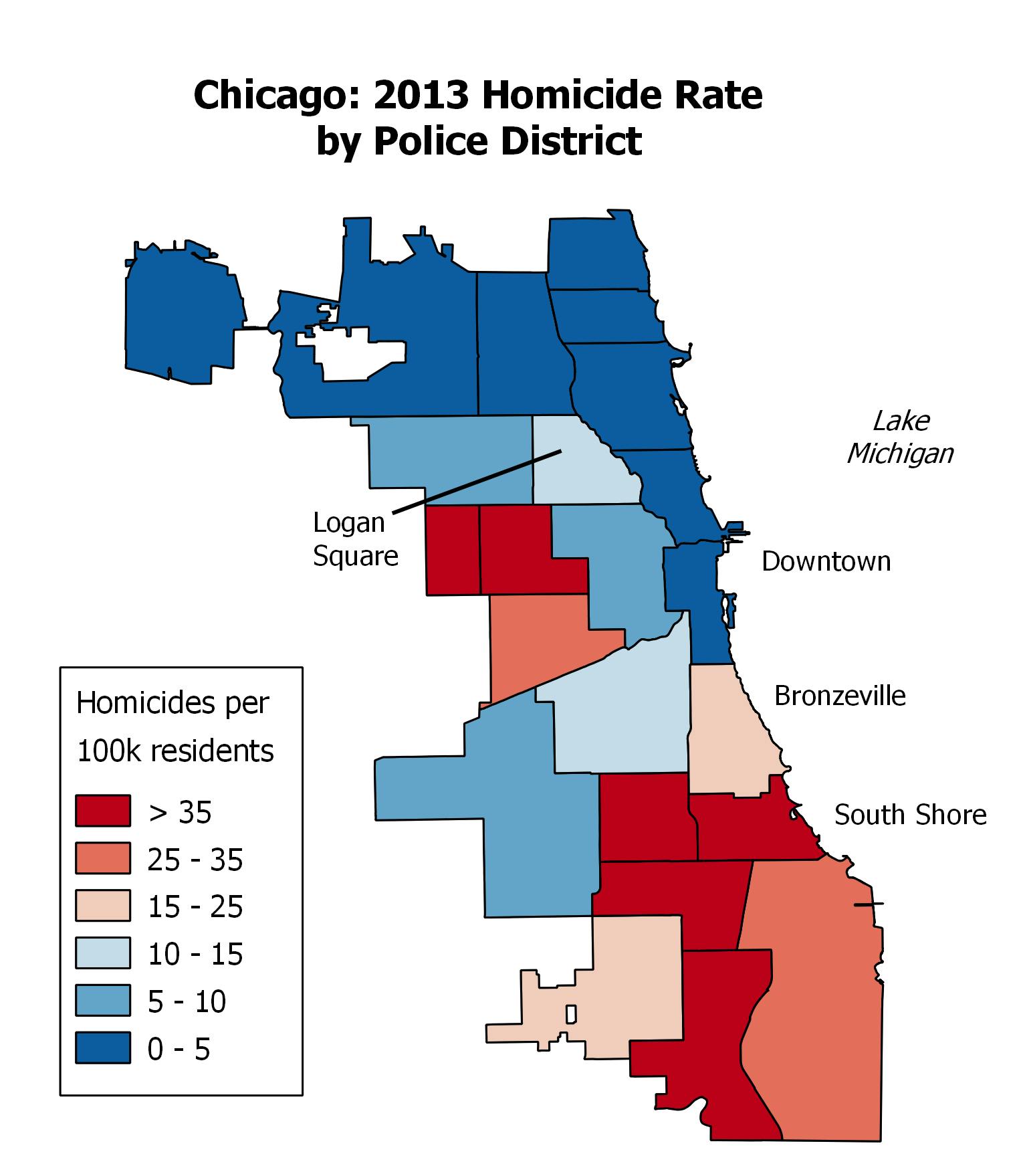
A word of caution here: These sources are anecdotal. One person's "crime wave" might be two incidents in a month, which statistically isn't a wave at all. Take it with a pinch of salt, but it can give you a feel for common issues or areas of concern. It’s about understanding the vibe on the ground.
The Old-Fashioned Way: Walk (or Drive) Around!
Seriously. Data is awesome, but nothing beats seeing a place with your own eyes. After you've checked the numbers, go for a stroll. Do you see well-maintained properties or a lot of broken windows and graffiti? Are people out and about? Does it feel lively, or eerily quiet? Are there visible security measures on homes?
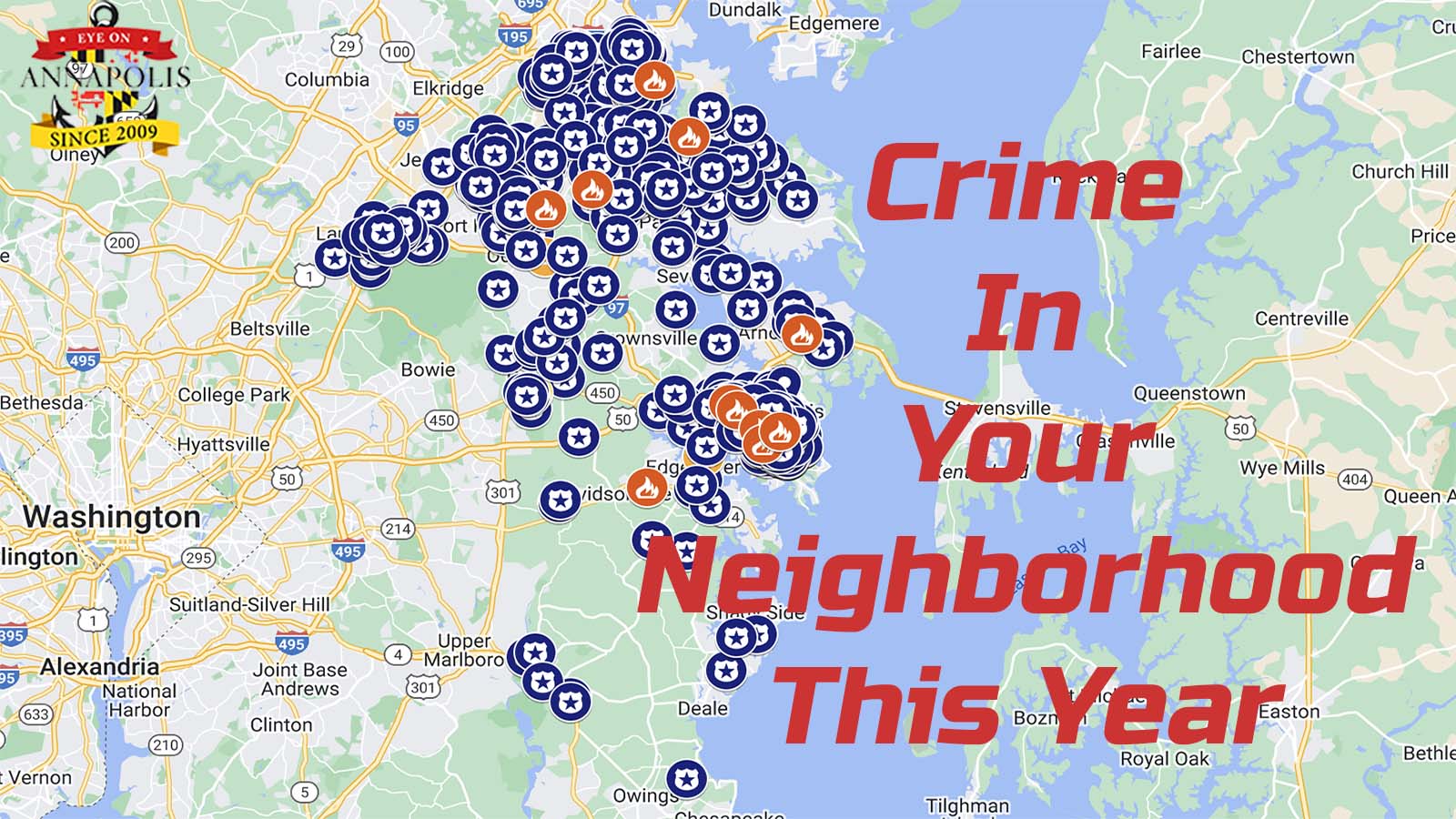
Use tools like Google Street View if you can't be there in person. It gives you a snapshot and can help you visualize the data you've been poring over. Combine your educated gut feeling with the stats.
What to Look For Beyond the Numbers
Don't just fixate on a single number. Look at the trends. Is the crime rate increasing or decreasing? What types of crime are prevalent? A neighborhood with high property crime might mean you need better locks, while high violent crime might make you think twice about late-night walks. Compare the neighborhood's rates to the city average, or even national averages, to put things into perspective. What's "high" in one area might be "average" in another.
Ultimately, checking crime rates isn't about finding a "zero crime" utopia (which probably doesn't exist, sorry!). It's about being informed, making smart choices, and understanding the realities of where you're putting down roots, or just spending a weekend. So, go forth, my curious friend, and be empowered by data!