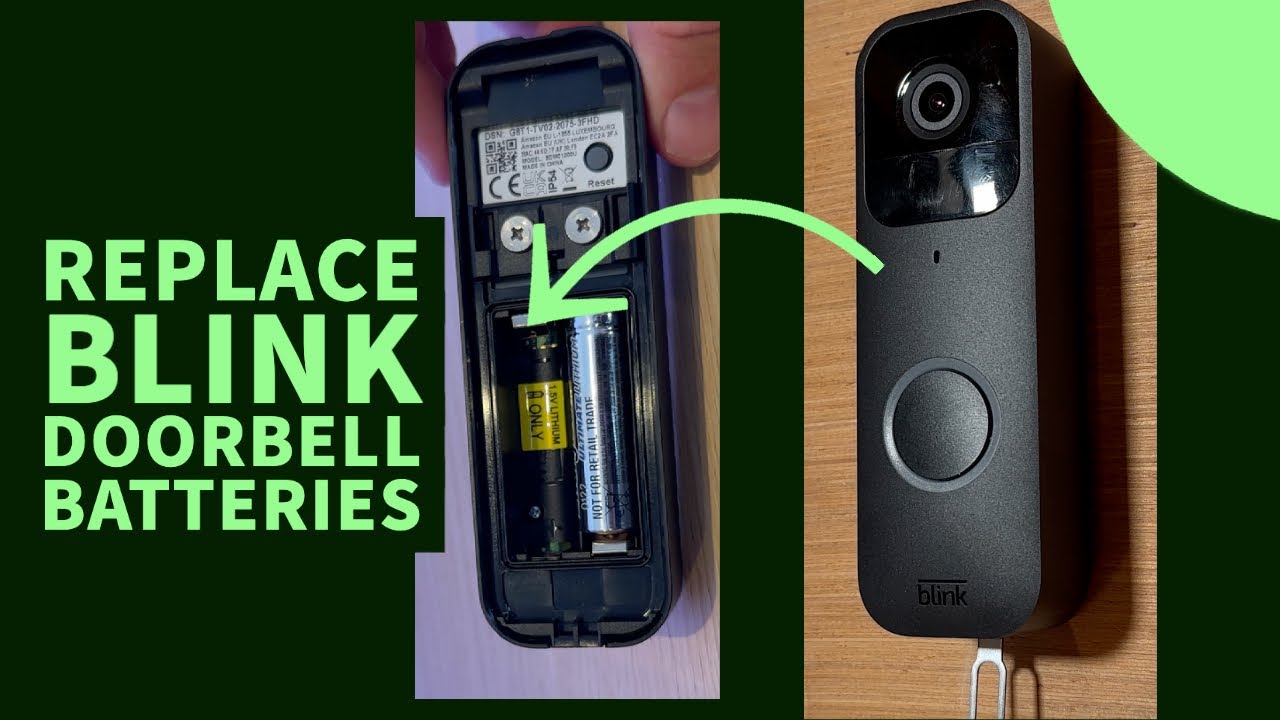
How To Change Battery On Blink Doorbell

Imagine the sweet symphony of modern living – smart lights obeying your voice, thermostats anticipating your whims, and that trusty Blink doorbell standing guard at your digital threshold. It's more than just a camera; it's your personal sentry, your package protector, your peace-of-mind provider. We embrace these little technological marvels because they seamlessly weave convenience and security into the fabric of our everyday lives, making tasks simpler and our homes safer.
These vigilant eyes grant us a superpower: knowing who’s knocking (or lurking) even when we’re miles away. From catching the mail carrier to waving hello to a neighbor, or even politely declining an unsolicited sales pitch without leaving the couch, Blink doorbells are about making life smoother, safer, and just a little more connected. They stand as silent guardians against porch pirates and offer a friendly face to legitimate visitors. The benefit is clear: uninterrupted surveillance and instant communication, ensuring you're always in the know about what's happening at your front door.
Picture this: you're at work, a notification pops up, and voilà! You see your child arriving home safely, granting you a sigh of relief. Or maybe you're on vacation, and that precious Amazon delivery lands securely on your porch, monitored live. You can even use the two-way audio to instruct the delivery driver to place a package in a less conspicuous spot. It’s all about maintaining control and visibility over your personal space, enhancing convenience, and adding an extra layer of security that truly benefits everyday life.
Must Read
But like all superheroes, even your Blink doorbell has a kryptonite: a drained battery. The dreaded red light or the "low battery" alert can bring your digital vigilance to a screeching halt, leaving you feeling exposed. Fear not, fellow digital guardian, for changing your Blink doorbell's batteries is not a quest for ancient artifacts but a simple, empowering act of maintenance that keeps your digital sentry fighting fit!
Here’s how to master the art of the Blink doorbell battery swap, ensuring continuous enjoyment and peace of mind:
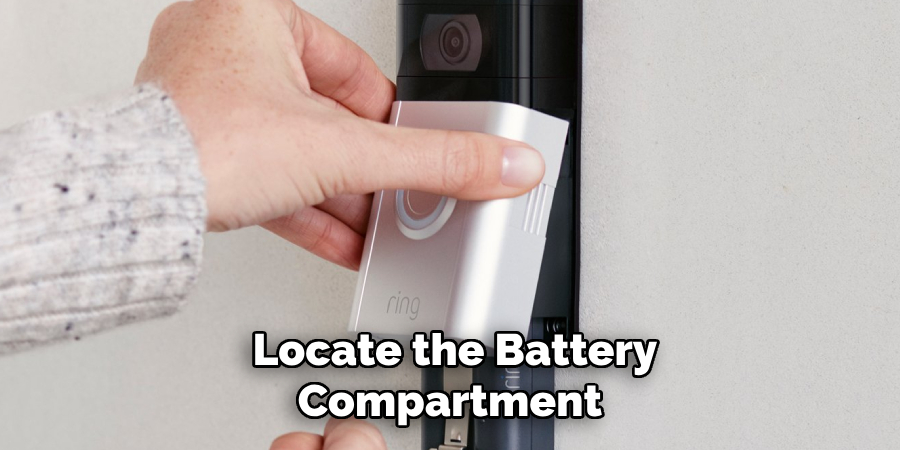
- Gather Your Tools: You'll need a small flathead screwdriver or the tiny release key that likely came with your doorbell. Lost it? Don't fret; an eyeglass screwdriver often works perfectly. And, most importantly, two brand new AA batteries.
- Locate the Release Point: Look for a small, almost invisible slot at the bottom of your Blink doorbell. This is its secret handshake.
- Perform the Release: Gently insert your screwdriver or key into the slot and press firmly upwards until you hear a satisfying click. This releases the main camera unit from its backplate.
- Carefully Detach: Slowly slide the camera upwards and then out from the backplate. No need to yank; treat it with respect!
- Open the Battery Compartment: Flip the camera over. You'll see the battery compartment cover. Slide it open.
- The Crucial Swap: Remove the old, tired AA batteries. Now for the golden rule: always use two new, 1.5V Lithium AA batteries. Alkaline batteries might seem cheaper, but they don't perform as well in cold weather and have a significantly shorter lifespan in high-drain devices like your Blink doorbell. This is a game-changer for longevity!
- Reassemble: Insert the fresh lithium batteries, ensuring the positive (+) and negative (-) ends match the diagram. Slide the battery compartment cover back into place.
- Reattach and Secure: Finally, reattach the camera unit to its backplate. Align it carefully and slide it downwards until it clicks securely into place. Give it a gentle wiggle to ensure it's firmly seated.
Pro-Tips for Continuous Enjoyment:
- Keep spares handy: Don't wait for the low battery warning. Have a fresh pair of lithium AAs ready to go in your "smart home emergency kit."
- Set reminders: If you know roughly how long your batteries last, set a calendar reminder to check them proactively.
- Clean as you go: A quick wipe down of the lens and housing during the swap can keep your view crystal clear.
By mastering this simple battery swap, you ensure your digital sentry remains vigilant, keeping your home connected and secure without missing a beat. Enjoy the continuous peace of mind and the power of a fully charged guardian!