How To Change Battery In Ring Doorbell

There's something wonderfully reassuring about the modern doorbell, isn't there? Gone are the days of missing a crucial package delivery because you were in the shower, or wondering if that unexpected knock was a friendly neighbor or someone trying to sell you something you definitely don't need. Enter the Ring Doorbell, a little sentinel that stands guard at your entryway, bringing a whole new level of peace of mind to your home.
For many of us, our Ring Doorbell is more than just a fancy button; it's a vital part of our everyday lives. It’s the device that lets you see the kids get home from school even when you’re stuck at work, allows you to chat with the delivery driver from the grocery store, or simply offers an extra layer of security, recording any activity at your front door. It’s a silent guardian, providing alerts and video footage, and connecting you to your home like never before. From deterring porch pirates to simply making sure grandma’s visit doesn’t go unnoticed, its purpose is to keep you connected and secure.
But like any diligent worker, your Ring Doorbell needs a little TLC to keep performing at its best. And for many models, that means a fresh battery now and then. Don't let that "low battery" notification fill you with dread! Changing the battery in your Ring Doorbell is surprisingly simple, and a small act that ensures your seamless security continues uninterrupted. Think of it as giving your home's vigilant watchman a refreshing power nap.
Must Read
So, how do you keep your Ring Doorbell vigilant and full of energy? Here’s the lowdown on changing that battery, ensuring you continue to enjoy all the brilliant benefits:
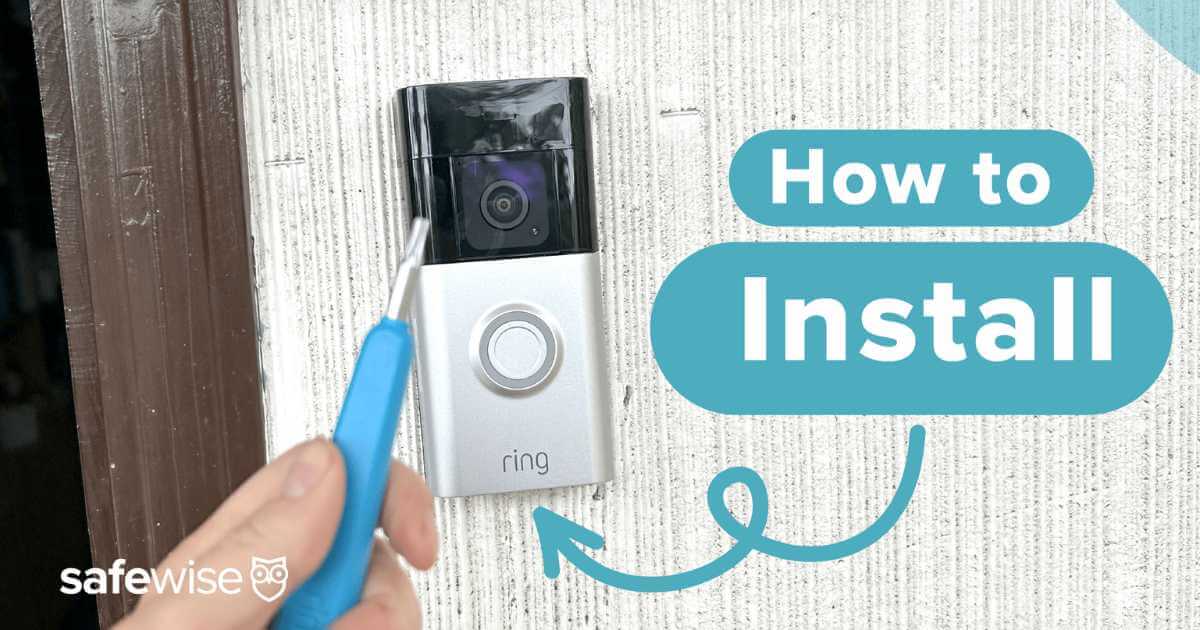
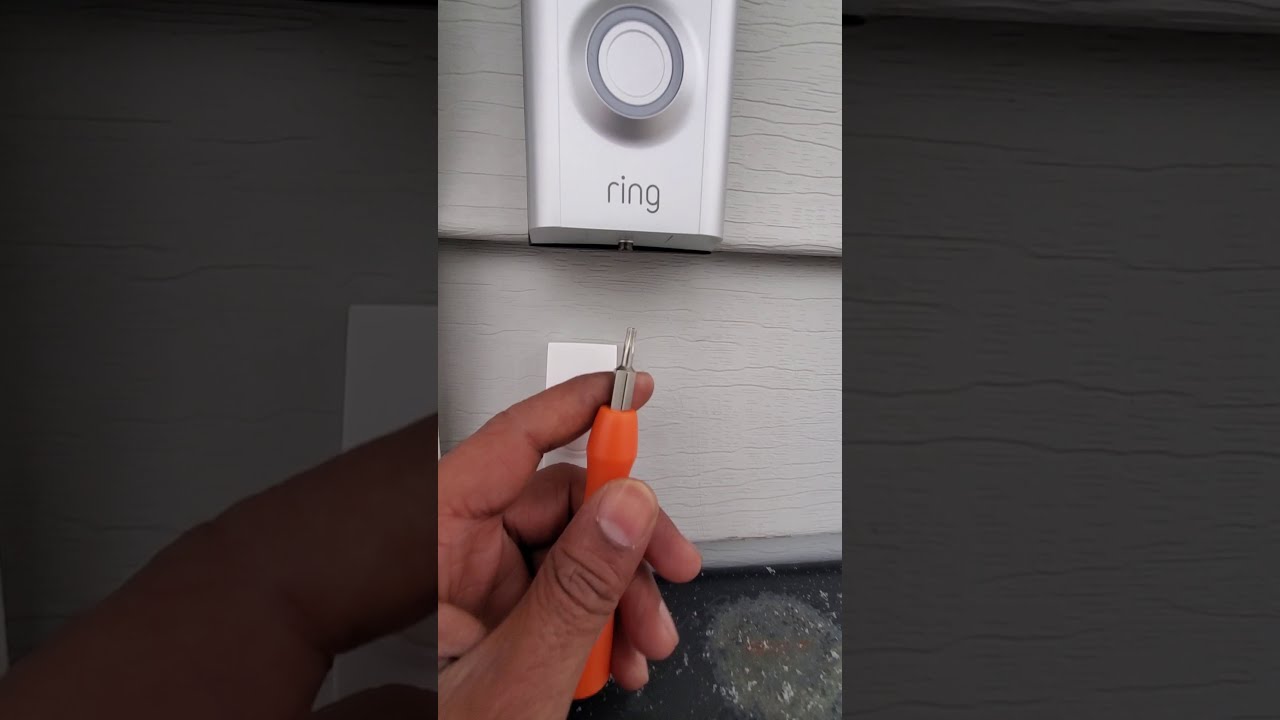
- First things first, gather your tools. You'll generally only need a screwdriver – often the star-shaped Torx driver that came with your doorbell.
- Look for the security screw at the very bottom of your Ring Doorbell. Unscrew it. Don't worry, it usually doesn't come all the way out, just loosens enough.
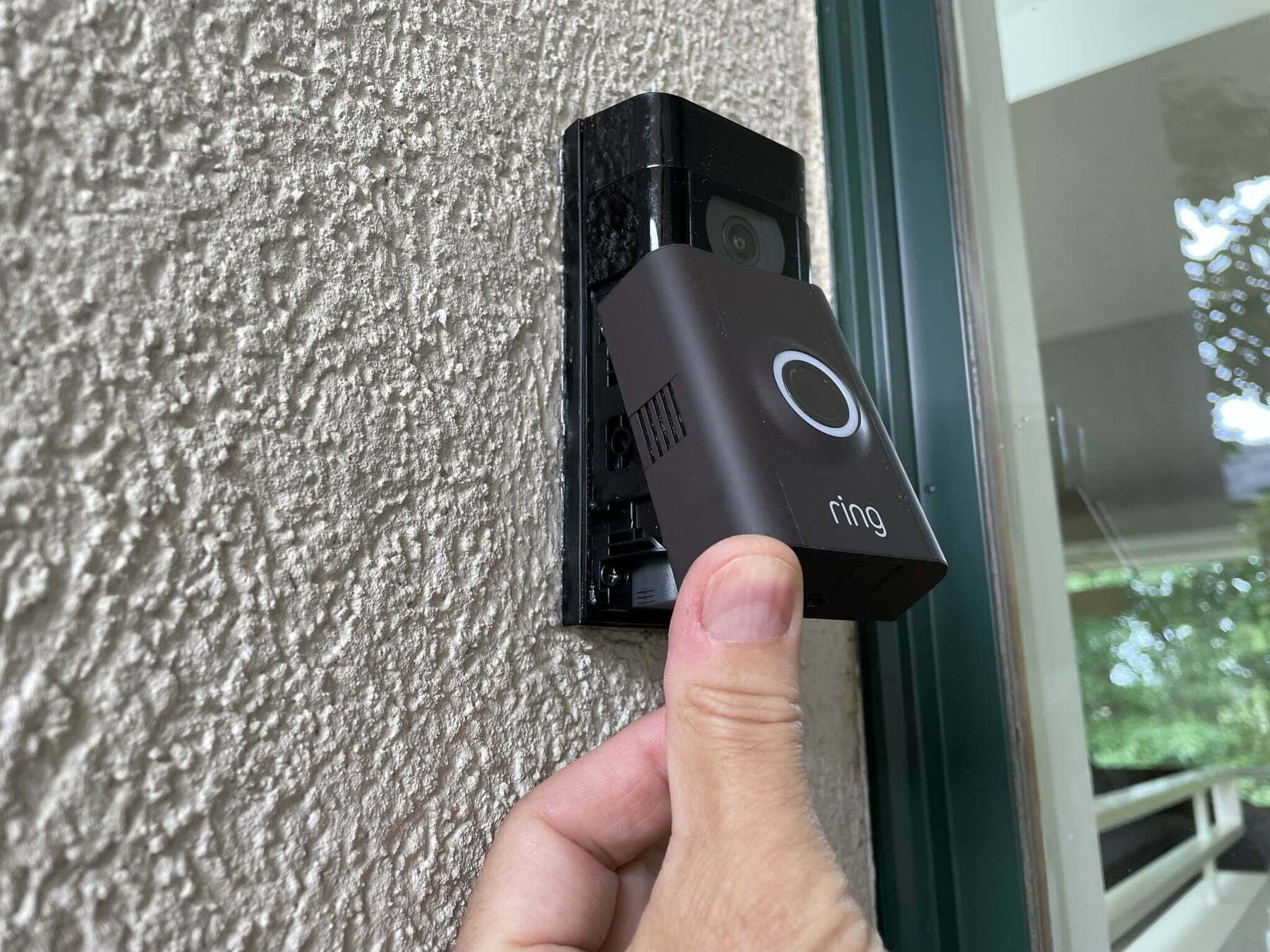
- Once loose, the faceplate of your Ring Doorbell will gently lift up and out. You'll then see the battery compartment.
- Inside, you’ll find the rechargeable battery pack. Simply press the release tab (if present) and slide it out.
- Now, here’s the crucial part: if you have a spare, fully charged battery, pop that bad boy in! If not, take your removed battery, connect it to the provided USB charging cable, and plug it into any USB power source. It typically takes a few hours to reach full charge.
- Once your battery is charged (or your new one is in), slide it back into the compartment, ensuring it clicks firmly into place.
- Reattach the faceplate, making sure it aligns correctly, and then tighten the security screw at the bottom. Give it a gentle tug to ensure it’s secure.
And voilà! You’re back in business. To truly enjoy your Ring Doorbell experience more effectively, consider these practical tips: invest in a second battery. This way, you can always have one charged and ready to swap in, minimizing any downtime. Monitor your battery life regularly through the Ring app, which will also notify you when it’s getting low. You can also optimize your Ring's settings – adjust motion sensitivity and zones – to potentially extend battery life, making your charges last even longer. Keeping your Ring Doorbell charged means consistent, uninterrupted security and convenience, letting you truly relax and enjoy your home.