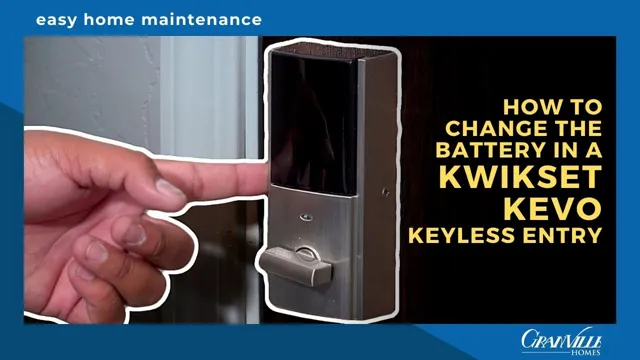
How To Change Battery In Kwikset Door Lock

Ever had that moment when you tap your smart lock, expecting that satisfying click, only to be met with... silence? Or maybe a pathetic, slow groan that makes you wonder if your front door is suddenly having an existential crisis? Welcome to the club! Even the most reliable tech, like your trusty Kwikset smart lock, needs a little TLC now and then. And by TLC, we mostly mean a fresh set of batteries. Don't fret, this isn't a complex surgical procedure; it's more like changing the batteries in your TV remote, but with a touch more home security glamour.
Kwikset has become a household name for a reason: they make smart locks that are genuinely smart, designed for everyday convenience. But even these digital guardians aren't powered by magic (yet!). Eventually, the energy cells inside will run dry, leaving you in a minor lurch. The good news? Swapping them out is so easy, you'll wonder why you even Googled it in the first place. But hey, that's why we're here – to walk you through it with minimal fuss and maximum chill.
The Telltale Signs: When Your Lock Whispers "Feed Me!"
Before we dive in, how do you know it's time? Your Kwikset lock is pretty good at giving you a heads-up. You might notice audible beeps after locking or unlocking, a signal often distinct from its usual confirmation tone. Perhaps it's just feeling sluggish, taking a beat longer to respond to your touch or app command. Some models even send low battery notifications directly to your smartphone app – a true convenience of modern living! Ignoring these signs is a bit like ignoring your car's "check engine" light; eventually, it's going to leave you stranded, albeit just outside your own front door.
Must Read
Gather Your Arsenal (It's Less Dramatic Than It Sounds)
You won't need a toolkit worthy of a NASA engineer, just a couple of everyday items:
- Fresh Batteries: Most Kwikset smart locks, like the Kwikset SmartCode line, use four AA alkaline batteries. Always check your specific model's manual if you're unsure. This is not the time to raid the kids' toy box for those half-dead cells; invest in a good quality brand like Duracell or Energizer for optimal performance and longevity.
- A Moment of Calm: No rush, no stress. This is a five-minute job, tops.
- Optional (but rarely needed): A small Phillips-head screwdriver, just in case your model has a tiny screw securing the battery cover (many don't!).
The Great Battery Swap: A Step-by-Step Power-Up
Ready? Let's give your lock a new lease on life!
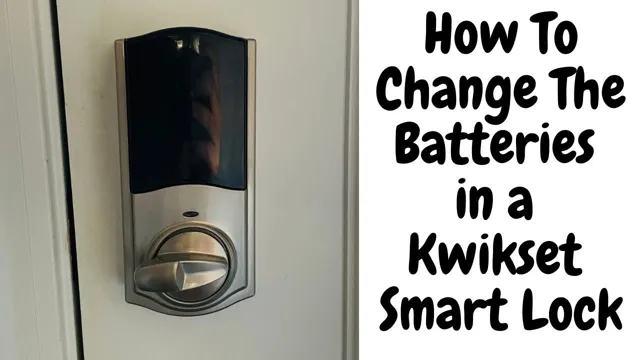
Step 1: Locate the Battery Cover
First things first, head to the interior side of your door. This is where the bulk of the Kwikset lock mechanism resides, including the battery compartment. The battery cover is usually a sleek, plastic panel that blends seamlessly with the rest of the unit. For most Kwikset models, you'll find it on the upper part of the interior assembly.
Step 2: Gentle Opening
This is where things might vary slightly by model, but the principle is the same. Many Kwikset locks have a cover that slides upwards or downwards to reveal the battery compartment. Look for a small indentation or a subtle seam. Apply gentle pressure and slide. Some might have a small release button or tab to press first. If there's a tiny screw, carefully remove it and keep it somewhere safe (like a small bowl – because who hasn't lost a tiny screw to the carpet monster?).
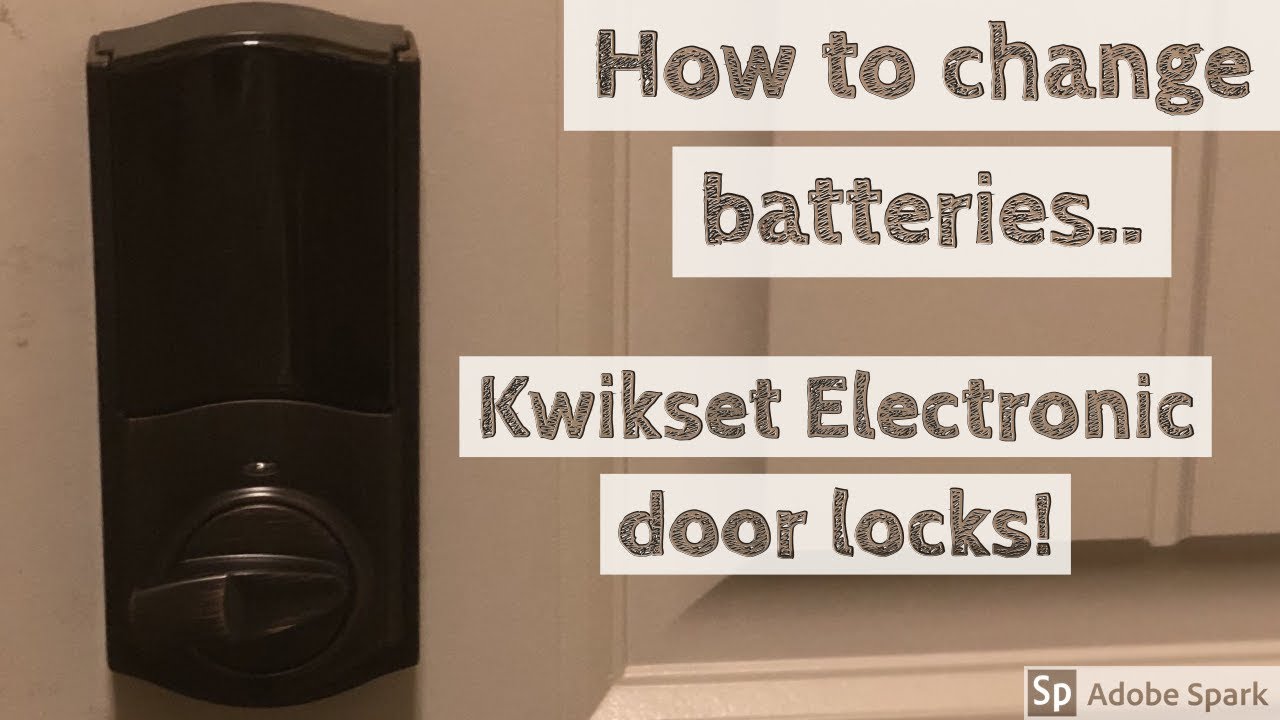
Step 3: The Swap Out
Once the cover is off, you'll see the battery holder. Note the orientation of the old batteries (positive and negative ends). Carefully remove the old, depleted batteries. Take a second to admire the marvel of alkaline chemistry. Now, insert your shiny new AA batteries, making sure to match the positive (+) and negative (-) terminals correctly. This is crucial! Incorrect polarity is the number one reason things don't power on.
Step 4: Secure and Test
With the new batteries snugly in place, reattach the battery cover. If you removed a screw, put it back in. Ensure the cover is securely fastened. Now for the moment of truth! Try locking and unlocking your door a few times, both manually and (if applicable) using your code or smartphone app. You should hear that familiar, confident whir and click. If your lock has a calibration feature, it might run through a short cycle – just let it do its thing.
Pro Tips for a Smooth Experience
- Date It: Grab a permanent marker and jot down the date you changed the batteries directly on the new cells. This makes it easy to track battery life and anticipate future changes.
- Spares on Standby: Keep a spare pack of AA batteries in a drawer near your door. Future you will thank current you.
- Good Quality Matters: Don't skimp on batteries for smart devices. High-quality alkaline batteries prevent leaks and provide consistent power for longer.
- Troubleshooting 101: If your lock still isn't responding, double-check the battery orientation. Remove and re-insert them. Sometimes, a quick reseat is all it needs. If issues persist, consult your lock's manual or Kwikset's support page.
And there you have it! You've successfully performed a minor tech resuscitation. It's a small victory, but one that ensures your home remains secure and your daily routines stay smooth. In a world full of complex gadgets and digital headaches, isn't it nice when something as important as your front door lock is so delightfully straightforward to maintain? It’s a gentle reminder that sometimes, the simplest fixes bring the greatest peace of mind.