
How To Change Alarm Tone In Google Home
Ever woken up to that same old, buzzing, soul-crushing alarm tone? You know the one. It's like a tiny, aggressive drill sergeant screaming at you from your bedside table, demanding you face the day, whether you're ready or not. It's probably the same sound you've been hearing for years, maybe even decades!
But what if your morning could start... differently? What if, instead of that jarring noise, you were gently eased awake by your favorite song, the soothing sound of ocean waves, or even a lively jazz tune? Well, if you're a Google Home user, you're in luck, because that dream is very much a reality. And honestly, it's one of those little life tweaks that can make a big difference.
Why Even Bother Changing It?
You might be thinking, "It's just an alarm, who cares?" But hear us out! Think of your mornings as the prologue to your entire day. Do you really want that opening chapter to be a screeching, repetitive nightmare? We didn't think so. Changing your alarm tone is like giving your morning a mini-makeover.
Must Read
It's about personalization, isn't it? We personalize our phones, our clothes, our coffee orders – why not the very sound that pulls us from slumber? Waking up to something you actually enjoy, or something that simply isn't an assault on your eardrums, can genuinely shift your mood. It's a subtle shift, but waking up feeling a little less stressed and a little more in control is a fantastic way to kick things off.
Plus, there's the novelty factor! Our brains are incredibly good at tuning out repetitive sounds. That's why, sometimes, we sleep right through our alarms. By introducing variety, you keep your brain on its toes. One day it's gentle birdsong, the next it's a chill indie track. It keeps things fresh and effective.
The How-To: Voice Commands (The Easiest Way!)
This is where your Google Home really shines. It's all about talking to it naturally, almost like you're delegating a task to a very competent, very patient friend.
The simplest way to set an alarm with a custom tone is to just tell Google Home what you want. It's incredibly intuitive.
You'd say something like:
- "Hey Google, set an alarm for 7 AM with ocean sounds."
- "Okay Google, wake me up at 6:45 AM to 'Good Day Sunshine' by The Beatles."
- "Hey Google, set a gentle alarm for 8 AM with bird sounds."

Google Home is pretty smart. If you ask for a song, it will typically pull from your linked music service (like Spotify, YouTube Music, or Pandora). If you don't specify a service, it will use the default one you've set up in your Google Home app. If you ask for a general sound like "rain" or "nature sounds," it'll pick something appropriate from its own library. How cool is that for hands-free convenience?
The How-To: Using the Google Home App
Prefer to tap and swipe? No problem at all! The Google Home app gives you a more visual way to manage your alarms and tones.
Here's the quick rundown:
- Open the Google Home app on your phone or tablet.
- Find your specific Google Home device. You might see a card for it on the main screen, or you can tap the 'Devices' icon in the bottom menu to see a list of all your linked devices.
- Tap on your Google Home device. This will take you to its specific settings page.
- Look for the 'Settings' gear icon (usually in the top right corner) and tap it.
- Scroll down and find 'Alarms & Timers' (or similar wording, it sometimes changes slightly with updates).
- Here, you'll see a list of your existing alarms. You can tap on an alarm to edit it, or tap the '+' button to add a new one.
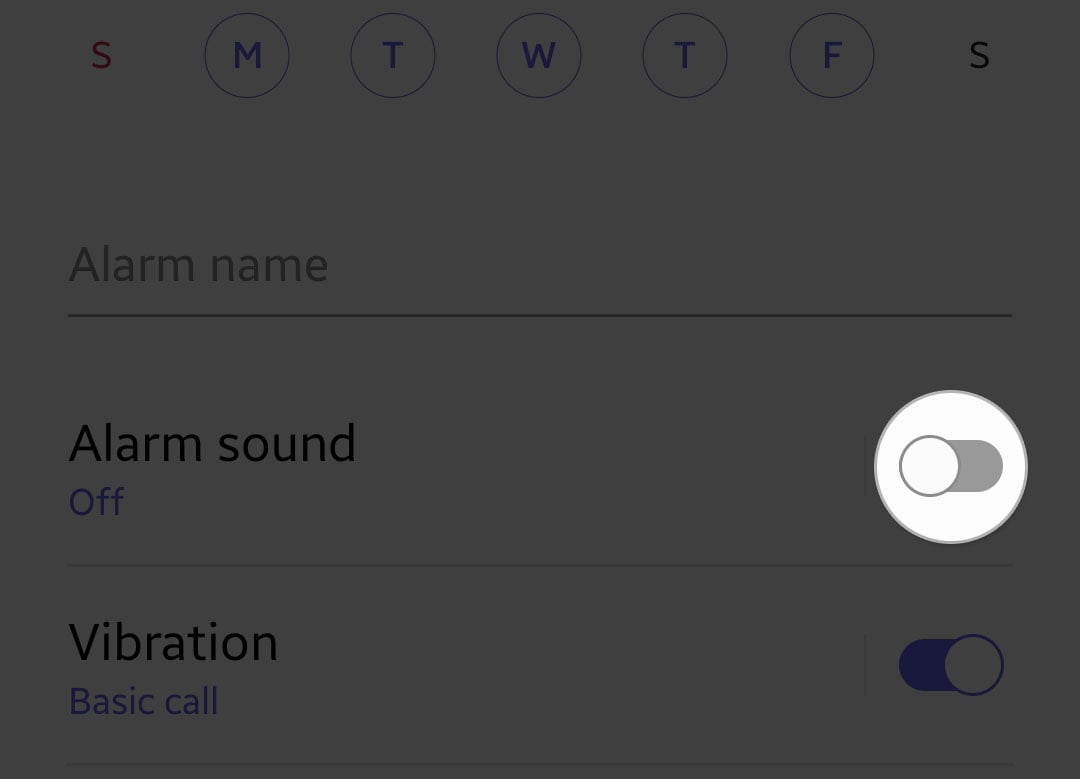
- When editing or adding, you'll see options for the time, days, and critically, 'Alarm sound'. Tap on that!
- You'll then be presented with choices: 'Ringtone' (Google's default sounds), 'Media' (to choose a specific song or artist), or even 'Ambient sounds' for some devices. Pick your poison!
- Save your changes, and you're all set!
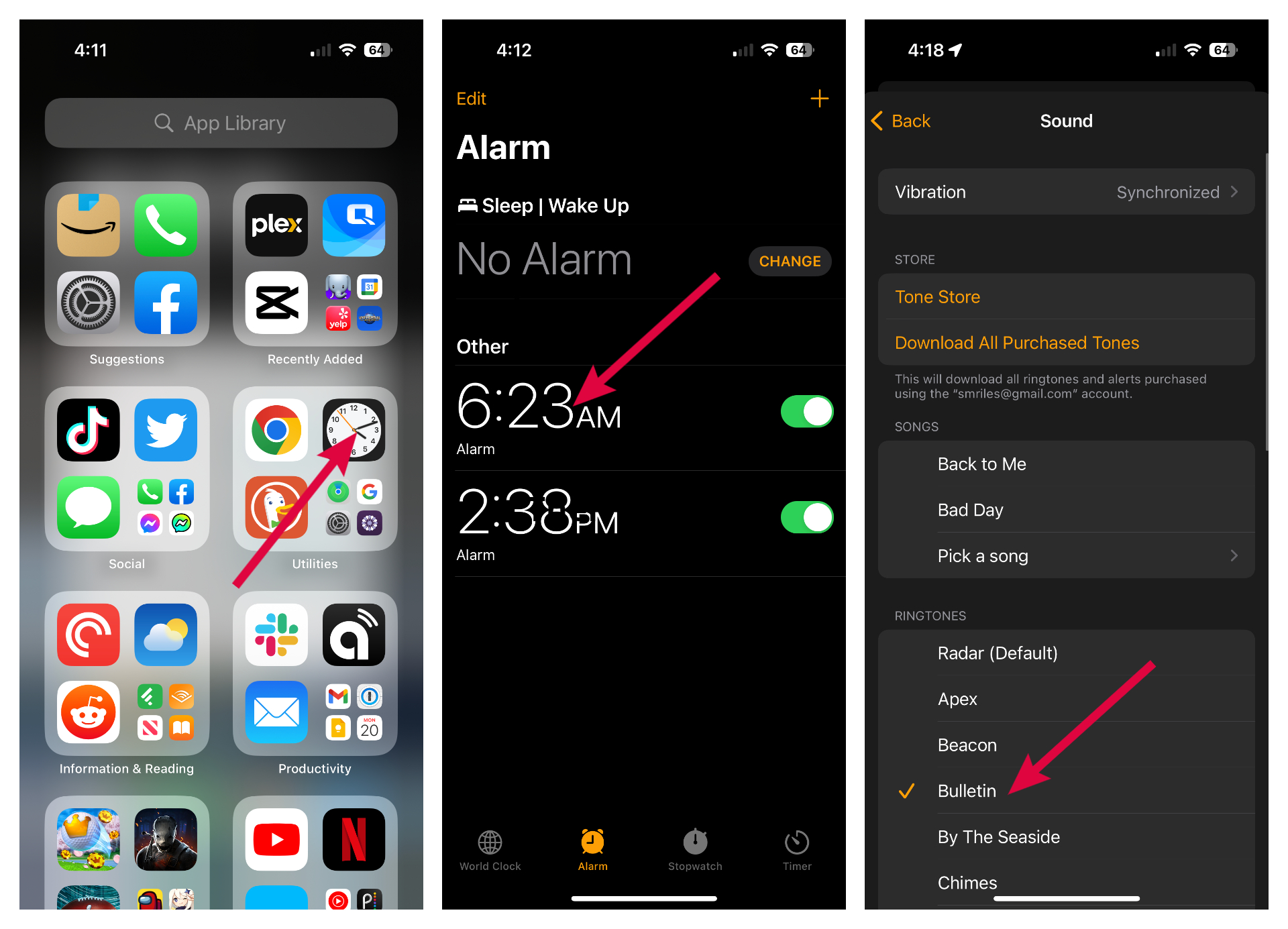
The app gives you that visual confirmation and fine-tuned control, which can be really reassuring. It's perfect for when you want to browse options or make sure everything is just right.
What Kinds of Sounds Can You Use?
The world is pretty much your oyster here. Think beyond just beeps and boops!
- Music: Any song, artist, album, or genre available on your linked streaming services (Spotify, YouTube Music, Pandora, etc.). Want to wake up to a chill lo-fi beat? A powerful orchestral piece? Your favorite pop anthem? Go for it!
- Nature Sounds: Ocean waves, rain, thunder, birds chirping, a crackling fireplace, a babbling brook. These can be incredibly soothing and help you wake up feeling refreshed rather than startled.
- White Noise & Ambient Sounds: Gentle chimes, simple tones, or even just white noise if you prefer something minimal.
- Google's Own Sounds: They have a selection of their own alarm tones, some of which are quite pleasant and less jarring than typical phone alarms.
The sheer variety means you can tailor your morning experience to your mood, the weather, or even the day of the week!

Fun Ideas & Tips for Your Mornings
Don't be afraid to play around!
- Seasonal Alarms: Christmas carols in December? Spooky sounds around Halloween? Why not!
- Theme Your Week: "Motivation Monday" with an upbeat track, "Tranquil Tuesday" with a forest soundscape.
- Routine Alarms: You can even set up routines that not only play an alarm tone but also turn on lights, tell you the weather, or read you the news. Imagine waking up to a gentle tune, and as you open your eyes, your bedroom lights slowly brighten! That's next-level morning magic.
- Experiment with Volume: Start with a lower volume for a gentle wake-up, then gradually increase it if you find yourself sleeping through.
Changing your Google Home alarm tone is such a simple, yet powerful, way to transform your mornings. It's an easy win for a more pleasant start to your day, and who doesn't want that?
So go ahead, give your mornings the soundtrack they deserve. Your ears (and your sanity) will thank you!