How To Calculate Pc Power Requirements
Ever fantasized about building your own blazing-fast gaming rig, or perhaps giving your trusty old PC a powerful upgrade? Whether you're a seasoned builder or a curious newbie, diving into the world of PC components is incredibly exciting! But before you start snapping together that shiny new graphics card or a beefy processor, there's one crucial, often overlooked, superhero component that needs your attention: the Power Supply Unit (PSU). Figuring out your PC's power requirements might sound like a chore, but it's actually a fun detective mission that ensures your dream machine runs like a dream, not a nightmare.
So, why bother calculating your PC's power needs? Think of your PSU as the heart of your computer, pumping essential electricity to every single component. Get it wrong, and you're inviting a whole host of headaches: unexpected crashes, system instability, or even premature component failure. A properly sized PSU, on the other hand, guarantees stability, extends the lifespan of your parts, and can even save you money on your electricity bill thanks to better efficiency. It's about providing enough juice without wasting power or, worse, starving your hungry hardware. It’s the difference between a smooth-sailing ship and one constantly running out of fuel in a storm!
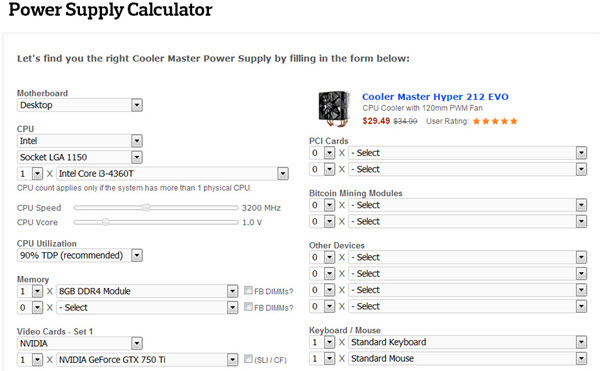
Calculating your PC's power requirements is surprisingly straightforward, thanks to some fantastic online tools. You don't need to be a math whiz or an electrical engineer. Your mission, should you choose to accept it, involves identifying the key components in your build. You'll need to know: your Central Processing Unit (CPU), your Graphics Processing Unit (GPU) (especially if you're into gaming or creative work), the amount of RAM you have, and any storage devices like SSDs or HDDs. Don't forget other peripherals like cooling fans, RGB lighting, and USB devices – they all draw a little power too!
Must Read
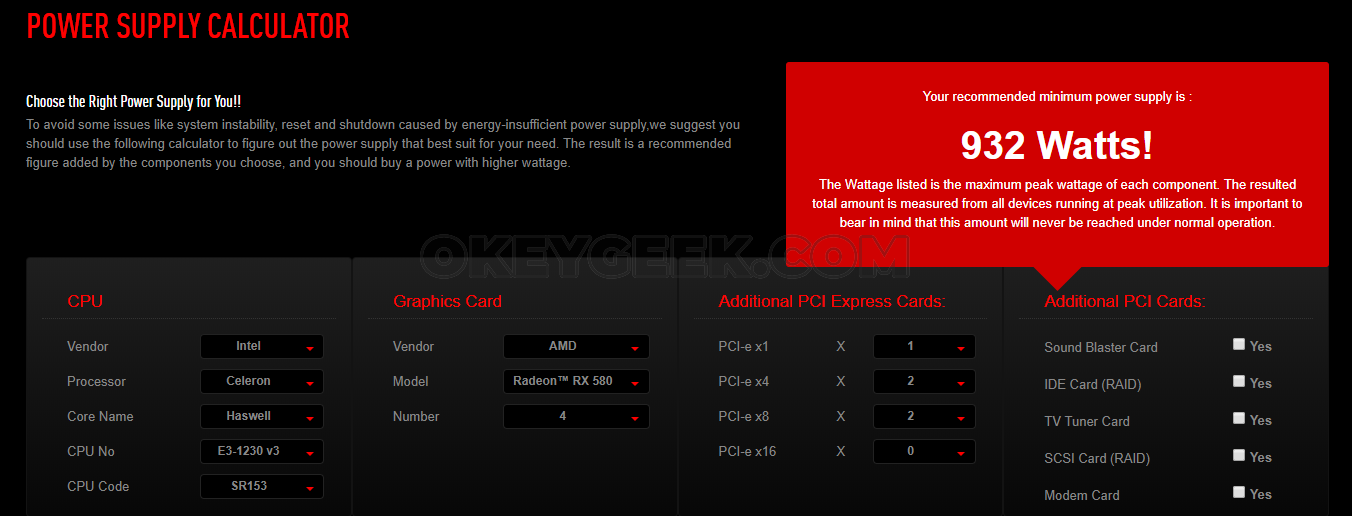
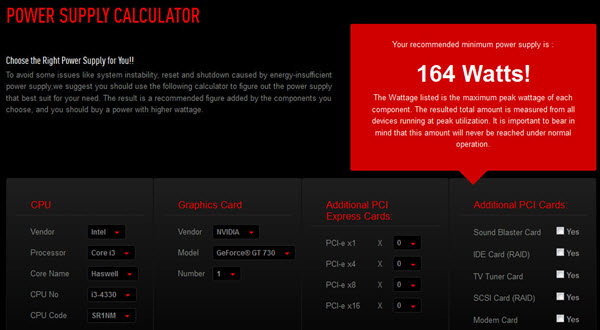
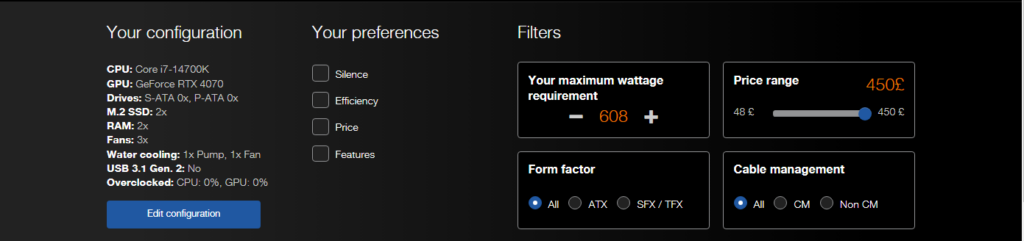
Once you have this information, head over to a reputable online PSU calculator (a quick search for "PC PSU calculator" will yield several excellent options from component manufacturers or tech sites). These tools are incredibly user-friendly. You simply select your specific CPU, GPU, and other components from dropdown menus, and the calculator magically estimates the total wattage your system will consume under load. It will then recommend a suitable PSU wattage, often with a little extra headroom for future upgrades or unexpected power spikes. Always aim for a PSU that provides more wattage than the recommended minimum – typically an extra 100-200W is a safe bet for efficiency and future-proofing. This extra buffer ensures your system runs optimally and your PSU isn't constantly straining at its maximum capacity.
In essence, calculating your PC's power requirements is a vital step for any builder or upgrader. It’s an easy way to ensure system longevity, peak performance, and peace of mind. So, embrace your inner tech guru, grab your component list, and let those online calculators guide you to power perfection!