How To Add Music To Facebook Profile
Ever scrolled through Facebook and seen someone's profile with a cool song playing? It's a fun little touch that can really show off your personality! Adding music to your Facebook profile is a simple way to express yourself and share your favorite tunes with friends. It's like having a mini-jukebox right there on your page!
But why bother? Well, for beginners just getting comfortable with social media, it's a great way to learn a new feature and personalize their online presence. It's a small step that can make a big difference in making your profile feel more "you." For families, it can be a fun way to share music across generations. Imagine a grandparent sharing a classic song that the grandkids might not have heard before, or a teenager introducing their parents to their current favorite artist. It's a conversation starter and a way to connect through shared musical tastes. And for hobbyists, like musicians or avid concert-goers, it's a fantastic way to promote their own music or simply share their passion with others. You could even highlight a song that reminds you of a recent trip, a specific event, or a particular mood.
So, how do you actually do it? It's surprisingly easy! Here’s the lowdown:
Must Read
- Open Facebook: Make sure you're logged into your account.
- Go to Your Profile: Click on your name at the top of the screen to navigate to your profile page.
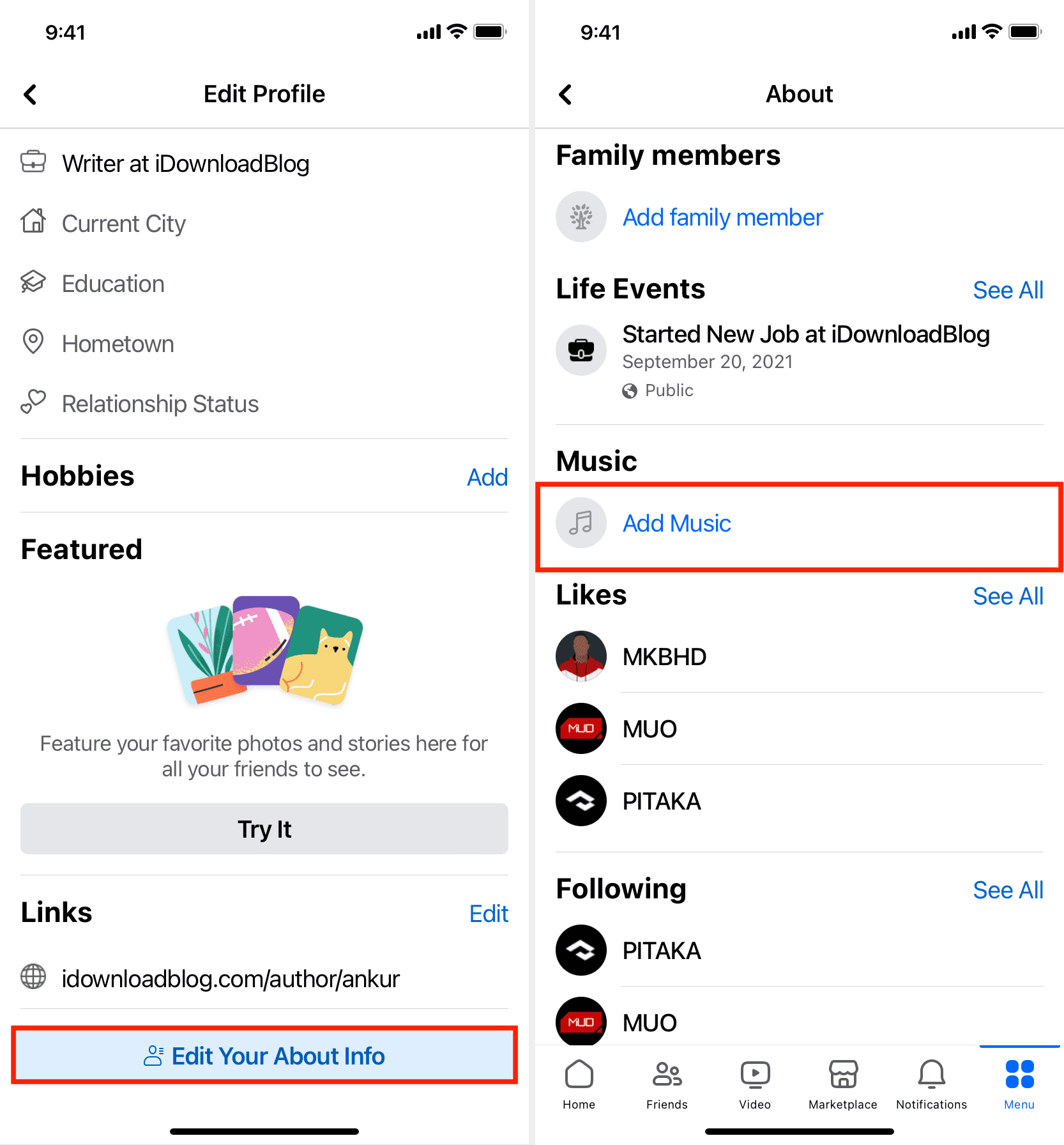
- Find the "Music" Section: Look for a section called "Music." If you don't see it, you might need to click the "More" tab and then select "Music" from the dropdown menu.
- Add a Song: Once you're in the "Music" section, you'll see an "Add Music" button (it might look like a plus sign or a music note). Click on it.
- Search for Your Song: A search bar will appear. Type in the name of the song or artist you want to add.
- Select and Add: Browse the results and choose the correct song. Click the "Add" button next to the song.
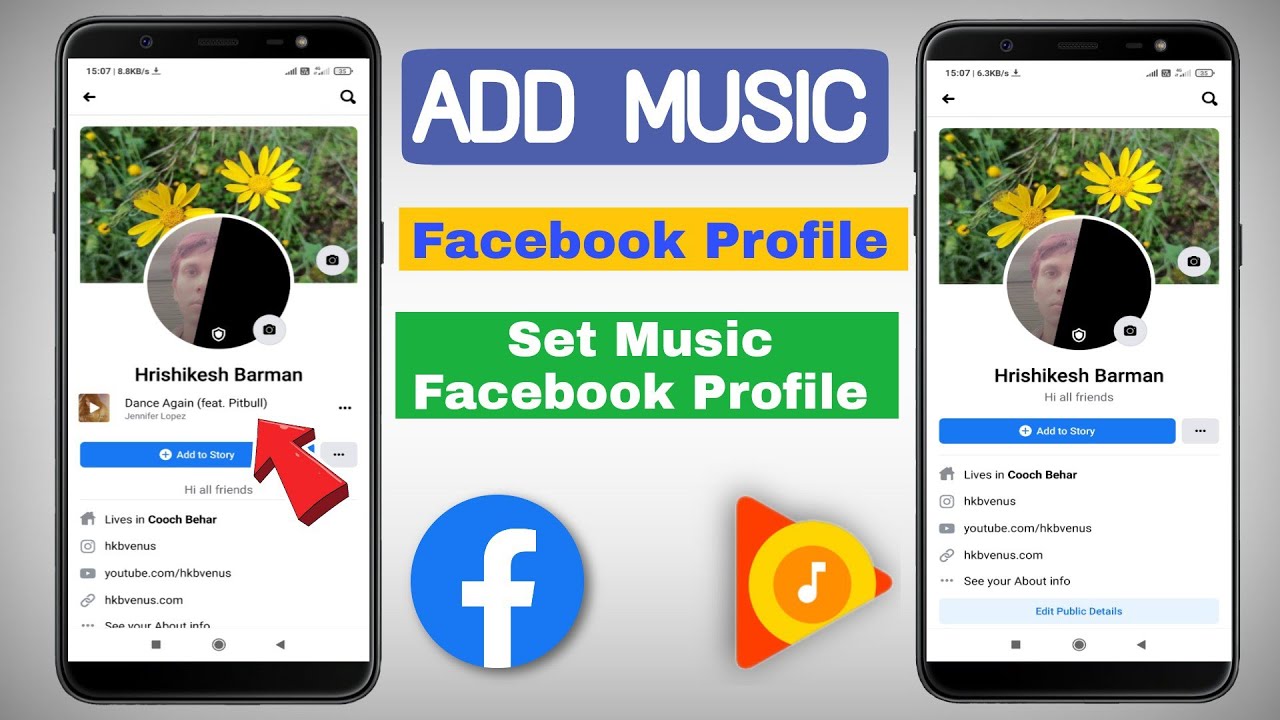
- Pin to Profile (Optional): Now, go back to the "Music" section on your profile. You'll see the song you just added. Click the three dots (ellipsis) next to the song title. Select "Pin to Profile" to make it visible at the top of your profile. This means it's the first song people will hear when they visit your page.
Important Tip: You can add multiple songs to your "Music" section, but you can only "pin" one song at a time to the top of your profile. Feel free to change it up whenever you feel like showcasing a different tune!
Variations: Facebook sometimes updates its interface, so the exact wording or button locations might change slightly. But the basic principle remains the same: find the "Music" section, search for your song, and add it to your profile.
Getting started is simple: pick a song that you genuinely love or one that reflects your current mood. Don't overthink it! It's all about having fun and sharing a little bit of yourself with your friends. And remember, you can always change it later!
Adding music to your Facebook profile is a quick and easy way to inject some personality into your online presence. Whether you're a beginner, a family member looking to connect, or a music enthusiast, it's a fun way to share your favorite tunes and express yourself. So go ahead, give it a try, and let your profile sing!