
How Long To Charge A Ring Doorbell Battery
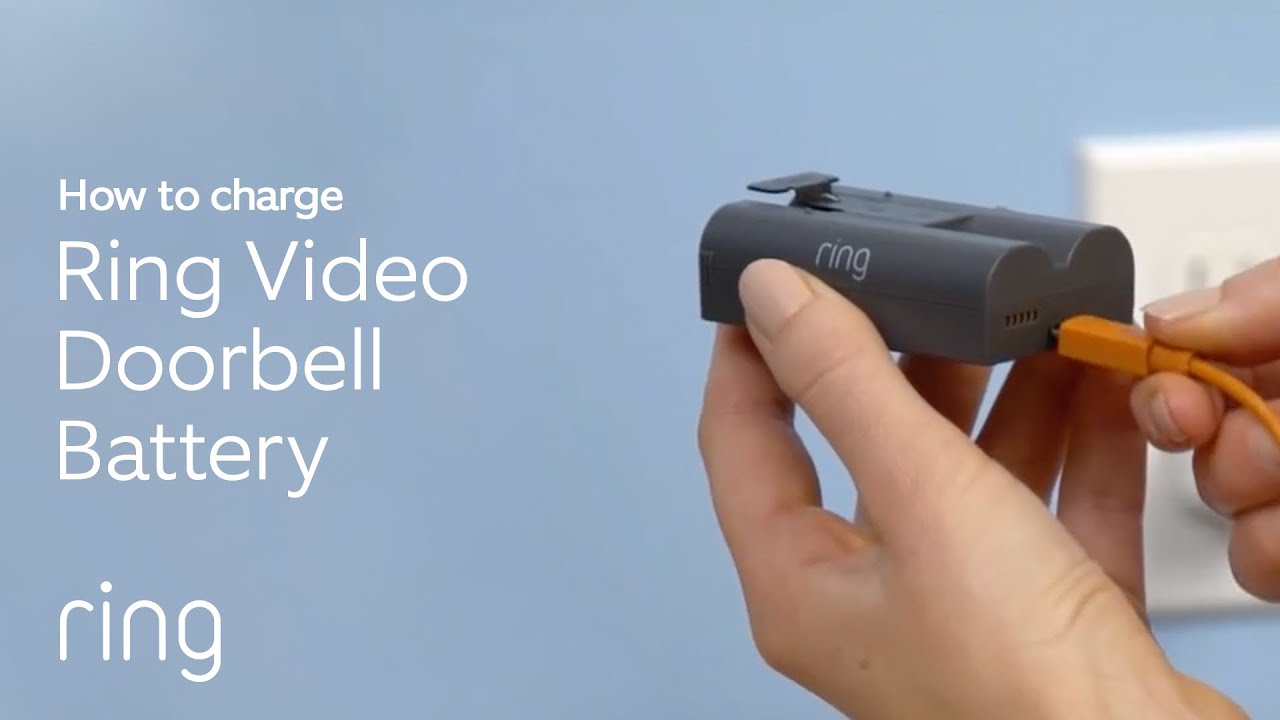
Picture this: You're scrolling through your phone, minding your own business, when BAM! A notification pops up. It's from your beloved Ring doorbell, and it's not a cute squirrel video. Oh no. It's the dreaded, soul-crushing message: 'Battery Low.'
A shiver goes down your spine. Your trusty digital sentinel, your porch-watching pal, is running on fumes! And then the inevitable question pops into your head, usually accompanied by a groan: "How long, for the love of all that is holy, does it take to charge this thing?!"
Well, grab your favorite brew – virtual or real – because we’re about to dive deep into the electrifying mystery of Ring doorbell battery charging. And don't worry, it'll be less like a technical manual and more like a chat with your wittiest friend at a café, complete with a few unexpected turns and maybe a giggle or two.
Must Read
The Great Unveiling: The Charging Time Secret!
Alright, let's get straight to the juicy bit, the main event, the reveal you’ve all been breathlessly waiting for. Drumroll please... tss-tss-tss-tss... A standard Ring doorbell battery typically takes anywhere from five to ten hours to fully charge.
Yes, you heard that right. Five. To. Ten. Hours. That's not exactly a quick pit stop, is it? We're talking about enough time to bake a ridiculously elaborate cake, watch a respectable chunk of a Netflix series (or two average-length movies!), or, if you're feeling ambitious, learn the basic chords of a ukulele.
It's not an overnight miracle, but it's also not an 'eternity-and-a-day' scenario. It’s more like a long, leisurely Sunday brunch for your battery, rather than a grab-and-go espresso shot. So, set your expectations accordingly, and maybe plan a mild hobby around its charging schedule.

Why So Long? The Unseen Forces at Play
Now, before you start accusing your Ring battery of being a diva, let's talk about the various cosmic (and very un-cosmic) factors that can nudge that charging time up or down. Think of it as a delicate dance of electrons, influenced by a few key players.
The Charger You Choose: This is a biggie, folks. Are you using the dinky little USB charger from your flip phone from 2005? Bless your heart, but that's going to take ages. We're talking about a charger that outputs a measly 0.5 amps. Your Ring battery will be sipping power like it's a fine wine, very, very slowly. You might as well just whisper sweet nothings to it and hope it charges through sheer willpower.
For optimal speed, you want a standard 5V/1A or 5V/2A USB charger. Think about the one you use for your modern smartphone or tablet. These deliver a healthier jolt of electricity, cutting down that charging time considerably. It’s the difference between walking home and taking a taxi – both get you there, but one is undeniably faster and less prone to exasperated sighs.
Battery Age and Condition: Just like us, batteries get a little tired over time. A brand-new Ring battery, fresh out of the box, is going to charge up like a champion. It’s spry, it’s eager! An older battery, one that's been through countless charge cycles, might take a little longer to reach full capacity. It's seen some things, that battery, and it needs a bit more coaxing, like an old dog trying to climb the stairs.

Temperature Tantrums: Batteries, believe it or not, are divas when it comes to temperature. Try charging a battery that's been chilling (literally) in a freezing garage. It's going to resist. Cold temperatures slow down the chemical reactions inside the battery, making charging a more sluggish affair. Think of it trying to run a marathon in a snowstorm – not ideal for anyone, especially tiny electrons.
Mastering the Charge: Your Secret Weapons
Fear not, intrepid Ring owner! While the charging time might seem daunting, there are strategies to make your life infinitely easier. Consider these your ultimate cheat codes for a fully powered porch protector.
Don't Let it Die, Die, Die! The absolute best advice? Don't wait until you get that terrifying 'Battery Low' notification. If you see it dipping below 30%, it’s a good time to pull it out and give it some juice. Think of it as preventative maintenance for your digital guardian. Your doorbell will thank you by not going completely offline just when that important, 'signature required' package arrives.
The Spare Battery Shenanigan: This, my friends, is the ultimate cheat code. Investing in a second Ring battery is like having a perfectly trained understudy. When your primary battery needs a nap, simply swap it out for the fully charged spare. Your doorbell never misses a beat! It’s seamless, it’s brilliant, and it makes you feel like a tech wizard. Plus, it gives you ample time to charge the drained one without any porch-watching anxiety. It's the equivalent of having two sets of car keys, but for your security.

Hardwire for the Win (If You Can): For those who truly want to escape the charging ritual, consider hardwiring your Ring doorbell. If your house has existing doorbell wiring, you might be able to connect your Ring to a continuous power source. This means no more charging, ever! It’s like putting your Ring on a permanent IV drip of power. Consult an electrician if you're not comfortable with wiring, but it’s an option for ultimate hands-off convenience and a life free from battery percentage anxiety.
Choose Your Charger Wisely: We already touched on this, but it bears repeating with emphasis! Use a reputable 5V/1A or 5V/2A USB wall charger. Leave the ancient, dusty chargers in the past where they belong, perhaps in a museum of obsolete technology. Your battery deserves a swift, efficient charge, not a trickle feed that tests the limits of your patience and potentially makes you question your life choices.
Fun Facts and Charging Myths Debunked
Myth: It takes longer than watching paint dry. While it feels like it sometimes, it's not that long. You could, however, start a small herb garden, write a haiku, or learn to juggle three oranges in the time it takes. Maybe even master the art of competitive napping.
Surprising Fact: Your Ring doorbell isn't silently judging you. When its battery is low, it’s not giving you the stink eye. It's merely relaying critical information. It doesn't have emotions, despite how much we project onto our smart devices. Though, if it could judge, it probably would sigh dramatically when you let it die, especially if there was an important squirrel encounter it missed.
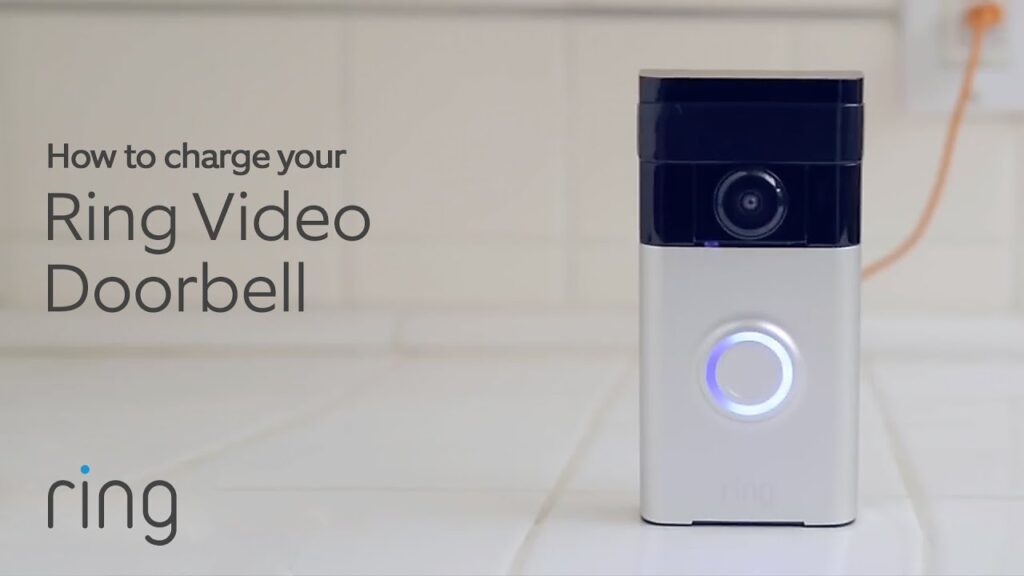
The "Mini-Brain" During Charge: While charging, your Ring battery (and the doorbell itself) has a little internal conversation. It's communicating with the charger, ensuring it doesn't overcharge, which would be bad for its longevity. It's smarter than a potato, that's for sure! It's constantly monitoring, adjusting, and making sure it gets exactly what it needs, much like a tiny, power-hungry robot.
The Final Word: Power Up and Chill Out
So there you have it, the full saga of charging your Ring doorbell battery! While it might not be instantaneous, knowing that it typically takes five to ten hours, and understanding the factors at play, can turn frustration into a well-managed routine. No more panicked dashes or desperate attempts to find any USB cable lying around.
Embrace the spare battery, choose your charger wisely, and don't let your digital doorman go completely dark. Keep those electrons flowing, and your porch will remain vigilant, your packages safe, and your sanity intact. And who knows, you might even pick up a new hobby during the wait.
Now go forth, intrepid Ring owner, and charge with confidence! And maybe, just maybe, learn to play that ukulele while you wait. Your doorbell (and your future self) will thank you.