
How Long Do Nest Camera Batteries Last
Ever found yourself staring at your smartphone, wondering if you remembered to lock the door, or if your package actually arrived? In our bustling, modern lives, a little peace of mind goes a long way. That's where smart home security cameras, like the ever-popular Nest Cams, swoop in like digital guardian angels. They're fantastic for keeping an eye on things, whether it's your furry friend napping on the couch or that new gadget you ordered making its grand entrance onto your porch.
But then comes the million-dollar question, the one that often pops up right after "Is it worth it?": How long do Nest Camera batteries actually last? It's a common query, and for good reason! After all, no one wants a silent guardian with a dead battery. Let's dive into the juicy details, shall we?
The Big Picture: It's Not a One-Size-Fits-All Answer
Before we give you a neat little number, let's be real: battery life isn't a simple equation. It's more like a choose-your-own-adventure story, heavily influenced by your specific usage and environment. Think of it like your phone's battery — streaming Netflix for hours will drain it faster than just checking emails occasionally, right? The same principle applies here.
Must Read
Google provides some general guidelines for their battery-powered Nest Cams (like the Nest Cam (battery) and Nest Doorbell (battery)), and they're pretty helpful:
- Busy Activity (20-25 events/day): You might be looking at around 1 to 1.5 months.
- Average Activity (9-12 events/day): This could stretch to about 2.5 to 3 months.
- Low Activity (2-4 events/day): Hello, long battery life! You could see anywhere from 6 to 7 months, or even more for the Nest Doorbell (battery).
See? Quite a range! So, what exactly nudges these numbers up or down?

The Usual Suspects: What Drains Your Nest Cam's Battery?
Activity Levels & Recording Frenzy
This is probably the biggest factor. Every time your Nest Cam detects motion or sound and starts recording, it uses power. If your camera is pointed at a busy street, or your dog is constantly chasing squirrels across the lawn, it's going to be working overtime. More recording equals more battery drain. Simple as that!
Pro Tip: Make smart use of activity zones in the Google Home app. This allows you to tell your camera to only pay attention to specific areas (like your front door, not the sidewalk beyond your fence), drastically reducing unnecessary recordings.
Video Quality: The HD Thirst
Who doesn't love crisp, clear 1080p footage? It's like watching a movie in high definition. But just like that movie uses more data, higher video quality settings on your Nest Cam demand more power. Streaming and processing all those extra pixels takes its toll.
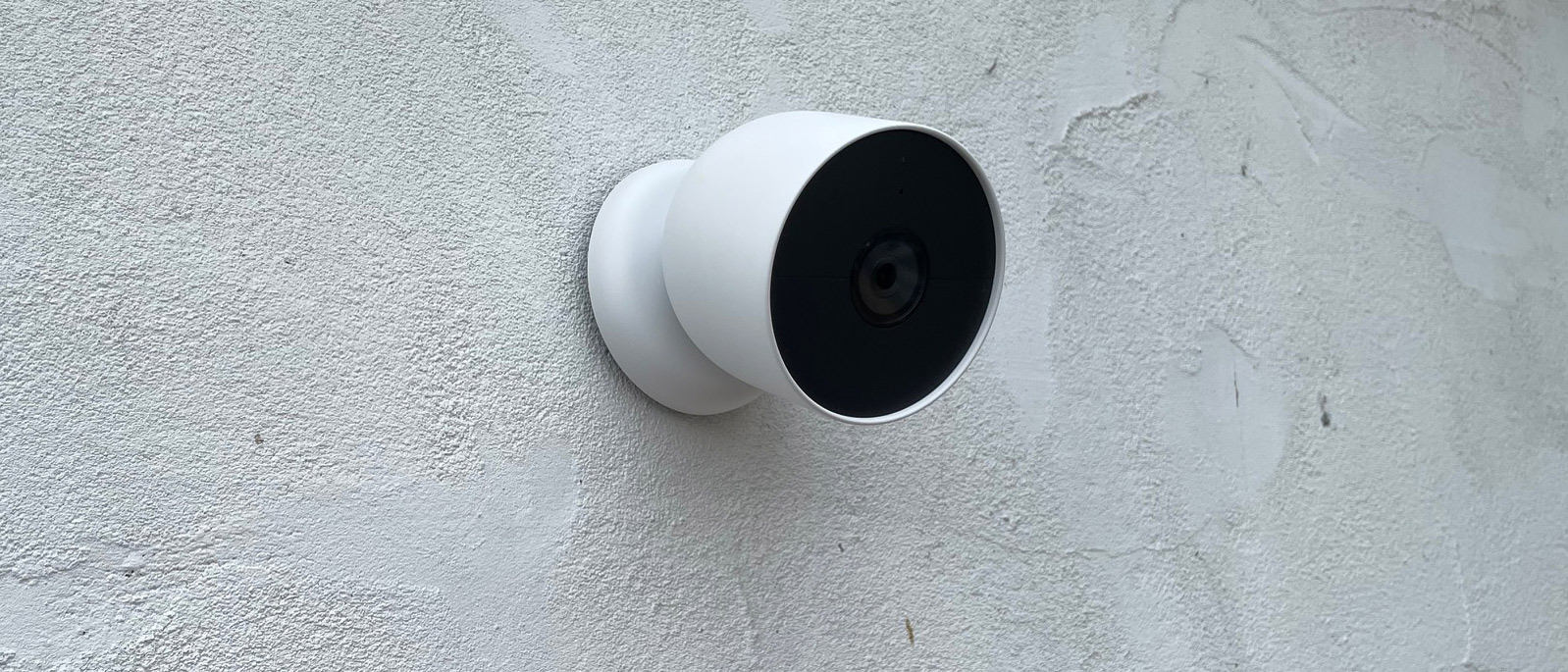
Consider This: If your primary goal is just to see if a package arrived, sometimes a slightly lower quality setting can be a fantastic trade-off for extended battery life. You might not need every single detail to know what's happening.
Temperature Extremes: A Battery's Kryptonite
Batteries are a bit finicky when it comes to the weather. Just like your car battery might struggle on a frosty winter morning, your Nest Cam's battery performance can dip in extremely cold or scorching hot conditions. Cold weather can reduce the battery's efficiency, while heat can accelerate degradation over time.
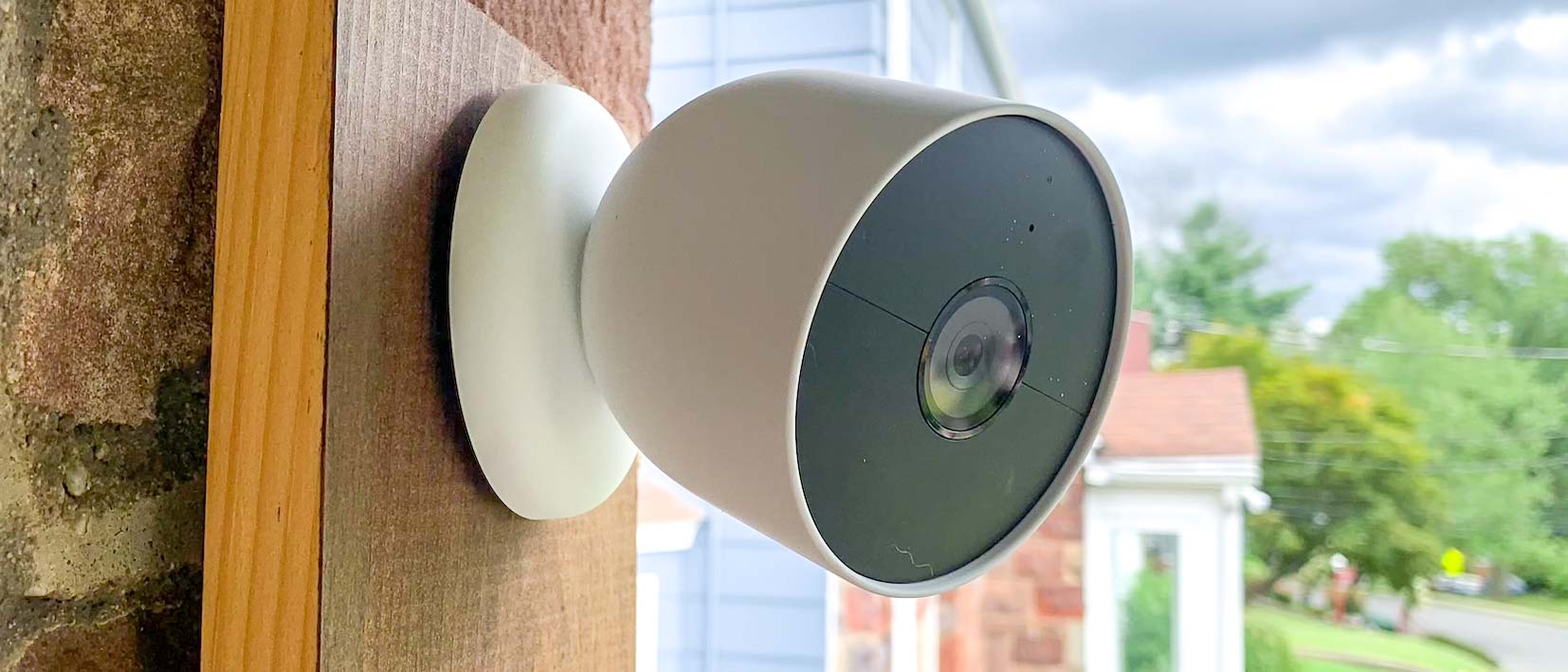
Placement Matters: If possible, try to mount your outdoor Nest Cam in a spot that offers some natural protection from the harshest elements – a shaded area or under an eaves can make a difference.

Power Source: Wired vs. Wireless (The Best of Both Worlds)
It's worth noting that some Nest Cams, while battery-powered, can also be optionally wired for continuous power. If you have an accessible outdoor outlet or existing doorbell wiring (for the Nest Doorbell), connecting it to a power source means you can pretty much forget about battery life. Your camera will run continuously and even offer more features like continuous video history (with a Nest Aware subscription).
Other Settings & Features
Features like Night Vision (especially if it's active for long periods), HDR (High Dynamic Range), and even how quickly your camera wakes up to detect motion can influence battery usage. Enabling Home/Away Assist, which automatically turns your camera on or off based on whether you're home, can also be a battery-saving champ!
Supercharge Your Battery Life: Practical Tips!
Want to squeeze every last drop out of your Nest Cam's battery? Here's your cheat sheet:
- Optimize Activity Zones: Focus surveillance on critical areas. Less irrelevant recording means more battery.
- Adjust Video Quality: Find a balance between clarity and longevity. Sometimes 720p is perfectly sufficient!
- Utilize Home/Away Assist: Let your camera know when you're home and don't need it actively monitoring every move.
- Schedule On/Off Times: If you know you don't need monitoring during specific hours, schedule it to power down.
- Keep Firmware Updated: Google regularly releases updates that can improve battery efficiency.
- Check Battery Status Regularly: The Google Home app makes this super easy, so you're never caught off guard.
- Consider Wiring: If available, it's the ultimate solution for hands-off power management.
Recharging Your Digital Sidekick
When the time does come to recharge, it's usually a straightforward process. Most Nest Cams come with a USB charging cable. Just plug it in, and your camera will be back to full strength in a few hours (typically 2-6 hours, depending on the charger and how depleted the battery is). Many of the outdoor Nest Cams are designed with magnetic mounts, making it incredibly easy to pop them off for a quick charge, much like plugging in your tablet.
The Takeaway: Smart Usage for Smarter Security
Ultimately, how long your Nest Camera battery lasts boils down to how you use it and how you configure its settings. It's a bit like managing your own energy throughout the day – you perform best when you're not constantly running at full throttle without a break. By understanding the factors at play and implementing a few smart tips, you can ensure your Nest Cam remains a vigilant, reliable eye on your home, giving you that precious peace of mind without constant battery anxiety.
So go ahead, enjoy that extra layer of security. With a little savvy management, your Nest Cam will be there for you, day in and day out, ready to capture those important moments (or just that hilarious squirrel trying to get into the bird feeder!).