
How Do You Use A Battery Charger

Ever found yourself rummaging through the junk drawer, desperate for a fresh set of AA batteries, only to be met with a sad collection of duds? Or maybe you’ve had that sinking feeling when your kid’s favourite toy goes silent mid-play? We’ve all been there. It’s like a tiny, energy-sapping crisis in your own home. But what if I told you there’s a simple, super-hero secret weapon that can banish those battery blues for good? Enter the humble, yet mighty, battery charger!
Now, before you picture complex wires and scientific diagrams, let’s be clear: using a battery charger is about as complicated as making toast. Seriously. It’s a game-changer for your wallet, for the planet, and for your sanity when you just want that remote to work.
Why Should You Even Bother, Anyway?
Think about it. Every time you toss a dead battery, that’s money literally going into the trash. Multiply that by all the batteries in your life – remotes, toys, flashlights, wireless mice – and suddenly, it’s not just pocket change. A battery charger lets you reuse special rechargeable batteries over and over again. It’s like having a magic money tree, but instead of money, it grows power!
Must Read
And let’s talk about Mother Earth for a moment. Those spent batteries piling up in landfills aren't doing anyone any favours. By recharging, you’re not only saving your cash but also dramatically reducing waste. You become a mini eco-warrior, one battery at a time. High five!
Getting Started: Your Battery Charging Adventure!
Okay, ready to embark on this thrilling (and surprisingly easy) adventure? Here’s the super-simple roadmap:
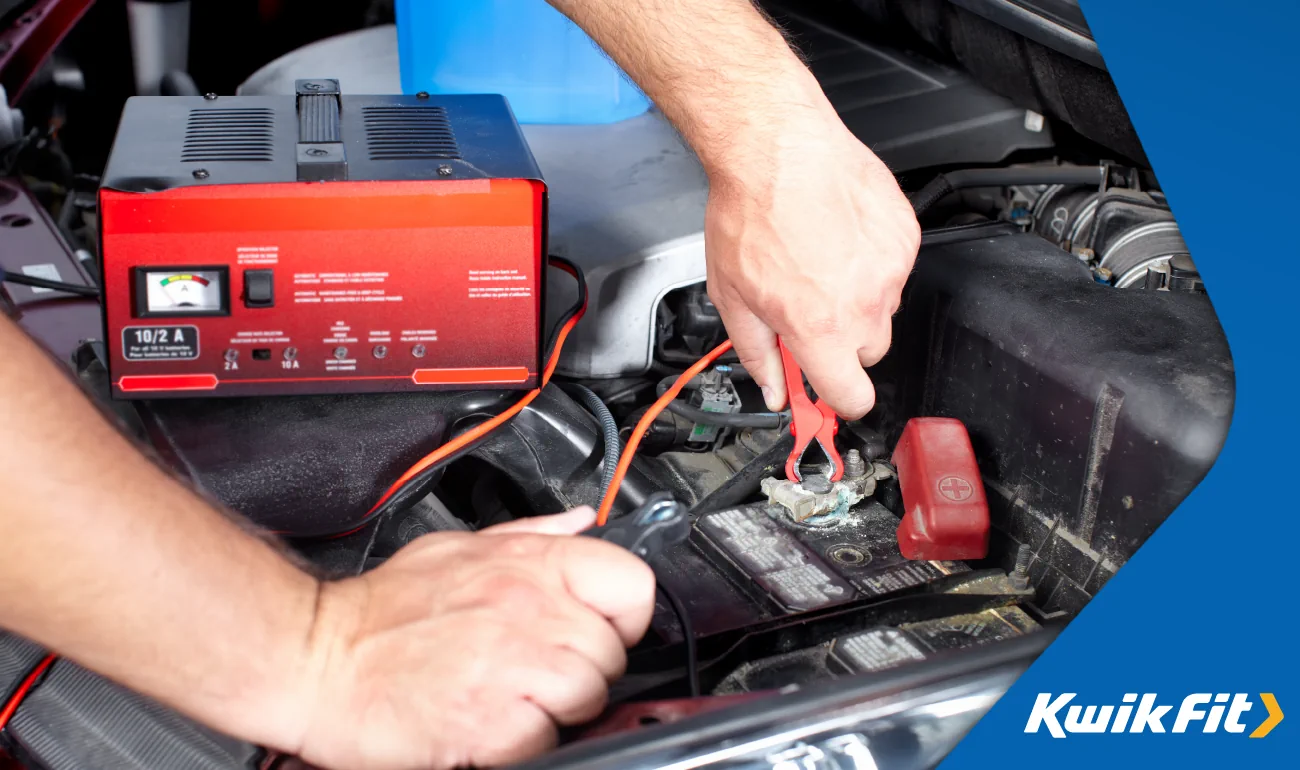
Step 1: Grab the Right Kind of Batteries
This is crucial! You can't just recharge any battery. Look for batteries that specifically say “Rechargeable” on them. They usually sport labels like "NiMH" or "NiCd" (though NiMH is far more common and better for the environment these days). Think of it like this: you wouldn't try to refuel a disposable paper cup, would you? Rechargeable batteries are like your sturdy travel mug – built to be refilled!
Once you’ve got your hands on these special power cells, you’re halfway there. Most common sizes are AA and AAA, but you can also find rechargeable C, D, and even 9V batteries.

Step 2: Find Your Charger's "Happy Place"
Your battery charger will have little slots, perfectly shaped for your batteries. Each slot will usually have a little diagram, showing you which way to insert the battery. This is called polarity. It’s super simple: match the flat end of the battery to the flat contact in the charger, and the bumpy end (the positive terminal) to the bumpy contact. If it feels like it’s not fitting, don’t force it! Just flip the battery around.
It’s like trying to put a jigsaw puzzle piece in the wrong way – it just won't click. Once you match them up, they slide right in. Ah, perfection!
Step 3: Plug It In and Let the Magic Happen!
With your batteries snuggled securely in their slots, it’s time for the grand finale: plug your charger into a wall socket. Ta-da! Most chargers will have a little light that comes on to tell you it’s working. It might be red while charging and then turn green when they’re full, or it might just blink merrily. These lights are your charger's way of saying, "I'm on it!"

Modern chargers are pretty smart. They'll often stop charging or switch to a trickle charge once the batteries are full, preventing overcharging. So you don't have to hover like a helicopter parent.
Step 4: The Waiting Game (and the Rewards!)
Now for the hardest part: patience! Depending on the type of battery and charger, it might take a few hours for them to fully juice up. This is a great time to do something else – make a cup of tea, read a book, or finally fold that laundry. Just let them do their thing.
When the indicator lights tell you they’re ready (usually by turning green or turning off), carefully remove your now fully charged, ready-for-action batteries. Congratulations! You've just breathed new life into them.
A Few Friendly Nudges (for your safety and battery longevity!)
- Don't Mix and Match: Stick to charging only rechargeable batteries. Trying to charge a regular alkaline battery is a no-no and can be dangerous.
- Read the Manual (briefly!): Your specific charger might have unique features or tips. A quick glance at the instructions can clear up any confusion.
- Store Safely: When not in use, keep your charger unplugged and your batteries in a cool, dry place.
So, Why Should You Care (Again, in a Fun Way!)?
Because using a battery charger makes you a power ninja! You'll never be caught off guard by a dead controller mid-game, or unable to find a flashlight during a power flicker. You'll be saving money that can be better spent on, well, anything fun! And you'll be doing a little dance for the planet every time you plug in. It’s a win-win-win situation.
So, next time you see that "low battery" warning, don't despair. Embrace the charger! It's one of those small, smart habits that brings a surprising amount of convenience and goodness into your everyday life. Go forth and recharge!