
How Do I Know If My Phone Has Wireless Charging
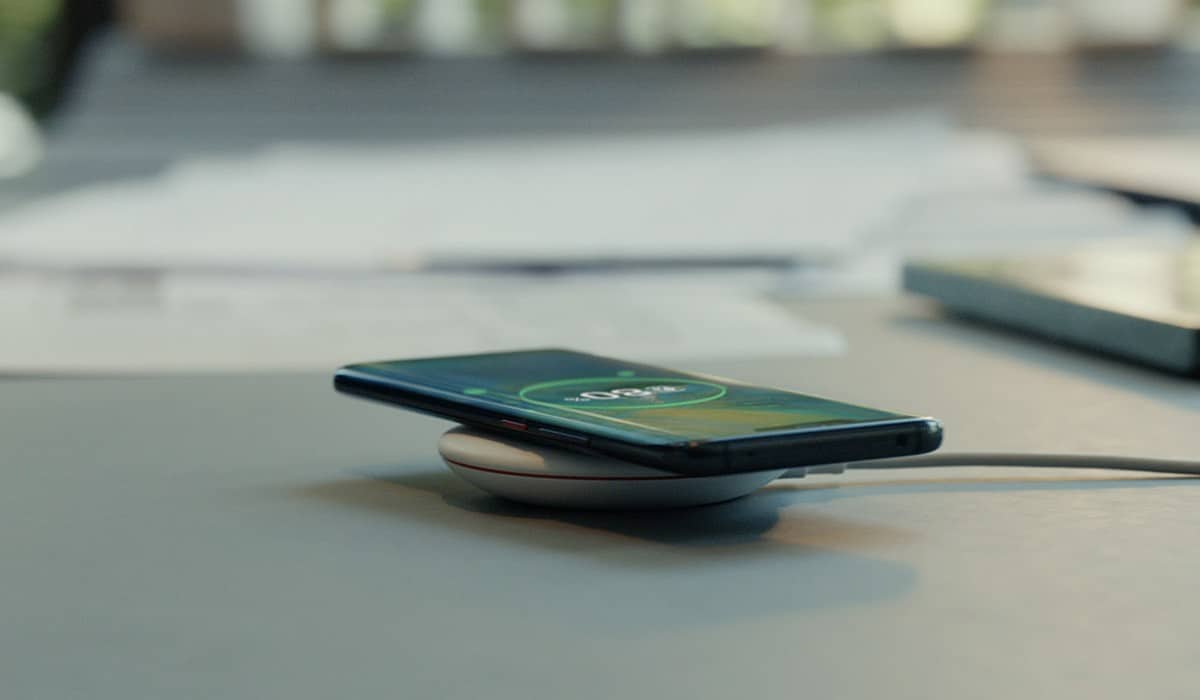
Okay, so you're wondering if your phone has this whole fancy "wireless charging" thing. It's like having a magic carpet for your battery, right? You just plop it down and bam, power! But how do you know if your phone is invited to the party?
Think of it this way: imagine you're at a buffet. Some folks have the golden ticket to the prime rib station (wireless charging), while others are stuck with the questionable potato salad (plugging in a cable). We want to see if you've got that golden ticket!
The Obvious (But Often Overlooked) Checks
First, the painfully obvious, but we gotta cover our bases, just like remembering to flush. Did your phone come with a wireless charger in the box? If so, Sherlock, you've cracked the case! You've got wireless charging, my friend.
Must Read
But let's be real, who keeps the box? We're all throwing those things away faster than last year's calendar. So, let's move on to the next level of detective work.
Next up: Google is your friend. Seriously. Just type in your phone's name followed by "wireless charging." For example, "Samsung Galaxy S23 wireless charging." If the search results scream "YES! Wireless Charging!" then celebrate with a virtual high-five.
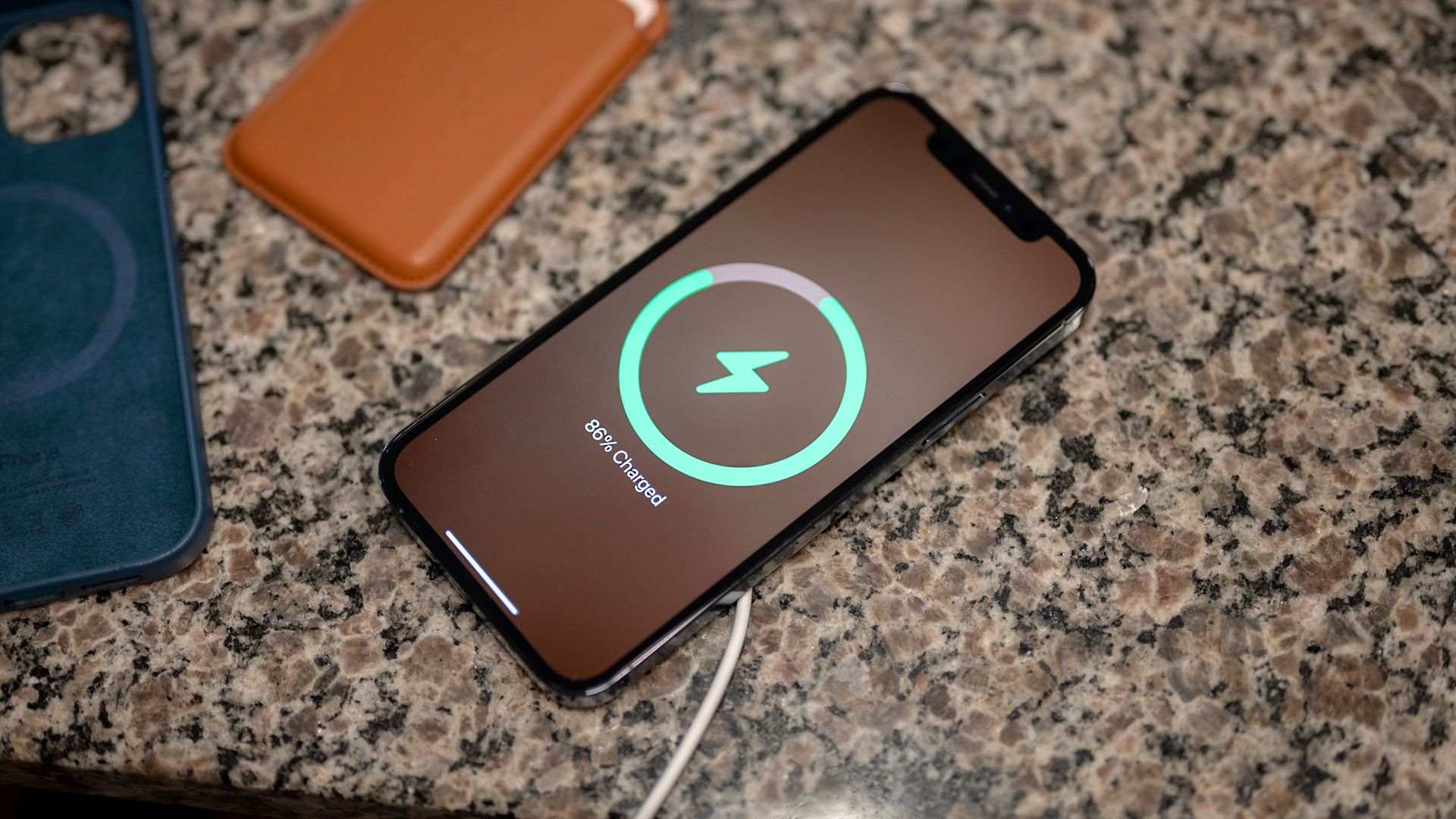
Here's a pro tip: look for terms like "Qi charging." That's the industry standard for wireless charging. If you see that, you're golden.
The Subtle Clues (Like Trying to Decipher Your Cat's Mood)
Sometimes, it's not so obvious. It's like trying to figure out if your cat actually likes you or just tolerates your existence because you're the food dispenser. Here are some subtle hints:
Phone Model Matters: Wireless charging started becoming popular around 2017-2018. If you've got a super old phone, like one that requires a stylus or looks like a brick, chances are you're out of luck. Generally, most flagship phones from the major brands (Samsung Galaxy S series, Apple iPhones, Google Pixel) released after that time have wireless charging.

The Specs Sheet: Head to the manufacturer's website (like Samsung, Apple, Google, etc.) and find the specifications for your phone model. You might have to dig a little, but look for a section that lists "charging" or "power" specifications. See anything about "Qi" or "wireless charging standard?" That's your bingo!
The Experiment: The Risky, But Potentially Rewarding, Approach: Okay, I'm putting a disclaimer here. I'm not responsible if you try this and something weird happens. But if you're feeling adventurous (and you know someone who owns a wireless charger), try placing your phone on it. Does anything happen? Does the screen light up and show a charging symbol? If yes, you've discovered hidden potential. If not, well, at least you tried!
What If I Don't Have Wireless Charging? (The Potato Salad Isn't So Bad)
Okay, so you checked, and your phone is rocking the wired-only life. Don't despair! It's like finding out you're not a wizard. Disappointing, sure, but you can still live a perfectly fulfilling life.
Here's the silver lining: Wired charging is often faster. So, you're getting that battery boost quicker than your wireless-charging buddies. You can also buy wireless adapters that plug into your phone's charging port to add wireless charging capability.
Ultimately, whether you're team wireless or team wired, the important thing is keeping your phone powered up so you can keep doomscrolling through TikTok and ordering that questionable late-night snack. Good luck out there, and happy charging!
