
How Do I Improve Wifi Signal In My House
Picture this: You’re finally settling down, coffee in hand, ready to binge-watch that show everyone’s been raving about. You hit play, lean back… and then you see it. The dreaded spinning wheel. Again. Your meticulously chosen 4K content is now a blurry mess of 144p pixels, and your video call with your grandma makes her look like a pixelated ghost from a retro video game. You try moving closer to the router, holding your device up to the ceiling, even yelling at it a little bit (don't lie, we've all done it). Nothing.
Sound familiar? You're not alone, my friend. We’ve all been there, staring at that buffering icon, wondering if the digital gods are clearly testing our patience. But what if I told you that you don’t have to live in a WiFi dead zone purgatory? That with a few tweaks and a little bit of know-how, you can often significantly boost your home’s internet prowess?
Yeah, I thought that might pique your interest. So, let’s dive into some practical, non-techy ways to turn your home into a haven of glorious, uninterrupted internet.
Must Read
Router, Oh Router, Where Art Thou?
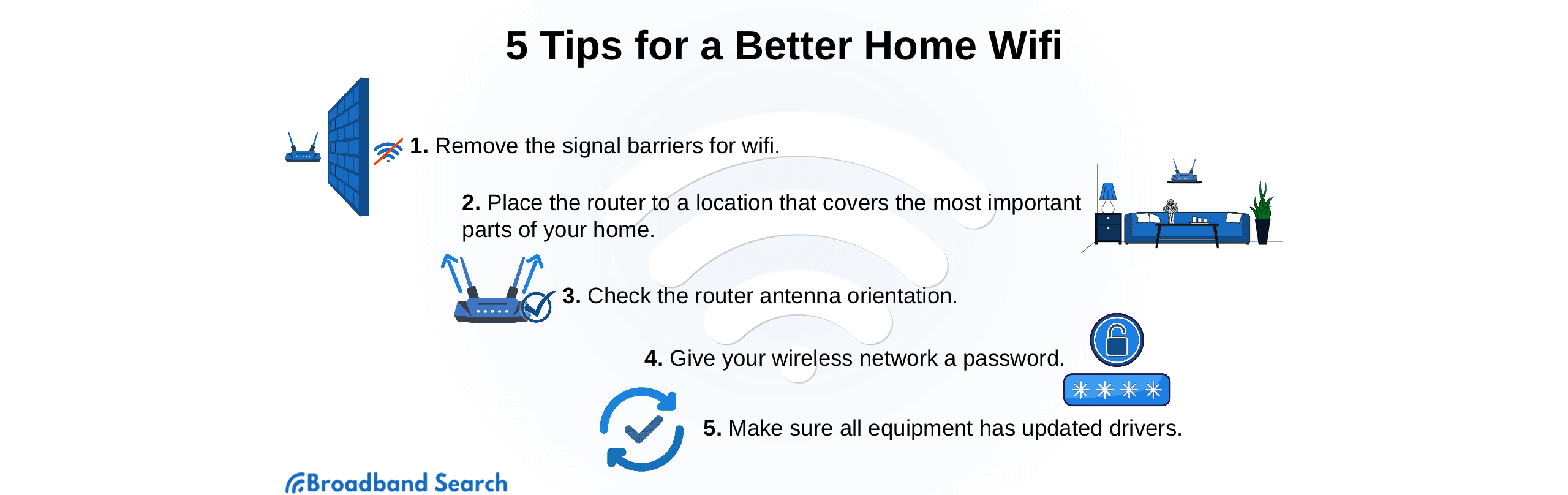
Think of your router like a tiny, invisible radio tower. Would you put a radio tower in a basement corner, behind a stack of books, next to a concrete wall? No, right? So why do we do that with our routers?
Seriously, router placement is critical. Get it out in the open, and as central as possible in your home. High up is even better – shelves, tops of cabinets. Obstacles like walls, furniture, even water (hello, fish tanks!) are its signal-blocking kryptonite. Every wall your signal has to pass through degrades it, so fewer walls equals better WiFi. Simple as that!
The Interference Foes
Your WiFi isn't the only signal flying around your house. Microwaves, cordless phones (remember those?), even some baby monitors or old Bluetooth devices can be little signal-jamming ninjas. They all operate on similar frequencies, leading to digital traffic jams.

Try to keep your router a good distance from these noisy neighbours. It’s like asking two people to talk loudly over each other – someone’s going to struggle to be heard. A little space can make a big difference, believe me.
The Magic Reboot (It's Not a Myth!)
Honestly, how many times has "have you tried turning it off and on again?" solved a tech problem? Too many to count. Your router is no different. It gets tired, confused, overwhelmed by all the data flowing through it.
A quick power cycle (unplug it for 30 seconds, then plug it back in) can often clear its digital head and get things humming again. It's like a mini-vacation for your little box, giving it a fresh start. Don't underestimate this ancient but powerful technique!
Firmware Updates: Don't Be That Guy
Just like your phone or computer, your router has software – firmware – that occasionally needs updating. These updates often include performance improvements, security fixes, and sometimes even better signal management. Many people completely ignore this, but it’s a big deal!
Most modern routers have an accompanying app or a web interface where you can easily check for and apply updates. It might sound intimidating, but it's usually just a few clicks. Trust me, it's worth the minimal effort.
Change the Channel, Literally
Your WiFi broadcasts on different channels, much like radio stations. In congested areas (think apartment buildings or dense neighbourhoods), multiple networks might be using the same channel, causing digital traffic jams and slow speeds.

Most modern routers can automatically find the least congested channel. But if yours isn't, or if you're still struggling, you can manually select a less crowded one via your router's settings (often found by typing your router's IP address into a web browser). Tools exist (like WiFi Analyzer apps for your phone) that can help you see which channels are busy. It's like finding the empty lane on the highway!
Extenders, Mesh, and Powerlines – Oh My!
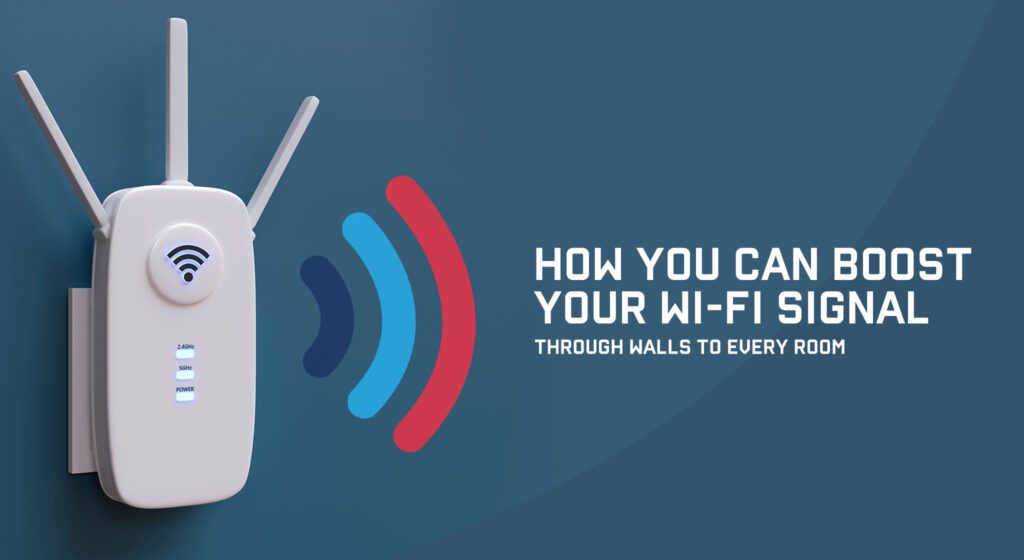
Sometimes, your home is just too big, or too strangely shaped, for one router to cover it all effectively. That's when you might consider signal boosters. You've got options:
- WiFi Extenders: They essentially catch your existing WiFi signal and re-broadcast it. They can be a bit finicky and sometimes create their own network, but they're a good low-cost option for smaller dead zones.
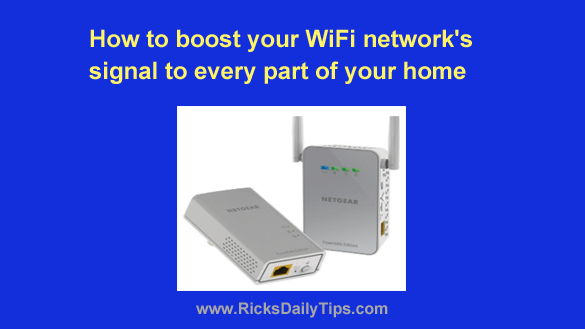
- Powerline Adapters: These clever devices use your home’s existing electrical wiring to transmit network data. Plug one near your router, another where you need internet, and boom – wired internet through your power sockets!
- Mesh WiFi Systems: These are the game-changers. A mesh system uses multiple units (nodes) that talk to each other to create one seamless, strong network across your entire home. No more switching networks as you walk from room to room! If you have a large home, this is often the most effective, albeit pricier, solution.
When All Else Fails: Go Wired
For devices that absolutely, positively need a stable connection – gaming consoles, smart TVs streaming 4K, your main work PC – nothing beats a good old Ethernet cable. It's faster, more reliable, and completely bypasses any WiFi headaches or interference.
It's not always practical for every device (who wants a cable running to their phone?), but for those mission-critical devices, it's a lifesaver. Hardwire your TV and console, and watch your streaming and gaming woes disappear.
The Last Resort: Upgrade Your Router
If your router is older than your high school selfies (or even just a few years old), it might simply be time for an upgrade. Technology moves fast, and newer routers offer significantly better speeds, coverage, and features (like better beamforming technology that directs signal to your devices).
Look for Wi-Fi 6 (802.11ax) or even Wi-Fi 6E if you want to future-proof things. It's an investment, sure, but a truly reliable internet connection in your home is priceless, wouldn't you agree?
So, there you have it! A bunch of practical, mostly free (or low-cost) ways to kick your WiFi signal up a notch. You don't have to live with pixelated faces and endless buffering. Go forth, tweak your settings, move your router, and reclaim your digital peace of mind. Your streaming queue (and your sanity) will thank you!