
How Do I Get A Sim Card For My Phone
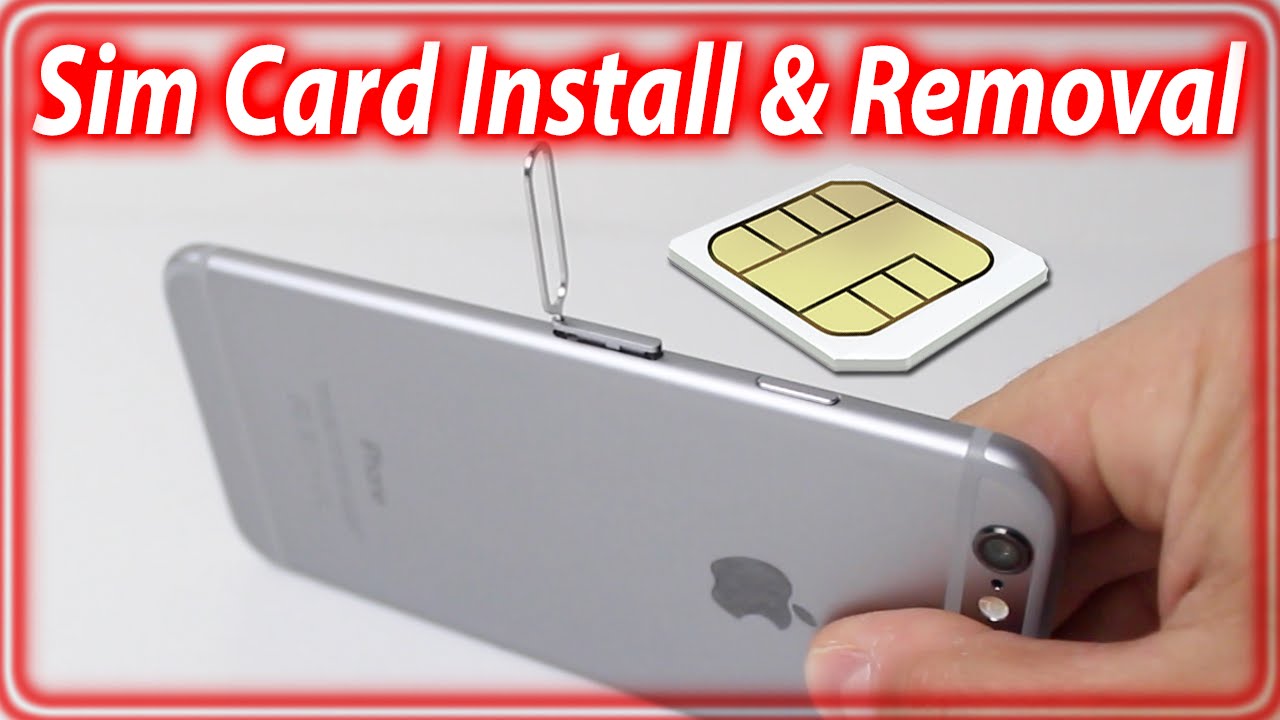
Okay, so you've got a shiny new phone, right? Feels good, doesn't it? Like getting a new pair of socks. But just like those socks are useless without your feet, your phone is a glorified paperweight without a SIM card. Think of it as the key to unlock all the phone-y goodness inside – calls, texts, cat videos…the works!
But where do you get this magical SIM card? And how do you shove it in without breaking your phone or your spirit? Don't worry, we've all been there. Let's break it down, nice and easy.
First things first: What IS a SIM Card Anyway?
Imagine your phone is a really exclusive club. The SIM card is your membership card. It's a tiny little chip that tells the network, "Hey, this phone belongs to [Your Name] and has this phone number." Without it, your phone is just hanging outside the velvet rope, feeling sad and disconnected.
Must Read
Option 1: The "Straight from the Source" Method
This is often the easiest, especially if you're signing up for a new phone plan. When you get your phone from a provider like Verizon, AT&T, T-Mobile, or even a smaller carrier, they'll usually handle the SIM card for you. It’s like ordering pizza – they take care of all the ingredients, you just get to enjoy the result.
They might even pop it in for you in the store! Pro tip: Let them do it. It saves you the potential embarrassment of stabbing your finger with the SIM ejector tool (more on that later!).
Option 2: The "DIY Wireless" Adventure
Maybe you bought your phone unlocked. Congrats, you're a free spirit! This means you need to choose a carrier and get a SIM card separately. Lots of companies are out there – even some you might have never heard of. These smaller companies often offer better deals, kind of like finding a killer discount at a random thrift store.
You can usually order a SIM card online from the carrier's website. They'll mail it to you, usually within a few days. It’s about as exciting as getting junk mail…until you realize it’s your ticket to connectivity!
Option 3: The "I Need it NOW!" Emergency
Okay, so maybe you broke your old SIM, or you're traveling and need a local SIM card ASAP. No problem! Most major phone stores (like those run by your carrier) will sell you one over the counter. You can often find prepaid SIM cards at big box stores (Walmart, Target) and even some gas stations! Just be sure it's compatible with your phone and your desired carrier.

The SIM Card Insertion (AKA the Slightly Terrifying) Process
Alright, you've got your SIM card. Now comes the slightly fiddly part. First, power down your phone. This is important! Think of it like turning off the water before you try to fix the plumbing. You don't want any unexpected electrical surprises.
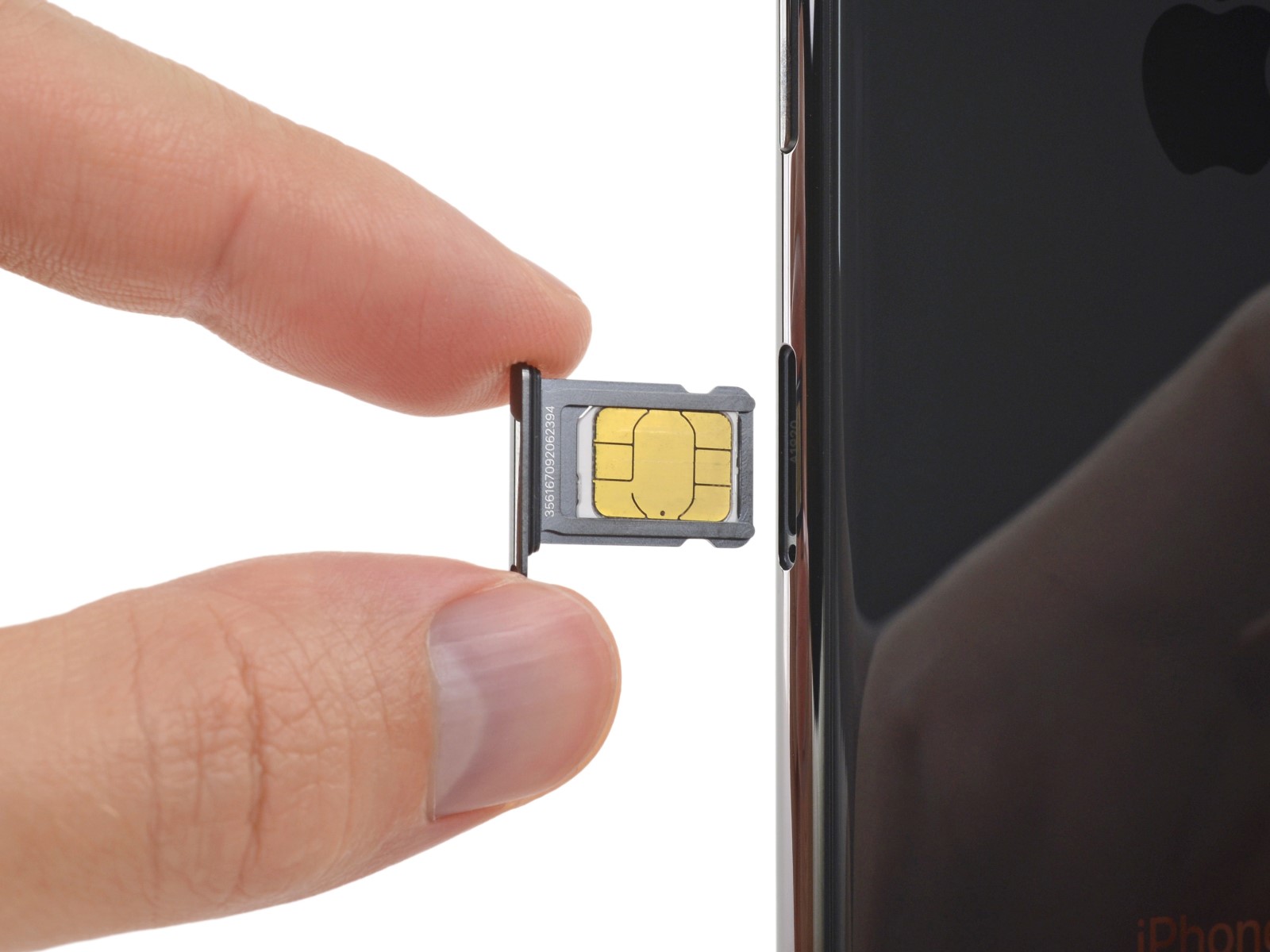
Most phones have a tiny little tray that holds the SIM card. You'll usually find it on the side of the phone. Remember that SIM ejector tool I mentioned? It’s usually a tiny metal thing that came with your phone, looking suspiciously like a paperclip. If you don't have one, a paperclip will work just fine (unbent, of course!).
![How to Transfer SIM Card to New iPhone [All Top Tips Here]](https://www.mobikin.com/d/file/mobile-phone/transfer-sim-card-to-new-iphone.jpg)
Gently insert the ejector tool into the tiny hole next to the SIM tray. Give it a gentle push. The tray should pop out. Don’t force it! If it doesn't come out easily, double-check you're using the right hole.
Place the SIM card in the tray. It only fits one way, so don't try to force it. The tray is often labeled with a little diagram showing which way the card goes. Slide the tray back into the phone until it clicks. And voila! You’re back in business!
Troubleshooting Time
If your phone isn't recognizing the SIM card, don't panic! First, make sure the SIM card is clean and properly seated in the tray. Give the gold contacts a quick wipe with a soft cloth.
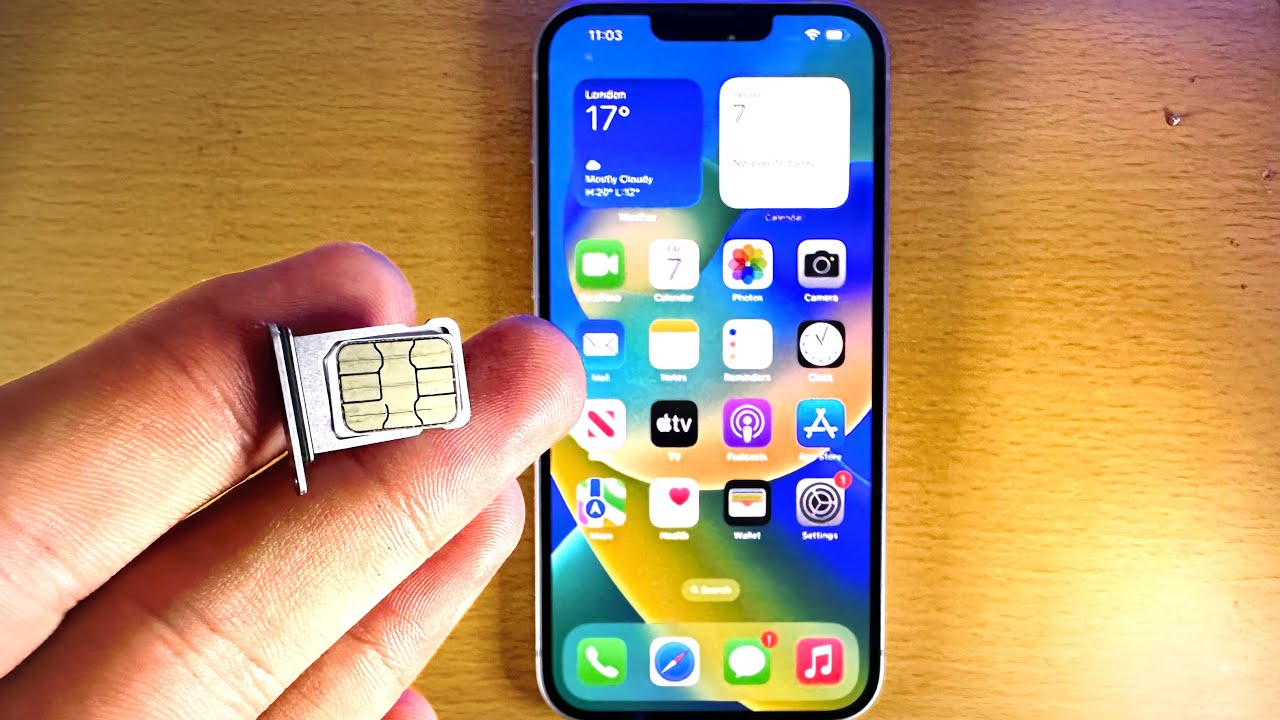
Restart your phone. Sometimes, that's all it takes. It’s like hitting the reset button on life.
If that doesn't work, contact your carrier's customer support. They can help you troubleshoot the issue and make sure the SIM card is activated correctly. That's what they’re there for!
Getting a SIM card might seem like a minor thing, but it’s the key to unlocking your phone's potential. Now go forth, connect, and conquer the digital world!