
How Can I Watch Movies Offline

Okay, let's talk about something seriously underrated: watching movies offline. I mean, think about it. We live in a world glued to Wi-Fi, constantly refreshing, buffering... Ugh. But what if you could just… escape? What if you could have your own personal cinema, right there in your pocket, completely independent of the internet gods? Sounds pretty good, right?
Why Offline Movie Watching is the Best Kind of Watching
Seriously, why is watching movies offline so great? Let me paint you a picture. Imagine you're on a long flight, crammed into a tiny seat, listening to the drone of the engines. Everyone around you is either snoring, struggling with spotty Wi-Fi, or staring blankly ahead. And you? You're chilling with a classic film, completely absorbed, blissfully unaware of the chaos around you. That, my friends, is the power of offline viewing.
Or maybe you're on a road trip through the countryside. Beautiful scenery, good company… but what about those stretches with zero cell service? No problem! You've got a curated selection of movies ready to go, transforming those dead zones into prime entertainment time. It's like having a portable time machine, whisking you away to different worlds while the real world zooms by.
Must Read
Think of it like this: Streaming is like ordering takeout. It's convenient, sure, but sometimes you just want a home-cooked meal, right? Something you've prepared, something you know is there, ready and waiting. Offline movie watching is that home-cooked movie experience. It's reliable, predictable, and completely under your control.
So, How Do We Actually Do This Movie Magic?
Alright, enough gushing. Let's get down to the nitty-gritty. How do you actually get movies onto your device so you can watch them offline? There are a few main avenues to explore:
1. Downloading from Streaming Services
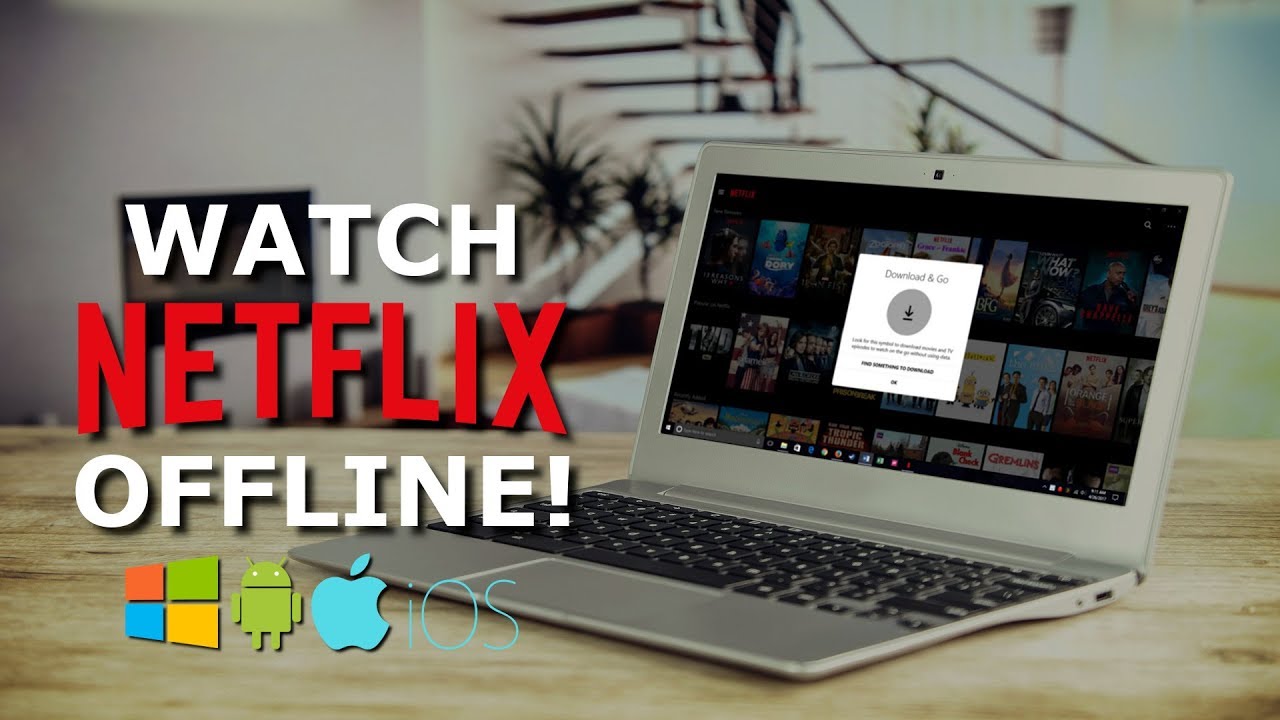
Many popular streaming services, like Netflix, Amazon Prime Video, and Disney+, offer a download option. Look for a download icon (usually a little arrow pointing downwards) next to the movie or TV show you want to watch. Just tap that bad boy, and the service will download the content to your device. Remember to check your app settings to make sure you've allocated enough storage space! You don't want to start a download only to get a dreaded "storage full" notification.
Pro Tip: Download your movies before you leave home or connect to a reliable Wi-Fi network. Downloading over a cellular connection can eat through your data plan faster than a popcorn-munching T-Rex.
2. Buying Digital Copies
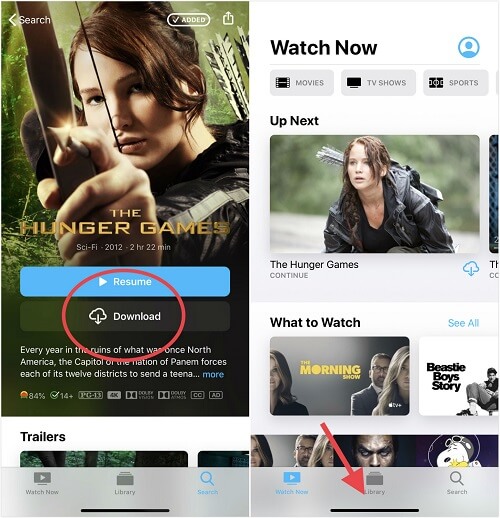
Another option is to purchase digital copies of movies from services like iTunes, Google Play Movies & TV, or Vudu. When you buy a digital movie, you usually have the option to download it to your device for offline viewing. This is a great way to build your own personal digital library, filled with your all-time favorites.
3. Good Old-Fashioned DVDs and Blu-rays (Yep, They Still Exist!)
Believe it or not, DVDs and Blu-rays are still a viable option for offline viewing! You'll need a DVD or Blu-ray player connected to a device with a screen (like a laptop or portable DVD player). It might seem a little old-school, but it's a reliable way to watch movies without relying on the internet. Plus, you get the bonus of owning a physical copy of the movie. It's like a movie time capsule!

4. Borrowing from the Library (Who Knew?)
Many libraries now offer digital movie rentals that you can download and watch offline. Check your local library's website or app to see what's available. This is a fantastic way to watch movies for free, all while supporting your community library. It's a win-win!
A Few Extra Tips for Offline Movie Bliss
- Plan ahead! Don't wait until you're already on the plane to start downloading movies. Give yourself plenty of time to download everything you want to watch.
- Check your storage space! Make sure you have enough space on your device to store all your downloaded movies.
- Bring headphones! This is a must for any offline viewing experience, especially if you're in a public place.
- Consider a portable charger! Nothing's worse than your device dying in the middle of a movie.
So, there you have it! Everything you need to know to become an offline movie-watching master. Go forth, download your favorites, and embrace the freedom of uninterrupted, internet-free entertainment. Happy viewing!
:max_bytes(150000):strip_icc()/watch-offline-how-to-download-movies-and-tv-shows-from-disney-plus-50779901-d89ed724e3ac406da5fa4c08d4b1d56e.jpg)