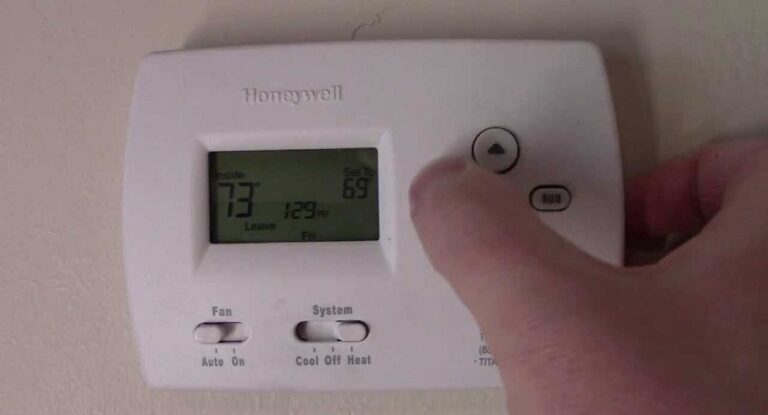
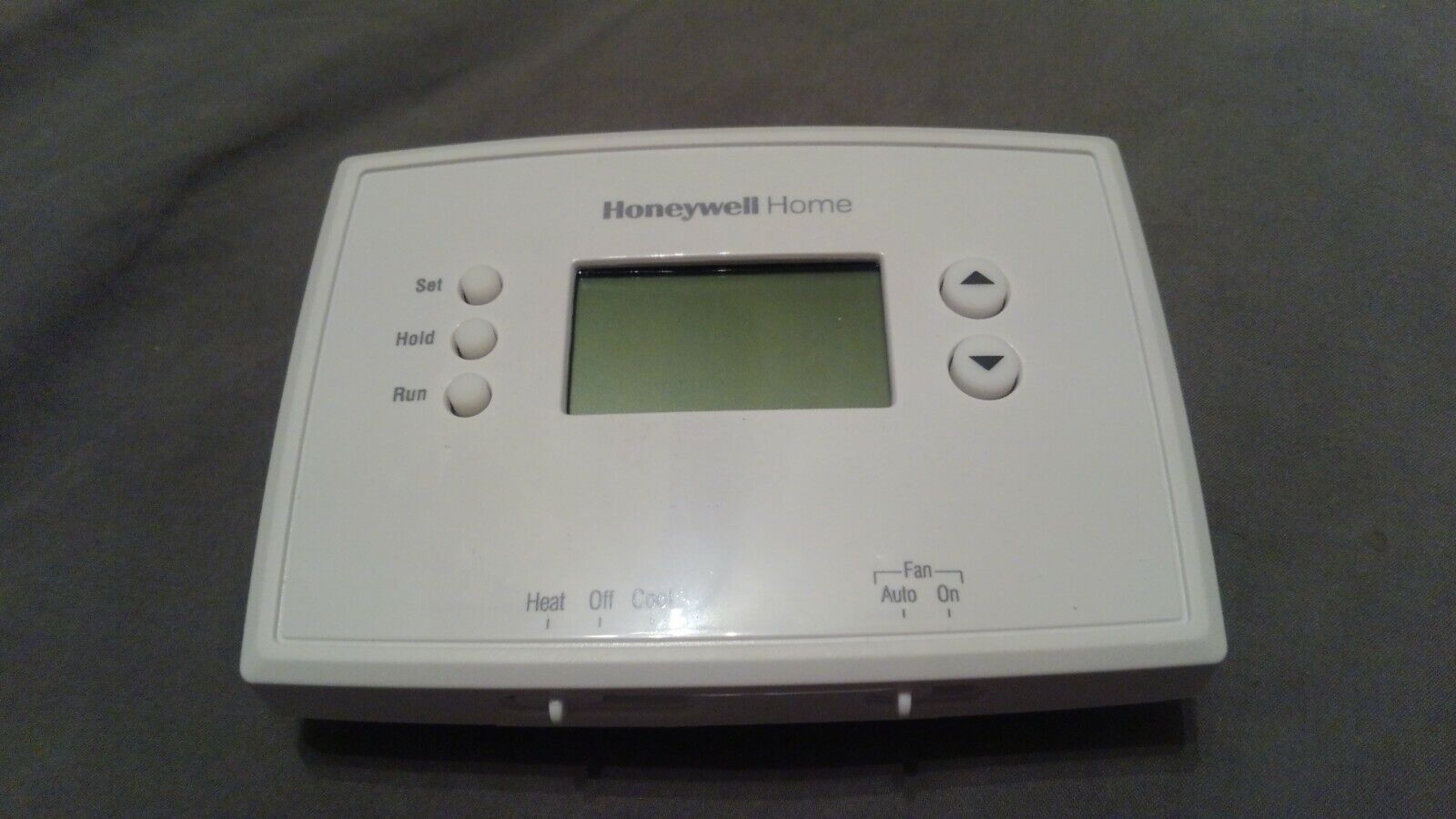
Honeywell Thermostat Not Getting Power
There's a quiet hero in most of our homes, a silent sentinel standing guard over our comfort: the thermostat. Remember that blissful feeling of stepping indoors after a blustery winter walk, or sinking into your sofa during a scorching summer day, all thanks to perfectly regulated air? That's the unsung marvel of your thermostat at work, making your home a predictable haven.
It’s not just about setting a temperature; it's about creating an oasis, a predictable sanctuary where the mercury, or rather, the digital display, is always on your side. It saves you from shivering or sweating, often saving you money by optimizing energy usage, and truly defines what "home sweet home" feels like. This little box is the control center for your entire HVAC system, a maestro orchestrating warmth in winter and cool breezes in summer, ensuring your living space is always just right.
From the click-and-slide simplicity of yesteryear's mechanical marvels to today's sleek, Wi-Fi enabled wonders that learn your habits and listen to your voice, thermostats have evolved. Whether it's setting a precise schedule to wake up to warmth, preparing for your return from vacation, or managing different climate zones within a larger home, these devices are the brains behind your HVAC brawn. They offer convenience, efficiency, and above all, consistent comfort.
Must Read
But what happens when your trusty Honeywell, usually a beacon of control, goes dark? A blank screen, no response – it’s like your home's central nervous system has taken an unexpected nap. Don't panic! Most of the time, this isn't a complex surgery, but a simple diagnostic puzzle you can often solve yourself. Let's get that display glowing again and bring the comfort back.
First, let's play detective: head to your electrical panel. Is a circuit breaker tripped? Look for one that’s flipped to the middle or off position, often labeled 'HVAC' or 'Furnace'. Flip it completely off, then firmly back on. Sometimes, this simple reset is all it takes to bring your system back to life after an overload.

Next, venture to your actual furnace or air handler. Near the unit, you'll often find a regular-looking light switch on a junction box. Is it accidentally in the 'off' position? It happens more often than you'd think, especially after cleaning or maintenance! Ensure it's switched firmly to 'on'.
Does your specific Honeywell model use batteries? Even if it's wired for power, many have AA or AAA batteries for backup or to power the display. A fresh set could be the magic touch needed to banish that blank screen. Don't assume because it's wired it doesn't need them! Pop open the battery compartment and swap in some new ones.

If you've been poking around your furnace, make sure its access panel or door is completely closed and latched. Many units have a safety switch that prevents operation (and thus, power to the thermostat) if the door isn't securely in place. Give it a good push to ensure it's sealed.
Finally, a slightly more advanced peek: if you're comfortable, gently remove your thermostat from its base. Are the wires, particularly the 'R' (Red) and 'C' (Common) wires, securely connected? Loose connections can be a culprit. If you're not comfortable with wiring, or these steps haven't worked, it might be time to call in a professional HVAC technician. They can check internal fuses in your HVAC unit or more complex electrical issues, ensuring your system is safe and sound.
Solving a blank thermostat mystery isn't just about restoring comfort; it's about reclaiming control and perhaps, even learning a little more about the amazing system that keeps your home just the way you like it. Happy heating (or cooling)!