
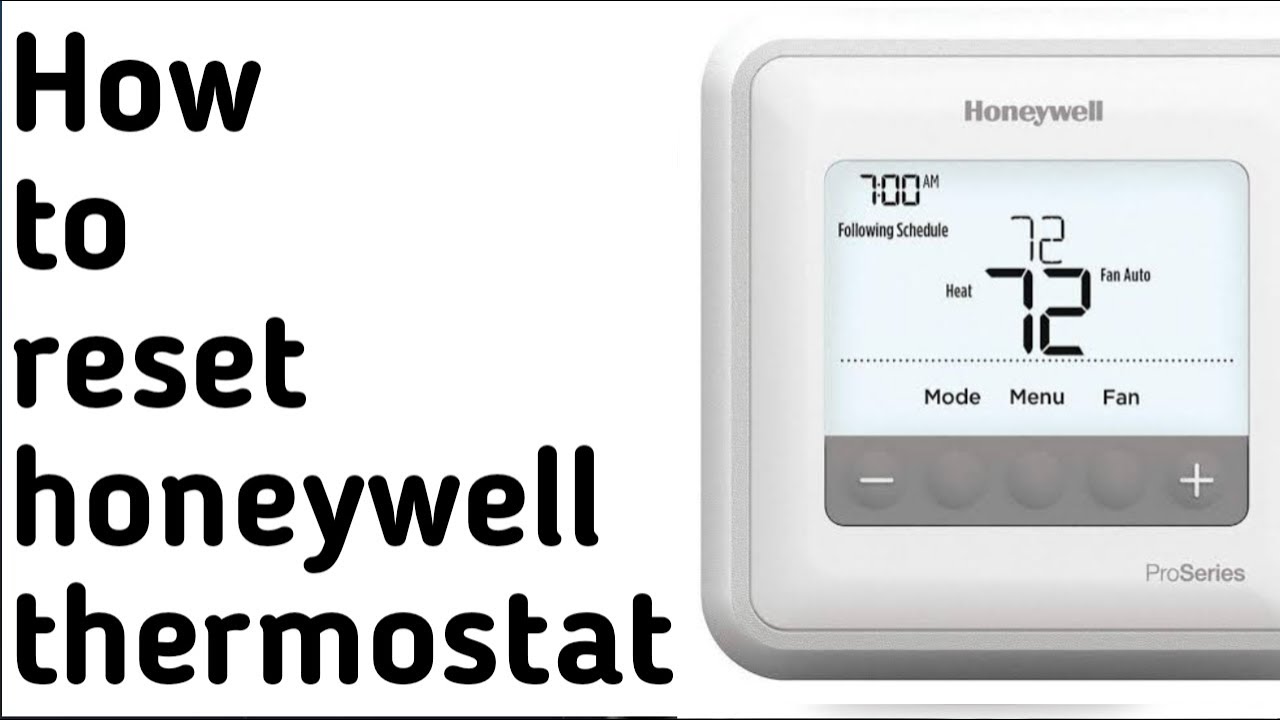
Honeywell Pro Series Thermostat Reset

Hey there, digital temperature maestro! Is your Honeywell Pro Series thermostat acting a little... quirky? Maybe it’s displaying an error message that looks like it’s written in alien hieroglyphs, or perhaps it’s just refusing to listen to your demands for perfect climate control. Don’t panic! Before you start imagining tiny thermostat gremlins messing with your settings, let’s chat about a simple, often magical solution: a reset.
Think of it as giving your thermostat a much-needed brain refresh. Like when your computer starts acting sluggish, and a quick reboot makes everything snappy again. Your thermostat, bless its electronic heart, sometimes just needs a moment to clear its digital head.
First Things First: The Gentle Nudge (Soft Reset)
This is often the easiest and first thing you should try. It's like gently waking your thermostat from a bad dream. For many Honeywell Pro Series models, a soft reset is super straightforward.
Must Read
Step 1: Power Down (The Battery Ballet) If your thermostat runs on batteries (many Pro Series models do, often AA or AAA), the quickest way to give it a soft reset is to remove those batteries. Pop open the battery compartment – usually on the side or bottom, sometimes behind the main display. Take them all out.
Step 2: The Waiting Game (It’s Only a Few Seconds, Promise!) With the batteries out, wait for about 60 seconds. This gives the thermostat’s internal capacitors enough time to fully discharge, effectively wiping its temporary memory clean. Think of it as a tiny digital power nap.
Step 3: Power Up (And Let There Be Climate!) Carefully put the batteries back in, making sure they’re facing the right way (positive to positive, negative to negative – you know the drill!). Your thermostat should power back on, and hopefully, any minor glitches will have vanished like a rogue snowflake in July.
No batteries? Some Honeywell Pro Series thermostats are wired directly for power. For these, a soft reset might involve flipping the circuit breaker that powers your furnace or air conditioner OFF for a minute, then back ON. Just be mindful and make sure you know which breaker it is! Safety first, always!
Feeling Adventurous? The Full Digital Detox (Hard Reset)
Okay, so the gentle nudge didn't quite do the trick? Or maybe you just want to clear everything and start fresh, like moving into a new home (but for your thermostat). This is where a hard reset, or factory reset, comes in. This will revert your thermostat to its original, out-of-the-box settings. Meaning, any custom schedules, time, date, and sometimes even specific system configurations will be erased. So, grab a pen and paper if you want to jot down your current settings first!
The exact steps can vary a tiny bit between specific Honeywell Pro Series models (because who wants things to be too uniform, right?), but here's a general guide. You'll usually be diving into the "Installer Setup" menu.
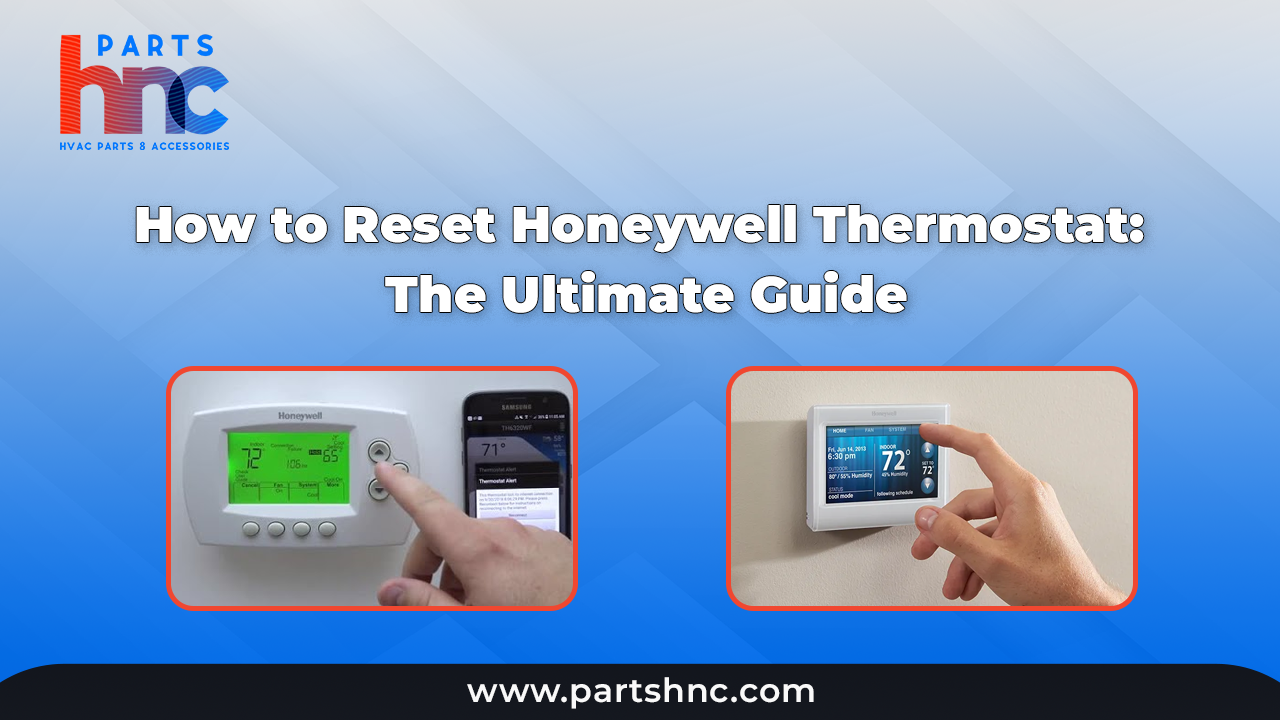
Step 1: Access the Installer Setup Menu This is often done by pressing and holding a specific button (or combination of buttons) for a few seconds. Common examples include:
- Holding down the "Menu" button for about 5-10 seconds.
- Holding down the "System" button.
- Pressing "System" and then a specific up/down arrow combination.
Look for something like "ISU," "Installer Setup," or a series of numbers on the screen. If you're stuck, a quick peek at your thermostat's user manual (or a Google search for your specific model number + "installer setup") will be your best friend!
Step 2: Navigate to the Reset Option Once you’re in the Installer Setup menu, you’ll typically use the up/down arrows to scroll through different settings. You’re looking for an option that says something like "Reset," "Factory Defaults," or perhaps a specific number code related to resetting.

Step 3: Confirm the Reset When you find the reset option, select it (often by pressing "Done" or "Select"). The thermostat might ask you to confirm your decision, just to make sure you really, really want to go through with it. Confirm away!
Voila! Your Honeywell Pro Series thermostat should now be reset to its factory defaults, essentially starting life anew.
After the Digital Detox: What’s Next?
Once reset, your thermostat will typically prompt you to set the time, date, and day of the week. Go ahead and get those squared away.
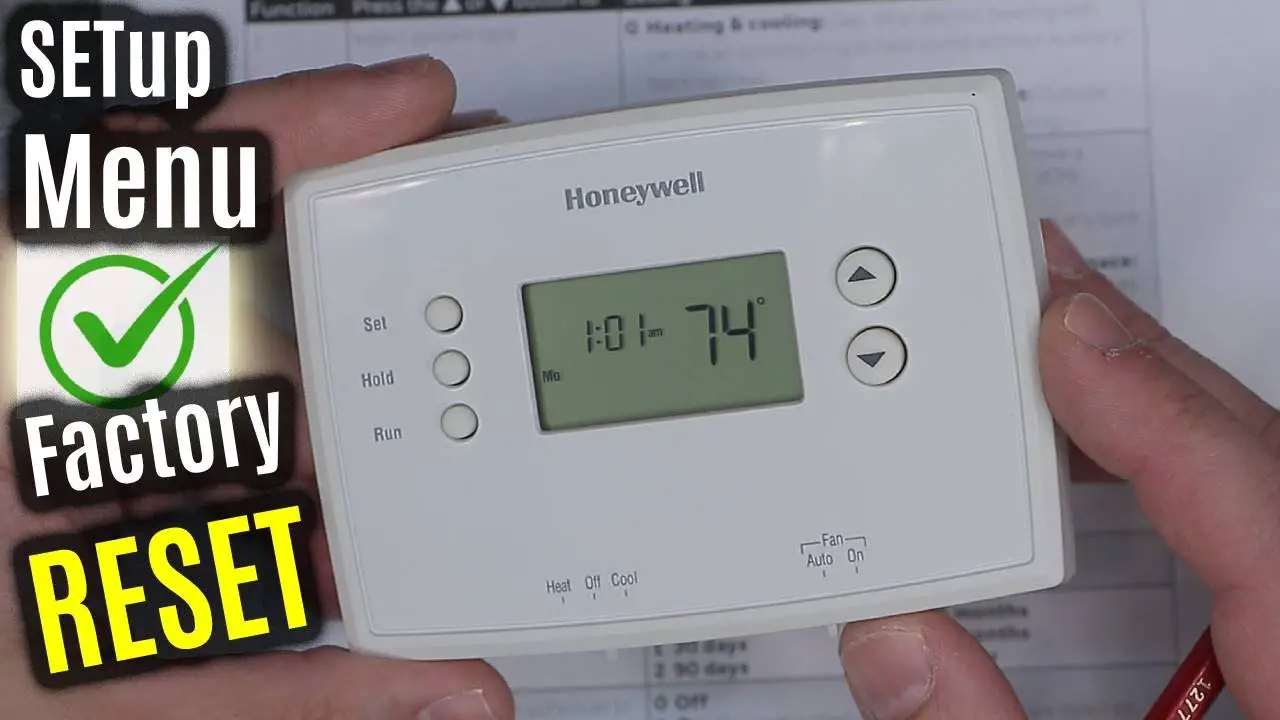
Then, you'll need to re-enter your desired schedule. This is actually a fantastic opportunity to re-evaluate if your old schedule still fits your lifestyle. Maybe you're working from home more, or your kids' school schedule has changed. Take this chance to optimize for comfort and energy savings!
Still Having Trouble?
If your thermostat is still giving you the cold shoulder (or too much heat!), even after a reset, it might be time to call in the pros. Sometimes issues are beyond a simple reset and require a deeper look by an HVAC technician. But usually, a good reset works wonders!
You Did It!
See? You didn't need a degree in advanced thermodynamics to get your thermostat back on track! You’ve bravely navigated the digital landscape of your Honeywell Pro Series thermostat and emerged victorious. Give yourself a pat on the back, crank up the perfect temperature, and enjoy the blissful peace of a perfectly functioning climate control system. Here’s to happy, healthy, and perfectly temperate living!