
Honeywell Home Thermostat How To Program
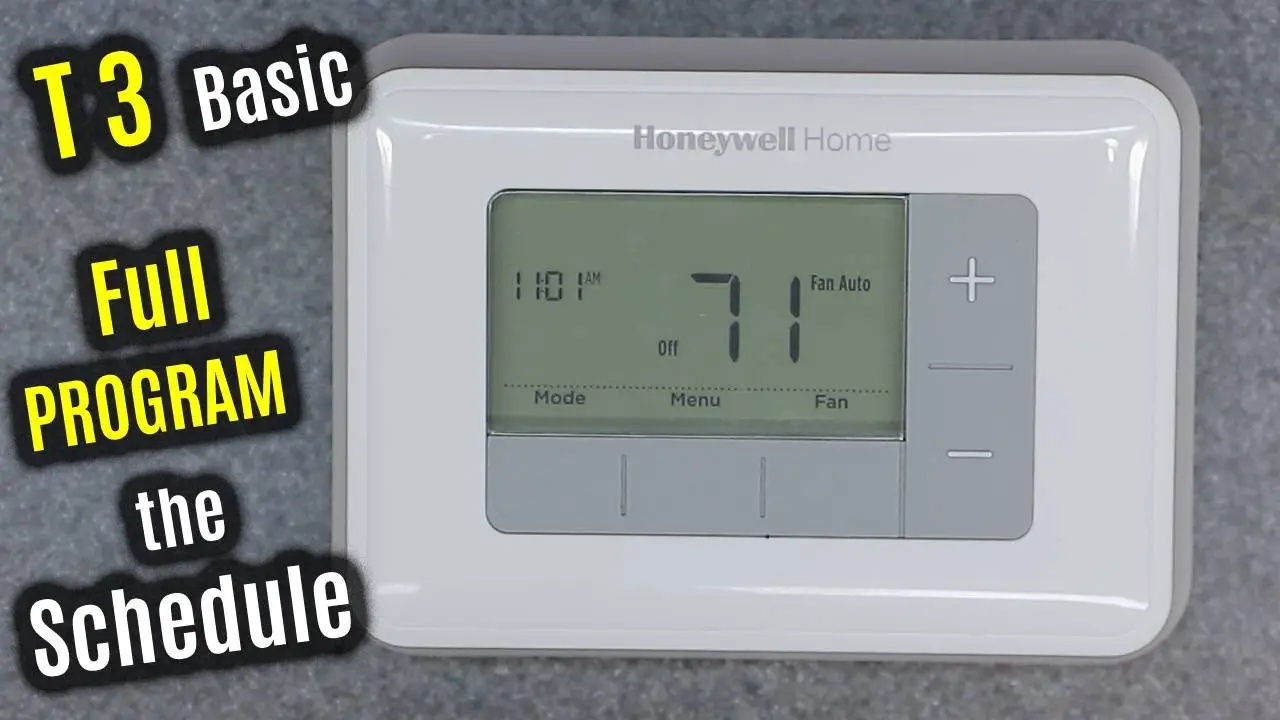
We've all been there, right? Staring blankly at that sleek little rectangle on the wall, feeling like you're trying to launch a rocket when all you really want is a cozy living room. Your Honeywell Home thermostat, a modern marvel designed to make our lives easier, sometimes feels like it's guarding the secrets of the universe.
But fear not, fellow temperature wranglers! Programming your Honeywell isn't a dark art; it's more like teaching a very smart, slightly finicky pet. And trust me, once you get the hang of it, you'll wonder how you ever lived without its scheduled comfort.
Why Bother with Programming Anyway?
You might be thinking, "Why bother? I just push the up or down arrow when I'm cold or hot, and that works fine." And that's perfectly acceptable... if you enjoy playing temperature DJ all day, every day.
Must Read
But what if I told you your thermostat could be your personal climate assistant? Imagine waking up to a perfectly toasty house, coming home from work to an inviting cool breeze, and all while saving some serious dough on your energy bill. Sounds good, right? It's like having your cake and eating it too, but with perfect indoor weather.
Getting Acquainted: The Button Breakdown
First things first, let's get acquainted with the gang of buttons on your Honeywell. Don't panic; they're not judging you. Most Honeywell models share a few key players. Think of them as the main characters in our temperature drama.
The MODE Button: Setting the Vibe
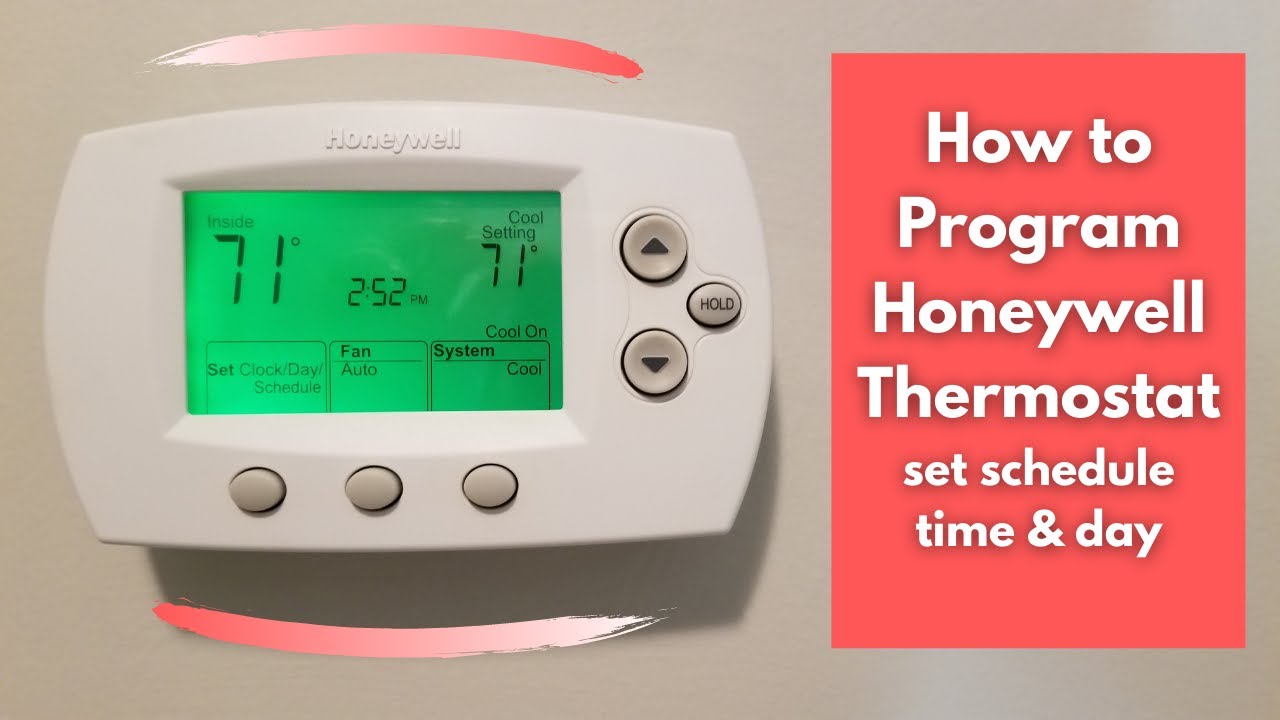
There's usually a MODE button. This is your thermostat's personality switch. Auto, Heat, Cool, Off. Simple enough.
- Heat: For when you're dreaming of hot cocoa and fuzzy socks.
- Cool: For when you're sweating through your socks and dreaming of ice baths.
- Auto: Means it'll automatically toggle between heat and cool to keep your set temperature. Smarty pants!
- Off: Well, that's self-explanatory – for when you're channeling your inner polar bear or desert dweller.
The FAN Button: The Air Mover
Next up, the FAN button. You'll typically see Auto or On.
- Auto: The fan only kicks in when your system is actively heating or cooling. It's energy efficient.
- On: The fan runs constantly, circulating air like a diligent, never-tiring breeze maker. Great for keeping air fresh, not so great for your energy bill if left on 24/7.
HOLD / RUN / PROGRAM: The Brains of the Operation
This is where the magic (or perceived complexity) happens. You'll likely see buttons like HOLD, RUN, or PROGRAM. These are your keys to unlocking true scheduling power.
Think of Hold as pressing pause on your thermostat's memory. It'll keep the current temperature indefinitely until you tell it otherwise. Great for a sick day or an unexpected long weekend at home.
Run or Program is where your schedule lives. This is where your thermostat dutifully follows your pre-set instructions, like a well-trained butler.
Programming Your Schedule: Your Daily Rhythm, Thermostat Style
Alright, deep breaths. This is the fun part. We're going to teach your thermostat your daily rhythm. Most Honeywell models give you at least four programming periods per day: Wake, Leave, Return, Sleep. Imagine you're designing the perfect climate for your imaginary, extremely particular roommate.
1. Wake Up in Comfort
Wake: What temperature do you want to wake up to? A cozy 70°F (21°C) in winter, perhaps a refreshing 74°F (23°C) in summer? Set the time you usually wake up. This is your "good morning, sunshine" setting.
2. Efficient While Away
Leave: When you head out the door for work or school, do you really need to heat or cool an empty house? Nope! Set a more energy-efficient temperature. Maybe 65°F (18°C) in winter or 80°F (27°C) in summer. Set the time you usually leave. Your wallet will thank you.
3. Welcome Home!
Return: Ah, the sweet relief of coming home. Set your preferred "welcome home" temperature about 30-60 minutes before you actually arrive. This gives your system time to reach that perfect comfort zone. Nobody likes coming home to a freezer or a sauna, right?
4. Sleep Soundly
Sleep: Time to catch some Zs. Many people prefer a slightly cooler temperature for sleeping. Find your sweet spot and set the time you usually hit the hay. Good night, comfy house.
Weekdays vs. Weekends (or Even Each Day!)
Many Honeywell thermostats allow you to set different schedules for weekdays (Mon-Fri) and weekends (Sat-Sun), or even customize each day individually. This is great because let's be real, your Saturday morning routine probably isn't the same as your Tuesday morning dash.
The Actual Programming Steps (Generally Speaking)
While button names vary slightly by model, the general gist is this:

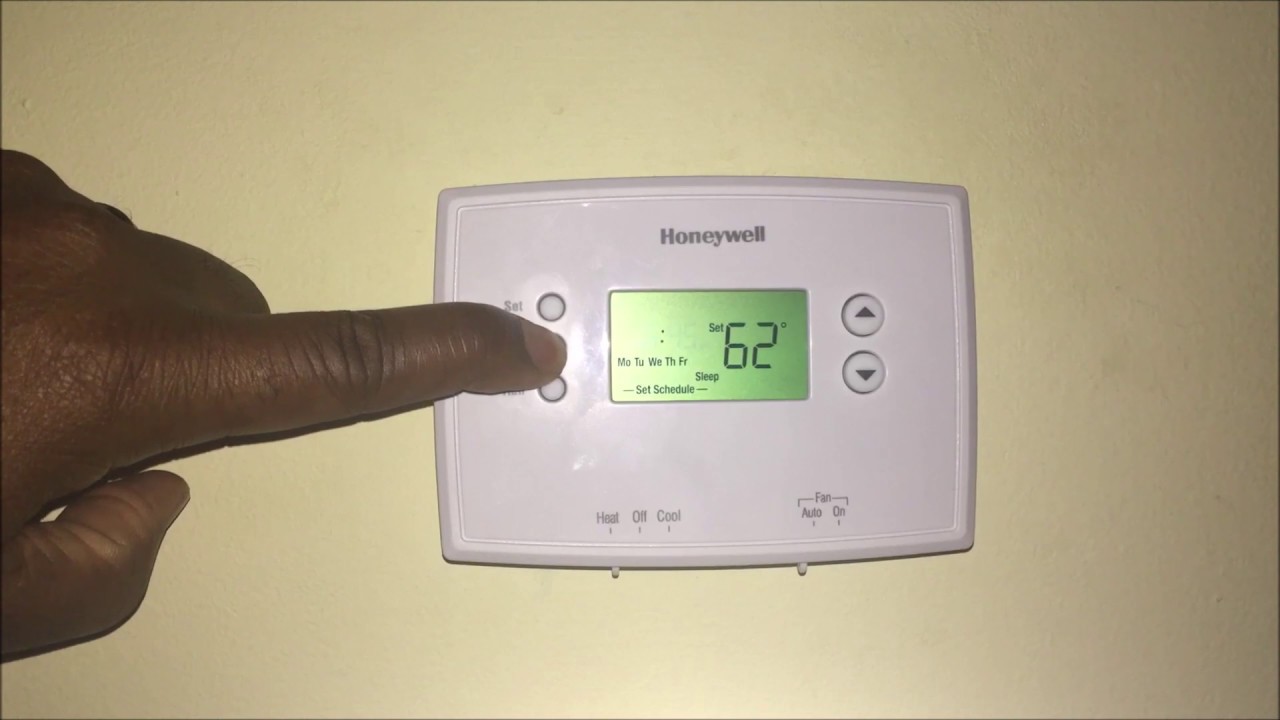
- Find the PROGRAM or SET SCHEDULE button. It might be on the front or hidden under a flap.
- It will usually walk you through "Mon-Fri Wake Time," then "Mon-Fri Wake Temp," then "Leave Time," "Leave Temp," and so on.
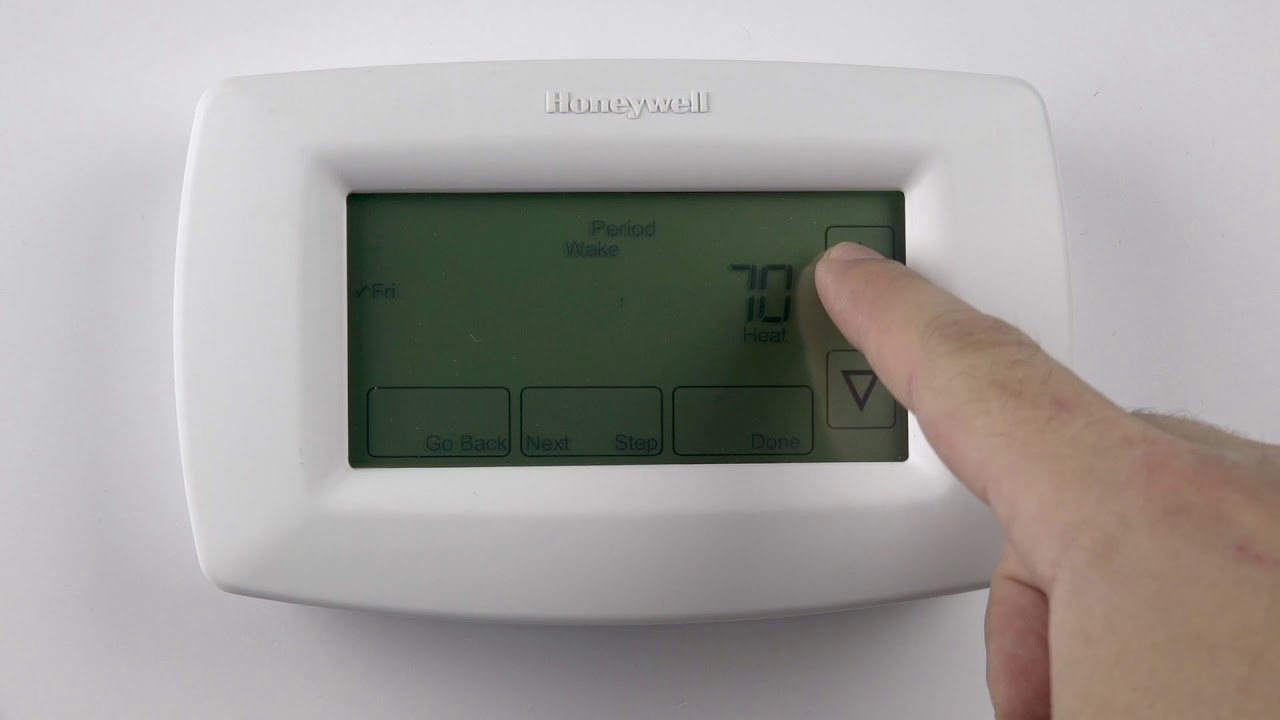
- Use the Up/Down arrows to adjust the time and temperature.
- Use the Next/Prev or Day/Period buttons to move through the different settings.
- Don't forget to press a SAVE or DONE button if your model has one! This is crucial; otherwise, all your hard work vanishes into the digital ether like a forgotten grocery list.
Mastering the "HOLD" Function
Remember that HOLD button we talked about? It's your override button. Say you're home sick, or it's a holiday, and your usual "Leave" setting kicks in, making the house too cold or hot.
Just set your desired temperature and hit HOLD. Your thermostat will politely ignore its schedule and maintain that temperature until you hit RUN or PROGRAM again to resume the schedule. Think of it as telling your personal assistant, "Hey, just for today, forget the usual plan. I need 72°F all day."
Don't Be Afraid to Experiment!
The best part? You can always change it! Your thermostat isn't going to judge your initial programming choices. Experiment a little. Tweak the temperatures and times until you find your perfect comfort rhythm. It's like finding the perfect playlist for your mood – sometimes it takes a few tries.
You're a Temperature Maestro!
So there you have it. Your Honeywell Home thermostat, once a mysterious box of digital secrets, is now your obedient servant, ready to make your home climate exactly how you like it. You're not just setting temperatures; you're orchestrating comfort, saving energy, and proving once and for all that you're smarter than a fancy plastic box. Go forth and program, you magnificent temperature maestro!