
Honeywell Home Thermostat Black Screen

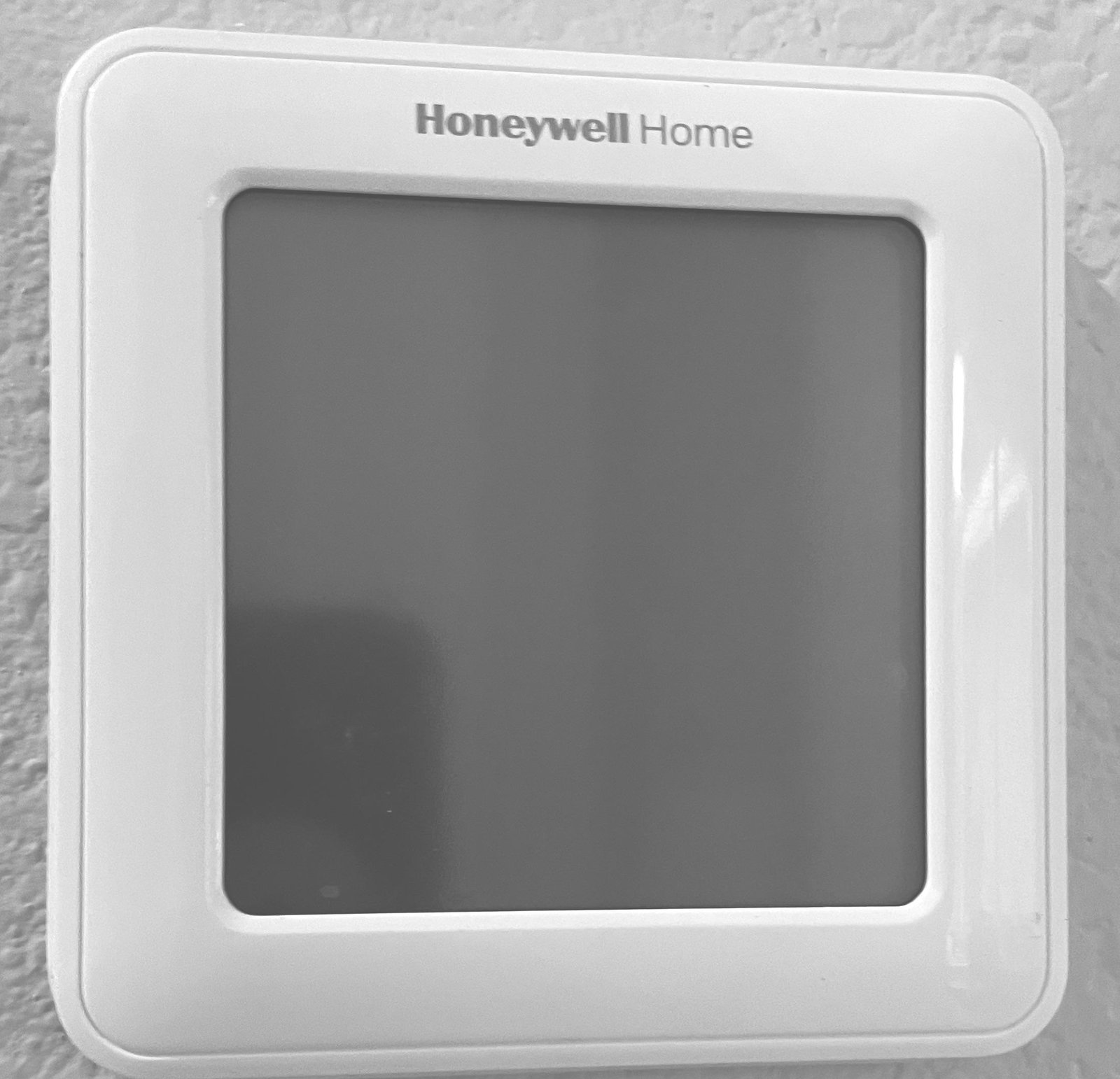
Hey there, fellow home dweller! Let's talk about something that can send a little shiver down your spine on a chilly morning or a sweltering afternoon: your Honeywell Home thermostat suddenly rocking the black screen of doom. Yup, that blank, unresponsive rectangle on your wall that usually keeps your cozy comfort in check. It's like your tiny climate control wizard just decided to take an unscheduled, very silent vacation.
You stare at it, you poke it, maybe you even whisper, "Are you okay, little guy?" Nothing. Just a cold, dark void where your desired temperature used to be. Don't worry, you're not alone! This happens more often than you'd think, and usually, it's not the end of the world (or your thermostat's life).
First, Let's Not Panic (Too Much!)
Before you start Googling "how to live without heat" or "igloo building kits," let's take a deep breath. Most of the time, a black screen on your Honeywell thermostat is a fixable glitch, not a sign of a full-blown apocalypse. Think of it as your thermostat having a little
Must Read
The Classic "Have You Tried Turning It Off And On Again?"
I know, I know. It sounds cliché, but for electronics, it’s often the magical incantation! For your thermostat, this usually means a quick trip to your circuit breaker box. Find the breaker labeled for your HVAC system (it might say 'Furnace,' 'AC,' or simply 'HVAC'). Flip it off for about 30 seconds to a minute, then flip it back on.
Give your thermostat a moment or two. Sometimes it needs a little "wake-up" time after its power nap. If it springs back to life, congratulations! You just performed a successful power cycle. High fives all around!
The Mighty Batteries (Often The Culprit!)
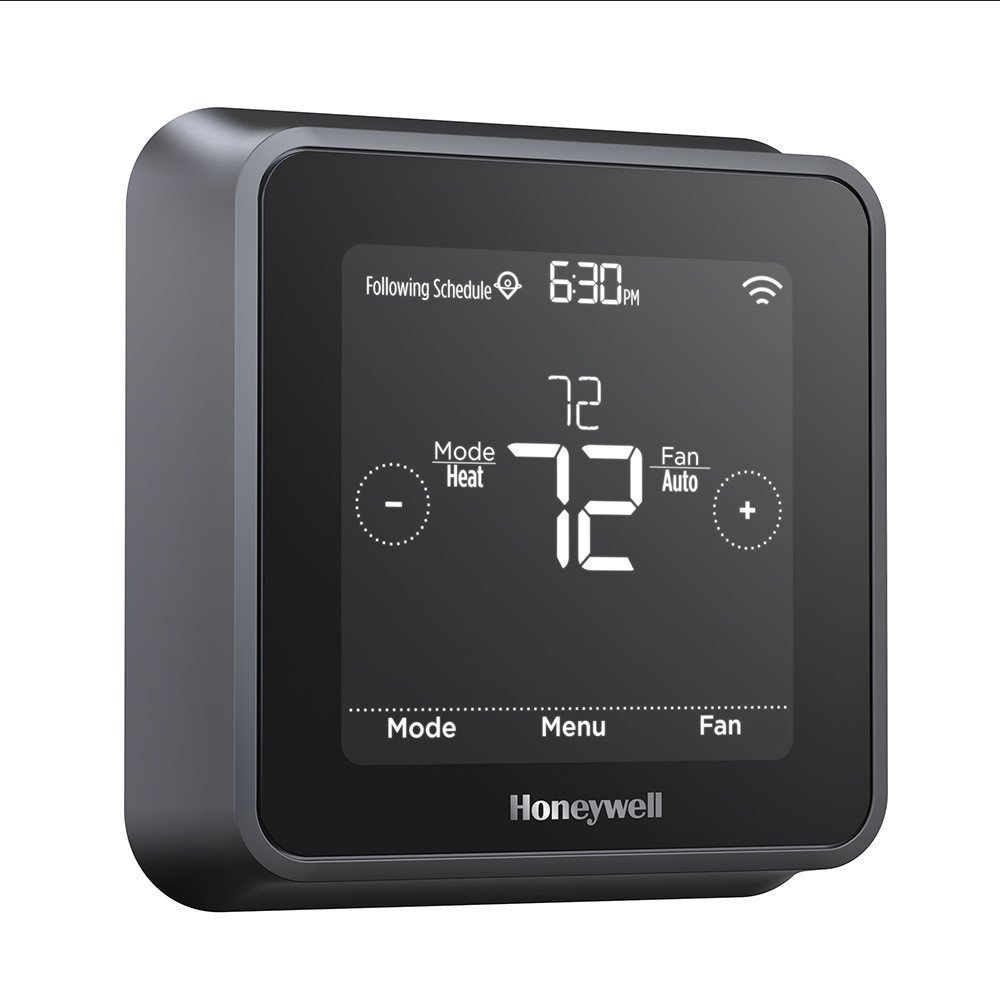
This is a big one, folks, and often the most overlooked. Many Honeywell Home thermostats, even those wired into your home's power, use backup batteries. When these little power nuggets run low, your thermostat might just go dark to conserve what little energy it has left.
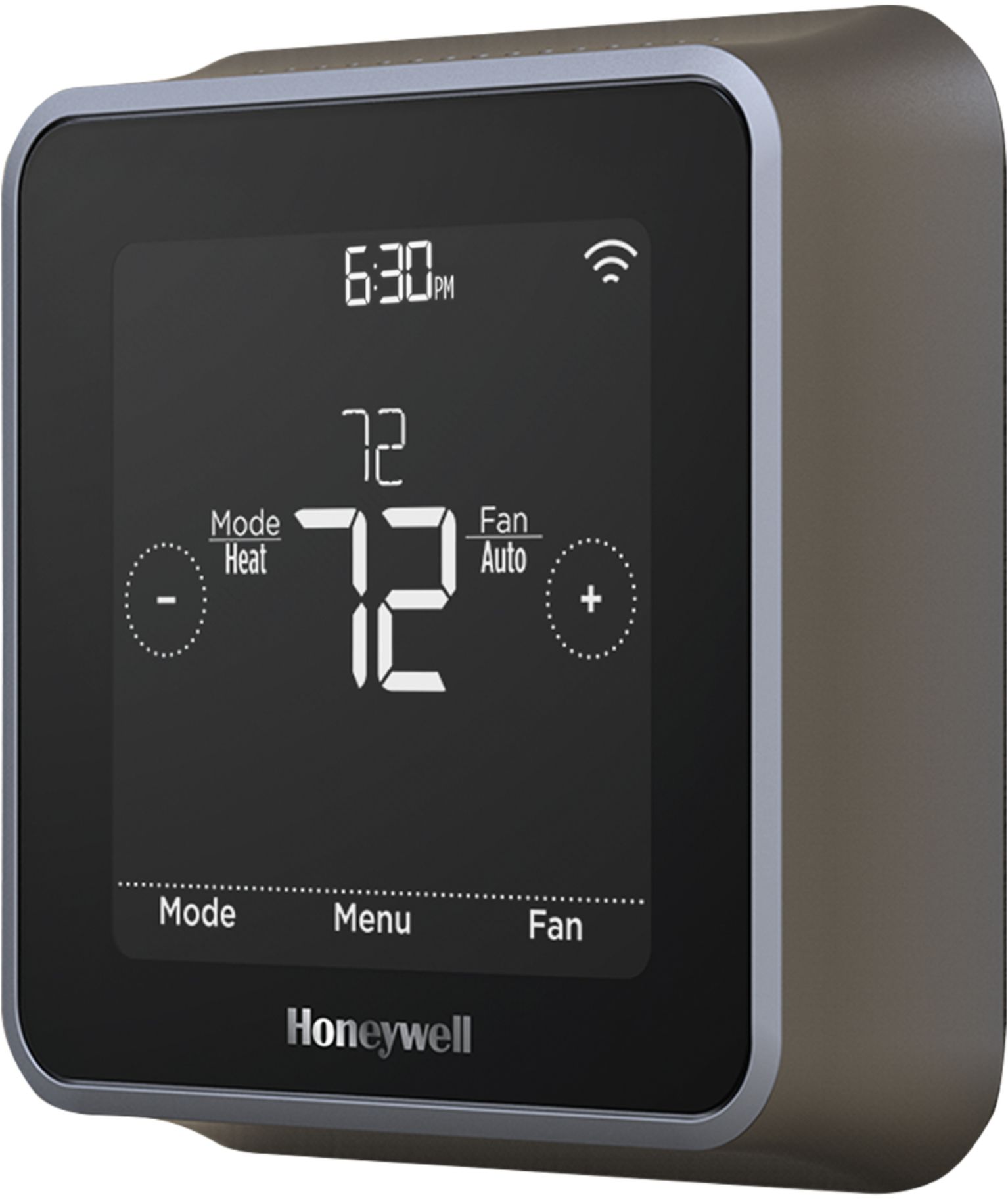
Gently pull the thermostat body straight off its wall plate (it usually just snaps into place). Check the back for AA or AAA batteries. Are they old? Corroded? Or just, well, dead? Pop in some fresh, good-quality batteries, snap the thermostat back onto the wall plate, and cross your fingers!
Seriously, it's amazing how many times this simple fix saves the day. It's like finding your car won't start and realizing you just needed gas. D'oh!
A Little Wiggle Room: Re-Seating The Thermostat
Sometimes, the connection between the thermostat head and its wall plate can be a bit… finicky. Like a toddler not quite sitting right in their high chair. Gently remove the thermostat from its base again. Take a peek at the pins on the back and the connectors on the wall plate. Do they look clean? No obvious gunk?
Then, carefully but firmly, push the thermostat back onto the wall plate. Make sure it clicks securely into place. You want a good, solid connection. This can sometimes fix a loose contact issue, and poof! Display restored.

When To Call In The Big Guns (A.K.A. A Professional)
Okay, so you've tried the power cycle, swapped the batteries, and given it a firm but loving re-seat. Still staring at a black rectangle? This is when it might be time to wave the white flag and call in a professional HVAC technician.
There could be other, less obvious issues at play: a wiring problem behind the wall plate, a blown fuse in your furnace, or even an internal component failure within the thermostat itself. Don't worry, that's what the pros are for! They'll have it diagnosed and fixed in a jiffy.
Why Does This Even Happen, Anyway?
It's not usually personal! Thermostats, like all electronics, can be sensitive. Power surges or dips, aging components, or simply those pesky old batteries can all lead to a temporary blackout. Think of it as your thermostat taking a brief, unannounced siesta.
You Got This!
So, next time your Honeywell Home thermostat decides to go dark on you, remember these quick tips. Most of the time, a little troubleshooting (and maybe some fresh batteries!) is all it takes to bring it back from its silent retreat. You're now equipped with the knowledge to tackle the "black screen of doom" like a seasoned home hero!
Stay cozy, stay cool, and keep those home comforts humming along. You've got this, and your thermostat will be shining bright again in no time! (Hopefully, literally.)