
First Alert Smoke Alarm Battery Reset

Alright, so picture this: You’re deep in the land of nod. Maybe dreaming of flying pigs or unlimited pizza. Then BAM! A piercing, insistent BEEP! cuts through the silence. It’s not your phone. It’s not the cat. It’s your smoke alarm, and it’s throwing a full-blown, ear-splitting tantrum. Sound familiar?
We’ve all been there. That tiny guardian on your ceiling, usually so quiet, suddenly decides it’s an opera singer. And more often than not, it’s a First Alert alarm leading the charge. You swap the batteries, high-five yourself for being so handy, and… it still beeps! What gives? Is your house haunted? Did you get dud batteries? Nope, my friend. It just needs a little digital detox.
The Ghost in the Machine
This is where it gets interesting, and frankly, a little quirky. See, your First Alert smoke alarm isn't just a speaker with a battery. It's got a tiny brain, a mini-computer that’s always monitoring. And sometimes, after you pull out those old, tired batteries, it holds onto a little bit of residual energy. Like a stubborn memory, or a digital ghost of the old, low battery warning.
Must Read
This phantom power lives in something called a capacitor. It's like a tiny internal energy bank. Even with new batteries, if that capacitor isn't completely drained, your alarm might still think it's running on fumes. It’s like turning your computer off but not unplugging it – sometimes it just needs that full reset, that hard reboot, to truly understand its new lease on life.
Your Mission, Should You Choose to Accept It
So, how do you banish this beeping spectre? How do you tell your First Alert alarm, "Hey buddy, you've got fresh power, chill out"? It’s simpler than you think, and honestly, a little bit fun because you’re about to perform some tech wizardry. No special tools required, just a bit of patience and a daring spirit. Let's get that silent guardian back to being, well, silent!
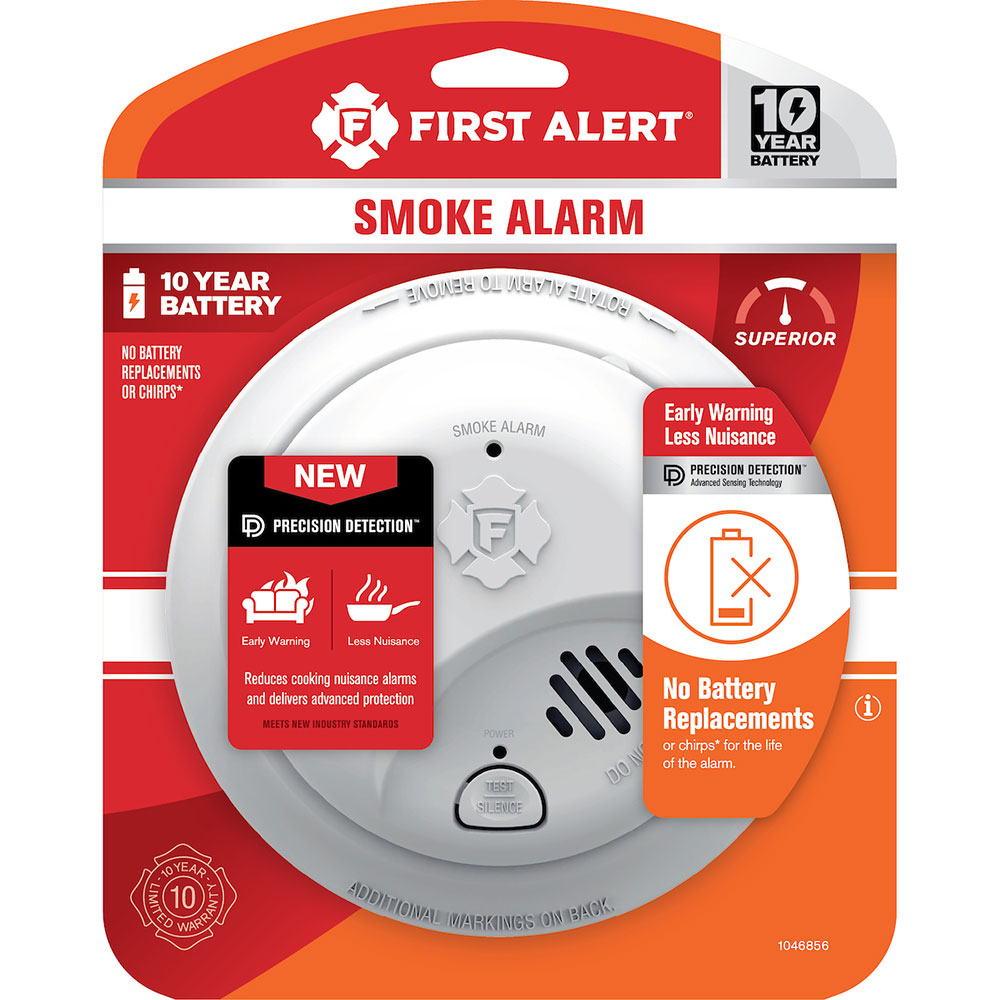
Here’s the secret handshake, the magic spell, the First Alert smoke alarm battery reset ritual:
Step 1: Disarm the Beast (Safely!)
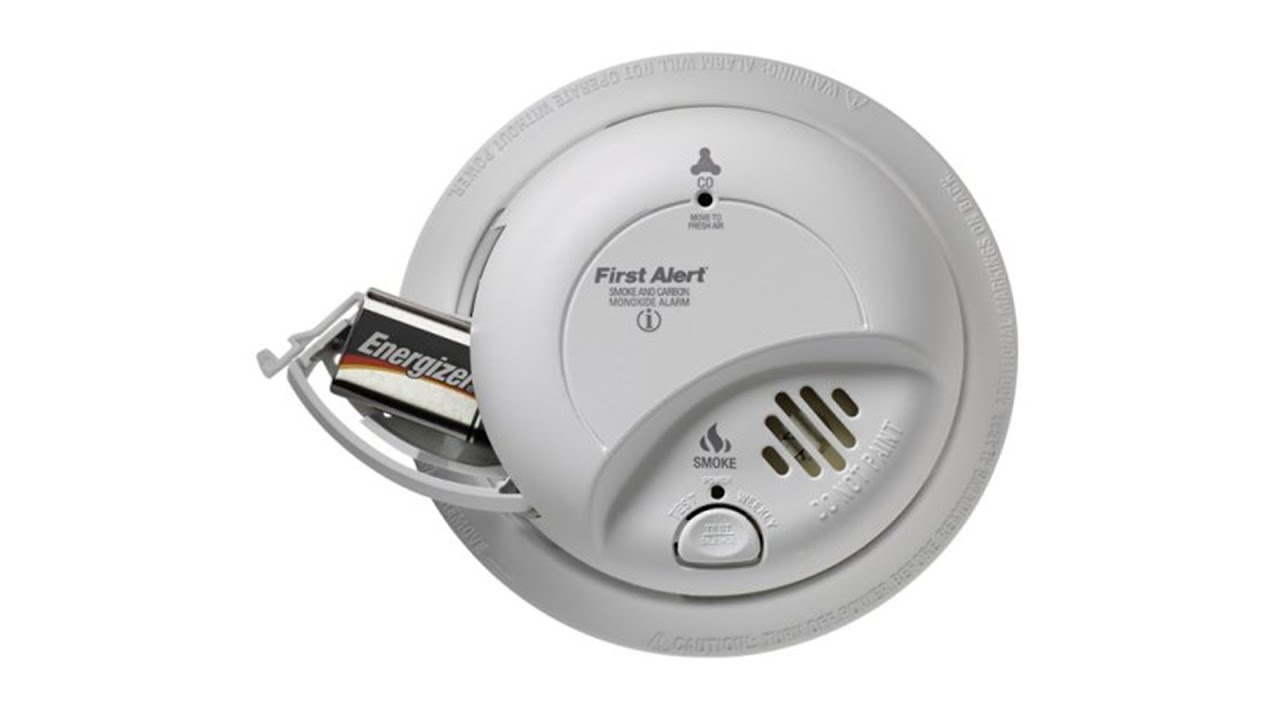
First things first, you need to bring your alarm down from its lofty perch. Twist it counter-clockwise from its mounting bracket. Don't pull too hard! Once it's in your hands, open the battery compartment and remove the old batteries. Yes, even if you just put new ones in, take them out again. We’re going for a full system purge here!

Step 2: The Power Drain Dance
This is the crucial step, the secret sauce! With the batteries out, find the test button on your alarm. You know, the one you usually press to hear that lovely ear-splitting shriek. Now, press and hold that test button for a good 15 to 20 seconds. Imagine you're draining every last drop of lingering energy, coaxing that stubborn capacitor to finally let go. You might hear a faint chirp or nothing at all, but internally, your alarm is taking a long, digital sigh of relief. This is its moment of zen, its digital detox.
Step 3: Fresh Power, New Attitude
Now, with the alarm fully "reset" and cleansed of its past battery traumas, it’s time for the good stuff. Pop in brand-new, fresh batteries. Double-check that they’re facing the right way (positive to positive, negative to negative – your alarm is very particular about its polarity!). Make sure the battery compartment closes securely.
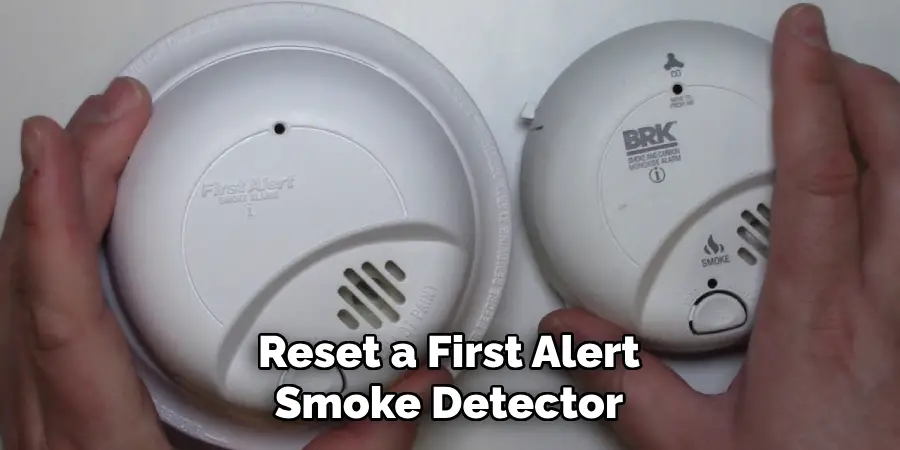
Step 4: The Test of Trust
You’re almost there! Press the test button again, just briefly this time. You should hear a loud, clear, and single chirp or a series of beeps, confirming it's working correctly. This is your alarm saying, "Ah, yes, fresh energy! Thanks for the reset!"
Step 5: Reinstall and Rejoice!
Twist your First Alert alarm back onto its mounting bracket, clockwise until it clicks securely into place. And there you have it! A silent, happy, and fully functioning smoke alarm. No more midnight serenades, no more nagging chirps. Just peace.
Why This Is So Satisfying
Honestly, there's something incredibly satisfying about solving a pesky tech problem that seemed inexplicable. You're not just changing batteries; you're performing a mini-electronic intervention. You’re understanding a hidden quirk of everyday technology. It makes you feel like a secret agent of domestic bliss, a household tech whisperer. Plus, it saves you from buying a new alarm when your old one is perfectly fine, just a little forgetful.
Beyond the Beep
This little reset trick isn't just about silence; it's about safety. These small devices are your first line of defense against home fires. Knowing how to properly maintain them, even down to this quirky reset, ensures they’re always ready to do their job. Remember to test them monthly (a quick press of that button!) and change batteries twice a year, perhaps when daylight saving time changes. It’s a great little reminder!
So, next time your First Alert alarm throws a digital fit, don't panic. Don't despair. Just remember the power drain dance, and know you're not just silencing a beep, you're becoming a master of your domain. Go forth and reset, my friend!