
Does Your Alarm Go Off With Do Not Disturb
Alright, picture this: You’ve had a long day, you’re ready to drift off into dreamland, and you meticulously switch on Do Not Disturb (DND) on your phone. You’re thinking, “Ah, sweet silence! No annoying late-night texts, no random app notifications, just pure, unadulterated peace.” But then, a tiny, nagging thought creeps in…
“Wait a minute,” you mumble to your pillow, “if nothing can get through, does that mean my alarm won't go off in the morning?!”
Cue the cold sweat, the frantic fumbling for your phone in the dark, and the sudden fear of missing that super important meeting (or, let’s be honest, that glorious Saturday morning lie-in you don't want to oversleep). It’s a classic dilemma, right? We’ve all been there, wondering if our quest for digital detox will accidentally lead to an actual real-life disaster.
Must Read
The Big Reveal: Do Alarms Pierce the DND Veil?
Good news, sleepyhead! Most of the time, the answer is a resounding, “YES, YOUR ALARM WILL STILL GO OFF!” Phew! Take a deep breath. Your phone isn't that sneaky.
Think of it this way: Do Not Disturb is designed to silence notifications from apps, calls, and texts. It's like a bouncer for your phone, kicking out all the noisy distractions. But your alarm? That's a VIP with an all-access pass. It has an important job to do – getting you out of bed! And phone manufacturers know this. They're not in the business of making you late for work or missing your flight.
Let's Get Specific: iOS vs. Android (The Nitty-Gritty)
While the general rule holds true across the board, it’s always good to understand the subtle nuances of your specific operating system. Because, let's face it, our phones sometimes like to keep us on our toes!
On Team iPhone (iOS Users):
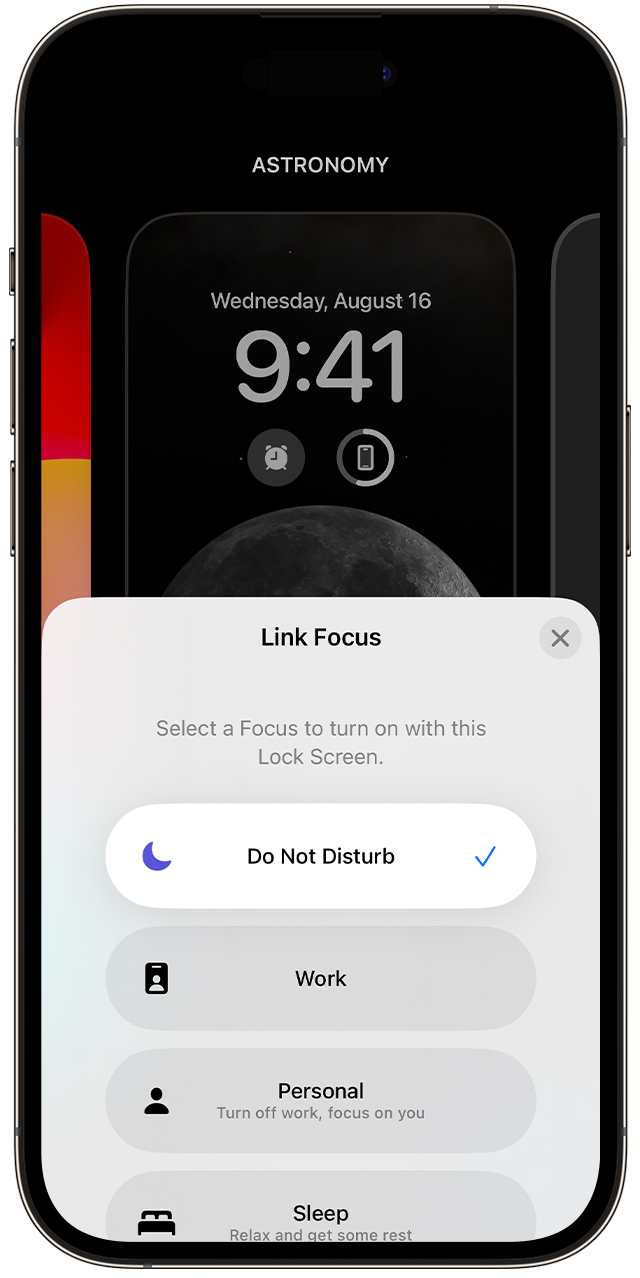
If you're an Apple enthusiast, you can pretty much rest easy. Your alarm clock is a powerful entity that bypasses Do Not Disturb by default. Whether you’ve got Focus mode on, DND scheduled, or you’ve manually flicked the switch, your alarm will ring its little heart out at the designated time.
This applies to the built-in Clock app alarm. So, if you're using the standard alarm feature, you're golden. Third-party alarm apps might behave slightly differently depending on their permissions, but for the vast majority of us, the native alarm is your reliable wake-up buddy, DND or not.
Just make sure your phone's volume isn't set to absolute zero or a silent profile, because even the best alarm can't make sound if the speaker's muted from a system-wide volume setting (that's a whole other can of worms, though!). DND specifically manages interruptions, not your overall volume.
For the Android Aficionados:
Android users, you're largely in the same boat! Most Android devices are designed so that alarms ring even when Do Not Disturb is active. Google knows you need to wake up!
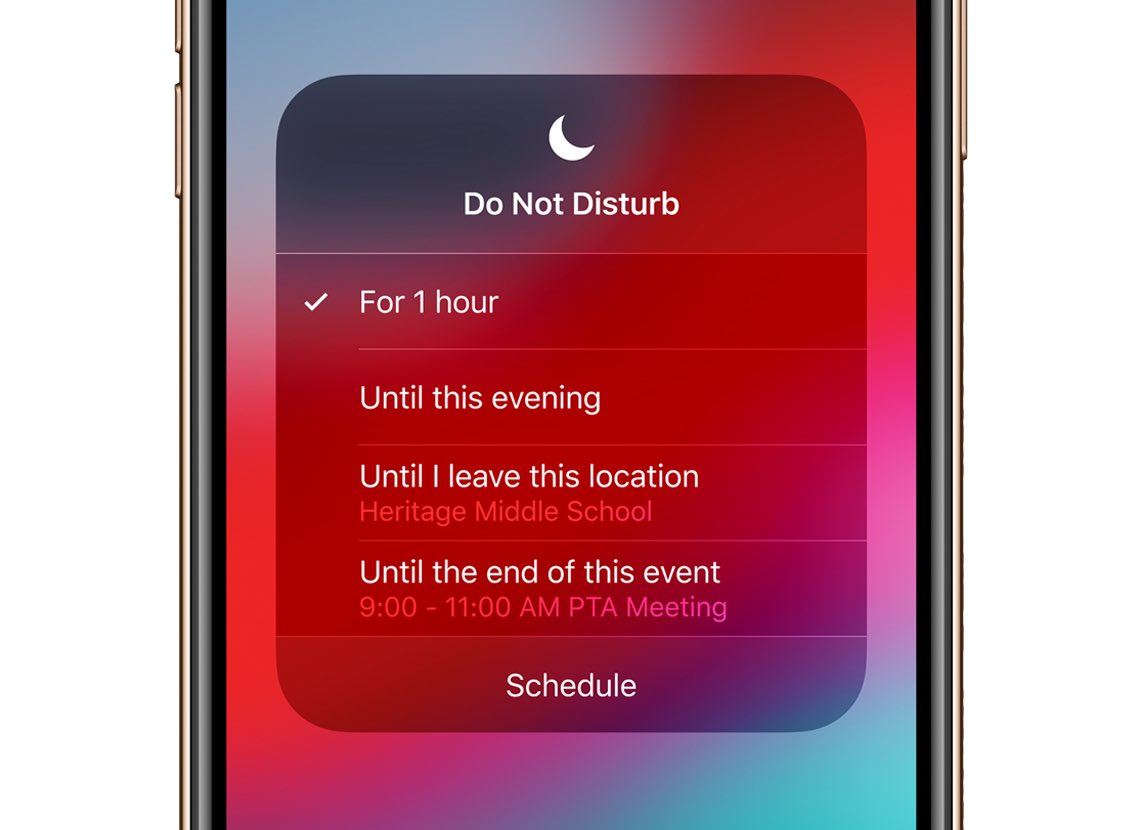
However, Android often gives you a bit more granular control over DND settings. You can usually customize what gets through. If you navigate to your DND settings (often found in Settings > Sound & Vibration > Do Not Disturb), you'll often see options like "Allow exceptions" or "See what can interrupt."
Within these exceptions, you'll typically find categories for "Alarms," "Media sounds," "Calls," and "Messages." Alarms are almost always set as an allowed exception by default. So, unless you’ve been particularly adventurous in tweaking those settings, your morning wake-up call should sound off without a hitch.
It’s always a good idea to just quickly pop into your DND settings if you’re new to an Android phone or have been playing around with custom profiles. Just to double-check that "Alarms" are indeed set to "Allow" or "From any caller" (if alarms were lumped in there, though they usually have their own category). A quick glance can save you from a potential oversleep!

Why the Confusion, Anyway?
It's totally understandable why this question pops up so often! The term "Do Not Disturb" sounds pretty all-encompassing, doesn't it? Like a universal mute button for your digital life.
But here's the key: DND is primarily about managing notifications and incoming communications. It stops your phone from buzzing or ringing every time someone likes your Instagram post, or your friend decides to send 20 memes at 3 AM. Your alarm, on the other hand, is an internally scheduled event, a function of the clock app itself, separate from those external pings.
Think of it as the difference between someone knocking on your front door (notifications) versus the scheduled delivery of your morning newspaper (your alarm). DND stops the knocking, but the paper still lands on your porch!
Still Feeling Jittery? Test It Out!
If you’re still not 100% convinced (and who could blame you, sleep is serious business!), why not do a quick test?
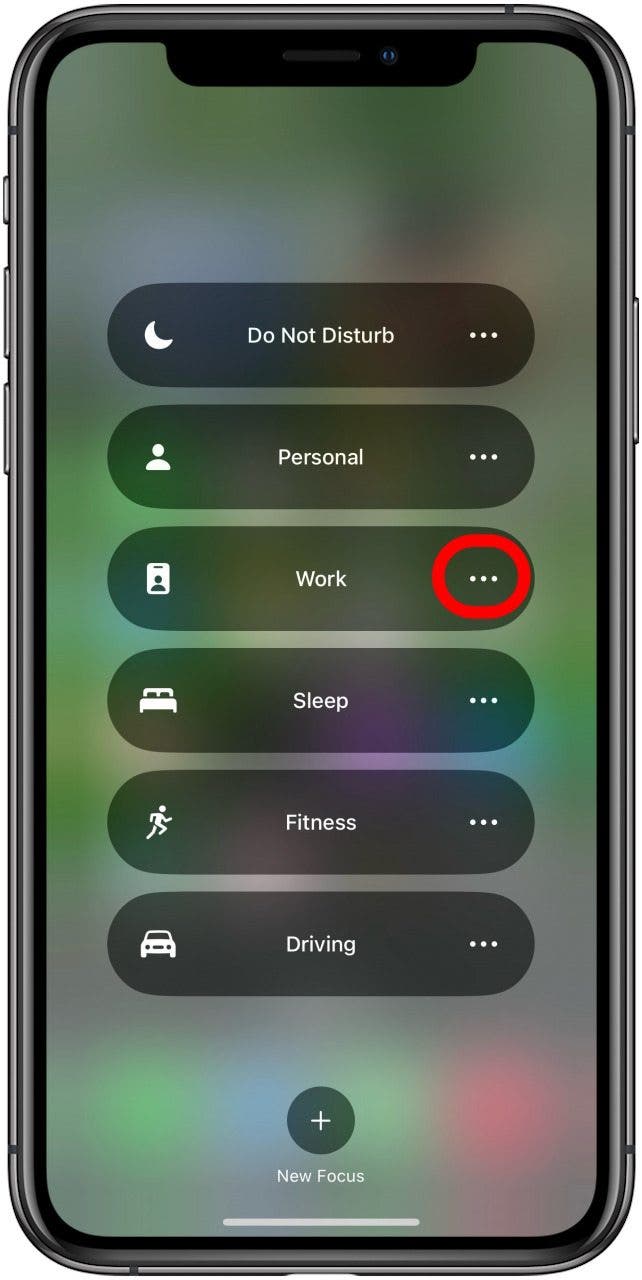
Before bed tonight, set your alarm for just 5 minutes from now. Turn on Do Not Disturb. Then, wait. Does it ring? Odds are, it absolutely will! This little experiment will give you all the peace of mind you need to truly power down and get some quality Zs.
Sweet Dreams and Sunny Mornings!
So there you have it! You can confidently switch on Do Not Disturb, knowing that your trusty alarm clock has your back. Go ahead, mute those notifications, silence those late-night chatterboxes, and embrace the digital quietude.
Focus on getting that restful sleep you deserve, without the anxiety of a missed wake-up call. Your phone is smarter than you think, and it knows the importance of a good night's rest leading to a bright, on-time morning.
Now, go forth and conquer your day, well-rested and smiling, knowing your phone played its part perfectly! Sweet dreams tonight, and a cheerful "good morning" tomorrow!