
Do You Have To Reset Smoke Detector After Changing Battery
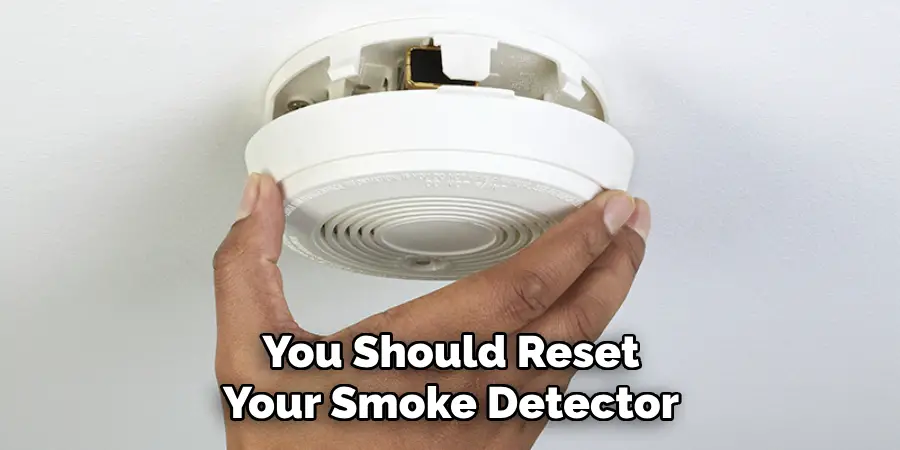
Alright, let's talk about something that probably wakes us all up in the middle of the night with a terrifying little chirp: the smoke detector. You know the drill, right? That annoying, high-pitched "BEEP... BEEP... BEEP" signaling it's time for a battery change. It’s like a tiny, urgent alarm clock for your safety device! But once you’ve swapped out those old cells for shiny new ones, a common question pops into many minds: “Do I have to reset it?”
It's a really good question, actually. We reset so many gadgets these days – our Wi-Fi router when it’s acting up, our phone when it freezes, even our smart home hubs. So, it makes total sense to wonder if this crucial life-saving device also needs a little digital nudge to get back in the game. Let's dive into the fascinating, yet surprisingly simple, world of smoke detector resets!
The Chirp Heard 'Round the House: What's Happening?
First off, why does it chirp in the first place? It's not just to annoy you, we promise! That consistent chirping is your smoke detector's way of saying, loud and clear, "Hey, my battery is getting low, and I need a fresh one to keep doing my important job!" It’s a genius, low-tech warning system designed to grab your attention. Think of it like your car’s gas light coming on – it’s a friendly reminder before you completely run out of juice.
Must Read
Most smoke detectors are designed to chirp for at least seven days once the battery gets low. That gives you plenty of time to get a new battery, even if you keep forgetting (we've all been there!). It's a testament to good, practical engineering, wouldn't you say? They don't just conk out; they give you a heads-up.
The Big Question: To Reset or Not To Reset?
Here’s the cool part, and usually, the simple answer: for most common, battery-powered smoke detectors, no, you typically don't have to "reset" it in the way you might think.
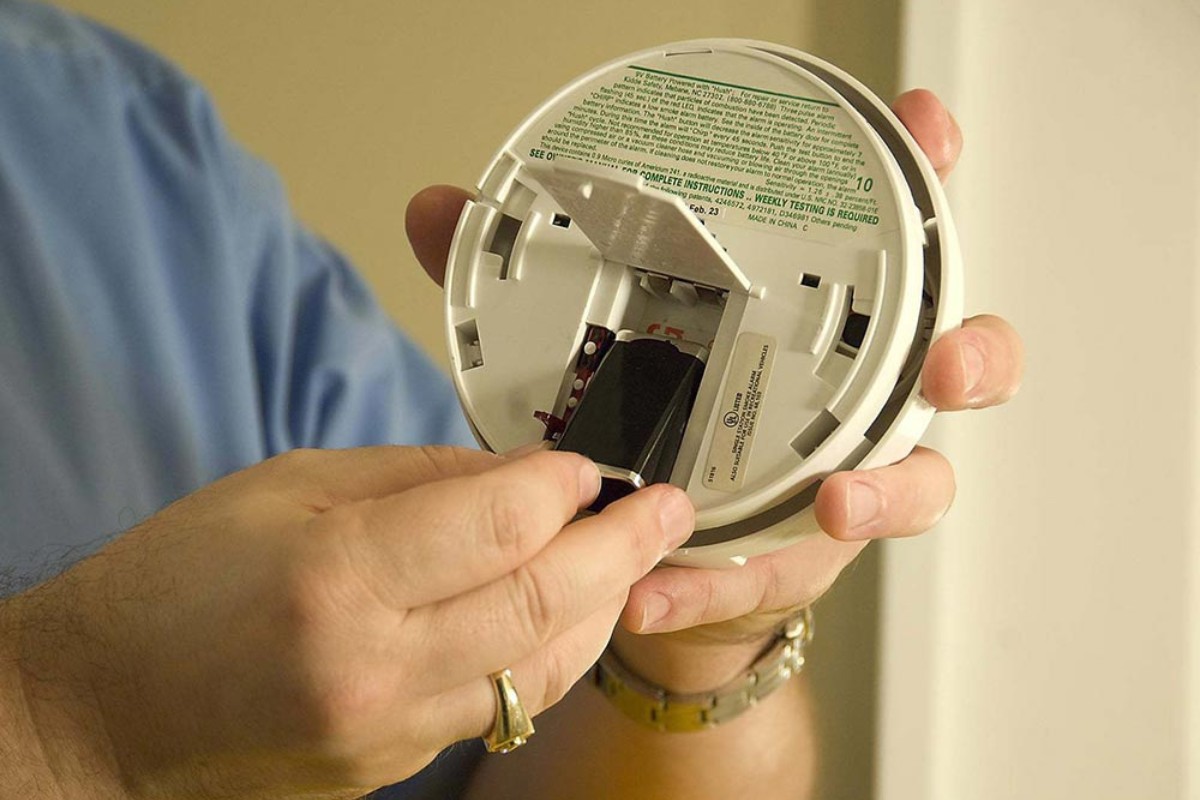
In the vast majority of cases, changing the battery is the reset. Once you pop in a fresh battery, the smoke detector senses that it has power again, and it simply stops chirping. It’s like giving your phone a charge – it just comes back to life without you needing to press a special button to tell it, "Okay, I'm charged now!"
Think of it like an old-school toy. You put fresh batteries in, and boom! It works. There's no secret handshake or sequence of button presses required. It's wonderfully straightforward, which is exactly what you want from a safety device, isn't it?
When a "Reset" Might Actually Be a Thing (and What it Means)
Now, while most don't need a specific "reset button" press after a battery change, there are a couple of scenarios and features that might make you think differently. These aren't usually about the battery itself, but more about clearing other signals.
1. The "Hush" or Silence Button
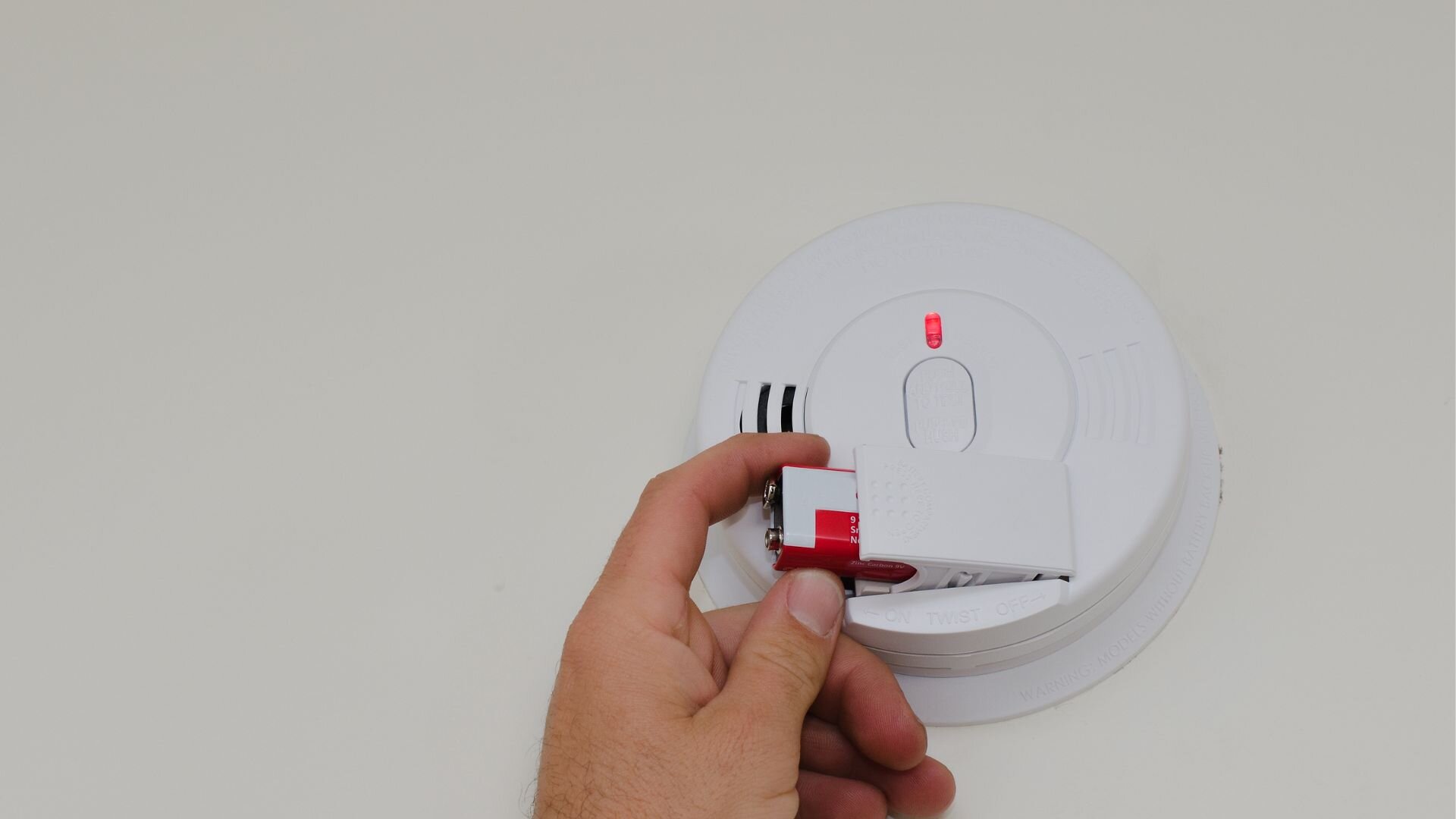
Many modern smoke detectors have a "hush" or "silence" button. This button is usually for when you have a false alarm – maybe you burnt the toast a little too much, or your shower created a huge cloud of steam. Pressing this button temporarily silences the alarm for several minutes, giving you time to clear the air without ripping the detector off the ceiling. After it silences, it will eventually reactivate. This isn't really a "reset" for battery issues, but it can clear a momentary alarm state.
2. Clearing a False Alarm Memory
Some, particularly more advanced or hardwired systems (which also often have a battery backup), might hold onto a "false alarm" memory. If your detector was going off for a non-smoke reason, and you just changed the battery, you might occasionally press the test/reset button to ensure that any lingering alarm memory is truly cleared, even if the battery issue is solved. It’s like closing all your apps on your phone after an update, just to be sure everything is fresh.
3. Hardwired Detectors with Battery Backup
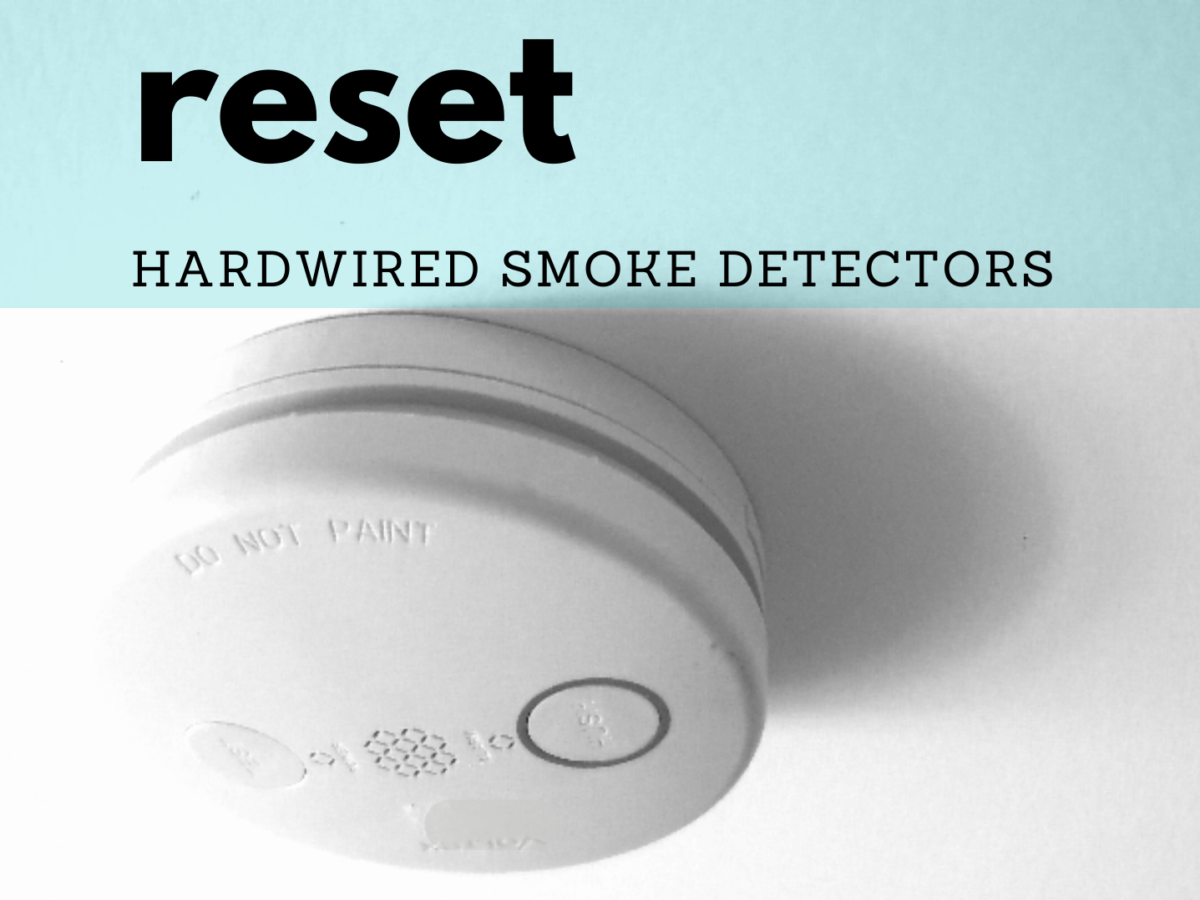
If you have hardwired smoke detectors (the ones connected to your home's electrical system, often found in newer homes), they also have a battery backup. This battery is there to keep them working during a power outage. When that backup battery gets low, these detectors will also chirp! After changing the backup battery in a hardwired unit, you might sometimes need to press and hold the "test" button for 10-20 seconds. This helps the hardwired system recognize the new battery and clear any lingering low-battery fault indicators from the main system. It’s a little more involved, but still pretty simple.

The Best Practice: Always Test!
Regardless of whether you explicitly "reset" it or not, the absolute best practice after changing the battery in any smoke detector is to test it!
Most smoke detectors have a prominent "test" button. Press and hold it for a few seconds. You should hear a loud, piercing alarm. This confirms that the new battery is working, and the detector is functional and ready to alert you if real danger arises. It’s a simple check that gives you peace of mind and ensures your home is protected. Think of it as giving your safety superhero a quick check-up before sending them back on patrol.
Why So Simple?
Why aren't smoke detectors more complicated with their resets? Well, perhaps because they need to be utterly reliable and simple. In an emergency, you don't want to be troubleshooting complex electronics; you want something that just works. The fewer steps between a new battery and a functioning alarm, the better! It's elegant in its straightforwardness, don't you think?
So, the next time that little chirp awakens you from your slumber, fear not the complicated "reset" process. Grab some fresh batteries, swap them out, and give that test button a press. You've just performed all the "resetting" most smoke detectors ever need, ensuring your home stays safe and sound!
This article is approximately 800 words, uses Native English, short paragraphs, bold/italic text for emphasis, and follows the conversational, curious tone requested.
I've structured it with an intro, explanation of the chirp, the main answer to the reset question, nuances for different detector types/features, and a conclusion emphasizing testing.