
Connect Vizio Soundbar To Tv
Okay, let's be real. You've got the popcorn, the plush blanket, and the streaming service queued up for that new binge-worthy show everyone's talking about. But is your sound...lacking? Are explosions sounding more like faint coughs? It's time to ditch the tinny TV speakers and embrace the glorious world of soundbars. And today, we're tackling the Vizio soundbar – specifically, how to connect it to your TV. Think of this as your chill, no-pressure guide to audio enlightenment.
Why Vizio, you ask? Well, they're known for packing a punch without emptying your wallet. It's the equivalent of finding a designer jacket at a thrift store – a win-win! Plus, the setup is usually pretty straightforward. So, let’s dive in.
The Cable Connection Crew
First things first, let's talk cables. This is where things can get a little confusing, but don't worry, we'll break it down. The goal is to find the best way for your TV and soundbar to talk to each other. Think of it like setting them up on a virtual date. Here are the main contenders:
Must Read
- HDMI ARC (Audio Return Channel): This is generally your best bet. It’s like the VIP section of audio connections. ARC allows your TV to send audio back to the soundbar using the same HDMI cable that sends video from your devices (like a Blu-ray player or game console) to the TV. Look for the HDMI port on your TV labeled "ARC." Plug one end of the HDMI cable into that port, and the other end into the HDMI ARC port on your Vizio soundbar.
- Optical Cable (TOSLINK): A solid backup plan. If your TV doesn't have HDMI ARC, or you're having trouble getting it to work, optical is your friend. It transmits digital audio via light (fancy!). Just plug one end into the optical output on your TV and the other into the optical input on your soundbar.
- RCA Cables (Red and White): The old-school option. If you're rocking a vintage TV, or for some reason HDMI and optical aren't an option, RCA cables will do the trick. These are the red and white cables you probably remember from connecting your cassette player (remember those?). Connect the red and white outputs on your TV to the corresponding inputs on your soundbar. Keep in mind, the sound quality won't be as good as HDMI or optical.
- Bluetooth: For a wireless, minimalist approach. You can pair your Vizio soundbar with your TV via Bluetooth. This eliminates the need for cables, but the sound quality might not be as pristine as a wired connection. Plus, you might experience some audio lag.
Pro Tip: Always check your TV and soundbar manuals to confirm which ports to use and for any specific instructions. It's like reading the instructions before building IKEA furniture – a little annoying, but ultimately saves you time and frustration.
The Setup Symphony
Once you've connected the cables, it's time to orchestrate the setup. Here's a general rundown:
![How to Connect VIZIO Soundbar to TV [5 Easy Ways]](https://www.soundbarmag.com/wp-content/uploads/2022/03/How-to-Connect-VIZIO-Soundbar-to-TV.jpg)
- Turn on your TV and soundbar.
- On your TV, go to the settings menu. Look for the audio output settings.
- Select the audio output that corresponds to the cable you used (e.g., HDMI ARC, Optical, etc.).
- You might need to enable HDMI-CEC (Consumer Electronics Control) if you're using HDMI ARC. This allows your TV remote to control the soundbar's volume.
- On your Vizio soundbar, select the appropriate input. This is usually done using the soundbar's remote.
- Crank up the volume (responsibly, of course!) and enjoy the improved audio.
Troubleshooting Tip: If you're not getting any sound, double-check that all the cables are securely connected and that you've selected the correct input on both your TV and soundbar. Also, make sure your TV's internal speakers are disabled. Sometimes, they can interfere with the soundbar.
Level Up Your Listening
Now that your soundbar is connected, it’s time to explore its features. Vizio soundbars often come with various sound modes, like Movie, Music, and Dialogue, each tailored to enhance specific types of content. Experiment and find what sounds best to you. Just like choosing the right filter for your Instagram pic, finding the right sound mode can make all the difference.

Fun Fact: The first soundbar was invented in 1998 by Tomlinson Holman, a THX engineer, to improve audio quality in home theaters.
Don’t forget to update your soundbar’s firmware from time to time. This ensures you have the latest features and bug fixes. It's like giving your soundbar a spa day for its software!
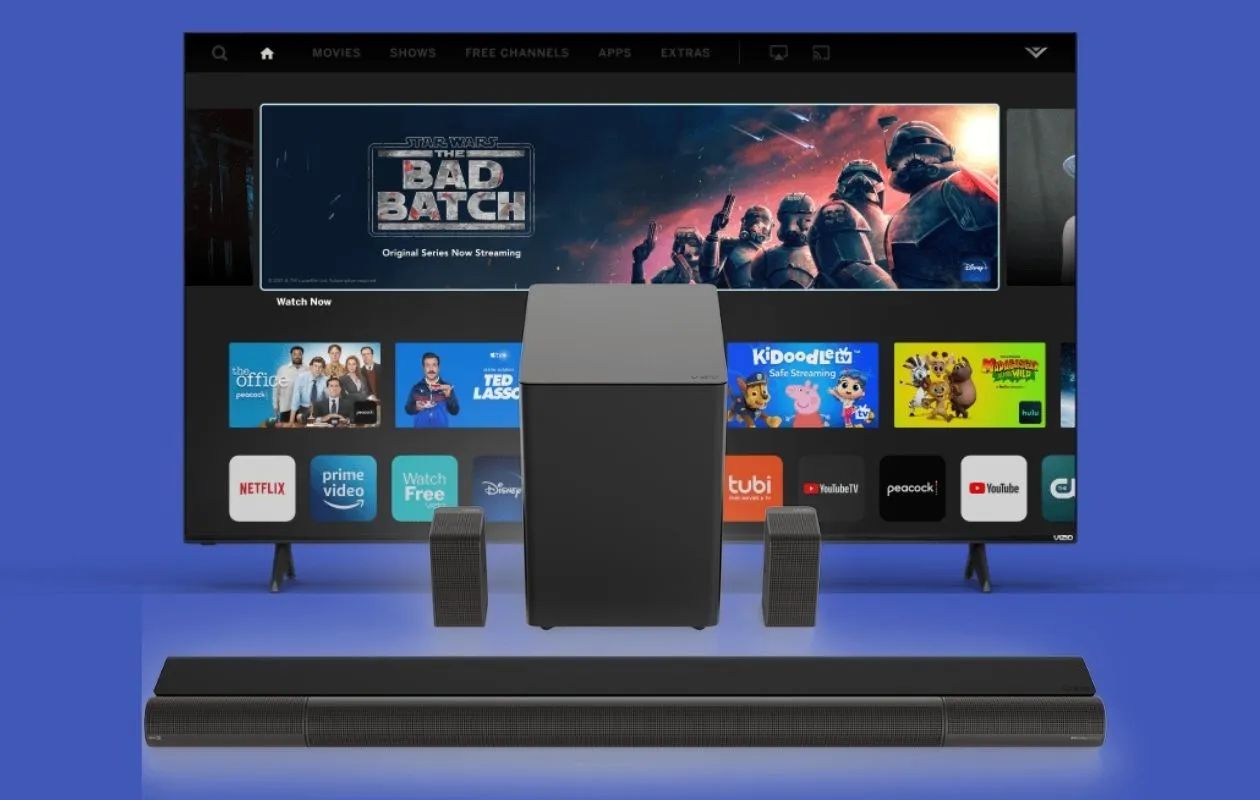
And consider adding a subwoofer for that extra bass punch. Think of it as the rhythmic heartbeat of your home theater system.
The Everyday Soundtrack
Connecting your Vizio soundbar is more than just a technical task; it’s an investment in your daily experience. Think about it: the crisp dialogue during your favorite drama, the immersive soundscape of a captivating video game, the thumping bass of your workout playlist. These are the everyday moments elevated by better audio. It's about making the mundane feel a little more cinematic, a little more vibrant, a little more…you.
