
Carbon Monoxide Detector How To Turn Off

Ah, the sweet sound of silence. Or, more accurately, the sudden, shrill, utterly soul-crushing beep of your carbon monoxide detector making its presence known. It’s usually when you’re mid-Netflix binge, attempting to conquer a particularly tricky recipe, or, worst of all, in the dead of night. Your first instinct is likely a mix of annoyance and mild panic: “What is that?!” followed quickly by, “How do I make it STOP?!”
You’re not alone. This little guardian, while essential, can be quite the drama queen. Let’s decode its cries and, more importantly, learn how to turn off that relentless chirping, ensuring both your sanity and your safety remain intact.
Why Is My CO Detector Beeping Like a Maniac?
Before you go ripping it off the wall (please don't!), it’s crucial to understand what message your detector is trying to convey. It’s like a tiny, extremely loud Morse code signaler. There are a few common culprits:
Must Read
1. The Low Battery Hum: This is the most common reason and often the least dramatic. It's usually a single, short beep every 30-60 seconds. Think of it as your detector's way of saying, "Hey, I'm fading here, a little juice would be great!"
2. End-of-Life Warning: Carbon monoxide detectors don't last forever. Their internal sensors degrade over time. Most have a lifespan of 5-7 years, and when their time is up, they'll often emit a series of beeps (e.g., five beeps every minute) to tell you it’s time for a replacement. This is like the detector giving its two-weeks’ notice, but much louder.

3. Actual CO Detection: This is the big one, and it's not a chirp; it’s a loud, continuous alarm. Typically, it’s four rapid beeps followed by a pause. If you hear this, it means the device has detected dangerous levels of carbon monoxide. This is when you act, not just react!
4. Malfunction or Dust Bunnies: Sometimes, dust can interfere with the sensor, or the unit might just be having a bad day. A quick clean or reset can sometimes solve this.
Okay, How Do I Make It Stop? (The Practical Steps)
Your journey to silence begins here. But remember, the goal isn't just to silence it, but to address the underlying issue.
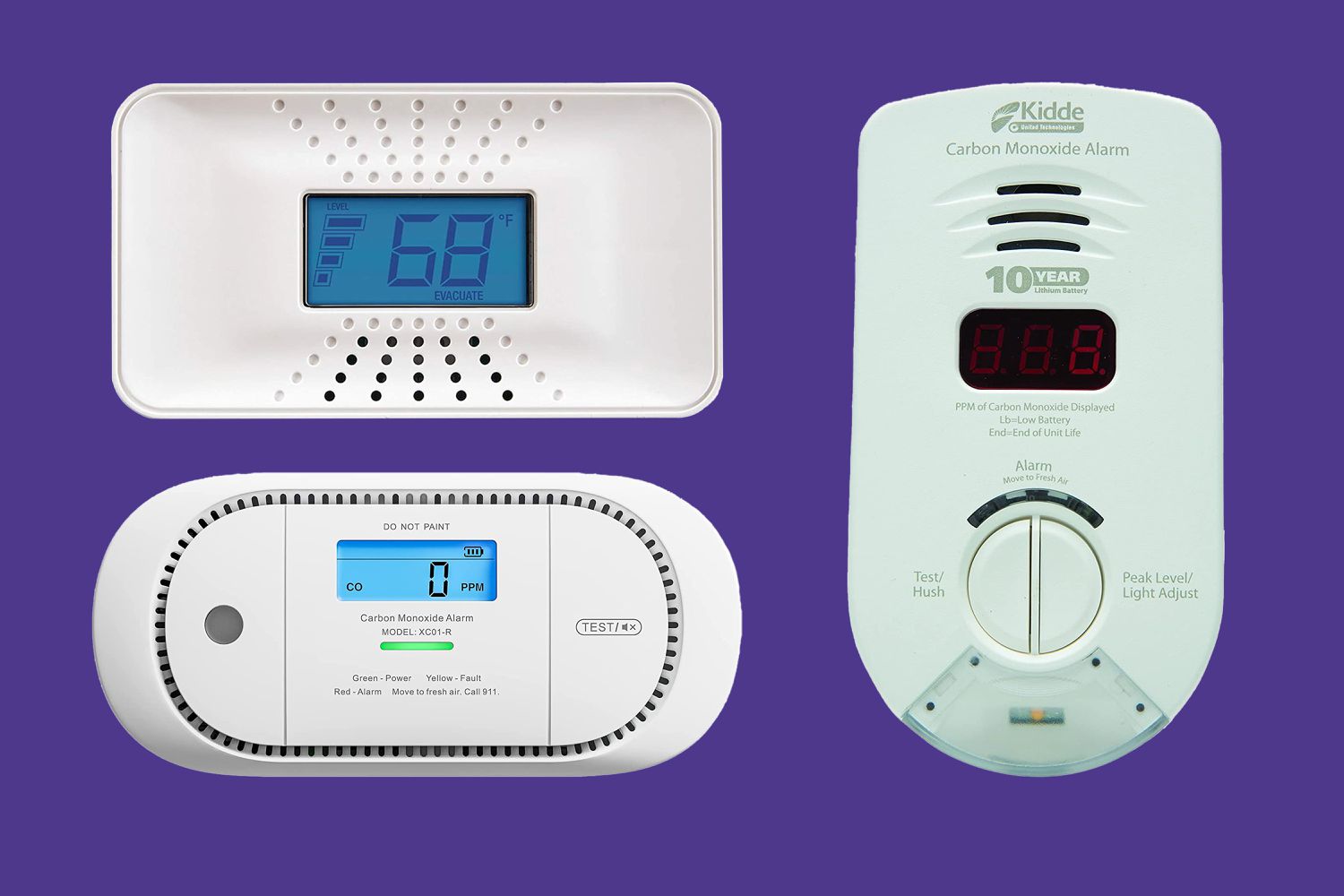
Step 1: Silence the Immediate Annoyance (Temporarily)
Most detectors have a "Test/Silence" button. Press and hold it for a few seconds. This usually silences the low battery or end-of-life chirp for a temporary period (often 7-12 hours) to give you time to fix the problem. If it’s a full CO alarm, this button might only pause it for a very short duration, if at all, to ensure you deal with the danger.
Step 2: Address the Root Cause (The Real Fix)
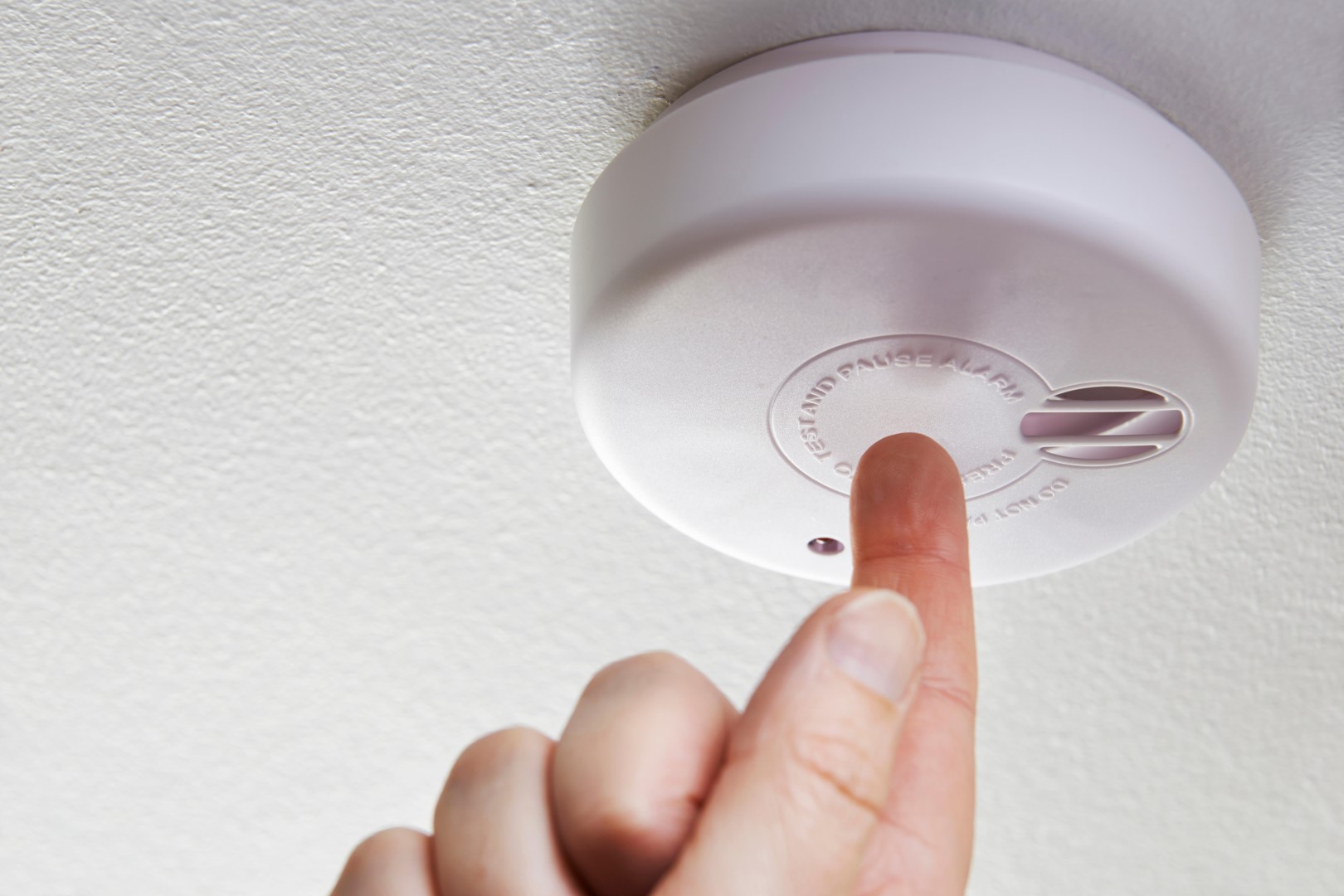
If It’s a Low Battery:
- Locate the Battery Compartment: It's usually on the back or side of the unit.
- Swap 'Em Out: Replace the old batteries with fresh ones (usually AA or 9V, check your model). Always use alkaline batteries unless your unit specifies lithium.
- Test It: Once batteries are in, press the "Test" button to ensure it's working. Voila! Silence restored.
If It’s an End-of-Life Warning:
- Check the Date: Look for a manufacturing date or "replace by" date on the back or side of the unit. If it's passed its prime, it's time for a new one.
- Replace It: There's no fixing an expired sensor. Head to your local hardware store or favorite online retailer. Consider a combination smoke/CO detector for double duty.
- Proper Disposal: Many electronics stores or local waste management facilities offer battery and electronics recycling. Don't just toss it in the regular trash.
If It’s an Actual Carbon Monoxide Alarm (Critical!):

DO NOT IGNORE THIS ALARM. Carbon monoxide is known as the “silent killer” because it’s odorless, colorless, and tasteless. Symptoms mimic the flu, but it can be fatal.
- Ventilate Immediately: Open windows and doors.
- Evacuate: Get everyone, including pets, outside into fresh air.
- Call Emergency Services: Dial 911 (or your local emergency number) from a safe location. Do not re-enter your home until first responders have given the all-clear. This isn't a drill; it's your life.
If It’s a Malfunction or Dust Issue:
- Clean Gently: Use a soft brush or the brush attachment of your vacuum cleaner to gently clean around the vents and openings of the detector.
- Reset: Many units can be reset by temporarily removing the batteries (if battery-powered) or flipping the circuit breaker (if hardwired) for a minute, then restoring power.
- If All Else Fails: If it continues to chirp after cleaning and resetting, it might be faulty and needs replacement.
A Few More Golden Nuggets for Your Peace of Mind
- Test Regularly: Just like checking your car's oil, get into the habit of pressing that "Test" button once a month. Many smart home systems like Google Nest Protect even have auto-tests.
- Know Your Placement: CO detectors should be on every level of your home, especially near sleeping areas and attached garages. They're typically placed on a wall about five feet from the floor or on the ceiling, as CO mixes with air.
- Avoid Vents and Windows: Don't place them directly next to air vents, windows, or in direct sunlight, as this can affect their accuracy.
It's easy to get frustrated by the incessant beeping, but remember, this little gadget is working tirelessly to protect you and your loved ones from an invisible threat. That momentary annoyance is a small price to pay for the priceless gift of safety and peace of mind. So, next time it starts its concert, take a deep breath, follow these steps, and thank your diligent, albeit loud, sentinel for doing its job. After all, isn't a little noise better than the alternative?