
Can You Use A Canon Pixma Printer For Sublimation
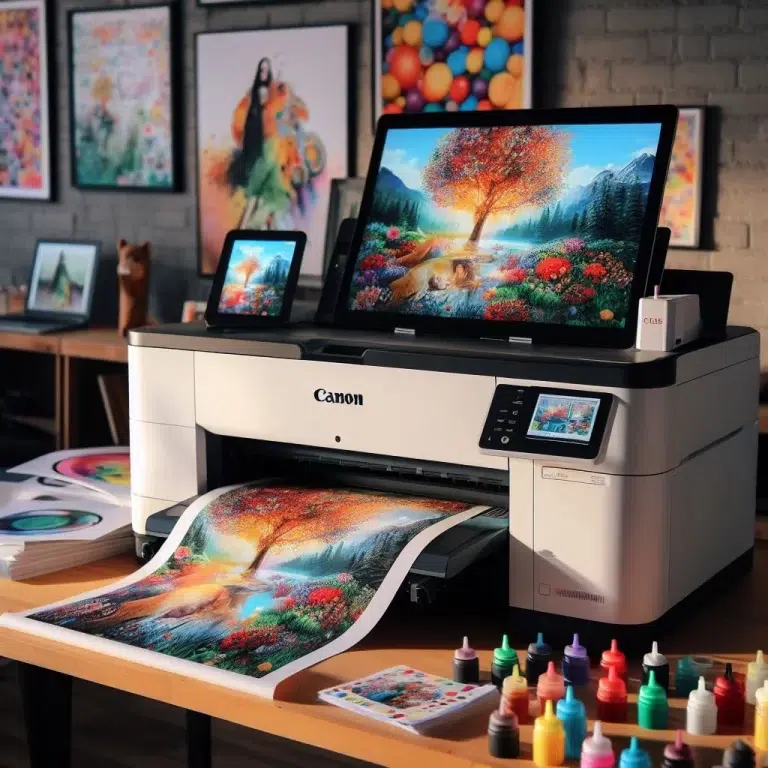
Okay, let's talk sublimation printing. You've seen those amazing custom mugs, vibrant t-shirts, and personalized phone cases, right? The ones that scream "thoughtful gift" or "ultimate self-expression"? Sublimation is the magic behind them, and it's got a lot of us DIY enthusiasts wondering: can we join the party without breaking the bank?
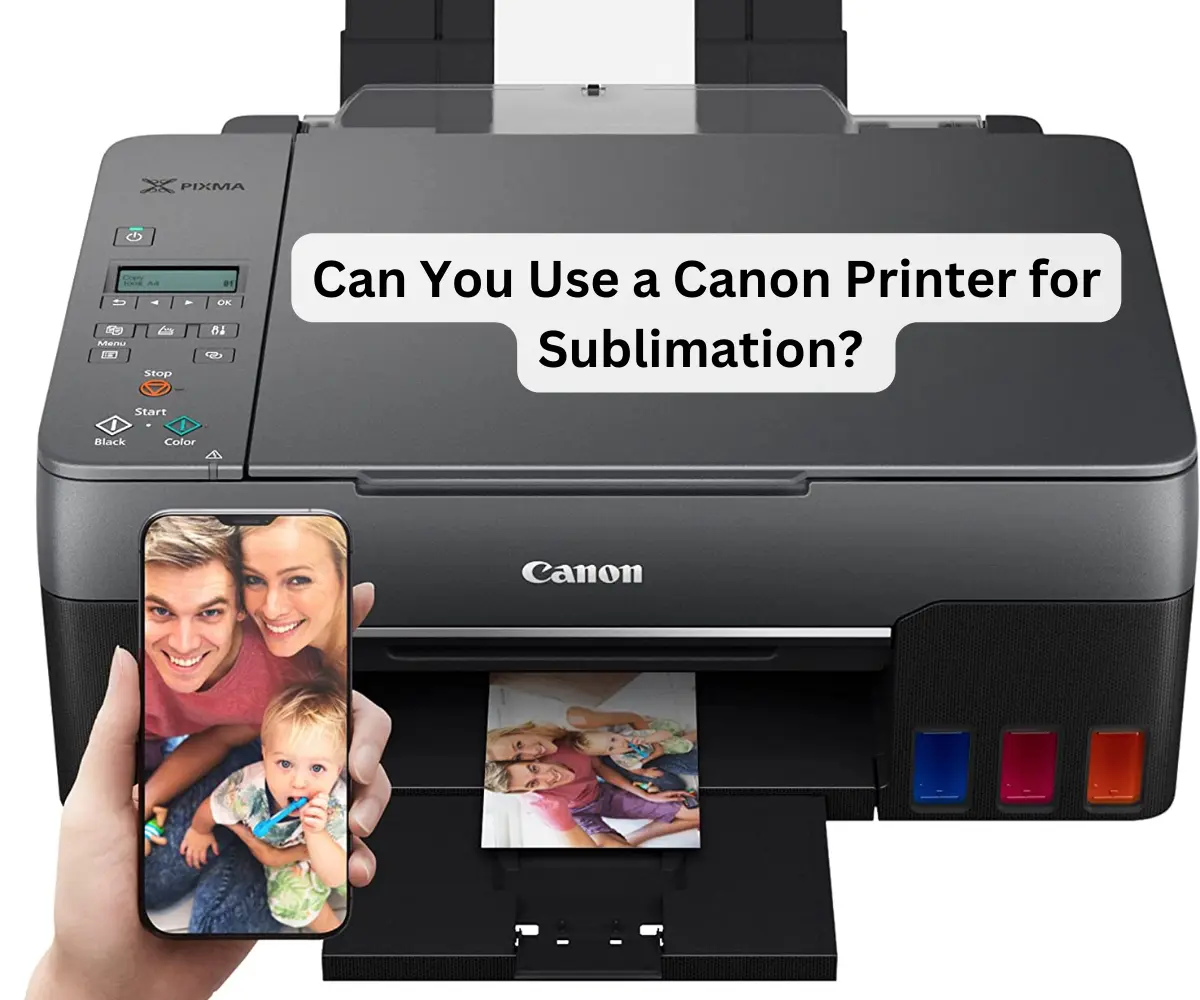
Specifically, can you wrangle your trusty Canon Pixma printer, the one that's probably sitting innocently on your desk handling your W-2s and boarding passes, into a sublimation powerhouse? The short answer? It's…complicated. Think of it as trying to teach your cat to fetch. Possible? Maybe. But requires patience, specific tools, and might not yield the exact results you're hoping for.
The Pixma Predicament: Ink is Key
Here’s the deal. Sublimation printing relies on a special kind of ink – sublimation ink – that turns into a gas when heated. This gas then bonds permanently with polyester fibers. Your regular Canon Pixma ink? Not designed for that. It's dye-based or pigment-based, meaning it sits on the surface of the paper, not within it.
Must Read
Imagine it like this: regular ink is like paint on a wall – it can chip and peel. Sublimation ink is like dying fabric – the color becomes part of the material itself. See the difference?
So, the fundamental problem is that your Pixma comes pre-loaded with the wrong ink. This is like trying to bake a cake with salt instead of sugar. You might get something, but it’s not going to be the dessert you envisioned.

The Conversion Option: A Risky Maneuver
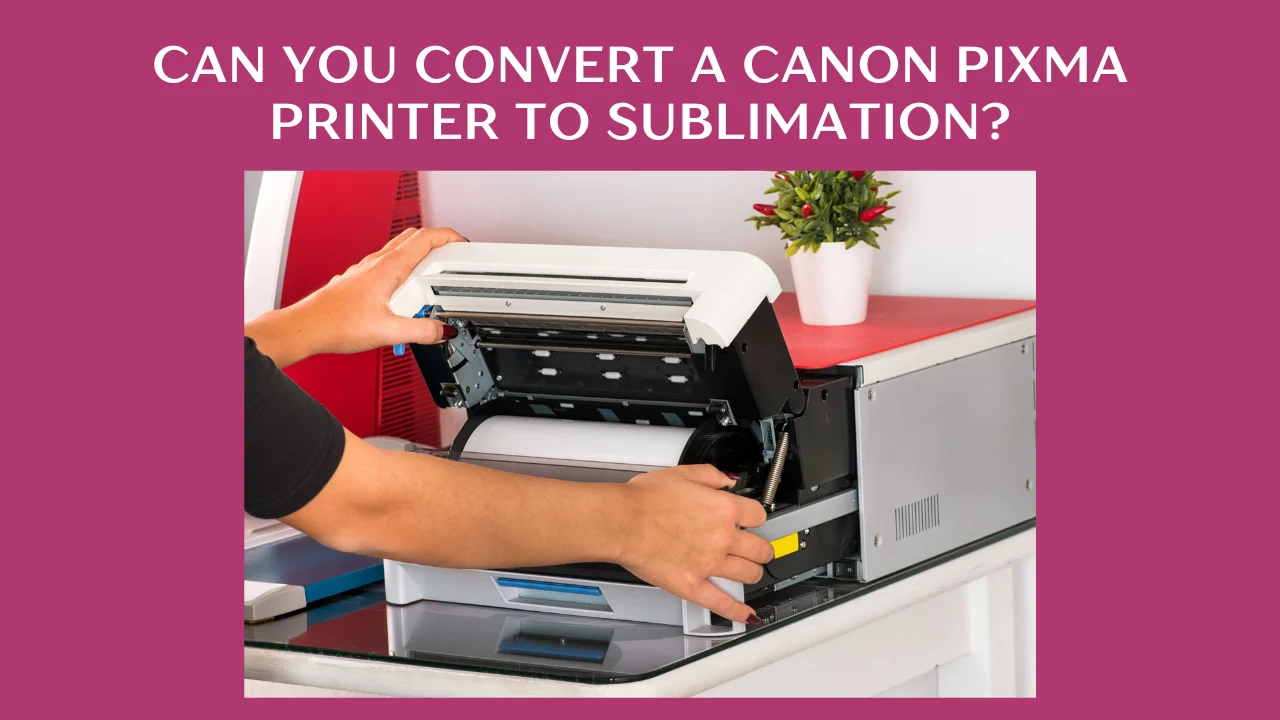
Now, some brave souls out there have attempted to convert their Canon Pixma printers for sublimation. This involves flushing out the original ink and replacing it with sublimation ink. Sounds simple, right? Think again.
Here's the catch: This process is not officially supported by Canon. It voids your warranty faster than you can say "cyan magenta yellow key." There's a significant risk of damaging the print heads. Print heads are delicate little things, and clogging them with new, unfamiliar ink is a common issue. It’s akin to performing surgery on your own car engine after watching a YouTube video. You might get lucky, but the odds are stacked against you.

Moreover, even if you successfully convert your printer, color accuracy can be a challenge. Achieving the vibrant, true-to-life colors that sublimation is known for can be difficult without proper color profiling, which requires specialized software and knowledge.
But...Hope Remains! (Sort Of)
Despite the risks, here’s the potential good news. If you’re feeling adventurous and have a spare Pixma that you're willing to experiment with (and potentially sacrifice), the conversion route is possible. You'll need:
- A compatible Canon Pixma printer (research which models are most commonly used for conversion – some are more forgiving than others).
- A reliable source of high-quality sublimation ink. Don't skimp here; cheap ink can cause even more problems.
- Syringes and a flushing solution to clean out the original ink.
- Sublimation paper – crucial for transferring the ink to your substrate.
- A heat press – because you can't sublimate without heat!
Pro Tip: Thoroughly research the specific model of Pixma you’re considering converting. There are tons of online tutorials and forums where people share their experiences (both good and bad). Learn from their mistakes!
The Smarter Alternative: Dedicated Sublimation Printers
Honestly? If you’re serious about sublimation, the best and most reliable option is to invest in a printer specifically designed for sublimation. Brands like Sawgrass and Epson offer models that are engineered from the ground up to work with sublimation ink, ensuring optimal performance, color accuracy, and longevity. Think of it as buying a purpose-built sports car instead of trying to soup up your family sedan for the racetrack.
While the initial investment might be higher, you’ll save yourself a lot of headaches (and potentially a lot of wasted ink and ruined prints) in the long run. Plus, you'll get peace of mind knowing that your printer is designed for the job.
Final Thoughts: Choose Your Adventure
So, can you use a Canon Pixma for sublimation? Technically, yes, but with caveats galore. It's like trying to use a Swiss Army knife to perform open-heart surgery. Can it be done? Maybe, if you're MacGyver. Should it be done? Probably not.
Ultimately, the decision depends on your budget, your level of risk tolerance, and your desired results. If you’re just dabbling in sublimation as a hobby, the conversion route might be worth a shot. But if you’re planning to create high-quality, professional-looking sublimation products, investing in a dedicated sublimation printer is the way to go.
In daily life, this reminds us that sometimes, trying to force something to be what it's not just leads to frustration and subpar results. Sometimes, the best approach is to invest in the right tool for the job – whether it's a sublimation printer, a supportive relationship, or a well-deserved vacation. Choose the path that aligns with your goals and, most importantly, brings you joy.