
Can You Connect Airpods To Oculus Quest 2
Want to pump up the immersion in your Oculus Quest 2 with your trusty AirPods? You're not alone! It's a super common question, and for good reason. Who doesn't want that seamless, wireless audio experience we're used to, especially when battling zombies or exploring alien worlds in VR? The good news is, yes, you absolutely can connect your AirPods to your Oculus Quest 2. Let's dive into how!
Why bother connecting your AirPods? Think about it: built-in speakers are okay, but they often lack the punch and clarity that really pulls you into the virtual realm. Plugging in wired headphones can be a hassle; the cable gets in the way, yanking you back to reality every time you turn your head. AirPods offer the perfect solution: wireless freedom and, hopefully, better audio quality for a more immersive experience.
So, how do you actually pair these magical earbuds? Here’s the step-by-step guide:
Must Read
- Put your AirPods in pairing mode. This usually involves placing them in their case, opening the lid, and pressing the button on the back of the case until the status light starts flashing white. (Check your AirPods’ specific manual if you're unsure!)
- Navigate to the Bluetooth settings on your Oculus Quest 2. Power on your Quest 2 and go to Settings. Look for the "Experimental Features" or "Devices" section. Within that, you should find a Bluetooth option.
- Scan for available devices. Your Quest 2 will start searching for nearby Bluetooth devices. Your AirPods should appear in the list.
- Select your AirPods. Click on your AirPods in the list. The Quest 2 will attempt to pair with them. You might need to confirm the connection on the Quest 2 screen.
- Enjoy! Once paired, your AirPods should automatically connect to your Quest 2 whenever both are powered on and within range. Crank up the volume and prepare to be transported!
A few things to keep in mind: Bluetooth isn't always perfect. You might experience some audio latency (a slight delay between what you see and what you hear). This is a common issue with Bluetooth devices, especially in VR. If the latency is too distracting, you can try restarting both your Quest 2 and your AirPods. Also, consider that not all Bluetooth devices are created equal. Some AirPods models might perform better than others.
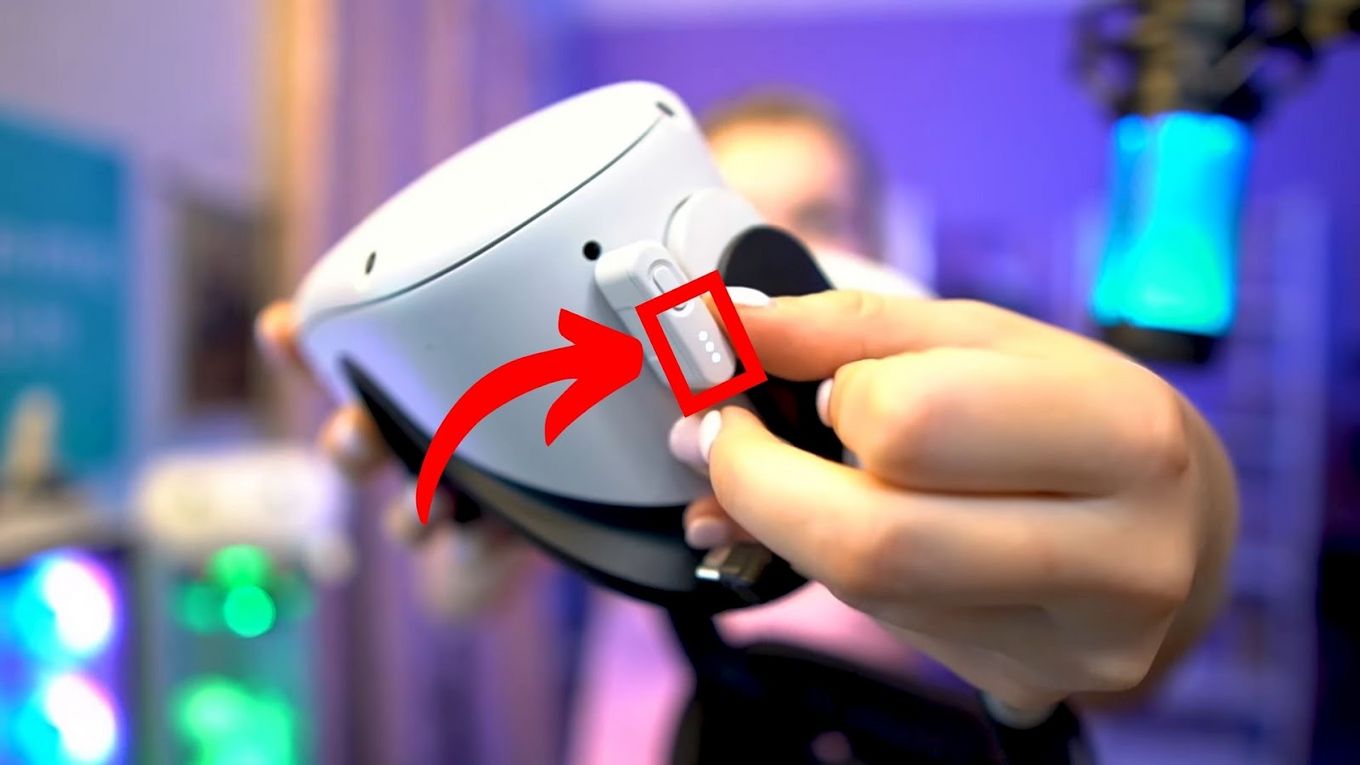
Alternative: Wired Headphones. If the latency with Bluetooth is unbearable, don't forget the humble wired headphones! They provide a direct connection and usually have less latency issues. The Quest 2 has a standard headphone jack for exactly this purpose.
Ultimately, connecting your AirPods to your Oculus Quest 2 is a simple way to enhance your VR experience. Give it a try, experiment with the settings, and find what works best for you. Happy gaming!
![How to Connect AirPods to Oculus Quest 2 [Ultimate Guide] | Headphonesty](https://www.headphonesty.com/wp-content/uploads/2022/11/How_to_Connect_AirPods_to_Oculus_Quest_2_5-768x576.jpg)
