Best Shaders For Low End Pcs 1.17

Minecraft is awesome, right? But let's be real, not everyone has a super-powered gaming rig. Sometimes, your trusty old PC struggles to keep up with all the blocky goodness. That's where shaders come in. Shaders can make your Minecraft world look incredible, but often, they can also tank your framerate into oblivion. Luckily, there are shaders that are optimized for lower-end PCs. Let's explore some fantastic options for Minecraft 1.17!
What’s the Big Deal with Shaders?
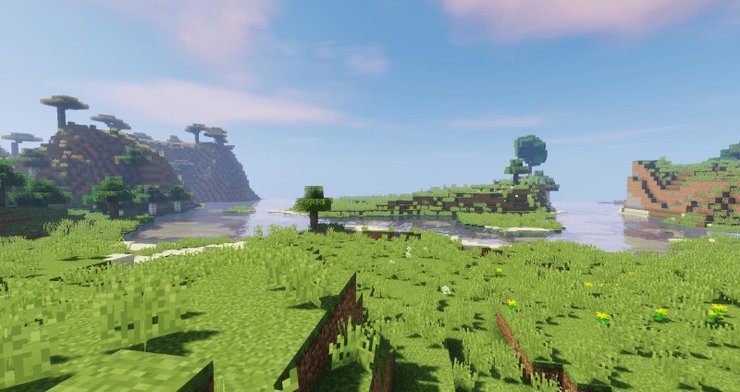
Imagine this: The sun sets, casting long, beautiful shadows across your meticulously crafted village. Water shimmers and reflects the sky. Leaves sway gently in the breeze. All of this, without needing to upgrade your entire computer! That's the magic of shaders. They tweak the game's lighting, shadows, and water effects to create a more immersive and visually appealing experience. It's like giving your Minecraft world a complete makeover!
It transforms the game from good to ridiculously gorgeous. Suddenly, caves aren't just dark holes; they're mysterious and atmospheric. Forests are dense and inviting. Your humble dirt shack? Now it looks… well, slightly less humble, thanks to those awesome lighting effects!
Must Read
Okay, But My PC is Basically a Potato...
Don't worry! You’re not alone. And that’s totally fine. Plenty of shaders are designed to be gentle on your system. These low-end shaders focus on delivering the most visual impact with the least amount of processing power. Think of it as the ultimate performance upgrade, without actually upgrading anything.
Let's Talk About Some Star Performers
Ready to get your blocky world looking spiffy? Here are a few shaders that are popular with players who need to keep their framerates high and their PCs happy:
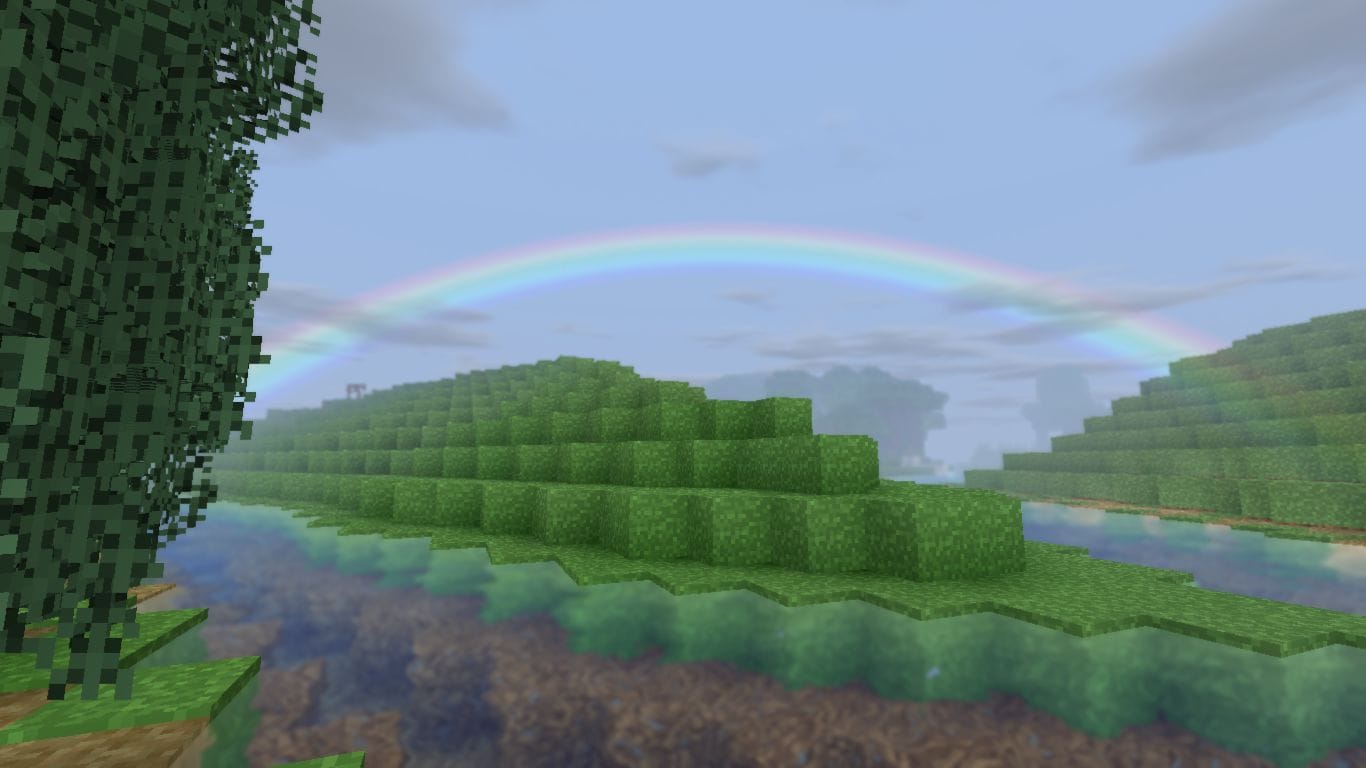
- Sildur's Vibrant Shaders Lite: This is a classic for a reason. It offers beautiful colors and lighting without being too demanding. It's a great starting point if you're new to shaders and want a noticeable improvement without a performance hit. Plus, who doesn't love vibrant colors?
- Chocapic13's Shaders Lite: Another reliable option that's been around for ages. Chocapic13's Lite version provides realistic lighting and shadows in a way that won't cripple your framerate. It's a solid choice for those who prefer a more natural look.
- BSL Shaders (Configured for Low): BSL shaders are generally heavier, but you can configure the settings to achieve a good balance between visual quality and performance. Experiment with turning off features like motion blur or lowering the shadow quality to get it running smoothly. Many players find that a well-tweaked BSL shader can still look amazing on less powerful machines.
- KUDA Shaders (Lite Version): KUDA offers stunning visuals with a focus on realistic lighting and reflections. The Lite version is designed to be less resource-intensive, making it a suitable choice for lower-end PCs.
Tips for Peak Performance
Even with low-end shaders, there are a few things you can do to maximize your performance:
- Lower your Minecraft settings: Reduce your render distance, turn off fancy graphics, and lower the resolution. These simple tweaks can make a huge difference.
- Close unnecessary programs: Shut down any other applications that are running in the background. The less your computer has to do, the better Minecraft will run.
- Update your graphics drivers: Make sure you have the latest drivers for your graphics card. This can often improve performance and stability.
- Use OptiFine: OptiFine is a Minecraft optimization mod that can significantly improve performance. It also makes it easier to install and manage shaders. It's practically essential for running shaders on lower-end PCs.
Why Bother?
Why go through all this trouble just to make your Minecraft world look a little nicer? Because it's FUN! It's about transforming your game into something truly special and immersive. It's about experiencing Minecraft in a whole new light (literally!).
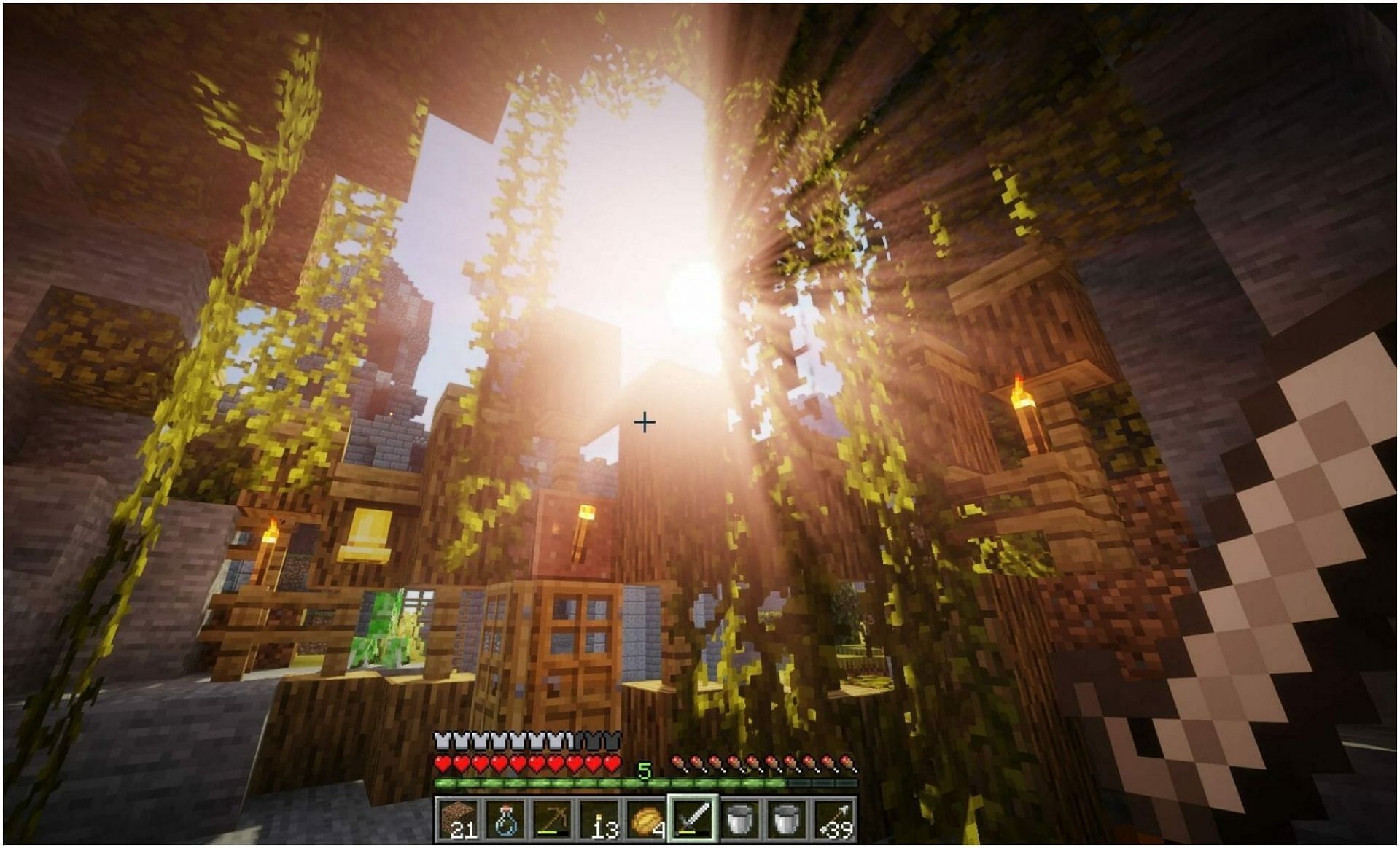
Plus, bragging rights! Show off your stunning screenshots to your friends and let them marvel at your beautiful world (even if you're secretly running it on a potato).
So, what are you waiting for? Dive in, experiment with different shaders, and discover the beauty that Minecraft has to offer, even on a less-than-stellar PC. You might be surprised at how much of a difference it makes. Get ready to be amazed! Find that perfect shader to turn your blocky world into a masterpiece. The possibilities are endless, and the adventure awaits!
Go forth and beautify your Minecraft world, even if your PC thinks it's still 2010!