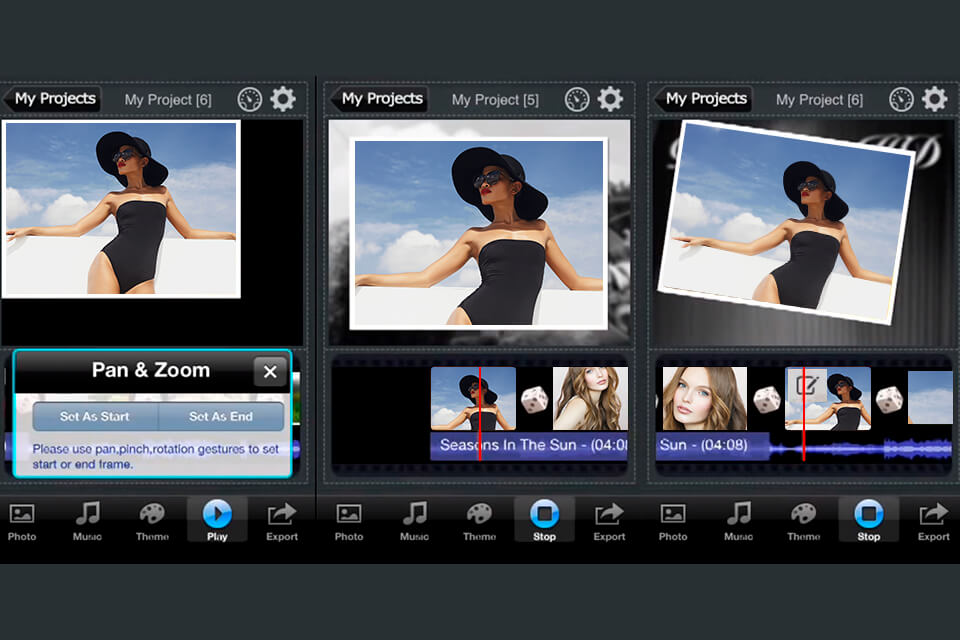
Best App For A Photo Slideshow
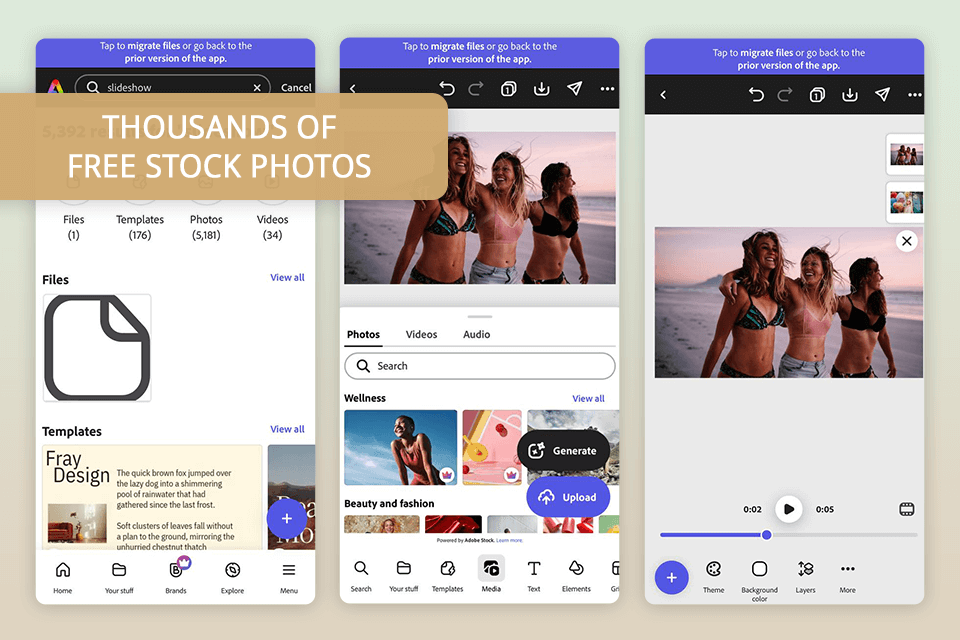
Let's talk about photo slideshows! In a world saturated with images, it's easy for those precious memories tucked away on our phones to get lost in the digital shuffle. But what if you could breathe new life into those photos, transforming them into engaging stories that you can share with loved ones, use for presentations, or simply enjoy for yourself? That's where a good photo slideshow app comes in.
At its heart, a photo slideshow app is a tool that allows you to string together a series of still images, often with transitions, music, and text, to create a dynamic visual presentation. The purpose is simple: to showcase your photos in a more compelling and memorable way than just scrolling through an album. The benefits are numerous. For starters, it allows you to tell a story. You can carefully select photos that chronicle a special event, a trip, or even just the everyday joys of life. Adding music sets the mood, and incorporating text provides context or commentary.
So, which app reigns supreme? Well, there's no single "best" app, as it often depends on your individual needs and preferences. However, many users rave about Google Photos. While primarily a photo storage and organization tool, Google Photos has a surprisingly robust slideshow feature that's easy to use and readily accessible, especially if you're already integrated into the Google ecosystem. It automatically creates slideshows based on events, places, or people, but you can also easily create your own custom slideshows from scratch.
Must Read
Think about the educational possibilities! Teachers could use slideshows to present historical events with accompanying images, science concepts with visual aids, or even student projects in a more engaging format than a traditional report. In everyday life, imagine creating a slideshow to commemorate a family birthday, to share travel photos with friends and family who couldn't join you, or even to create a heartfelt tribute for a loved one. Slideshows can be used to celebrate milestones, document adventures, and share memories in a way that resonates deeply.
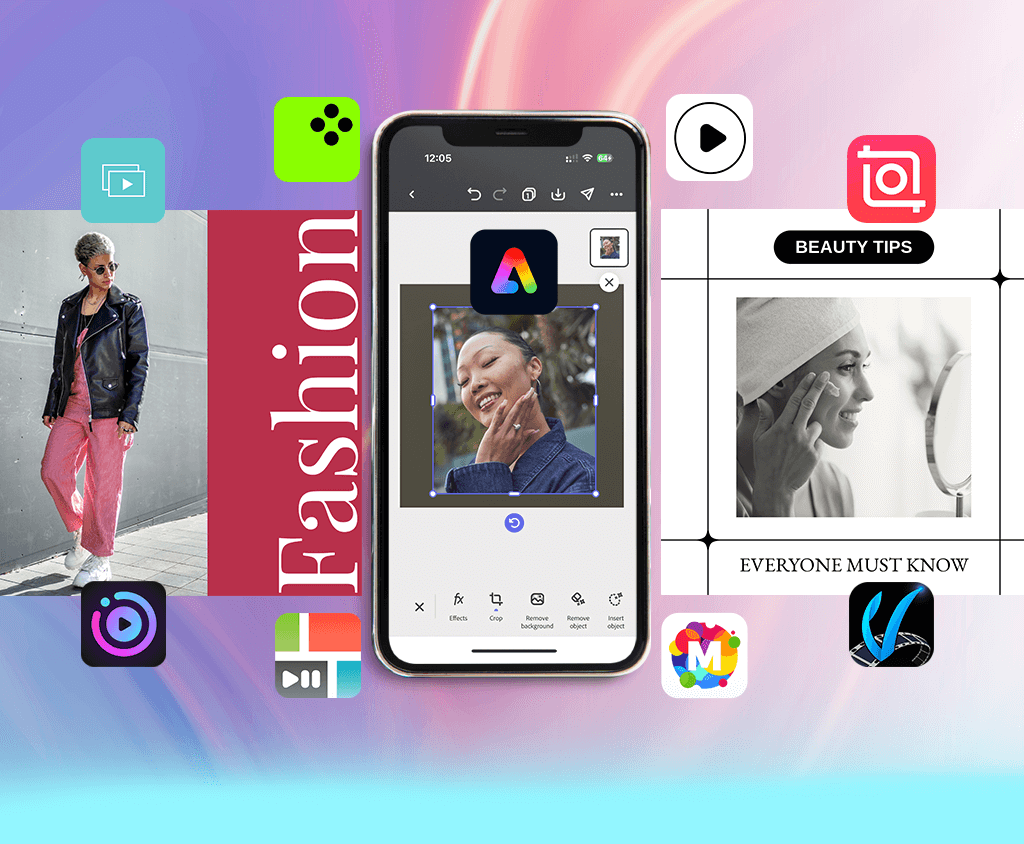
Want to give it a try? Here are a few simple tips to get you started with Google Photos slideshows:
- Open Google Photos: On your phone or computer, open the Google Photos app or website.
- Select Photos: Choose the photos you want to include in your slideshow. You can do this by selecting them individually or by choosing an entire album.
- Create a Movie: In the "Library" tab (on mobile) or the "Utilities" section (on the web), look for the "Movie" or "Animation" option.
- Customize Your Slideshow: Add music, adjust the timing of each slide, and experiment with different transition effects.
- Share Your Creation: Once you're happy with your slideshow, you can easily share it with friends and family via email, social media, or by creating a shareable link.
Don't be afraid to experiment! Try different music genres to see how they affect the mood of your slideshow. Play around with different transition effects to find the ones you like best. And most importantly, have fun! Creating photo slideshows is a wonderful way to bring your memories to life and share them with the world.
![11 Bästa Bildspelsappar 2025 [för Android och iOS]](https://fixthephoto.com/images/content/fotoslider-app-for-photo-slideshow.png)