
Add A Deceased Loved One To A Photo
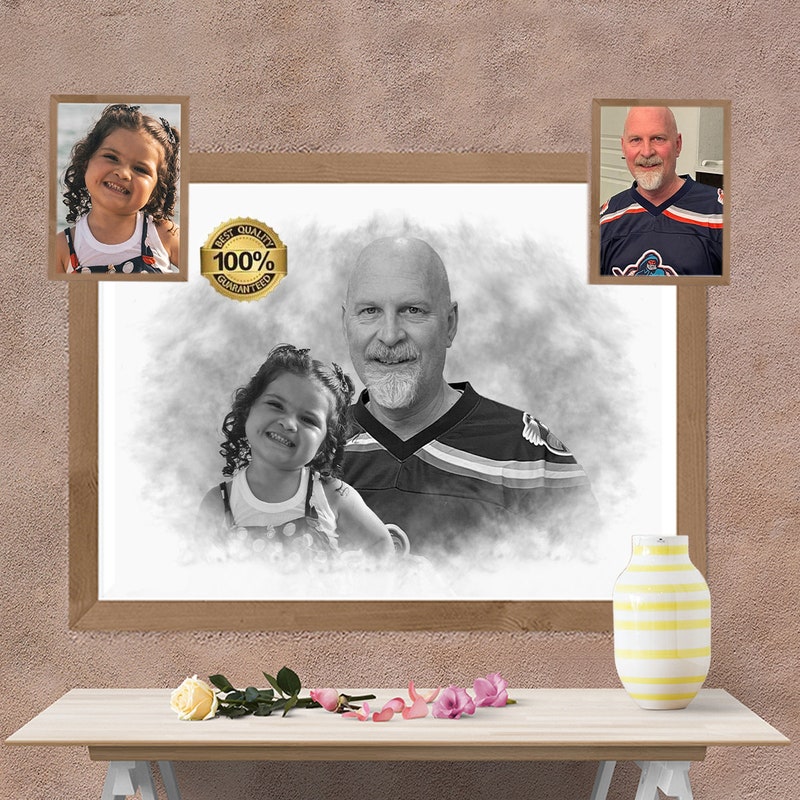
Alright, picture this: You're scrolling through your phone, reminiscing over old photos. BAM! There it is – the perfect snapshot from that family vacation to Disney World. Everyone's beaming, the castle's shimmering... except. Except Grandma Mildred is missing! She couldn't make it that year, and it just doesn't feel quite complete without her smiling face.
Fear not, photo-loving friend! We're about to embark on a super-fun (and surprisingly easy) adventure: adding a dearly departed loved one to your photos. Think of it as digital time travel, a sprinkle of Photoshop pixie dust, and a whole lotta love rolled into one!
First things first, you'll need a photo editing app. Now, before you run screaming for the hills, let me assure you, we're not talking about professional-grade, I-need-a-degree-in-graphic-design software. Nope! We're talking about apps that are easier to use than ordering pizza online. Think PicCollage, Phonto, or even good ol' Photoshop Express on your phone or tablet. Most of these have free versions with all the basic tools we need to work some magic.
Must Read
Gathering Your Ingredients (Photos, That Is!)
Okay, this is where the treasure hunt begins! You'll need two photos: the group shot you want to enhance and a lovely picture of your missing Grandma Mildred. The goal is to find a picture of Grandma Mildred where she’s smiling, looking relatively straight ahead, and the lighting is decent. It doesn't have to be perfect; we can fix some things later. The most important thing is that Grandma Mildred looks like herself – happy and radiant!
Pro tip: If you only have photos where Grandma Mildred is wearing a hat the size of Rhode Island, you might want to dig a little deeper. Unless, of course, that's her signature look! Then, by all means, rock that Rhode Island hat!
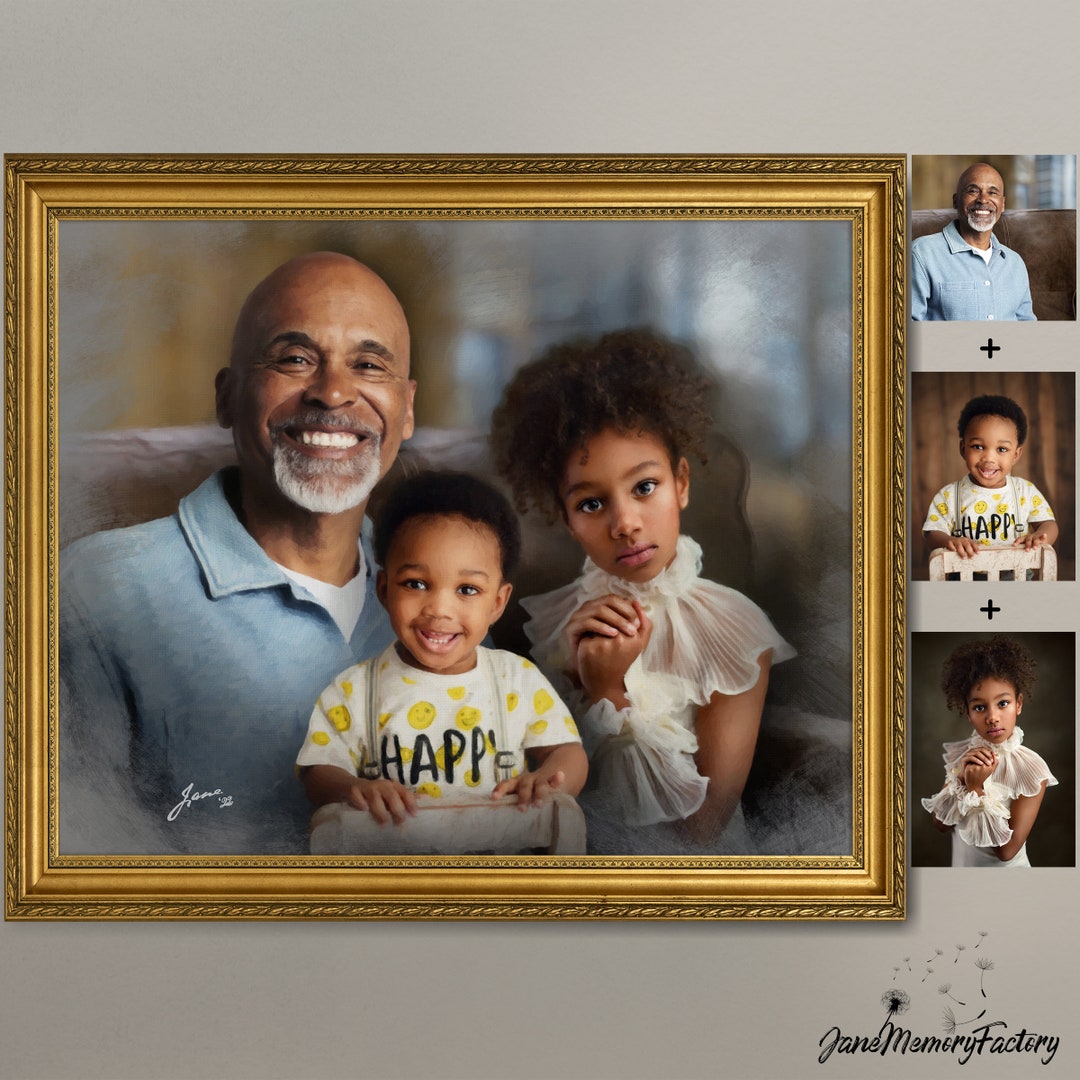
The Cut and Paste Caper
Now for the fun part! Open your photo editing app and upload your group photo as the background. This is your canvas, your masterpiece in the making! Next, upload the photo of Grandma Mildred as a separate layer or image. Most apps will have an "add photo" or "overlay" option – that's your golden ticket.
Here comes the slightly fiddly part: using the app’s tools to carefully cut out Grandma Mildred from her original photo. Don't worry if you don't get it perfect the first time! These apps usually have an eraser tool so you can refine your cut-out until it looks pretty darn good. Remember, even professional photographers use a little Photoshop magic! We're just being resourceful, that's all.
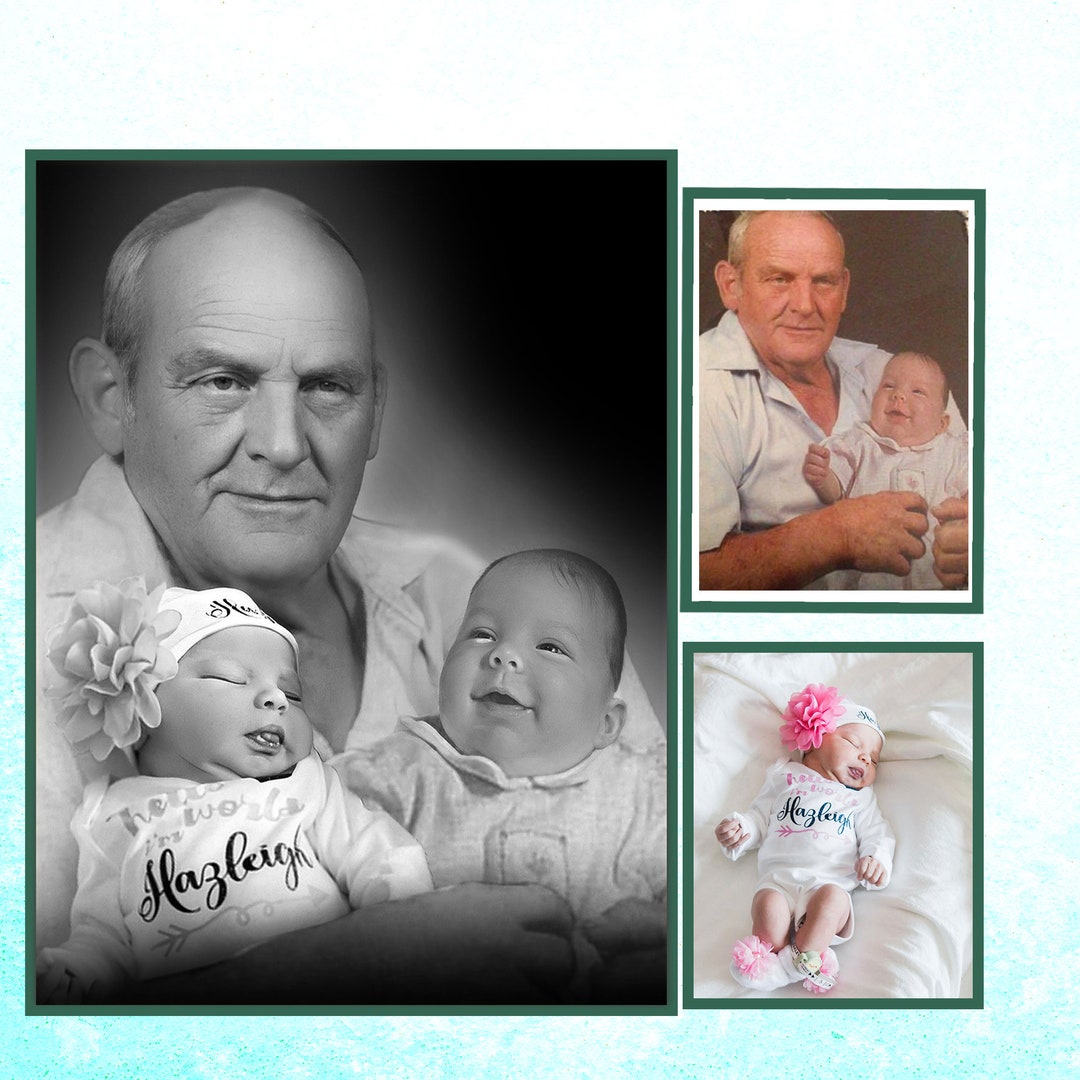
Positioning is Key (and Scaling, Too!)
Once you have your floating Grandma Mildred, it’s time to find her perfect spot in the group photo. This might take some playing around. Consider where everyone else is standing, the lighting, and the overall composition. You want her to look like she naturally belongs there, not like she’s been beamed in from another dimension (unless, of course, your loved one was beamed in from another dimension – no judgment here!).
Use the app’s tools to resize Grandma Mildred so she fits proportionally with the rest of the group. Is she towering over everyone like a gentle giant? Shrink her down! Is she barely visible, like a tiny fairy? Enlarge her slightly! Play with the size until it feels right.
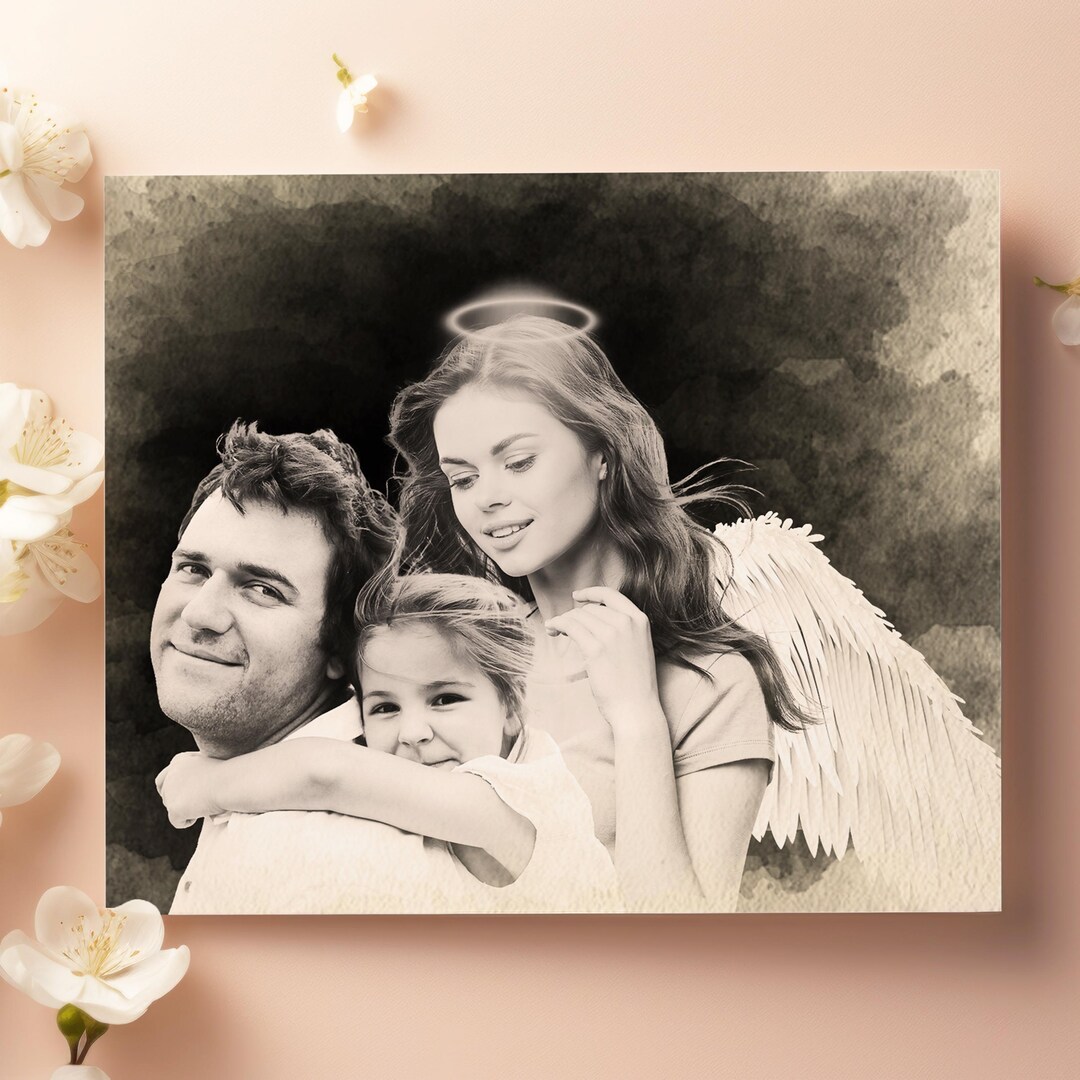
Blending Like a Boss
Here's where you turn from photo enthusiast into a bona fide digital artist! Most apps have tools to adjust the brightness, contrast, and color of your added image. Use these to blend Grandma Mildred seamlessly into the scene. If the original photo is warm and sunny, adjust her image to match. If it's a bit darker, tweak her brightness accordingly.
Also, look for a "fade" or "opacity" slider. This is your secret weapon for making Grandma Mildred look less like a sticker and more like a genuine part of the memory. A slight fade can work wonders!
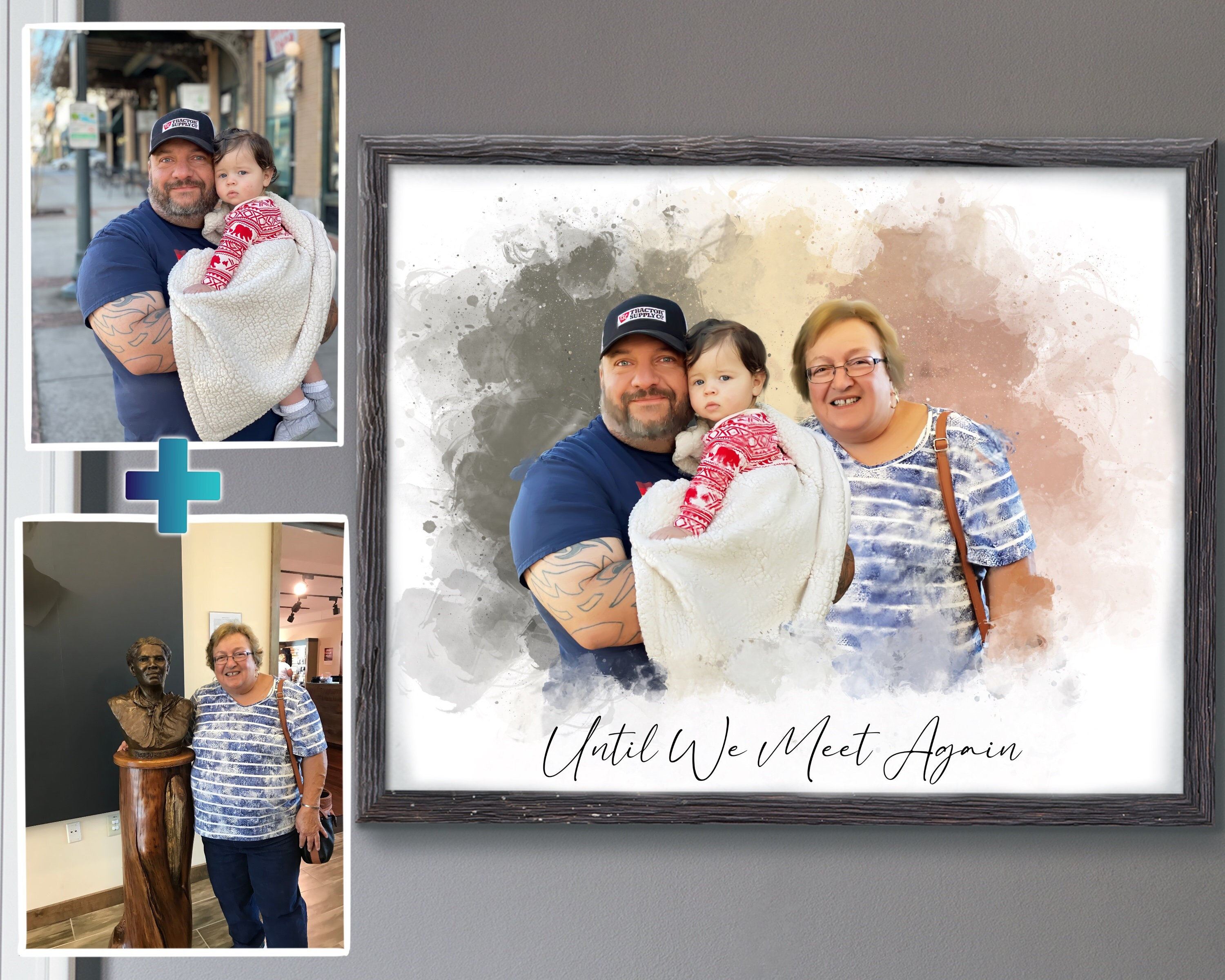
Don't be afraid to experiment! There are no hard and fast rules here. The goal is to create a photo that warms your heart and brings a smile to your face. If it looks good to you, then it is good!
The Grand Finale (Saving and Sharing!)
Once you're happy with your creation, save your new masterpiece! Then, share it with your family and friends. Watch their faces light up as they see Grandma Mildred reunited with everyone else in that cherished Disney World memory. Prepare for the hugs, the tears (happy ones, of course!), and the reminiscing. You've not just added a person to a photo, you have woven them back into the fabric of a beautiful memory. And that, my friend, is pretty darn special.
So go forth and get creative! Add Aunt Carol to that beach bonfire, Grandpa Joe to that graduation ceremony, or even your beloved pet Fluffy to that family portrait. The possibilities are endless, and the results are guaranteed to bring joy and a little bit of magic to your life.