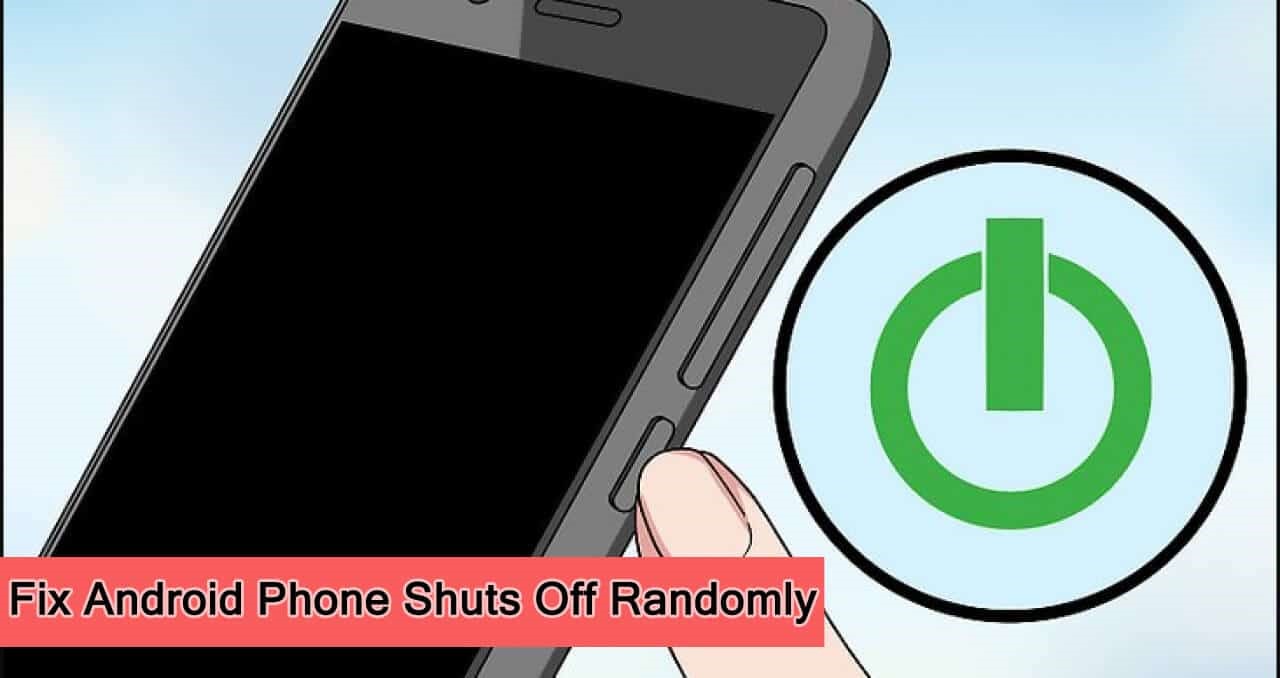
Why My Phone Turn Off By Itself
Ever been in the middle of scrolling, texting, or perhaps even a critical game, when suddenly... poof! Your phone goes dark, screen blank, silent. It’s like it just gave up the ghost without so much as a polite goodbye. Annoying, right? But what if I told you that most of the time, when your phone decides to take an unannounced nap, it's actually doing something pretty clever?
Instead of getting frustrated, let's dive into the fascinating world of why our pocket-sized supercomputers sometimes pull the plug on themselves. It’s often less about defiance and more about self-preservation. Think of it as your phone being a tiny, smart guardian, looking out for its own well-being and, by extension, yours!
The Low Battery Guardian: Not Just Dead, But Smart!
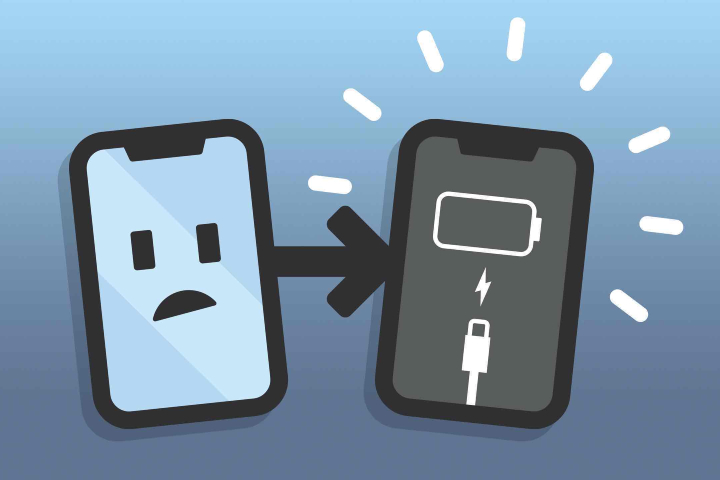
Okay, this one might seem obvious, but there's a cool twist. When your phone's battery gets really, really low, it doesn't just instantly die. Instead, it's programmed to perform an emergency shutdown. Why? To prevent damage! Draining a modern lithium-ion battery completely to zero can actually be bad for its long-term health.
Must Read
Your phone's brain knows this. So, when it senses the energy reserves are critically low, it doesn't just flicker out. It performs a quick, controlled shutdown to protect the battery from irreversible damage. It’s like a smart car that gently coasts to a stop before it completely runs out of fuel, rather than letting the engine seize up. It's an act of intelligent foresight!
Feeling the Heat? When Your Phone Needs a Chill Pill
Have you ever noticed your phone getting unusually warm? Maybe after a long gaming session, too much video streaming, or perhaps left baking in direct sunlight? Phones are pretty resilient, but they don't like getting too hot. Inside that sleek casing are delicate electronic components, and excessive heat is their arch-nemesis.

If your phone detects that its internal temperature is rising above a safe threshold, guess what it does? Yep, it initiates a shutdown. This isn't just to be inconvenient; it's a critical safety measure. Overheating can permanently damage the processor, battery, and other sensitive parts. So, when your phone powers down due to heat, it's essentially saying, "Hey, I need a break before I get a permanent headache!" It’s like a tiny, high-tech sauna that knows when to turn itself off to prevent things from getting toasted. Pretty considerate, right?
The Occasional Brain Fart: Software Glitches
Let's be honest, even the most advanced computers (and your phone is essentially a super-mini computer!) have their off days. Sometimes, an app might crash, or the operating system itself might encounter a bug or a conflict. When things get truly tangled up in the digital spaghetti of software code, your phone might decide the best course of action is a complete reboot.
Think of it like a computer freezing up and needing a restart. It's not necessarily a sign of a serious problem, but rather the system hitting a wall and needing a fresh start to clear its digital head. Most of the time, after it powers back on, everything is fine. It’s a bit like us needing to take a deep breath and reset our thoughts when we’re feeling overwhelmed – just a little digital "zen moment." Regularly updating your phone's software can often prevent these types of hiccups.

The Less Common Culprits: When Things Get a Little More Serious
While the reasons above cover most spontaneous shutdowns, sometimes there are deeper issues at play. An aging battery that can no longer hold a stable charge might cause erratic behavior, including sudden power-offs even when the battery indicator looks okay. Faulty internal hardware, perhaps from an accidental drop, could also lead to instability.
These cases are less about the phone being smart and more about it being "unwell." If your phone is consistently shutting down despite being charged, cool, and running updated software, it might be time for a visit to a service center. But for the average, healthy phone, these are usually rare occurrences.
![7 Causes Behind Your Phone Turning Off [Troubleshooting Guide]](https://blog.talk-home.com/wp-content/uploads/2024/12/Why-does-my-phone-keep-turning-off-770x420.jpg)
So, What's the Takeaway?
The next time your phone takes an unexpected siesta, instead of sighing in annoyance, maybe pause for a moment to appreciate its internal intelligence. It’s not just a slab of glass and metal; it's a marvel of engineering packed with sensors and code designed to keep itself running optimally and protect your valuable data.
It's truly cool how these devices are engineered with such sophisticated self-preservation mechanisms. They're constantly monitoring their own health, ready to pull the emergency brake if things get too risky. Your phone, in its own silent, electronic way, is looking out for itself – and you!
What Can You Do About It? Simple Steps for a Happier Phone
- Keep it Charged: Don't let your battery consistently drop to critically low levels. A little top-up goes a long way.
- Stay Cool: Avoid direct sunlight, extreme heat, or leaving it under heavy blankets while charging. Give it some breathing room!
- Update Software: Regularly install operating system and app updates to fix bugs and improve stability.
- Don't Overload: Try not to run too many heavy apps simultaneously for extended periods.
- Consider Battery Health: If your phone is older, check its battery health settings (usually under "Battery" in your phone's settings).
So, the next time your digital companion decides to spontaneously power down, remember, it's probably just being extra smart. It’s not angry with you; it’s simply giving itself a vital moment of rest or protection. Give it a quick charge, let it cool down, or just restart it, and you'll likely be back to scrolling in no time, with a newfound appreciation for its clever design!