
Why Is The Cool On Flashing On My Honeywell Thermostat
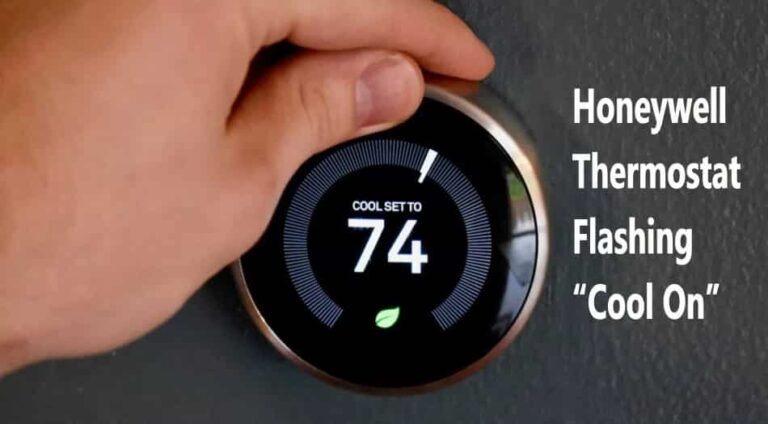
You know the moment. You glance at your Honeywell thermostat, perhaps after a brief power flicker, or maybe you just got a little button-happy adjusting the temperature. Suddenly, there it is: "Cool On", but it's not just sitting there calmly. Oh no, it's flashing. Like a tiny, persistent disco light trying to tell you something important, but in a language you don't quite understand. Your heart might do a little nervous flutter. Is it broken? Is the AC dead? Is my summer doomed to be a sweaty, sticky mess?
Relax, my friend. Take a deep breath. That flashing "Cool On" isn't usually a cry for help from a dying appliance. More often than not, it's just your thermostat being a bit of a wise old sage, looking out for your precious air conditioning unit.
The Great Pause: Your Thermostat's Secret Superpower
Think of your AC unit's compressor like a superstar athlete. It works hard, it cools you down, it's the MVP of your summer comfort. But even superstar athletes need a moment to catch their breath. They can't just sprint, stop, and then immediately sprint again at full power without risking injury, right?
Must Read
Well, your AC compressor is similar. If it were to cycle on and off too rapidly, especially if it was just running and then you suddenly demand it start again, it could suffer some serious wear and tear. And "wear and tear" in AC language often translates to "expensive repair bill" in human language. Nobody wants that!
This is where the flashing "Cool On" steps in. It's your Honeywell thermostat's way of saying, "Hold on a minute, sport! I'm initiating a short delay to protect the compressor." It's a built-in safety feature, often called a minimum compressor run-time delay or a compressor short-cycle protection. It's essentially a mandatory time-out for your AC unit.
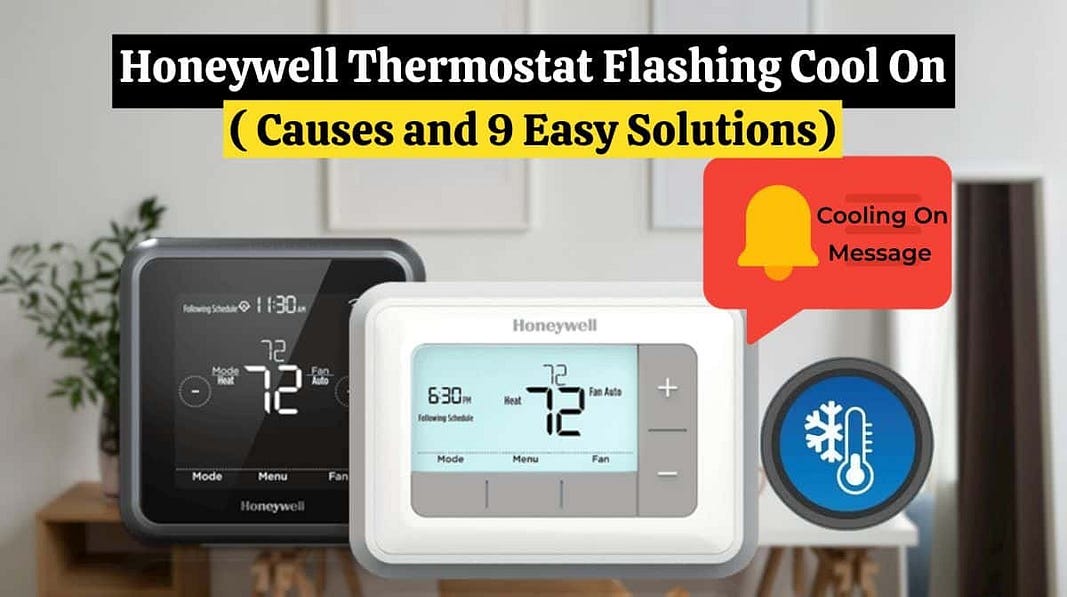
Why the Wait? It's All About Protection!
Imagine you're trying to start your car immediately after turning it off, repeatedly. You wouldn't do it, right? You know it's not good for the engine. Your AC unit has its own delicate internal workings that need a moment to equalize pressure and cool down before firing back up. This short delay – typically anywhere from 3 to 5 minutes – prevents potential damage and helps prolong the life of your expensive system.
So, that flashing light isn't a warning of imminent doom; it's a little green light (or blue, depending on your model) flashing, saying, "I'm on it! Just giving things a quick breather before we kick back into high gear." It's like a bouncer at a club, making sure everything is under control before letting the next wave of cool air in.

When Does This Flashing Fiesta Happen?
You'll most likely encounter this flashing phenomenon in a few common scenarios:
- After a power outage or a brief power flicker: The power goes out, comes back on, and your thermostat says, "Whoa, let's not rush things!"
- If you've rapidly changed settings: Maybe you turned the AC off for a moment, then decided you were too hot and quickly flipped it back to "Cool." Your thermostat gives you the "patience, young grasshopper" look.
- First-time setup or after battery replacement: Sometimes, after a reset, the thermostat needs to run through its safety protocols.
In essence, any time the AC unit has been running, stops, and is then asked to start again very quickly, that flashing light is your thermostat’s little reminder to chill out (pun intended!) for a few minutes.

What Should You Do When It Flashes? (Hint: Mostly Nothing!)
This is the best part: For the most part, you don't actually do anything! You simply wait patiently. Don't press more buttons. Don't fiddle with the settings. That's like poking a sleeping bear – it won't make it go faster and might actually confuse the system.
Use those 3-5 minutes wisely. Go grab a glass of water, check your social media, tell a bad joke to a loved one, or simply ponder the mysteries of the universe. Before you know it, the light will go solid, and that sweet, glorious cool air will start flowing again, turning your home into the refreshing oasis you crave.
![Why is My Honeywell Thermostat Flashing “Cool On”? [7 Easy Fixes] - www](https://www.mechstudies.com/wp-content/uploads/2023/09/honeywell-thermostat-flashing-cool-on-how-fix-768x424.jpg)
When to Actually Worry (And Call the Pros)
While the flashing light is usually a good sign, there are a few rare instances where it might be hinting at something more serious:
- If the "Cool On" light flashes for an unusually long time – say, more than 10-15 minutes – and the AC never kicks in.
- If the light eventually goes solid, but the AC unit outdoors never turns on, or you hear strange noises like grinding, squealing, or nothing at all.
- If this flashing becomes a constant occurrence and the AC struggles to maintain temperature.
In these cases, it might be time to call in the professionals, those HVAC whisperers who can diagnose the deeper issues. But truly, these situations are the exception, not the rule.
The Bottom Line: Your Thermostat Is Your Friend!
So, the next time you see that flashing "Cool On" on your Honeywell thermostat, don't panic. Give a knowing nod to your clever little wall-mounted device. It's not broken; it's just being smart, protecting your investment, and ensuring you continue to enjoy comfortable temperatures for years to come. It’s simply taking a quick, necessary timeout before getting back to the serious business of keeping you cool.