
Why Is My Phone Saying No Airprint Found

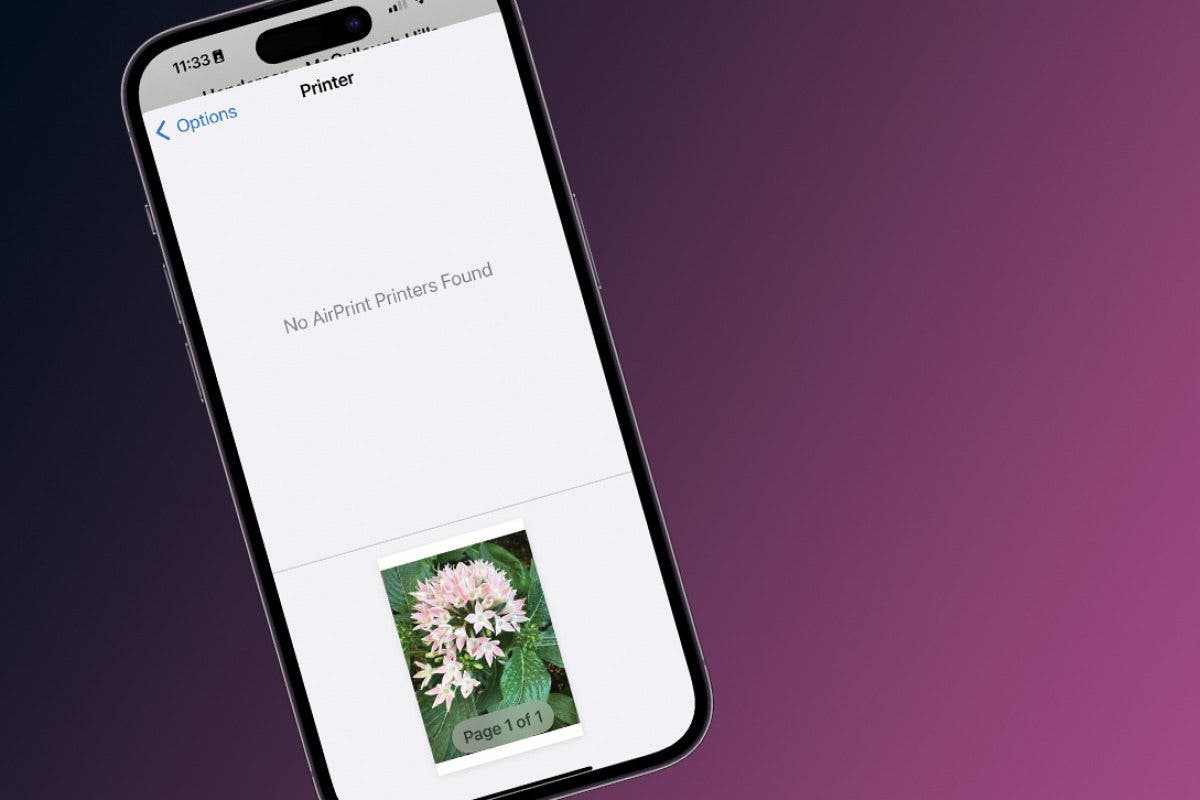
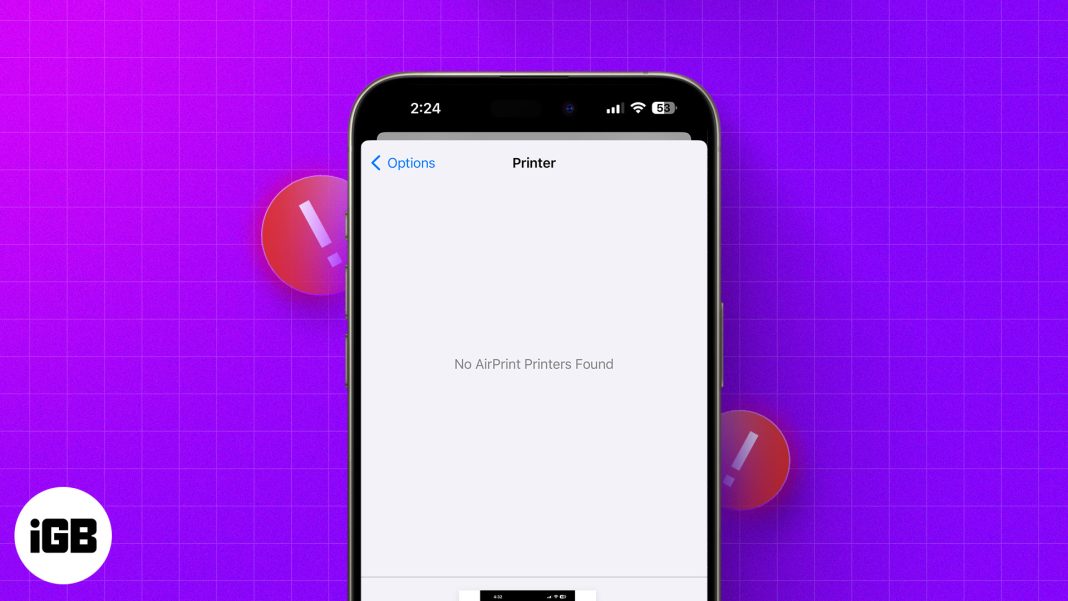
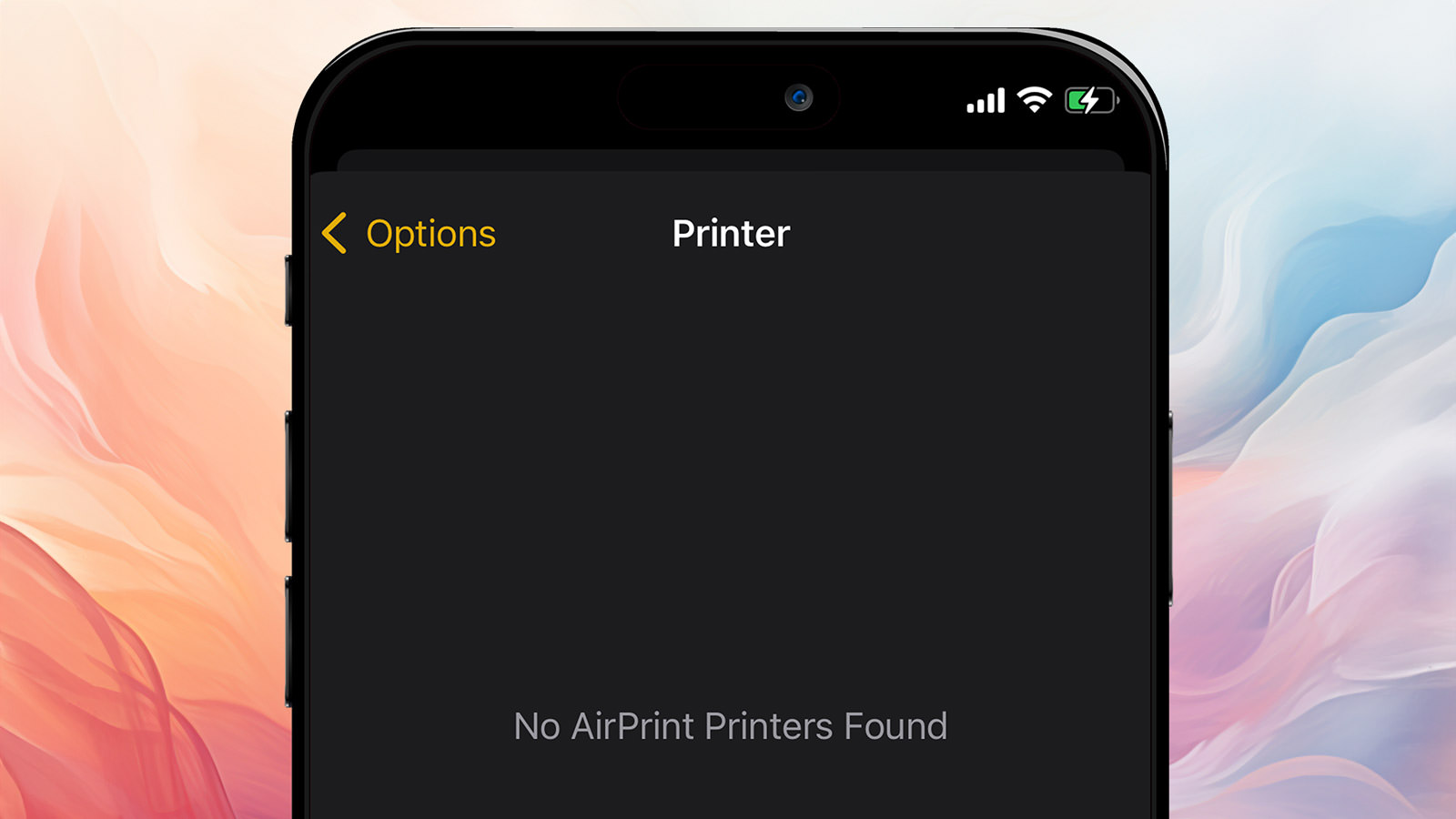
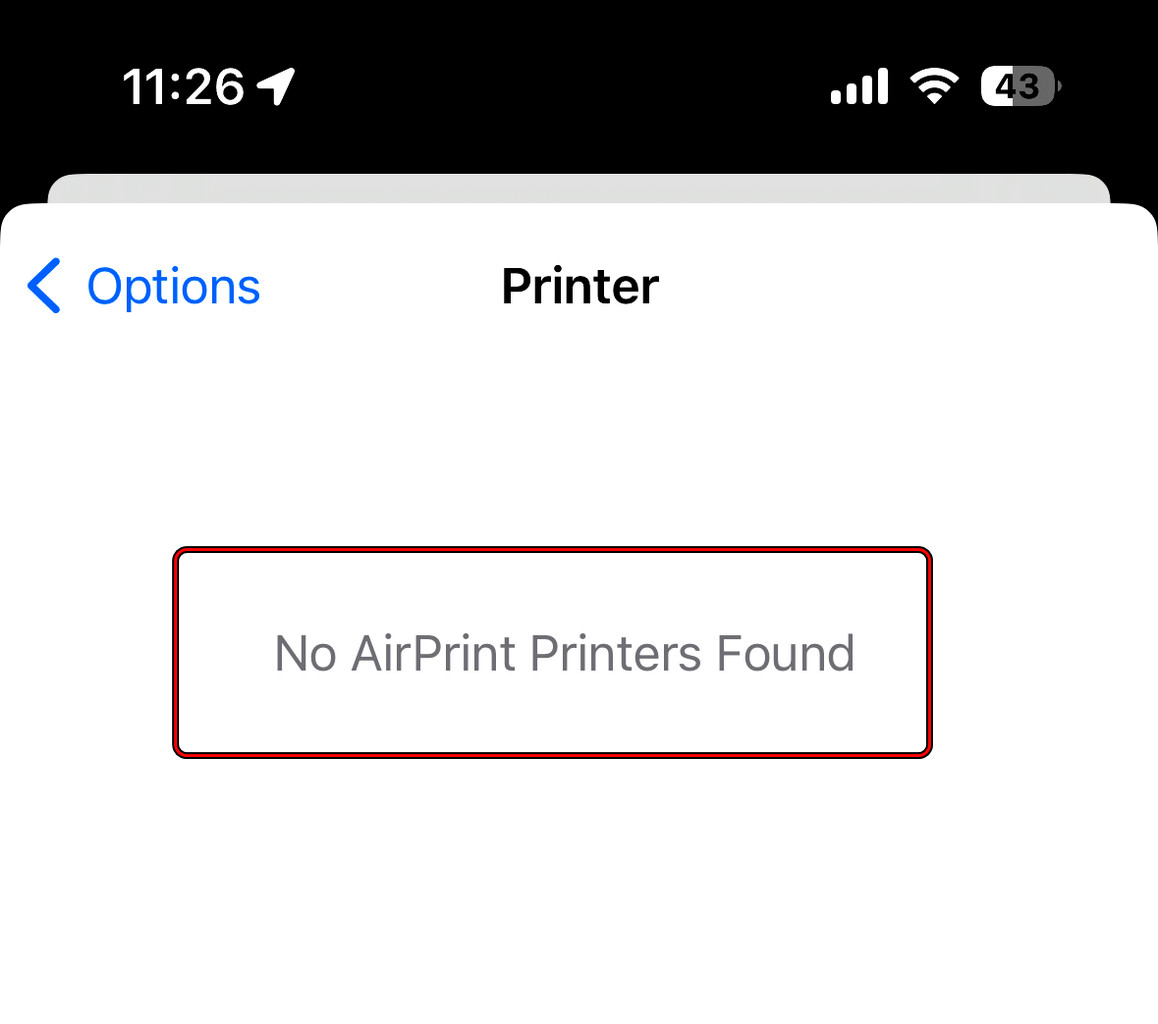
Okay, so your phone is throwing a tantrum and yelling "No AirPrint Found!" at you. Don't worry, you're not alone. It's like your phone and printer are having a disagreement, and you're stuck in the middle acting as the referee. Let's figure out what's going on and get them back on speaking terms!
First Things First: Is Your Printer Actually AirPrint Compatible?
This might seem obvious, but sometimes we overlook the simple things, right? It's like searching everywhere for your glasses only to find them on your head. Check your printer's manual or the manufacturer's website to confirm it supports AirPrint. If it doesn't, well, that's your problem! (But don't despair, there are workarounds we'll touch on later).
Think of it like trying to order a pizza from a burger joint. It's just not gonna happen. AirPrint compatibility is key!
Must Read
Are You on the Same Wi-Fi Network?
This is a classic mistake, and trust me, we've all been there. Imagine your phone is at a party, and your printer is at home. They can't exactly chat, can they? Make sure your iPhone or iPad and your printer are connected to the exact same Wi-Fi network. I mean, exactly the same. Not the guest network, not the 5GHz version when the printer's on the 2.4GHz, nothing like that. Same Wi-Fi, period.
Double-check the names of your Wi-Fi networks. Sometimes they can be sneaky and look similar!
Power Cycling: The Magic Trick of Tech Support
Seriously, it works more often than it should. It's like a digital reset button for everyone involved. Turn off your printer, wait a few seconds (count to ten – slow seconds!), and turn it back on. Then, do the same for your iPhone or iPad. A full reboot can often clear up temporary glitches that might be causing the issue.
Consider it a mini-vacation for your devices. They deserve it after all that hard work!
Check for Firmware Updates
Just like your phone needs software updates to stay happy and functional, your printer needs them too! Check your printer's settings or the manufacturer's website for any available firmware updates. These updates often include bug fixes and improvements that can resolve AirPrint connectivity issues.
Think of it as giving your printer a little spa day. It'll come back feeling refreshed and ready to print!
Bonjour, Bonjour! (Is Bonjour Working?)
AirPrint relies on a technology called Bonjour to discover printers on your network. Sometimes, Bonjour can get a little...confused. Especially on more complex networks. If you have a router that allows you to configure Bonjour settings, make sure Bonjour (or mDNS) is enabled and not being blocked.
This is getting a little technical, I know. But basically, Bonjour is the little messenger that helps your phone and printer find each other. Make sure he's not on strike!
What if My Printer Isn't AirPrint Compatible?
Okay, so you've discovered your printer is a bit of a Luddite and refuses to embrace AirPrint. Fear not! There are still options. Many printer manufacturers offer their own apps that allow you to print from your iPhone or iPad. Also, you can look at third-party apps that act as intermediaries, allowing you to print to non-AirPrint printers.
Think of it as using a translator. Your phone speaks AirPrint, your printer speaks...something else. The app translates!
Still No Luck?
If you've tried everything above and your phone is still stubbornly refusing to find your printer, it might be time to call in the big guns. Check your printer manufacturer's website for support resources, or consider contacting their customer support team. They might have some specific troubleshooting steps for your particular printer model.
Sometimes you just need an expert to step in and mediate. It's okay to ask for help!
Troubleshooting tech issues can be frustrating, but remember, you're smarter than your gadgets! Keep trying, stay patient, and eventually, you'll conquer that "No AirPrint Found" message. And when you do, celebrate with a freshly printed document – just because you can! You got this!