
Why Is My Iphone Not Charging Even When Plugged
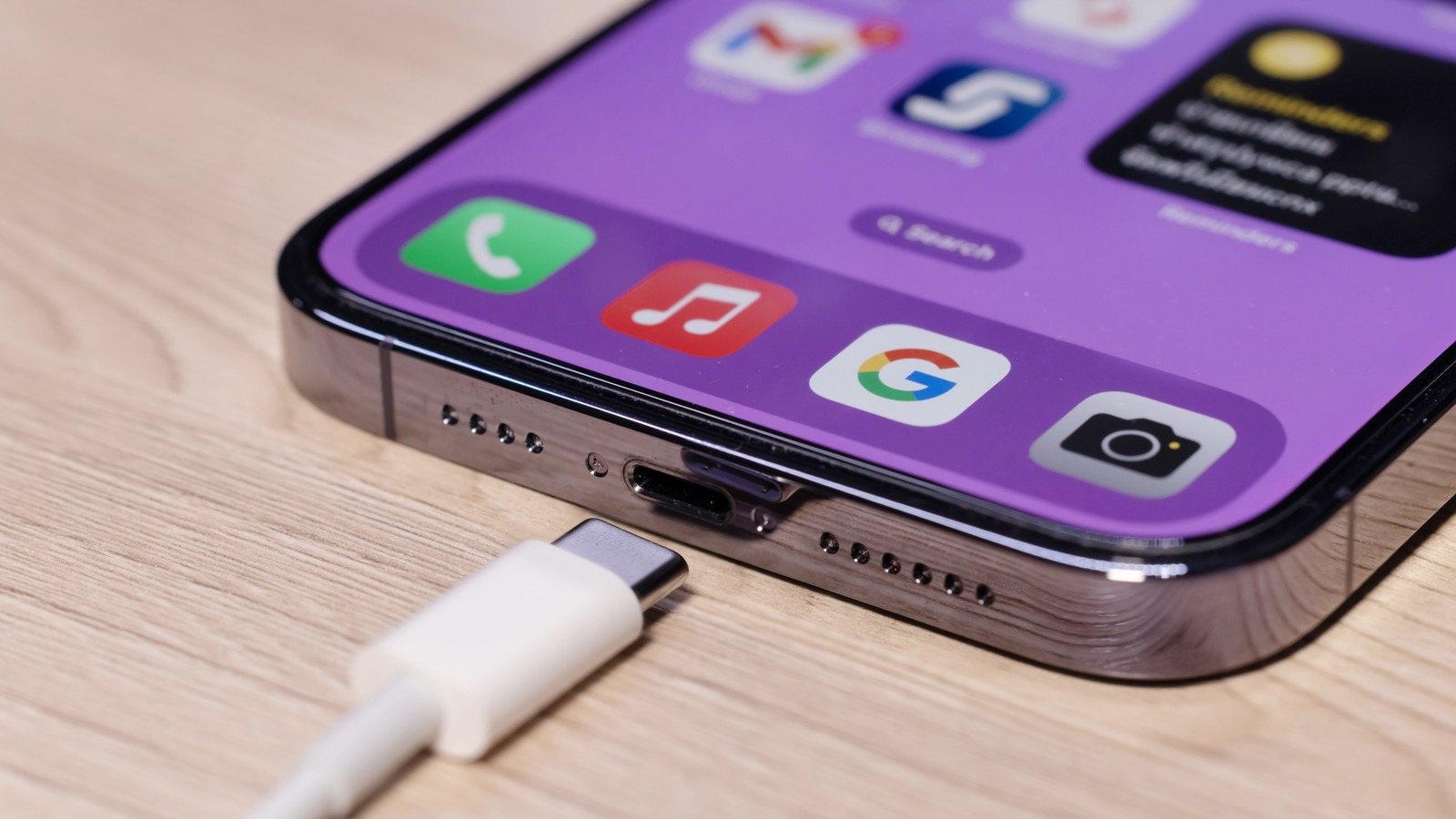
Okay, picture this: You’re about to head out, phone battery clinging to a desperate 3%, you plug in… and nothing. The dreaded no-charge icon. We’ve all been there, haven't we? It’s like a digital version of that feeling when your Uber driver cancels right before pick-up – pure, unadulterated frustration. But fear not, fellow tech-dependent friend! Let’s dive into the mystery of the stubborn iPhone and get you back to 100%.
The Usual Suspects: Basic Checks
Before you start picturing a full-blown iPhone meltdown, let's run through the basics, the equivalent of checking if your Wi-Fi is on before blaming the internet.
- The Cable: Is it the real deal? Off-brand cables can be temperamental. Think of it like dating; sometimes the genuine connection is just better. Try a different, known-working cable.
- The Brick: Wall adapter, that is. Make sure it's properly plugged in and actually working. Borrow one from a friend or try a different outlet. Sometimes, it's the simplest things that trip us up.
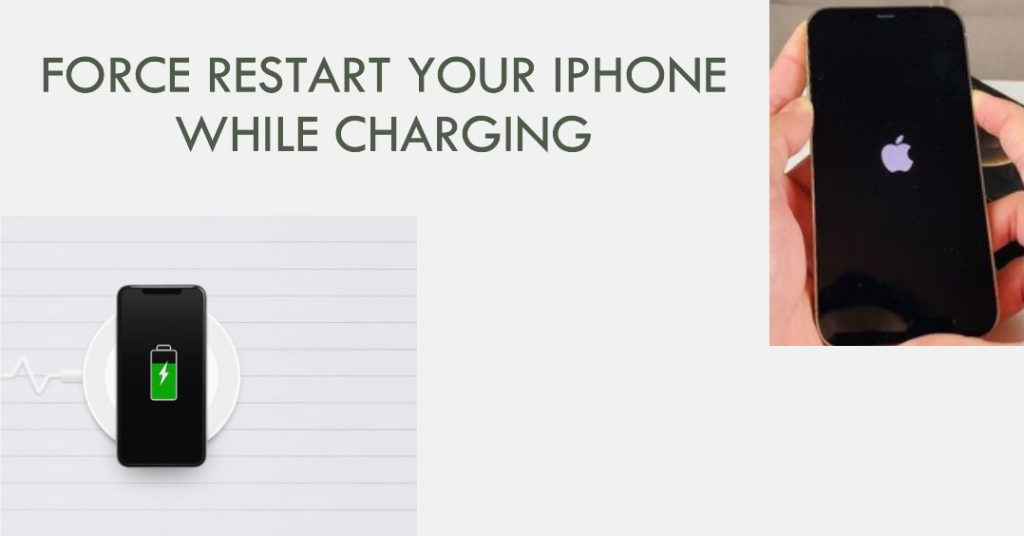
- The Reboot: The age-old cure-all for digital woes. A simple restart can clear software glitches that might be interfering with the charging process. It's like a mental health day for your phone.
Deep Dive: Getting Technical
Still no juice? Okay, time to roll up our sleeves a bit. Let’s channel our inner Sherlock Holmes.
Must Read
The Lightning Port: Ah, yes, the infamous lightning port. It’s a magnet for lint, dust, and all sorts of pocket debris. Think of it as the iPhone’s belly button; sometimes it needs a good cleaning. Carefully (and I mean carefully!) use a toothpick or a compressed air can to clear out any obstructions. I recommend powering off your iPhone before doing this step. You don't want to short-circuit anything! I've personally used a toothpick before, but be gentle. If you are not comfortable doing this yourself, take it to an Apple store for service!
Software Update: An outdated iOS version can sometimes cause charging issues. Head to Settings > General > Software Update and make sure you're running the latest version. Keeping your software up-to-date is like getting regular oil changes for your car; it keeps things running smoothly.
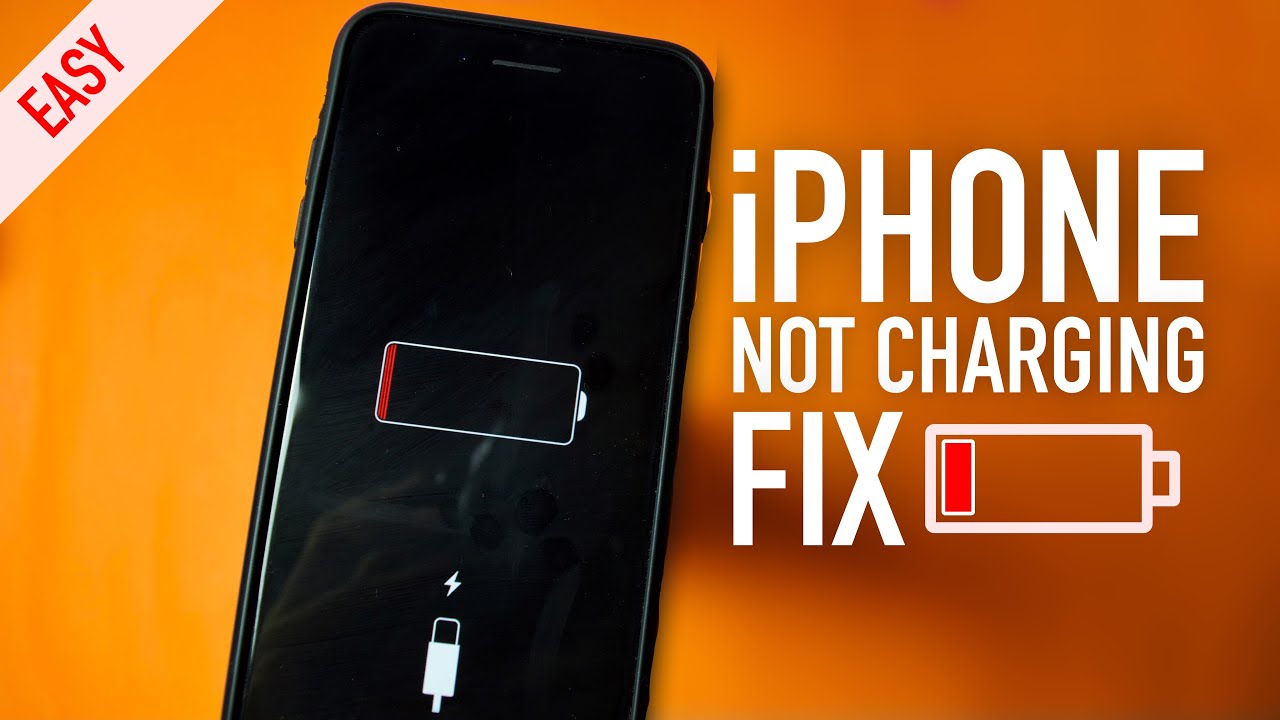
Optimized Battery Charging: Apple has this feature designed to prolong your battery's lifespan. It learns your charging habits and sometimes delays charging past 80%. Check in Settings > Battery > Battery Health and toggle "Optimized Battery Charging" off and on again to see if it makes a difference. It's like your phone is trying to be too smart for its own good sometimes.
The Dark Side: Potential Hardware Problems
If you've exhausted all the software and cleaning solutions, there's a chance you might be facing a hardware issue. This is where things get a little less fun.
Battery Health: Check your battery health in Settings > Battery > Battery Health. If the "Maximum Capacity" is significantly low (below 80%), your battery might be nearing the end of its lifespan. Think of it like a marathon runner reaching the final mile; they’re just not what they used to be. Consider a battery replacement.
Water Damage: Even a little bit of moisture can wreak havoc. If your phone has been exposed to water recently, it could be affecting the charging process. If you suspect water damage, power it off immediately and seek professional help. Time is of the essence! You can try the rice trick, but I don't recommend it as it doesn't always work.
Internal Issues: Sometimes, the problem lies within the phone itself. A faulty charging port or internal component could be to blame. In this case, your best bet is to visit an Apple Store or authorized service provider for diagnosis and repair. This is the equivalent of seeing a doctor for a persistent cough; better safe than sorry.
Practical Tips & Prevention
Okay, now that we've explored the troubleshooting steps, let’s talk prevention. Because an ounce of prevention is worth a pound of cure, right?
- Use Quality Cables: Invest in MFi-certified (Made for iPhone/iPad/iPod) cables. They’re designed to work seamlessly with your device and are less likely to cause problems.
- Keep it Clean: Regularly clean your lightning port to prevent debris buildup. A quick once-over every few weeks can make a big difference.
- Avoid Extreme Temperatures: Excessive heat or cold can damage your battery. Don’t leave your phone baking in the sun or freezing in the car.
A Little Reflection
In the grand scheme of things, a phone that won't charge is a minor inconvenience. But it’s a reminder of how reliant we’ve become on these little devices. They connect us, entertain us, and keep us informed. So, when your phone refuses to cooperate, take a deep breath, troubleshoot methodically, and maybe, just maybe, consider it a sign to unplug and enjoy the world around you. After all, even the best technology can’t replace real-life experiences.
