Why Does My Phone Charger Keep Going On And Off
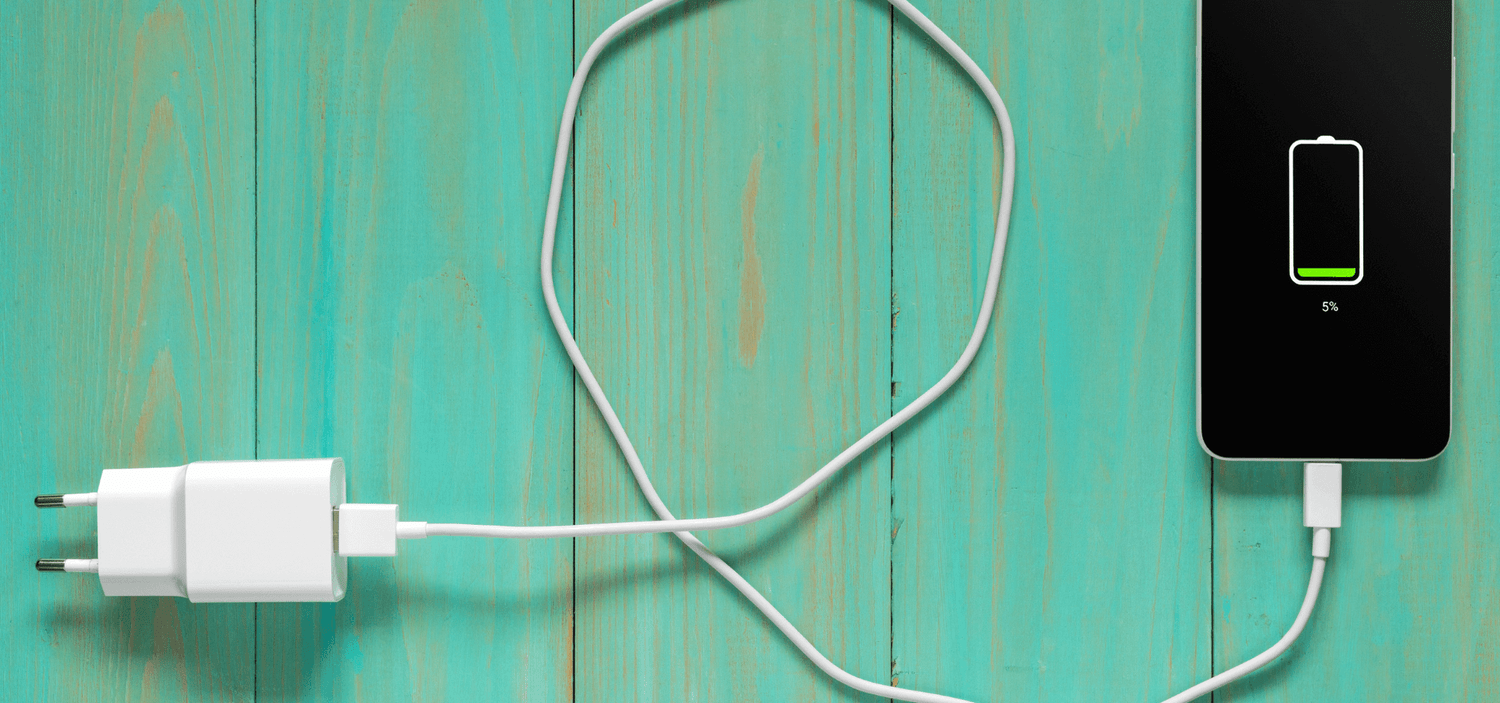
Let's be honest, who doesn't love the comforting sight of their phone happily charging? In today's world, our smartphones are practically extensions of ourselves. They're our connection to the world, our entertainment hubs, our navigators, and sometimes, even our lifelines. A charged phone means access to all of that, so when that little lightning bolt icon starts playing hide-and-seek – flickering on and off like a disco ball gone rogue – it can be incredibly frustrating!
The purpose of a phone charger is simple: to replenish the battery that powers this essential device. Think about it – without a charger, our smartphones would quickly become expensive paperweights. We rely on them to stay connected with family and friends, manage our schedules, access information on the go, and even document our lives through photos and videos. In emergencies, a charged phone can be crucial for contacting help. From navigating unfamiliar cities using GPS to ordering groceries online, the applications are endless.
We've all seen examples of charger woes. Maybe you're trying to watch a movie on a long flight, only to have your phone battery plummet and the charging icon taunt you with its intermittent appearance. Or perhaps you're trying to capture that perfect sunset photo, and the dreaded flicker begins, threatening to cut your photographic masterpiece short. These situations highlight just how dependent we are on a reliable charging connection.
Must Read
So, why does your phone charger keep going on and off? There are several common culprits, and thankfully, many of them are easily fixable. First, check the obvious: the cable itself. These little cords endure a lot of wear and tear – being bent, twisted, and crammed into bags. Look for any visible damage, like fraying or exposed wires. A damaged cable is often the primary offender. A simple replacement can often solve the problem.
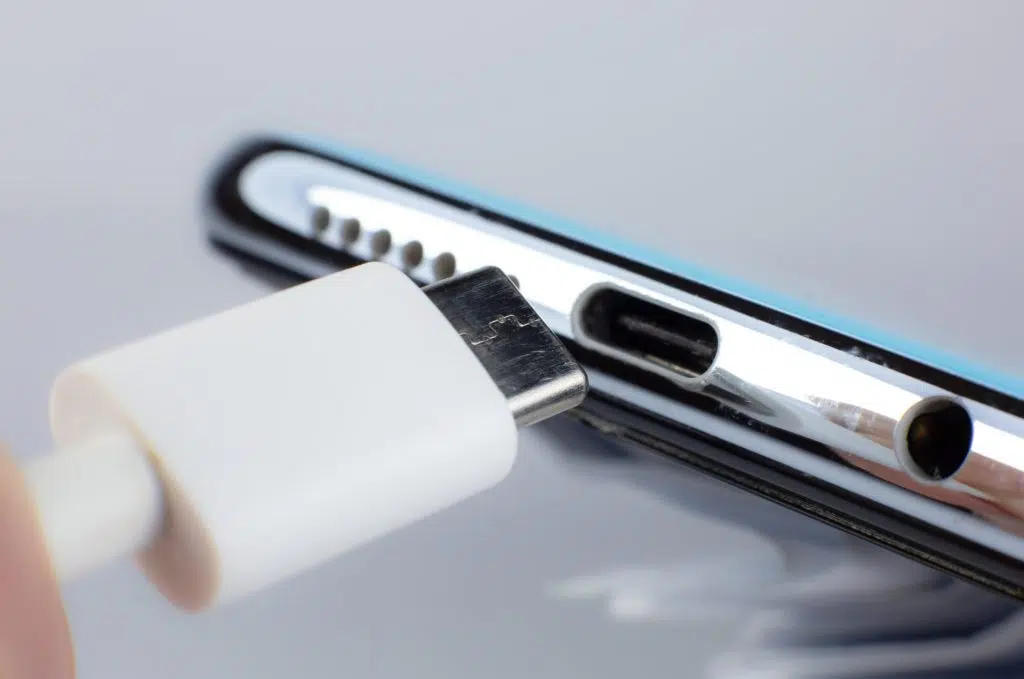
Next, examine the charging port on your phone. Dust, lint, and other debris can accumulate inside, preventing a solid connection. Use a can of compressed air (the kind you use for cleaning keyboards) to gently blow out any debris. Do not use anything metallic, like a paperclip or needle, as you could damage the delicate pins inside.

The wall adapter could also be the problem. Try using a different adapter to see if that resolves the issue. Sometimes, the adapter itself is faulty and isn't providing a consistent power supply. Similarly, make sure the wall outlet you're using is working correctly. Test it with another device to confirm.
Beyond the physical connections, consider the software. Occasionally, software glitches can cause charging inconsistencies. Restarting your phone can often resolve temporary software issues. Also, make sure your phone's operating system is up to date, as updates often include bug fixes that can improve charging performance.

Finally, if you've tried all of these solutions and your phone charger is still behaving erratically, it might be time to consider that the battery itself is nearing the end of its life. Lithium-ion batteries degrade over time, and their ability to hold a charge diminishes. In this case, you might need to consider replacing the battery or even upgrading to a new phone.
By troubleshooting these common issues, you can hopefully restore a stable and reliable charging connection and keep your phone – and your digital life – powered up and ready to go!