Why Are My Airpods Dying So Fast

Okay, let's be real. We've all been there. You're hitting your stride, lost in the blissful sonic landscape of your favorite playlist – maybe Lizzo is empowering you through your morning commute, or perhaps you're deep in a true crime podcast rabbit hole. Then, bam! That dreaded low battery chime. Your AirPods are gasping for air faster than a goldfish in the Sahara. What gives?
AirPods. Those sleek, little earbuds have become practically glued to our ears. They’re our soundtrack to life, our conference call companions, and our escape from noisy neighbors. But the honeymoon phase can end abruptly when their battery life starts to feel, well, like a dial-up internet connection in a world of fiber optics. So, why is this happening?
The Usual Suspects: Battery Degradation
Let's get the obvious out of the way first: battery degradation is a natural process. Think of it like your favorite pair of jeans. After countless washes and wears, they're just not as vibrant or resilient as they once were. The same applies to the lithium-ion batteries in your AirPods. Every charge cycle chips away at their maximum capacity. Apple estimates around 500 full charge cycles before significant degradation kicks in. If you're a power user, constantly topping them off, you might be accelerating this process.
Must Read
Consider this: Remember that Tamagotchi you obsessed over in the 90s? The constant attention it demanded? Same principle here. Constant charging, while seemingly harmless, puts stress on the battery.

Beyond the Battery: What Else is Draining the Juice?
It's not always about the battery itself. Several sneaky culprits can be sucking the life out of your AirPods.
- Volume Levels: Cranking up the volume to drown out the world? Yeah, that's a battery drainer. Think of it like flooring the gas pedal in your car – more power, faster depletion. Try keeping your volume at a reasonable level. Your ears (and your battery) will thank you.
- Environmental Factors: Extreme temperatures, both hot and cold, can negatively impact battery performance. Leaving your AirPods in a sun-baked car or freezing them in your ski jacket? Not ideal. Think Goldilocks – aim for that "just right" temperature.
- Bluetooth Connectivity: Constant Bluetooth connection, especially if your AirPods are frequently disconnecting and reconnecting, can eat into battery life. Ensure your device is close enough to maintain a stable connection.
- Microphone Usage: Frequent calls, Siri activations, or even gaming with voice chat can significantly drain the battery. Microphones require power, so the more you use them, the faster the juice disappears.
- Firmware and Software: Outdated firmware or software glitches can sometimes cause unexpected battery drain. Make sure your AirPods and connected device are running the latest software versions. Think of it as giving your AirPods a software tune-up.
Practical Tips and Tricks to Extend Battery Life
Alright, so we've identified the potential villains. Now, let's equip you with some practical solutions:
- Lower the Volume: Seriously. Try it. You might be surprised at how much difference it makes.
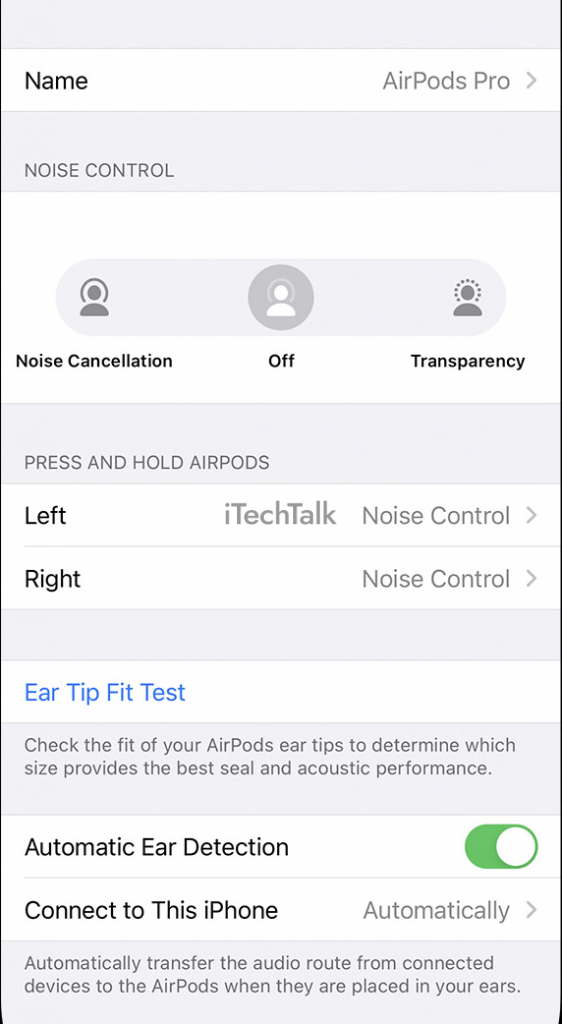
- Optimize Settings: Disable features you don't need, like automatic ear detection (if you're not a fan) or Siri activation.
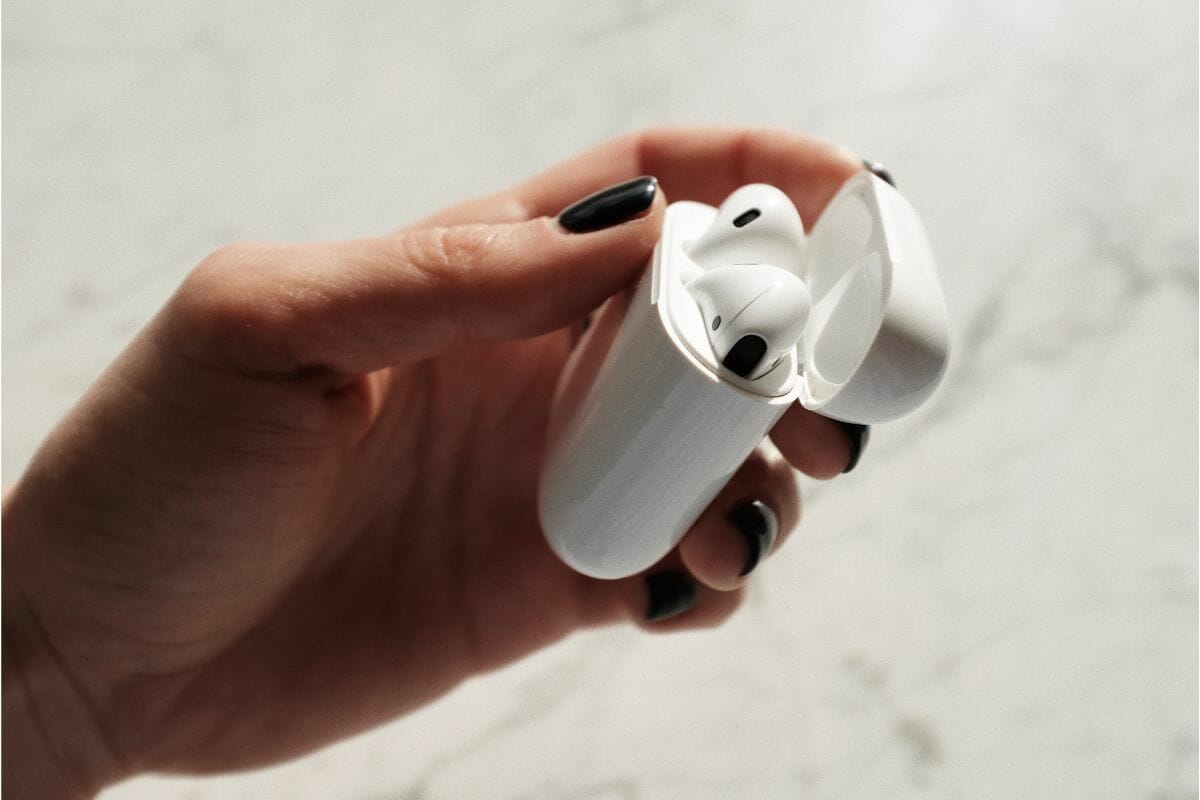
- Store Them Properly: When not in use, keep your AirPods in their charging case. It's not just for storage; it helps maintain their charge.
- Update Firmware: Keep your AirPods updated with the latest firmware. Apple often releases updates that improve battery performance.
- Limit Microphone Usage: Be mindful of how often you're using the microphone. Maybe send a quick text instead of dictating a novel to Siri.
- Consider Single AirPod Use: Use one AirPod at a time, switching between them when the battery gets low. This effectively doubles your listening time. Think of it as tag-teaming your listening experience.
Pro-tip: Check your AirPod's battery health on your iPhone. Go to Settings > Bluetooth, tap the "i" icon next to your AirPods, and look for the "About" section. This will give you insights into battery condition.
A Little Reflection
In our hyper-connected world, we rely so heavily on these tiny devices to keep us entertained, informed, and connected. When their battery life falters, it can feel like a mini-crisis. But perhaps this is a gentle reminder to disconnect, even for a little while. Put down the AirPods, look around, and engage with the world in real life. Maybe you'll rediscover the joy of silence, the beauty of nature, or the simple pleasure of a face-to-face conversation. After all, sometimes the best sound is no sound at all.