What Phones Are Compatible With Cricket Wireless
Hey there, future Cricket friend! Thinking of joining the Cricket Wireless party? Awesome! But before you dive headfirst into that sweet, sweet data, let's talk about phone compatibility. Because, let's face it, nobody wants a phone that's about as useful as a chocolate teapot, right?
So, the big question: What phones actually work with Cricket? Well, buckle up, buttercup, because we're about to untangle this web. And trust me, it's not as scary as it looks. (Promise!)
The Easy-Peasy List (Mostly!)
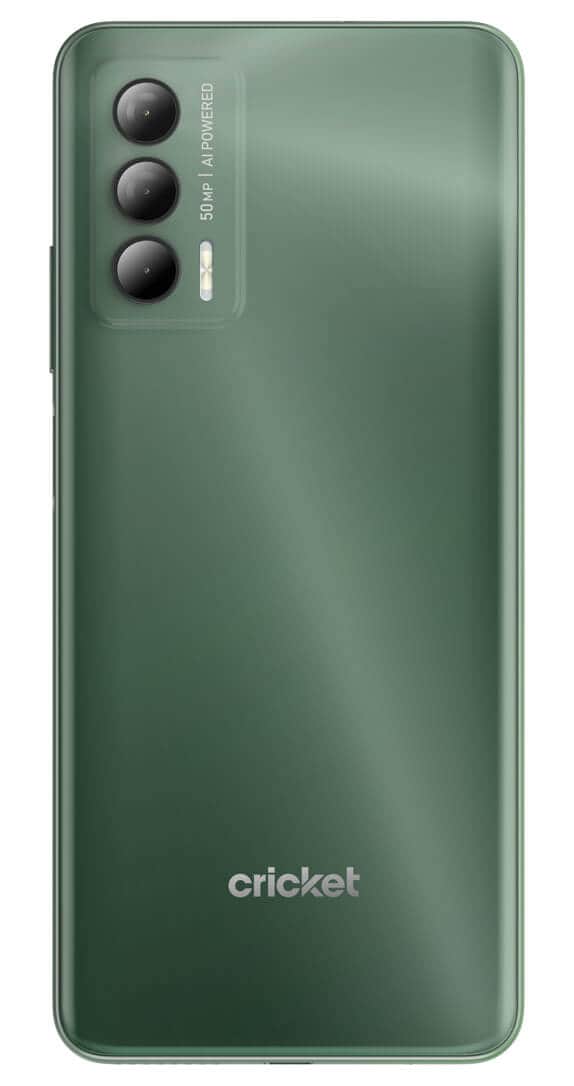
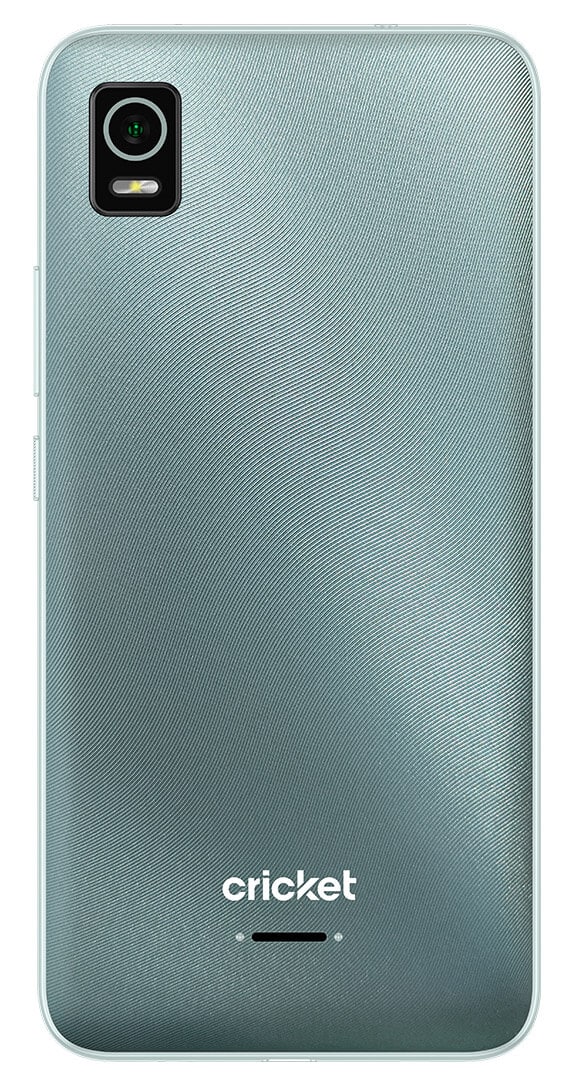
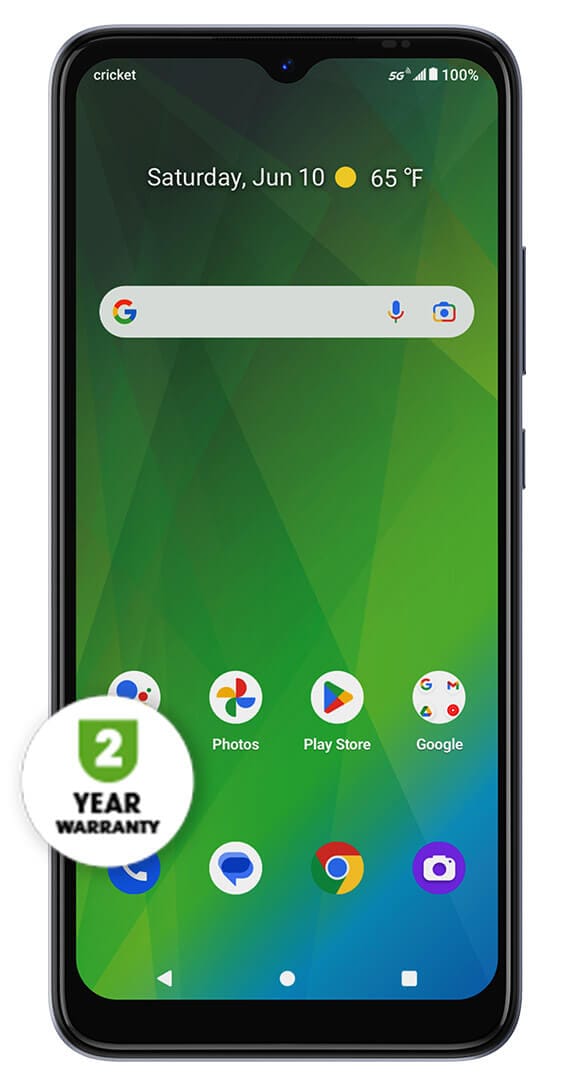
First off, the easiest route is to buy a phone directly from Cricket. Obvious, I know, but hear me out! They guarantee those phones will work flawlessly. No headaches, no compatibility drama. Just pure, unadulterated wireless bliss. Think of it as the "easy button" of phone compatibility.
Must Read
But maybe you’re attached to your current phone? Totally get it! Or maybe you found a sweet deal on eBay. Hey, no judgment! In that case, you'll need to do a little detective work. (Cue the dramatic music!)
Generally speaking, most unlocked GSM phones should work. Notice the emphasis on "should." This is where things can get a little… nuanced. (Isn't everything in life?).
Digging a Little Deeper: Compatibility Factors
Cricket Wireless uses the AT&T network. So, if your phone is compatible with AT&T, there's a very good chance it'll play nice with Cricket. Key word: very.
Here's what you need to check:
- GSM Compatibility: This is the big one. Is your phone GSM? CDMA phones (like some older Verizon and Sprint phones) typically won't work. Sad trombone!
- Unlock Status: Your phone MUST be unlocked. If it's locked to another carrier, it's basically saying, "Sorry, Cricket, you can't sit with us!"
- Frequency Bands: Okay, this gets a little technical, but bear with me. Cricket uses specific frequency bands. Your phone needs to support those bands to connect properly. You can usually find this info on your phone manufacturer's website. Or, you know, Google it! " [Your Phone Model] Frequency Bands". Easy peasy.
- VoLTE Compatibility: VoLTE (Voice over LTE) is how you make calls on Cricket's network. If your phone doesn't support it, you might have trouble making and receiving calls. Awkward! Most modern phones support VoLTE, but it's worth double-checking.
Pro Tip: Cricket has a IMEI checker on their website. Enter your phone's IMEI number (it’s like your phone's social security number) and it’ll tell you if it's compatible. This is the absolute best way to know for sure. It’s like having a magic crystal ball, but, you know, less mystical and more tech-y.
Specific Brands (A Quick Glance!)
Okay, let's talk brands. Here’s a super-general overview. (Remember to always double-check with Cricket’s IMEI checker!)
- iPhones: Generally, unlocked iPhones (iPhone 6 and newer) work just fine. But, again, always check!
- Samsung Galaxy: Similar to iPhones, most unlocked Galaxy phones (especially newer models) are usually compatible.
- Google Pixel: Pixel phones tend to be pretty universally compatible. Hooray for Google!
- Other Android Brands (Motorola, OnePlus, etc.): These can be a bit more hit-or-miss. Definitely use the IMEI checker! Don't just assume.
Bottom Line? (And a Little Encouragement!)
Phone compatibility can seem confusing, but it's really not that bad. The IMEI checker is your best friend. Use it! Seriously. Save yourself a headache.
And hey, if you're still unsure, pop into a Cricket store or give their customer service a call. They're usually pretty helpful. (And if they're not, well, try again! Maybe you'll get someone who's had their coffee.)
So go forth, my friend, and conquer the world of Cricket Wireless! With a little research (and the IMEI checker!), you'll be streaming, texting, and meme-ing in no time. You got this!