What Is The Best Cad Software For 3d Printing

Ever dreamt of holding a custom-designed gadget in your hand, something perfectly tailored to your needs? Or perhaps you're fascinated by the intricate models popping up online, from miniature figurines to replacement parts for everyday appliances? The magic behind bringing these digital creations into the real world often lies in 3D printing, and at the heart of that process is CAD software.
But what exactly is CAD software, and why should you care? CAD, short for Computer-Aided Design, is essentially the digital equivalent of a sculptor's workshop or an architect's drafting table. It allows you to create 3D models on your computer, manipulating shapes and forms with incredible precision. Think of it as digital Lego, but with the potential to build almost anything you can imagine!
The benefits of using CAD for 3D printing are numerous. Firstly, it gives you complete control over the design. You're not limited by what's commercially available; you can tailor your creations to your exact specifications. Need a phone stand with a specific angle? A custom container for your crafting supplies? CAD empowers you to design it. Secondly, CAD allows for iterative design. You can easily modify and refine your model based on feedback or new ideas, without having to start from scratch each time. This accelerates the creative process and leads to better final products.
Must Read
The impact of CAD and 3D printing extends far beyond hobbyists and makers. In education, students are using CAD to design and build robots, create architectural models, and even develop prosthetics. Imagine learning about engineering principles by actually designing and printing a functional component! In daily life, people are using CAD to fix broken appliances with 3D-printed replacement parts, create personalized gifts, and even prototype new inventions. A broken handle on your favorite mug? Design a new one and print it! The possibilities are truly endless.
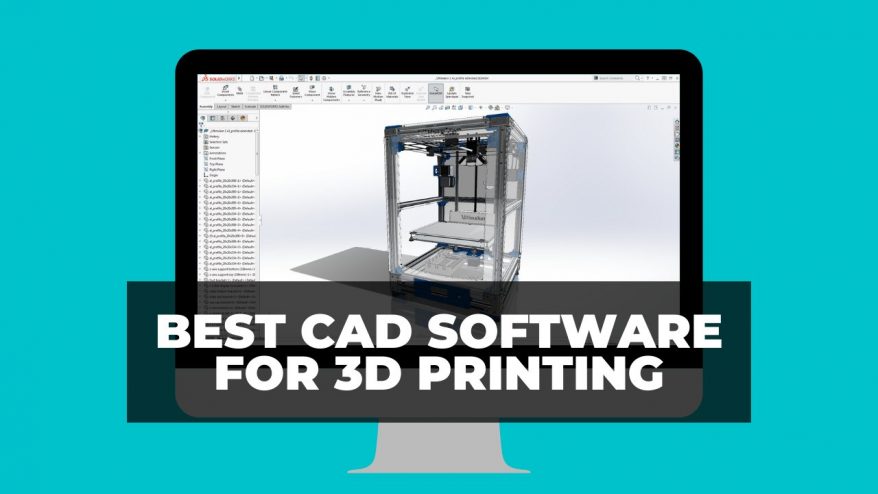
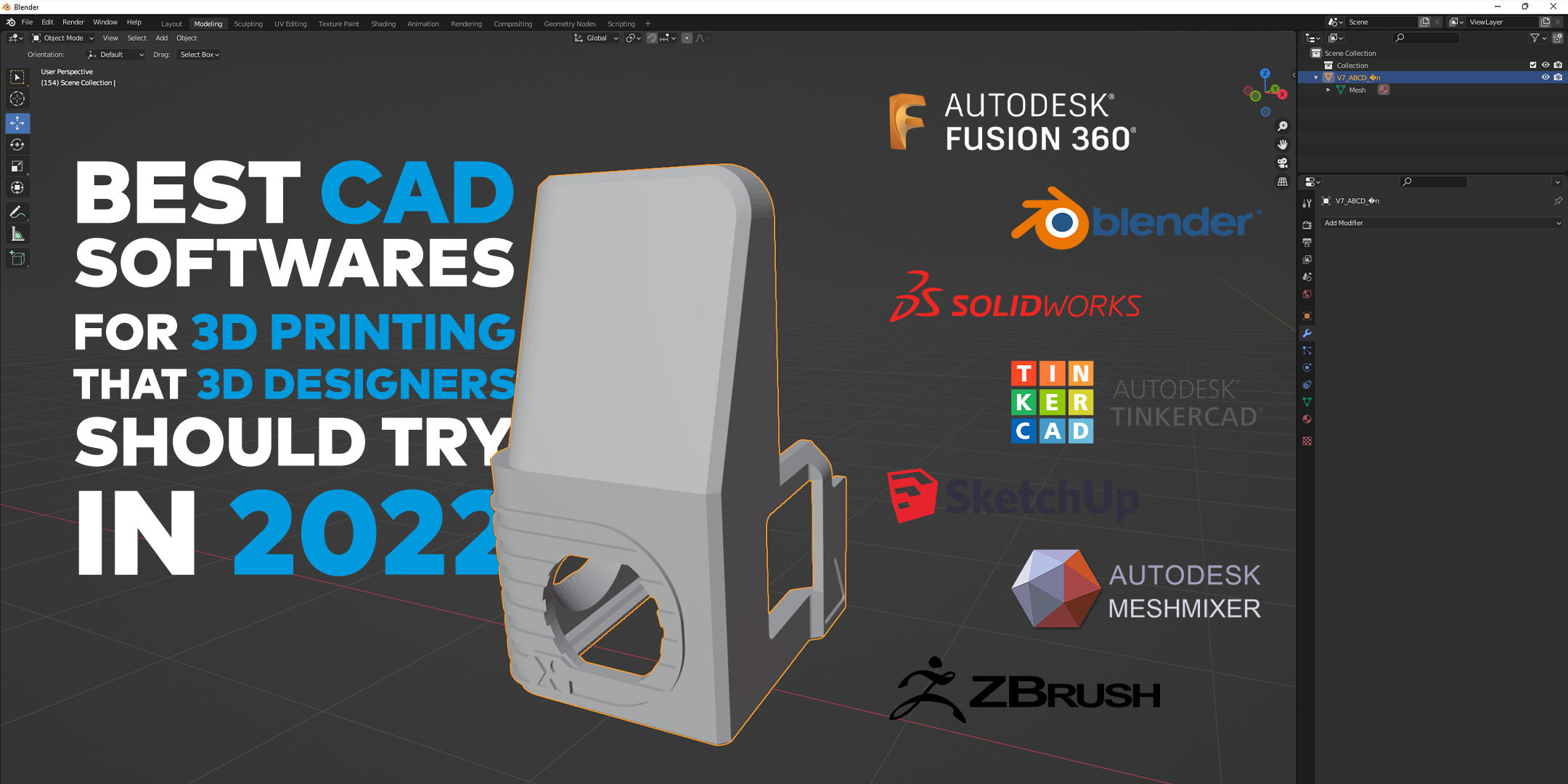
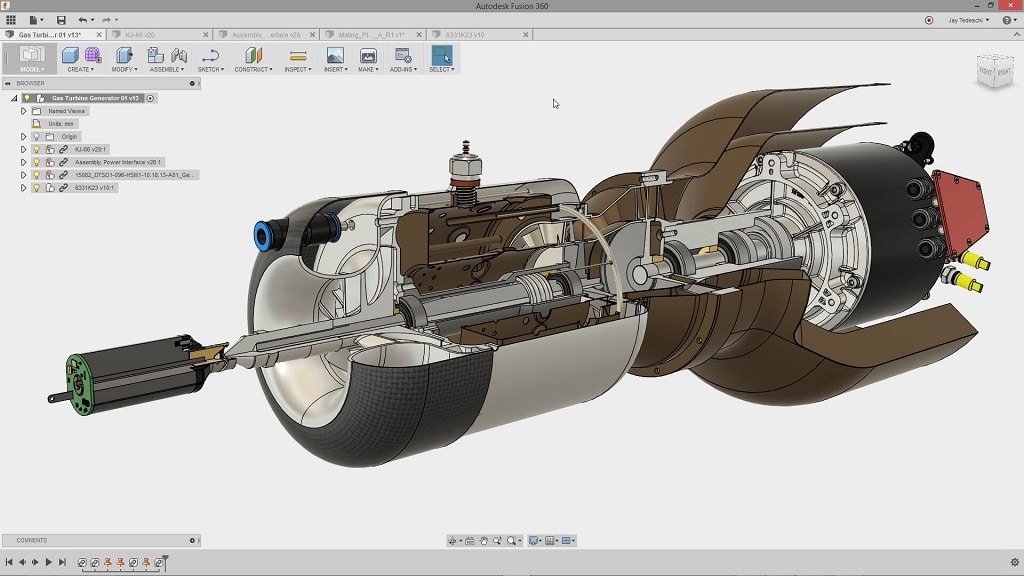
So, how do you get started? The world of CAD software can seem daunting, but there are many beginner-friendly options available. Tinkercad is a fantastic free, browser-based program ideal for absolute beginners. Its intuitive interface and simple tools make it easy to learn the basics of 3D modeling. Fusion 360, while more powerful, offers a free license for personal use and provides a wealth of tutorials and resources. Even playing around with simple 3D modeling apps on your phone or tablet can be a great way to explore the fundamental concepts.
The key is to experiment and have fun. Don't be afraid to try different programs and see which one clicks with you. Start with simple projects, like designing a keychain or a basic geometric shape. Watch tutorials, join online communities, and ask questions. The world of 3D printing and CAD is a vibrant and supportive one, full of people eager to share their knowledge and enthusiasm. So, dive in, unleash your creativity, and start bringing your digital dreams to life!
![Best CAD Software For 3D Printing 2025 [For Beginners & Experts]](https://www.3dtechvalley.com/wp-content/uploads/2020/08/FreeCAD-1024x574.jpg)