What Does The Yellow Battery Mean On My Iphone
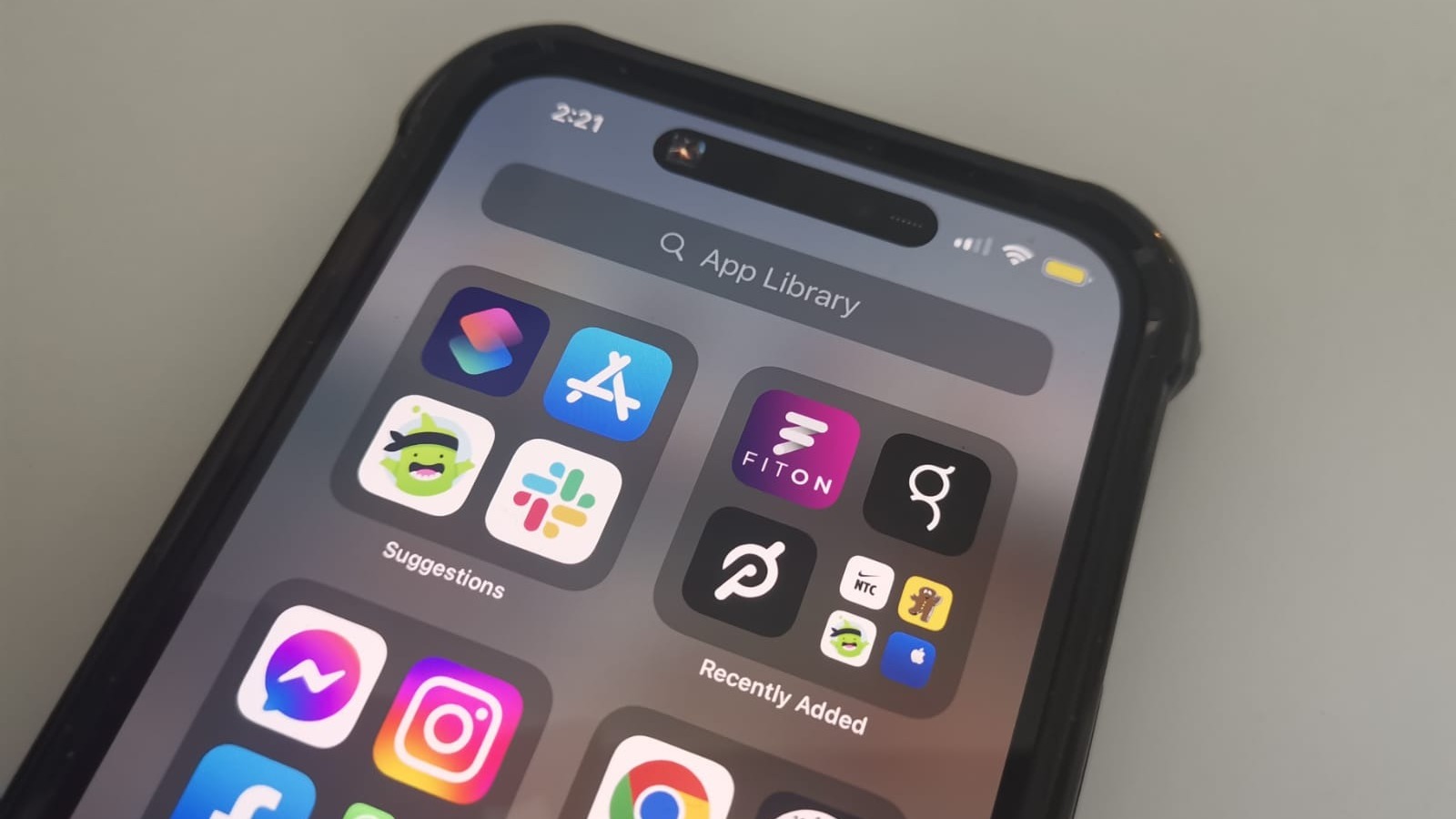
Ever been out and about, enjoying your day, when you glance at your iPhone and notice something a little... different about its battery icon? It’s not green, it’s not red, it’s a curious shade of yellow! For many iPhone users, this sudden change can spark a moment of mild panic or, at the very least, a question mark floating above their head. Is something wrong? Is my phone about to die? Good news: this yellow glow isn't a sign of impending doom; it's actually your iPhone’s clever way of lending you a helping hand, giving you more precious hours of juice when you need it most. And understanding it is not only useful, but it can turn you into a true battery-saving wizard!
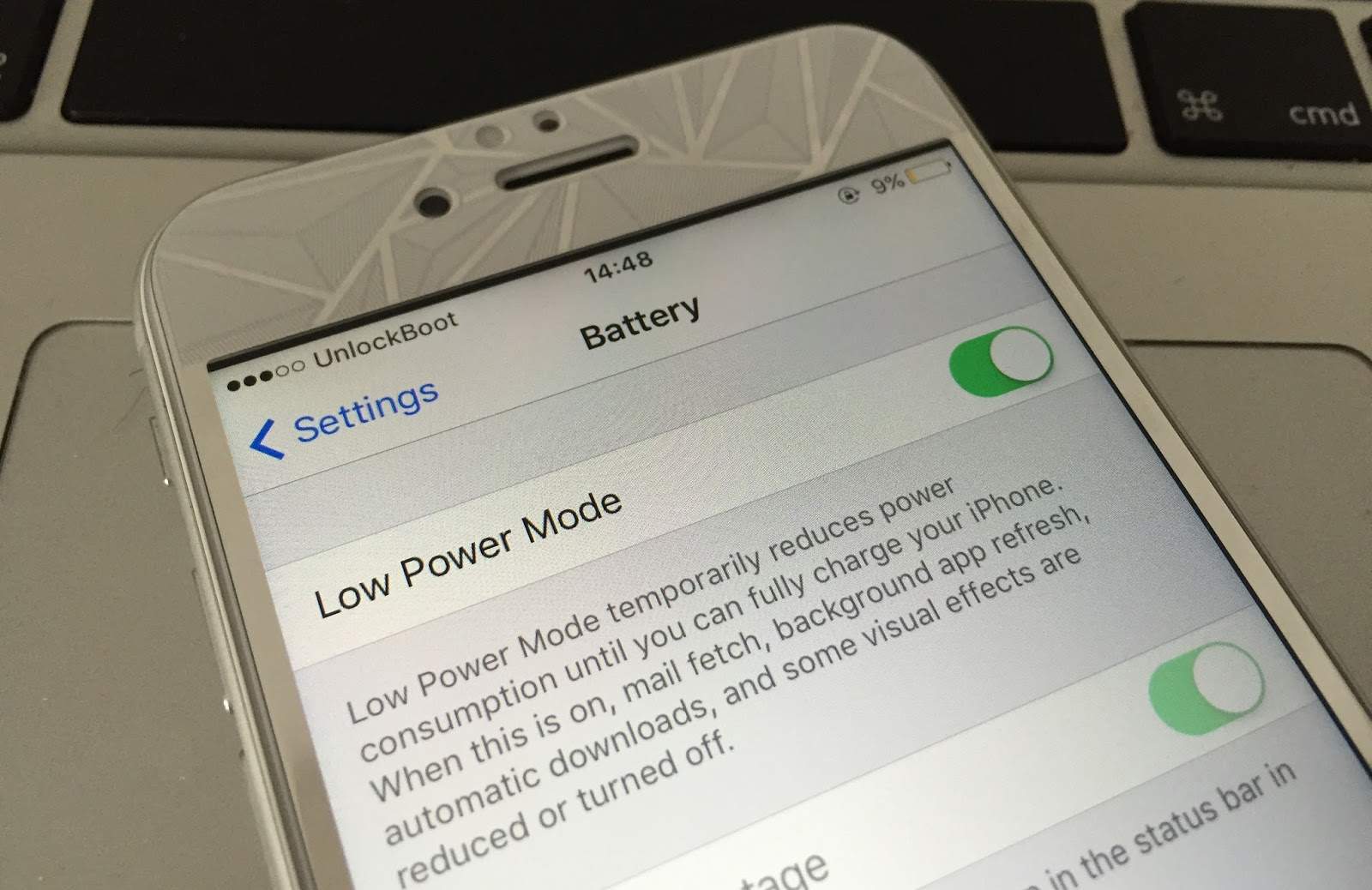
So, what exactly does that sunny yellow battery mean? It means your iPhone has activated Low Power Mode. Think of it as your phone putting on its energy-saving pajamas, ready for a cozy, power-sipping evening. This fantastic feature, first introduced with iOS 9, is designed to temporarily reduce the power consumption of your device, effectively extending your battery life when it starts to run low. Typically, your iPhone will automatically prompt you to enable Low Power Mode when your battery level hits 20%, and then again at 10%. You can also manually switch it on anytime you foresee a long stretch away from a charger.
When Low Power Mode kicks in, your iPhone makes a few smart adjustments under the hood to stretch out every last electron. It won't tell you exactly everything it's doing, but here are the key areas where it pulls back the reins: background app refresh is paused, meaning apps won't constantly update themselves in the background; automatic downloads for apps, books, or podcasts are temporarily stopped; email fetch becomes less frequent; and some visual effects, like the parallax effect or certain animations, are reduced or disabled. On newer models, it might even limit some 5G functionality. Essentially, your phone takes a breather, focusing only on the essentials to keep you connected.
Must Read
The benefits of this bright yellow savior are clear: it grants you a significant extension of your battery life, helping you avoid that dreaded "dead phone" scenario. Imagine you're exploring a new city, trying to navigate with Maps, or waiting for an important call, but your battery is dwindling. Activating Low Power Mode can be the difference between making it to your destination or finding a charger in the nick of time. It's perfect for those long travel days, unexpected delays, or simply when you forget your charger at home. Once your iPhone reaches a sufficient charge (usually 80% or higher), Low Power Mode will automatically turn off, and your battery icon will revert to its standard color, ready for full power again.
Next time you see that friendly yellow battery icon, don't fret! Embrace it. You're not looking at a problem; you're witnessing your iPhone's superpower in action, giving you more time to chat, scroll, or snap photos before needing a power-up. It's a simple, yet incredibly useful feature that empowers you to get the most out of your device, even when outlets are nowhere in sight. So go forth, enjoy your phone, and know that yellow means you're in good, power-saving hands!