
Smoke And Carbon Monoxide Detector Beeping

Picture this: It’s 3 AM. You’re deep in the land of nod, dreaming of... I don’t know, puppies riding tiny bicycles? And then, BEEP! Just one, solitary, ear-splitting beep. You jolt upright, heart pounding. Silence. You settle back down, thinking it was just a figment of your sleep-deprived imagination. Then, five minutes later, BEEP! Again. And again. Welcome to the infuriating, yet often life-saving, world of the beeping smoke and carbon monoxide detector.
You know the drill. That insistent chirp, that full-blown alarm, it always seems to pick the most inconvenient time to demand your attention. But hey, as annoying as it is when it’s not an actual fire or invisible killer gas, that little device is literally designed to save your bacon. So, let’s peel back the layers of mystery behind those beeps, shall we? Because understanding why it's yelling at you is the first step to peace (and safety!).
The Midnight Chorus: Why They Beep
There are a few usual suspects when your detectors start getting vocal. It's rarely for fun, I promise!
Must Read
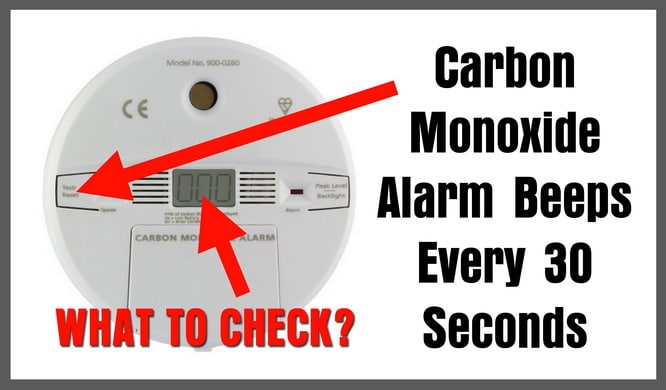
1. The Low Battery Lament: This is the most common culprit, and probably the one that causes the most collective groans across the globe. A single, intermittent chirp, usually every 30 to 60 seconds, is your detector’s way of saying, “Hey! I’m running on fumes here! Please, for the love of all that is holy, give me some fresh juice!” Most models will let out a different sound for a low battery chirp versus an actual alarm, so listen carefully. A continuous, loud shriek is usually the real deal, whereas a polite (or impolite, depending on your sleep level) chirp is probably just a dying battery.
2. End-of-Life Expiry: Did you know these things don't last forever? Yup. Most smoke detectors have a lifespan of about 10 years, and CO detectors typically last 5-7 years. After that, their sensors become less reliable. When they hit their expiry date, many models will start emitting a series of beeps or chirps different from the low battery signal – perhaps three chirps and a pause, or a regular pattern. This isn't a plea for new batteries; it's a polite (again, sometimes not so polite) eviction notice. Time to replace the whole unit! It’s super important, seriously.
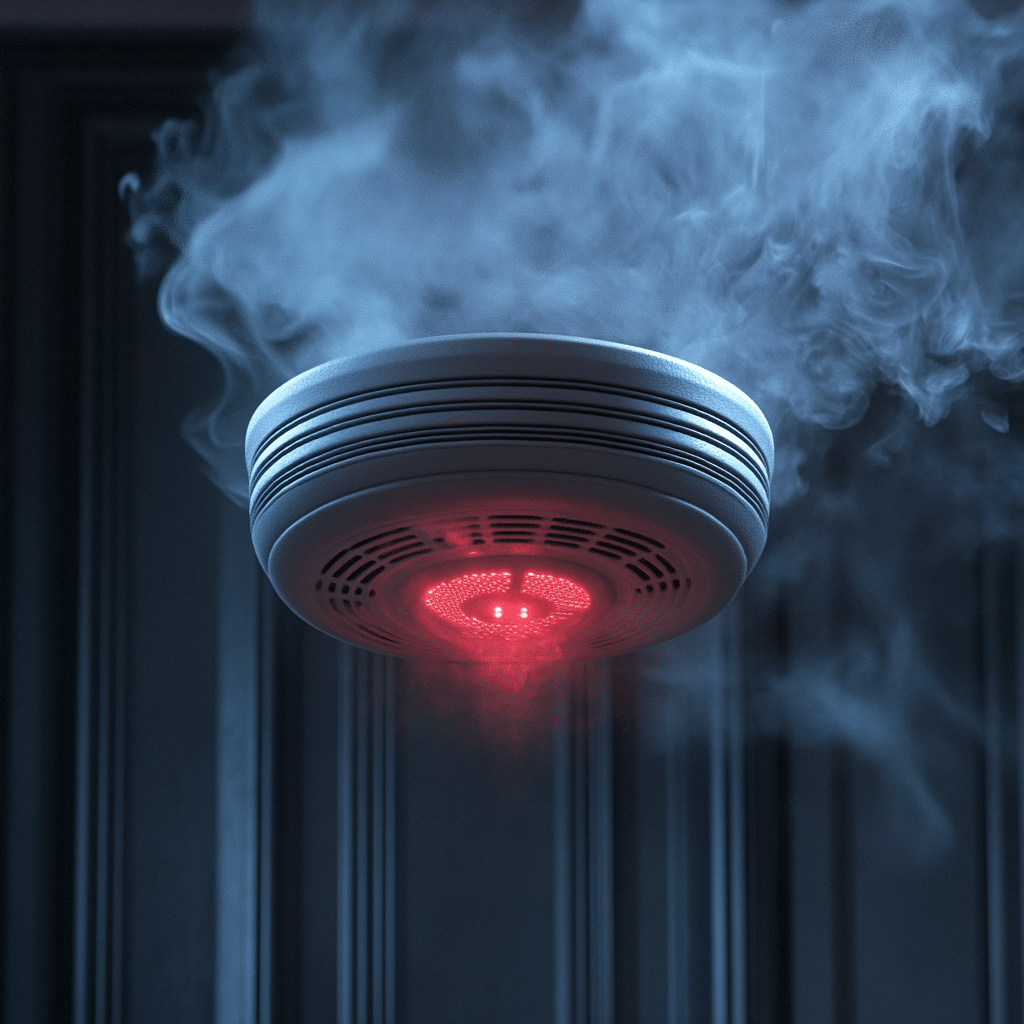
3. Dust, Bugs, or Other Intruders: Sometimes, tiny particles of dust, spiderwebs, or even small insects can trip up the sensitive sensors inside your detector, especially photoelectric smoke detectors. It's like they're sneezing! If it's a false alarm and you've ruled out batteries and age, a quick vacuum or a blast of compressed air (from a safe distance, of course) can often solve the problem. Just be gentle; they're delicate little guardians.
4. Power Outages and Surges (for Hardwired Units): If your detectors are hardwired into your home’s electrical system, a brief power flicker or surge can sometimes trigger them. Or, if the power goes out and then comes back on, they might chirp to signal they’ve switched to battery backup and then back to main power. It’s their way of recalibrating, I guess. A quick press of the "test/reset" button usually quiets them down.
5. The Big One: Actual Smoke or Carbon Monoxide: And, of course, the reason they exist! If you hear a loud, continuous alarm, especially if it’s accompanied by multiple beeps, then it means one thing: they've detected what they're supposed to detect. This isn't a drill, folks. This is when you take it seriously, investigate safely, or better yet, evacuate first and ask questions later.

Smoke vs. CO: Know Your Enemy (or Friend!)
It's worth a quick mention that smoke detectors detect smoke (duh!), typically from fires. Carbon monoxide (CO) detectors, on the other hand, sniff out the odorless, colorless, tasteless, and highly toxic gas that can be produced by faulty furnaces, gas appliances, or cars. You absolutely need both. They're like Batman and Robin, each tackling a different villain.
Okay, It's Beeping. Now What?
First, don't panic. Unless it's a full-blown alarm, in which case, maybe a little panic is warranted, but more importantly, action!

- Listen to the pattern: Is it a single chirp every minute? Probably battery. A series of chirps? Could be end-of-life. A continuous shriek? Investigate for actual threat.
- Check the battery: Most have a battery compartment you can pop open. Replace with fresh, high-quality batteries. And yes, all of them. Don’t skimp.
- Check the date: Look for a manufacture date or an expiry date printed on the back or side of the unit. If it’s past its prime, it’s time for a new one.
- Clean it: A quick blast of compressed air can often work wonders if dust is the culprit.
- Reset it: Many units have a test/reset button. Holding it down for a few seconds can sometimes quiet a false alarm.
Your Detector's To-Do List (And Yours!)
To avoid those 3 AM wake-up calls (unless it's truly an emergency!), here's a little maintenance routine:
1. Test Monthly: Push that "test" button every month. It’s literally one button, takes two seconds, and confirms the alarm sounder and battery are working. Easy peasy.
2. Change Batteries Annually: A good rule of thumb is to change your batteries when you change your clocks for daylight saving time. Or, if you forget that, just pick a memorable date (like your birthday or a holiday) and stick with it. Fresh batteries are cheap, your life isn't.
3. Know the Expiry Date: When you install a new detector, grab a marker and write the installation date on it. Then, mark your calendar for when it needs to be replaced entirely. Future you will thank current you!
4. Keep 'Em Clean: Give them a gentle vacuuming or wipe-down every few months to prevent dust build-up. It's like giving them a spa day!
So, the next time that little guardian starts chirping away, try not to curse its existence. Instead, appreciate that it’s doing its job, sending you a tiny inconvenience for a potentially life-saving heads-up. It’s kind of sweet, if you think about it. And a whole lot cheaper than replacing your entire house.