
Logstash Http Input Example
Hey there, data wranglers! Ever feel like your data is a bunch of puzzle pieces scattered all over the floor? You know, log files here, application metrics there, maybe even some tweets thrown in for good measure? It's a mess, right? Well, that's where Logstash comes in, and specifically, the Logstash HTTP input plugin. Think of it as your data vacuum cleaner, sucking up all those pieces and getting them ready to be turned into something beautiful and useful.
So, What’s the Deal with HTTP Input?
Okay, so HTTP input… sounds techy, doesn’t it? But really, it's just about getting data into Logstash using the same protocol that powers the web – HTTP! Think of it like this: you're running a website, and every time someone visits a page, or clicks a button, information is being sent to your server. The HTTP input plugin lets Logstash listen for these messages, like a dedicated data eavesdropper (but in a totally legal and helpful way!).
Why is this cool? Well, because it's incredibly flexible. You can send data to Logstash from just about anywhere that can make an HTTP request. Think of it: your applications, your web servers, even that fancy IoT device you just bought! If it can talk HTTP, it can talk to Logstash.
Must Read
Why is this important? Because standardization is key. By funneling diverse data streams through a single, well-defined input like HTTP, you simplify your data pipeline and ensure consistency in processing.
A Super Simple Example (No Jargon Guarantee!)
Let’s imagine a really basic scenario. You have a simple script that generates some log-like data. Instead of writing it to a file, you want to send it directly to Logstash. Here's what the Logstash config might look like:
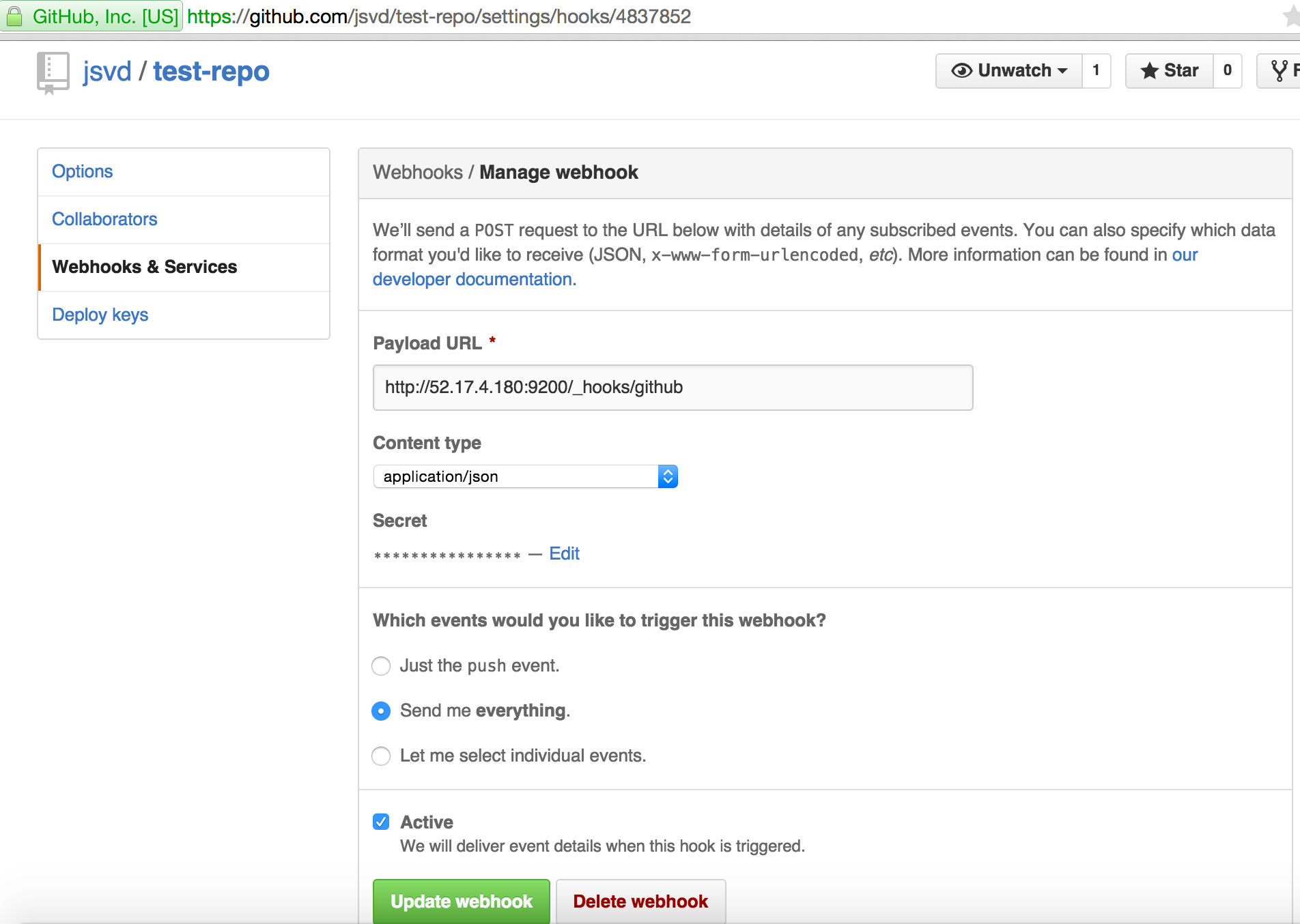
    input {
      http {
        port => 8080
        codec => "json"
      }
    }

    output {
      stdout {
        codec => rubydebug
      }
    }
Don’t freak out! It’s easier than it looks. Let's break it down:
- `input { http { ... } }`: This tells Logstash that we want to use the HTTP input plugin.
- `port => 8080`: This says Logstash should listen for HTTP requests on port 8080. Think of it like a specific phone line Logstash is answering.
- `codec => "json"`: This tells Logstash to expect the data to be in JSON format (which is just a way to organize data, like a well-structured spreadsheet).
- `output { stdout { ... } }`: This tells Logstash to simply print the processed data to the console. It's a great way to see what's happening!
Now, imagine you have a simple Python script:
    import requests
    import json

    data = {"message": "Hello from Python!", "timestamp": "2023-10-27"}
    headers = {'Content-type': 'application/json'}
    response = requests.post('http://localhost:8080', data=json.dumps(data), headers=headers)

    print(response.status_code)
This script sends a simple JSON message to Logstash running on your computer (localhost) on port 8080. If you run both Logstash with the config above and this Python script, you should see the message pop up in your Logstash console!
Why JSON? Why a Codec?
You might be wondering why we specified `codec => "json"`. Well, Logstash needs to know how the data is formatted so it can properly interpret it. Think of it like this: you wouldn't try to read a book written in Japanese if you only knew English, right? The codec is like a translator, telling Logstash how to "read" the incoming data.

JSON is a popular choice because it's human-readable (relatively, anyway) and easy for computers to parse. But Logstash supports other codecs too, like plain text, CSV, and even formats specific to certain applications. Experiment! That's half the fun!
Beyond the Basics: Making it Real
That little example is just the tip of the iceberg. You can use the HTTP input plugin for so much more! Imagine using it to:
- Collect real-time data from your web application, like user activity and performance metrics.
- Ingest data from APIs, enriching your logs with external information.
- Build custom dashboards that visualize your data in real-time.
The possibilities are endless! And the best part? You're using a standard protocol, HTTP, which means it's easy to integrate with existing systems and tools.
Final Thoughts: Embrace the Data Flow
The Logstash HTTP input plugin is a powerful tool for getting data into your Logstash pipeline. It's flexible, versatile, and surprisingly easy to use. So, dive in, experiment, and start wrangling your data like a pro!
Think of it as your personal data river, flowing smoothly and consistently towards valuable insights. And that, my friends, is pretty darn cool.