Kidde Carbon Monoxide Alarm How To Reset

Ever been in your home, enjoying a quiet moment, when suddenly – BEEP! BEEP! BEEP! – a mysterious chorus erupts from somewhere in the ceiling or wall? It’s a common sound that often sparks a mix of confusion and mild panic. Today, we’re going to unravel the mystery of that little guardian in your home: the carbon monoxide (CO) alarm, specifically focusing on how to give a Kidde alarm a little reset. It’s not just about silencing a beep; it’s about understanding a vital piece of home safety, and honestly, it’s quite empowering to know how these things work!
So, what’s the big deal with CO alarms? Their purpose is incredibly straightforward but profoundly important: they are designed to detect the presence of carbon monoxide, a gas often called the “silent killer.” Why silent? Because it’s
In our daily lives, knowing about CO alarms extends beyond just reacting to a beep. Imagine you’re teaching a child about household safety; pointing to the CO alarm is a tangible way to discuss
Must Read
Now, for the practical part: how to reset that Kidde Carbon Monoxide Alarm. First and foremost, if your alarm is blaring with a continuous, loud alert (often four rapid beeps followed by a pause), treat it as a real CO emergency.
However, if it's a single chirp every 30-60 seconds, that's typically a low battery warning. For Kidde alarms, the general reset process is quite simple:
- Silence the Chirp: First, if it's a battery-powered unit, replace the batteries. If it's a hardwired unit with battery backup, replace the backup batteries.
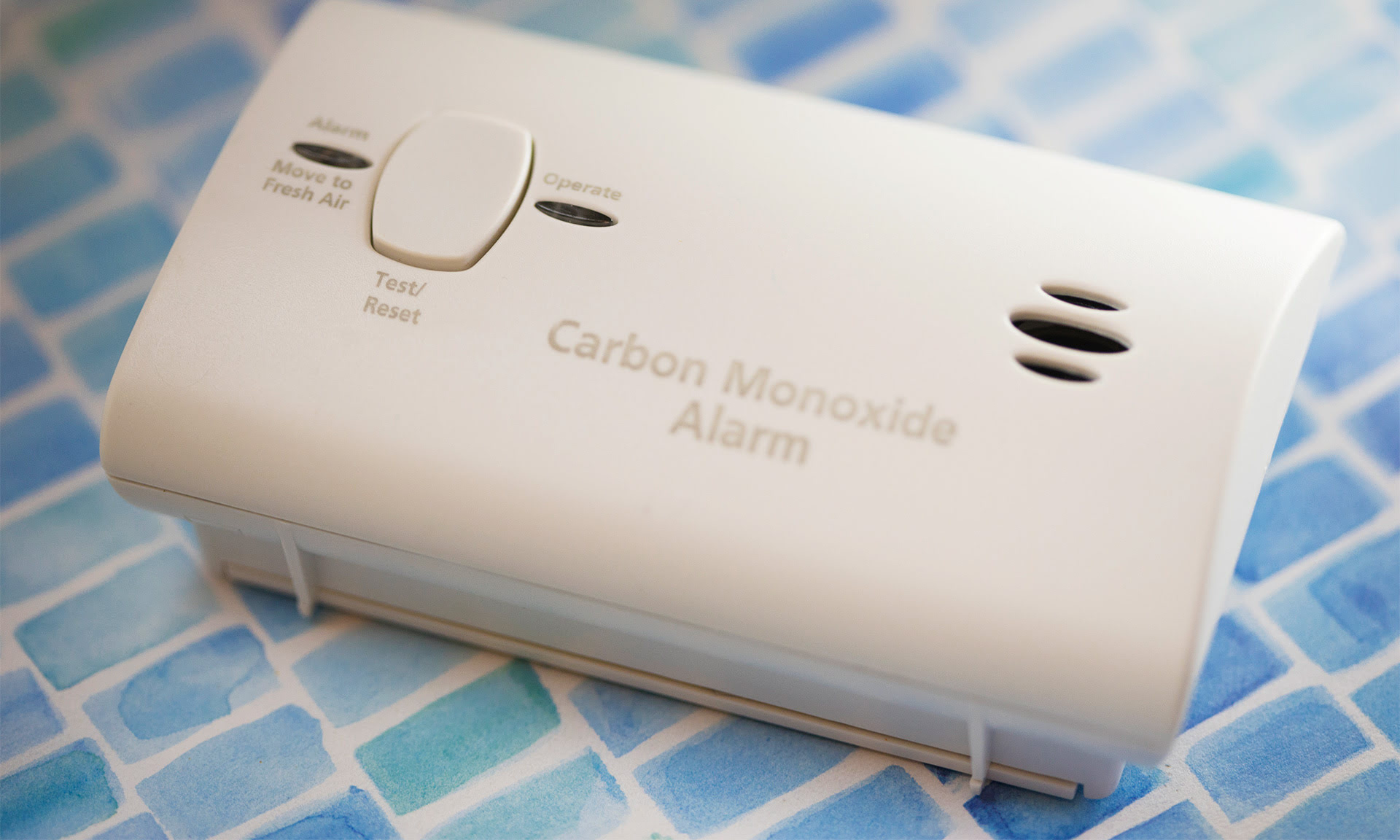
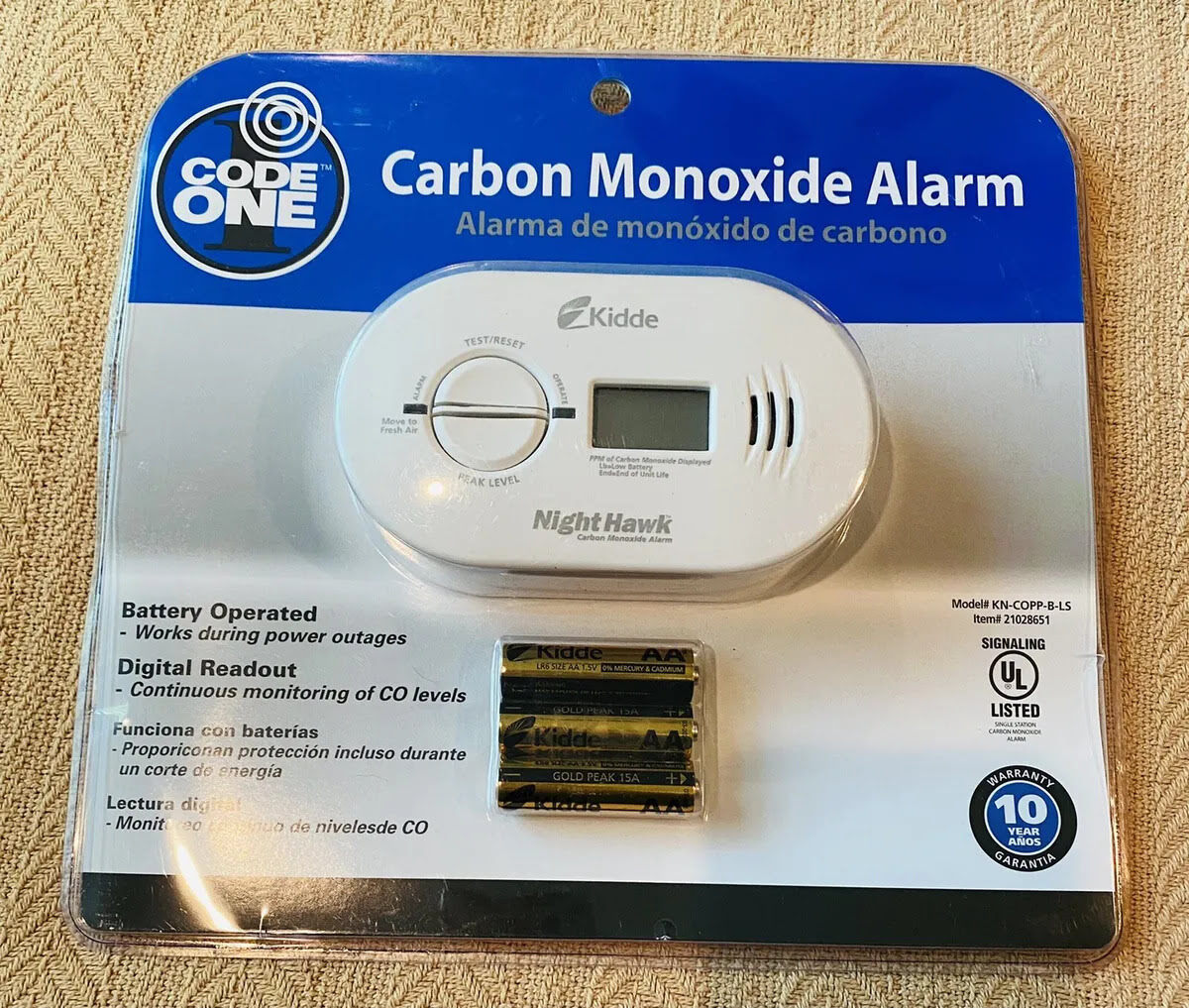
- Locate the Button: Find the large "Test/Reset" button on the front of the alarm.
- Press and Hold: Firmly press and hold this button for approximately 3-5 seconds. You should hear a short chirp or see a quick flash of the LED light, indicating it's registered the reset.
- Release: Release the button. The chirping should stop.