
Is Liquid Cooler Better Than Air Cooler

Hey there, tech enthusiast! Ever wondered about keeping your CPU cool? Like, really cool? It's a burning question (pun intended!), and we're diving in: Air cooler vs. Liquid cooler. Buckle up!
The Great Cooling Debate: Air vs. Liquid
So, you've built (or bought!) a gaming rig. Congratulations! Now, let's talk about taming that fiery silicon beast – your CPU. Overheating? No bueno. That's where coolers swoop in like miniature, heat-dissipating superheroes.
But which hero is better? Is it the trusty air cooler, or the flashy liquid cooler? Let’s break it down, no PhD in thermodynamics required.
Must Read
Air Coolers: The OG Chill Masters
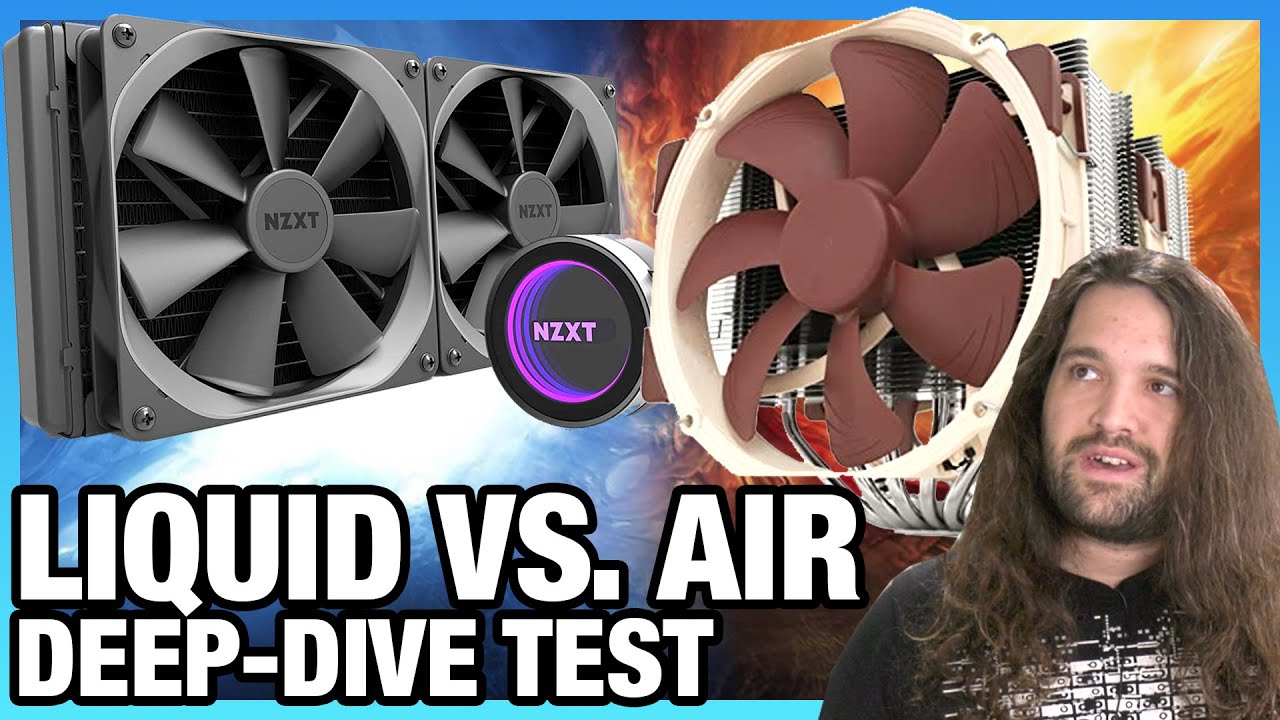
Think of air coolers as the classic, reliable pick. They've been around forever. They're basically a big heatsink (metal fins, lots of surface area!) with a fan attached.
How do they work? Simple! The heatsink soaks up the heat from your CPU. The fan blows the hot air away. Voila! Cool(ish) CPU.
Pros:
- Affordable: Air coolers are generally cheaper. More money for games!
- Reliable: Fewer parts, fewer things to break. Solid as a rock.
- Easy Installation: Usually straightforward to install. No messy liquids involved.
Cons:
- Bulky: Can be HUGE! Might block RAM slots. Awkward.
- Performance Ceiling: Can struggle with REALLY hot CPUs, especially when overclocking.
- Aesthetics: Let's be honest, some look kinda... meh. Not exactly winning any beauty contests.
Fun Fact: Did you know some early computers used liquid nitrogen to cool their components? Talk about extreme cooling! (Don't try this at home.)
Liquid Coolers: The Fancy Frost Dispensers
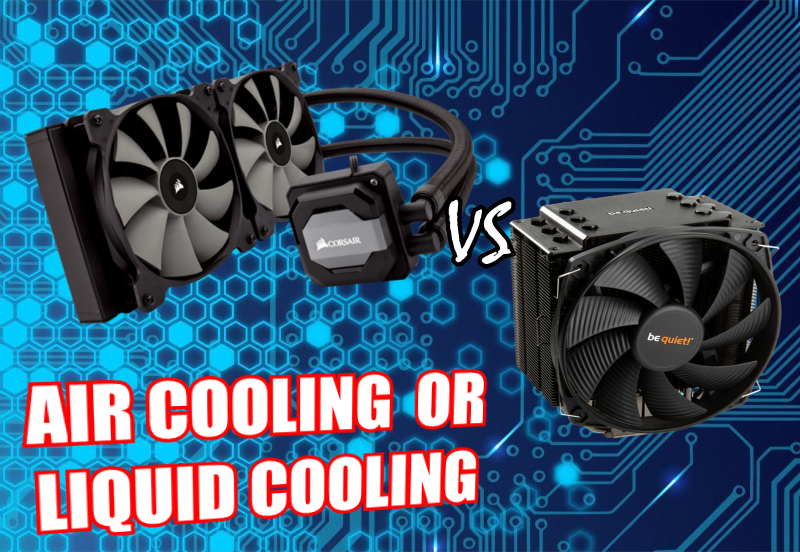
Liquid coolers are the cool kids on the block (again, pun intended!). They use liquid (usually distilled water and additives) to transfer heat away from the CPU.
How do they work? A pump circulates liquid from a block on your CPU to a radiator. The radiator dissipates the heat, often with fans. Like a tiny, internal water park for your computer!
Pros:
- Superior Cooling: Generally better at keeping CPUs cool, especially under heavy loads or when overclocking.
- Aesthetics: Many liquid coolers look amazing. RGB lighting? Check! Windowed cases? Double-check!
- Quieter: Can be quieter than some air coolers, especially at idle.
Cons:
- Expensive: Liquid coolers cost more. Ouch!
- Risk of Leaks: Tiny risk, but still a risk. Nobody wants water damage on their precious components.
- More Complex Installation: Can be trickier to install than air coolers. Requires a bit more planning.
Quirky Detail: Some liquid coolers have displays that show CPU temperature, fan speed, or even animated GIFs! Because why not?
So, Which One Should You Choose?
The million-dollar question (well, maybe a $100 question). It depends!
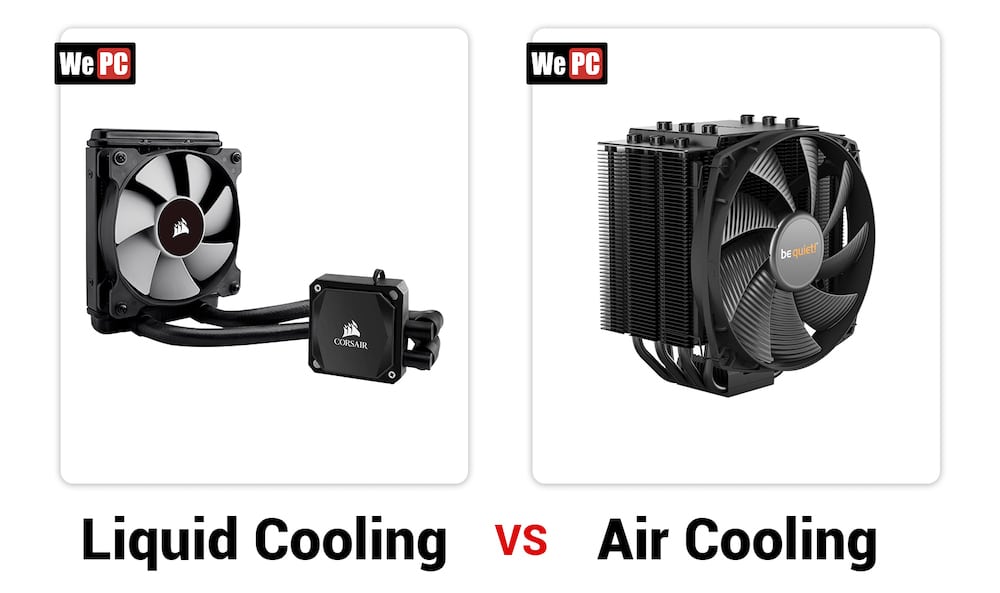
For budget builds and moderate cooling needs: Air cooler all the way. Reliable, affordable, and gets the job done.
For high-end builds, overclocking, and maximum cooling performance: Liquid cooler is your best bet. Prepare to spend more, but you'll get lower temperatures and potentially quieter operation.
For those who prioritize aesthetics: Liquid cooler wins hands down. They just look so darn cool! (Okay, I'll stop with the puns now… maybe.)
Important note: Make sure your case has enough space for your chosen cooler. Nobody wants a cooler that doesn't fit!

Think of it this way: Air coolers are like a trusty pickup truck. Reliable and practical. Liquid coolers are like a sports car. Sleek, powerful, and turns heads.
The Bottom Line
There's no definitive answer. Both air and liquid coolers have their pros and cons. The best choice depends on your budget, your needs, and your personal preferences.
Do your research, read reviews, and choose the cooler that's right for you. And remember, the most important thing is to keep your CPU cool and happy. Happy gaming!
Ultimately, the choice is yours. Now go forth and conquer those thermals!