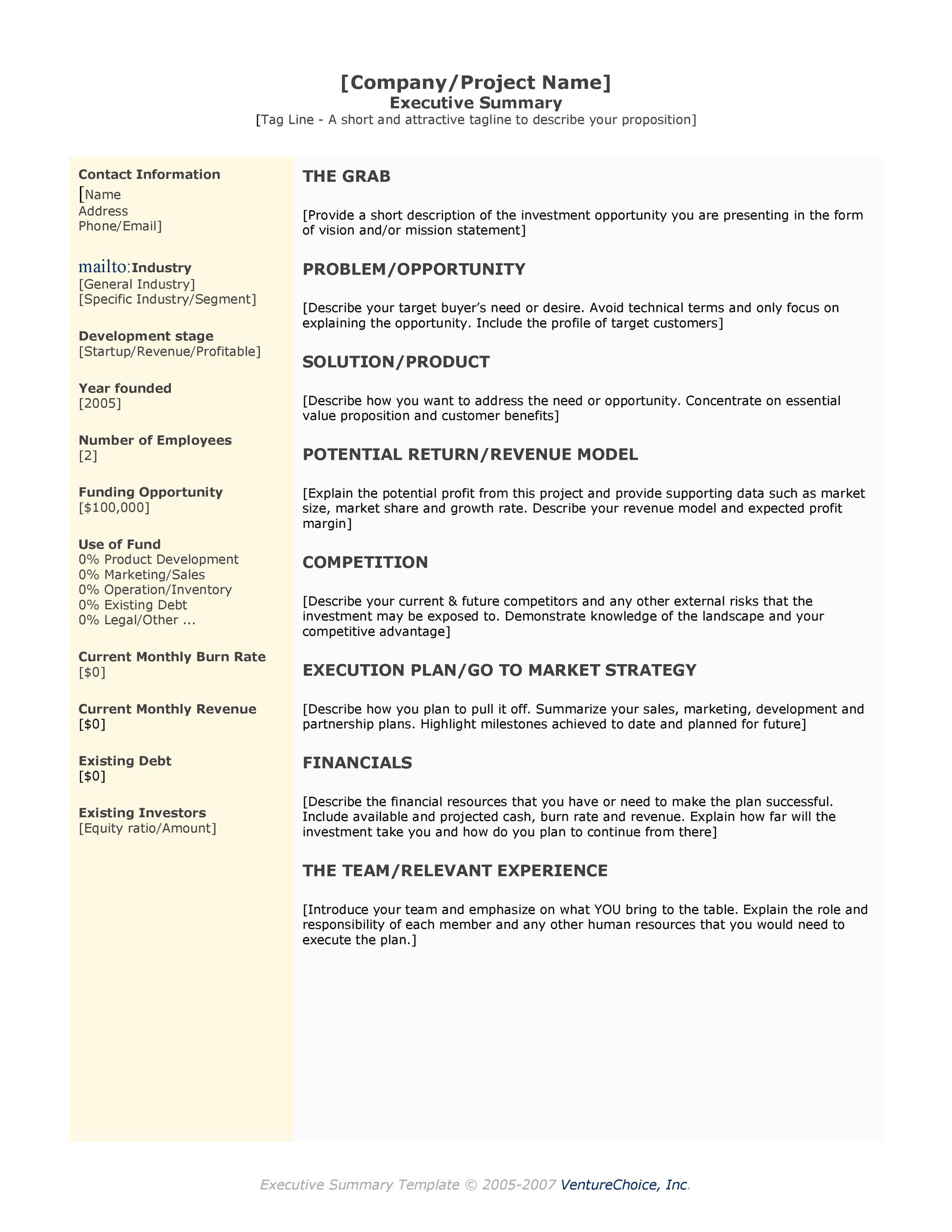
How To Write An Executive Summary Memo

Let's face it, memos don't exactly scream "thrilling read." But what if I told you that mastering the art of the executive summary memo is like unlocking a superpower? Think of it as your secret weapon for conquering communication chaos and getting your brilliant ideas noticed. It's all about making a big impact with a small package. Ready to learn how?
So, what exactly is an executive summary memo? Imagine a busy executive (or your boss, or a client) sifting through a mountain of documents. They don't have time to wade through every detail. That's where your executive summary swoops in to save the day! It's a concise overview, typically no more than a page or two, that captures the essence of a longer report, proposal, or project plan.
But why bother? Because time is money! The primary purpose of an executive summary is to give the reader a quick understanding of the key information, allowing them to make informed decisions without having to read the entire document. Think of it as the trailer for a movie – it highlights the best parts to entice the viewer to learn more (or, in this case, approve your budget!).
Must Read
The benefits are huge. For you, it demonstrates your ability to synthesize complex information and communicate effectively. For the reader, it saves precious time and ensures they understand the crucial points. It’s a win-win situation!
Here's a simple breakdown of how to craft a killer executive summary memo:

1. Know Your Audience: Before you even start typing, consider who you're writing for. What are their priorities? What information will be most relevant to them? Tailor your summary to their needs.
2. State the Purpose Up Front: Be crystal clear about the document's objective right from the start. What problem are you addressing? What solution are you proposing?
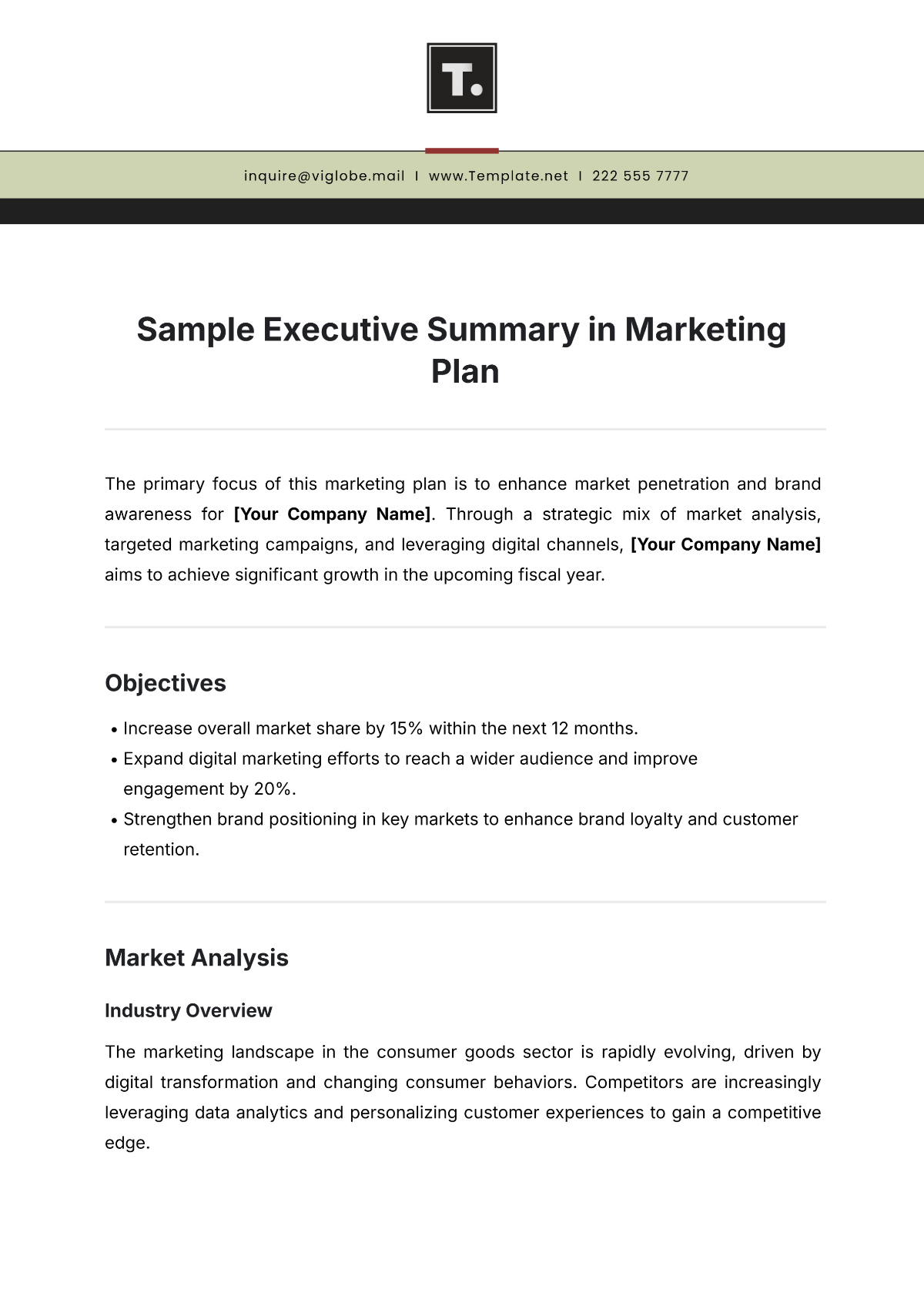
3. Highlight Key Findings: Focus on the most important data, conclusions, and recommendations. Use action verbs and be specific. Avoid jargon or overly technical language.
4. Summarize Recommendations: What are the next steps? Clearly outline your recommendations and explain why they are important. This is your chance to persuade the reader.
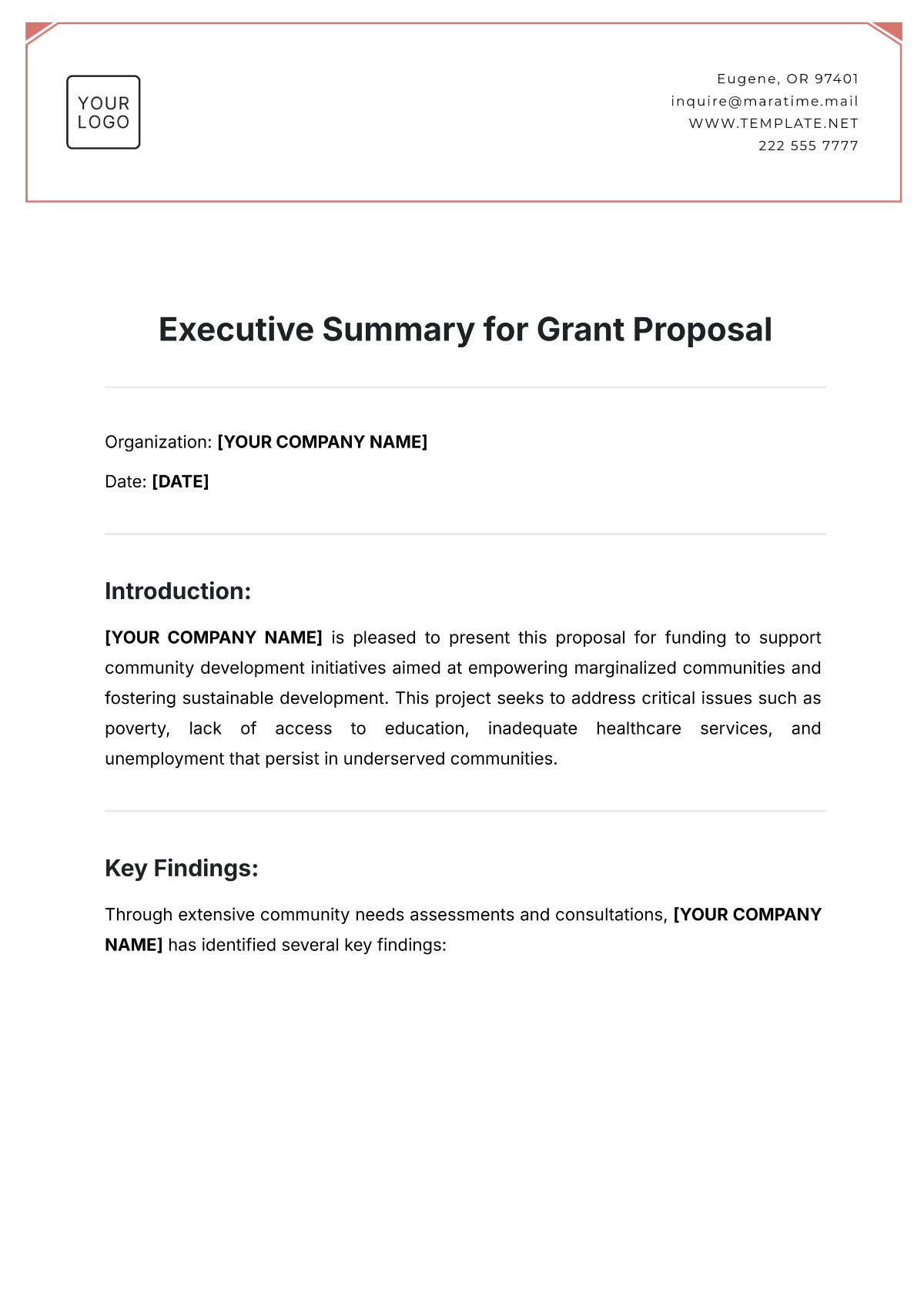
5. Keep it Concise: Brevity is your best friend. Use short sentences and paragraphs. Eliminate unnecessary words and phrases. Remember, the goal is to provide a snapshot, not a novel.
6. Proofread, Proofread, Proofread: Nothing undermines credibility like typos and grammatical errors. Take the time to carefully proofread your summary before sending it off.
Mastering the executive summary memo is a valuable skill that will serve you well in your career. By following these simple tips, you can transform from a memo-dodger to a communication ninja, leaving your audience impressed and informed. So go ahead, give it a try, and watch your ideas take flight!