
How To Watch Movies On My Computer
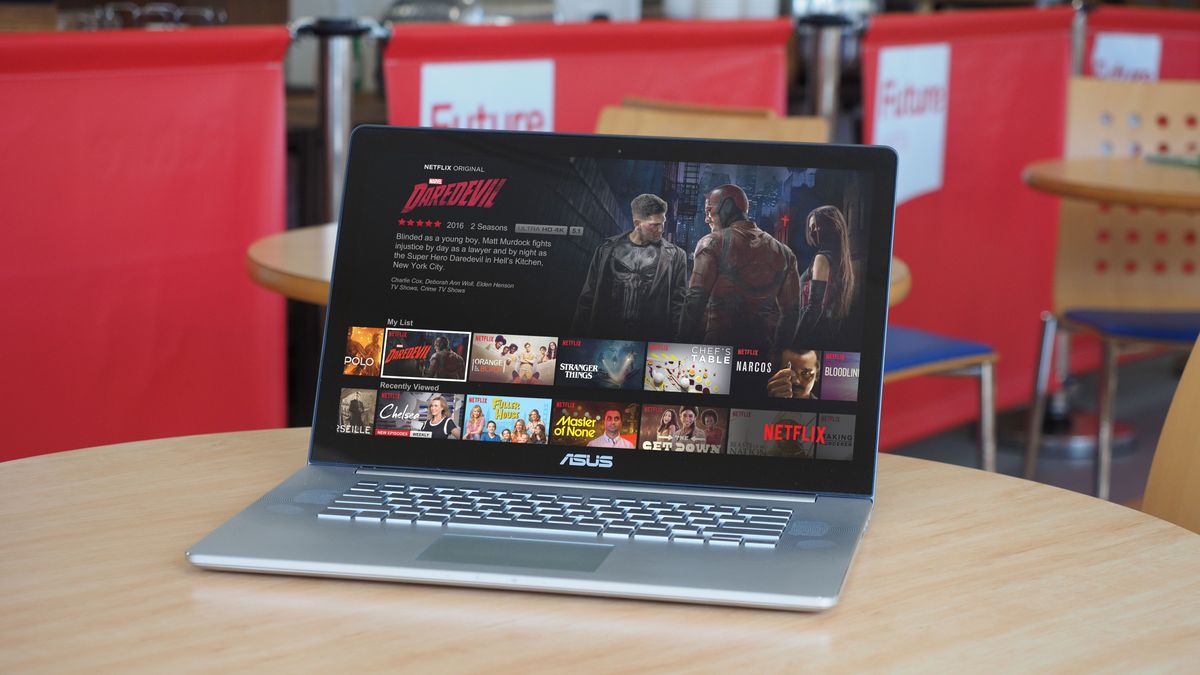
Okay, so picture this: last week, I was so ready for movie night. Popcorn? Check. Cozy blanket? Double check. My perfectly curated watchlist? Absolutely. Then...crickets. My ancient DVD player decided to stage a dramatic retirement. Seriously, mid-movie trailer! So, yeah, I scrambled. Thankfully, I remembered: hello, computer! You can totally watch movies on these things, right? Seems obvious now, but sometimes the simplest solutions are the hardest to see.
That little crisis got me thinking: tons of people probably have the same question. Maybe you’re a digital nomad, a dorm-dweller, or just someone whose TV is permanently commandeered by the kids. Whatever the reason, knowing how to watch movies on your computer is a seriously handy skill. And trust me, it’s easier than wrestling a stubborn DVD player.
The Digital Download: Owning Your Movies
First up: the classics. Buying digital movies. Think iTunes (or Apple TV now, I guess), Google Play Movies & TV (or YouTube Movies, confusing, I know), Amazon Prime Video (if you buy movies, not just stream), and others. You purchase the movie, download it, and boom! It's yours to watch whenever, wherever (well, as long as you have that device and account).
Must Read
The upside? You own the movie. No worrying about it disappearing from a streaming service because some licensing agreement expired. The downside? You have to pay for each movie individually. And let’s be honest, that can add up faster than you can say “collector’s edition.”
Pro Tip: Keep an eye out for sales! These platforms often have killer deals, especially around holidays.

Streaming Services: The Subscription Route
This is probably how most people are watching movies these days. Netflix, Hulu, Amazon Prime Video (the streaming part), Disney+, HBO Max…the list goes on and on. You pay a monthly (or annual) subscription fee, and you get access to a vast library of movies and TV shows.
The huge advantage here is variety. You can watch a ton of different movies for a relatively low price. But, like I mentioned before, movies come and go. Your favorite flick might be there one month and gone the next. Plus, keeping track of all those subscriptions can be a little…chaotic. Raises hand. Anyone else?
Bonus points: Most streaming services have apps you can download to your computer for a more streamlined viewing experience. They usually also work in a browser if you're not a fan of apps clogging up your desktop.
Free (and Legal!) Options
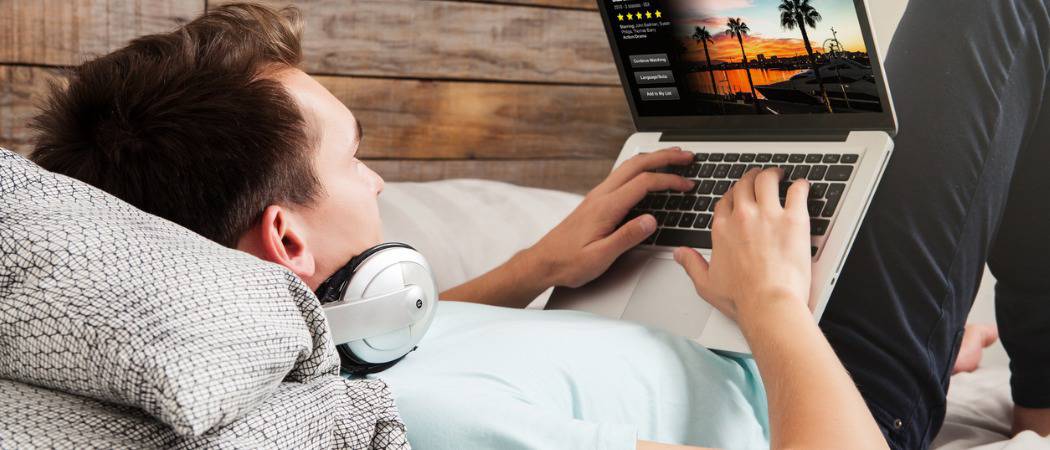
Believe it or not, there are ways to watch movies on your computer without spending a dime (or testing your moral compass with sketchy websites). Think ad-supported streaming services like Tubi, Pluto TV, and The Roku Channel (if you have a Roku account). You'll have to sit through some commercials, but hey, free movies! What's not to like? It can be a decent option if you have the patience.
Another option is your local library. Many libraries offer digital movie rentals through services like Kanopy or Hoopla. You can borrow movies for free using your library card. It’s a fantastic way to discover new films without breaking the bank. And, hey, supporting your local library is always a good thing.
Physical Media: DVDs and Blu-rays Still Exist!
Remember those relics from a bygone era? Believe it or not, DVDs and Blu-rays can still be a viable option for watching movies on your computer. You'll need a DVD or Blu-ray drive (many laptops don't have them built-in anymore, but you can buy an external one), and you'll need to install the appropriate software to play them.
Why bother, you ask? Well, some people (myself included!) are sentimental. Plus, physical media often comes with bonus features and behind-the-scenes content that you won't find on streaming services. And, again, you own it!
Fair warning: Region codes can be a pain. Make sure your DVD or Blu-ray is compatible with your region.

Setting Up for Movie Night
Okay, so you've chosen your movie and your viewing method. Now it's time to optimize your viewing experience. Make sure your computer is plugged in or fully charged. No one wants their movie to cut out mid-climax (pun intended?).
Consider connecting your computer to an external monitor or TV for a bigger screen experience. If you have a good sound system, plug it in for enhanced audio. Dim the lights, grab some snacks, and get ready to relax. You’ve earned it!
One last thing: Don't forget to close all those extra tabs! You don't want your computer to start lagging during a crucial scene. Trust me, I've been there. Happy viewing!