
How To Tell If Security Camera Is On
Okay, so picture this: I'm in a public space, maybe a coffee shop or a friend's oddly high-tech garage. I see a security camera tucked away in a corner. My immediate, primal brain reaction? To subtly adjust my hair, maybe do a tiny, almost imperceptible air guitar riff, just in case. Because, you know, what if it's on? What if my terrible air guitar is now immortalized on some hard drive, waiting for an unsuspecting security guard to stumble upon it during a slow Tuesday night shift?
Sound familiar? You've been there, haven't you? That split-second calculation: "Is that thing actively recording my questionable fashion choices, or is it just a dusty relic of a bygone surveillance era?" It’s a modern-day mystery, my friends, and today, we're going to crack the case. Because knowing is half the battle, especially when it comes to preserving your dignity (and your air guitar reputation).
The Obvious Tells: Lights, Lights, Everywhere!
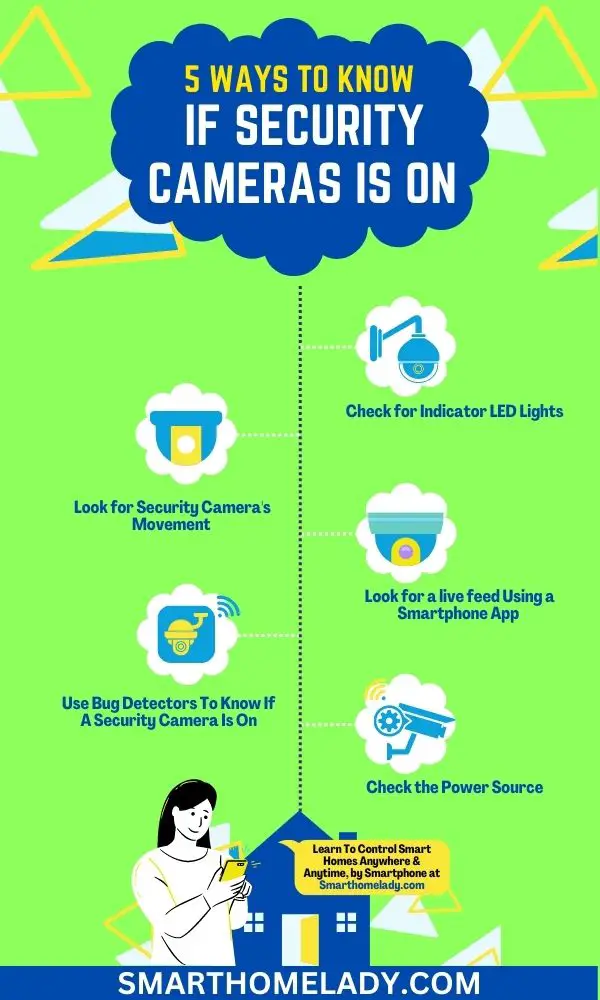
Let's start with the easiest giveaways. Many, and I mean many, security cameras come with indicator lights. Think of them as the camera's little heartbeat. These can be tiny LEDs that glow green, blue, or most commonly, red.
Must Read
If you see a solid red light, especially on the front or around the lens, it often means the camera is powered on and actively recording. A blinking red light might indicate it’s in standby, recording, or even has a low battery if it's a wireless model. Green usually means it's connected to a network, and blue might signify pairing mode or another status. But the key takeaway here is: look for lights.
Now, for the MVP of camera detection, especially in the dark: Infrared (IR) illuminators. Many cameras use IR to "see" at night. These aren't visible to the naked eye in broad daylight, but when it's dim or dark, those little IR LEDs around the lens will often emit a faint red glow. It looks like a ring of tiny red dots or a soft red aura. If you catch this glow, especially when it's dark, you can bet your bottom dollar that camera is on and watching.
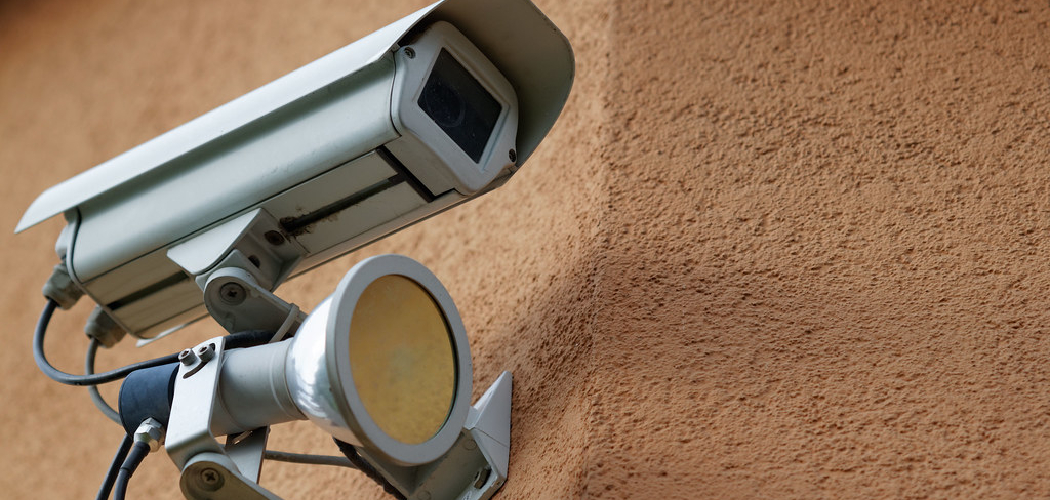
Pro tip: If you’re really serious, you can try looking at the camera through your phone’s front-facing camera in the dark. Some phone cameras can pick up IR light more effectively than the human eye, making those red dots even more obvious. Mind. Blown. You’re welcome.
The Subtle Whisper: Movement & Sound
Not all cameras are static statues. Some are the nimble dancers of the surveillance world: Pan-Tilt-Zoom (PTZ) cameras. If you notice a camera slowly panning across a room, tilting up or down, or even subtly zooming in or out, then congratulations, you've found an active one! These movements aren't usually for decoration.
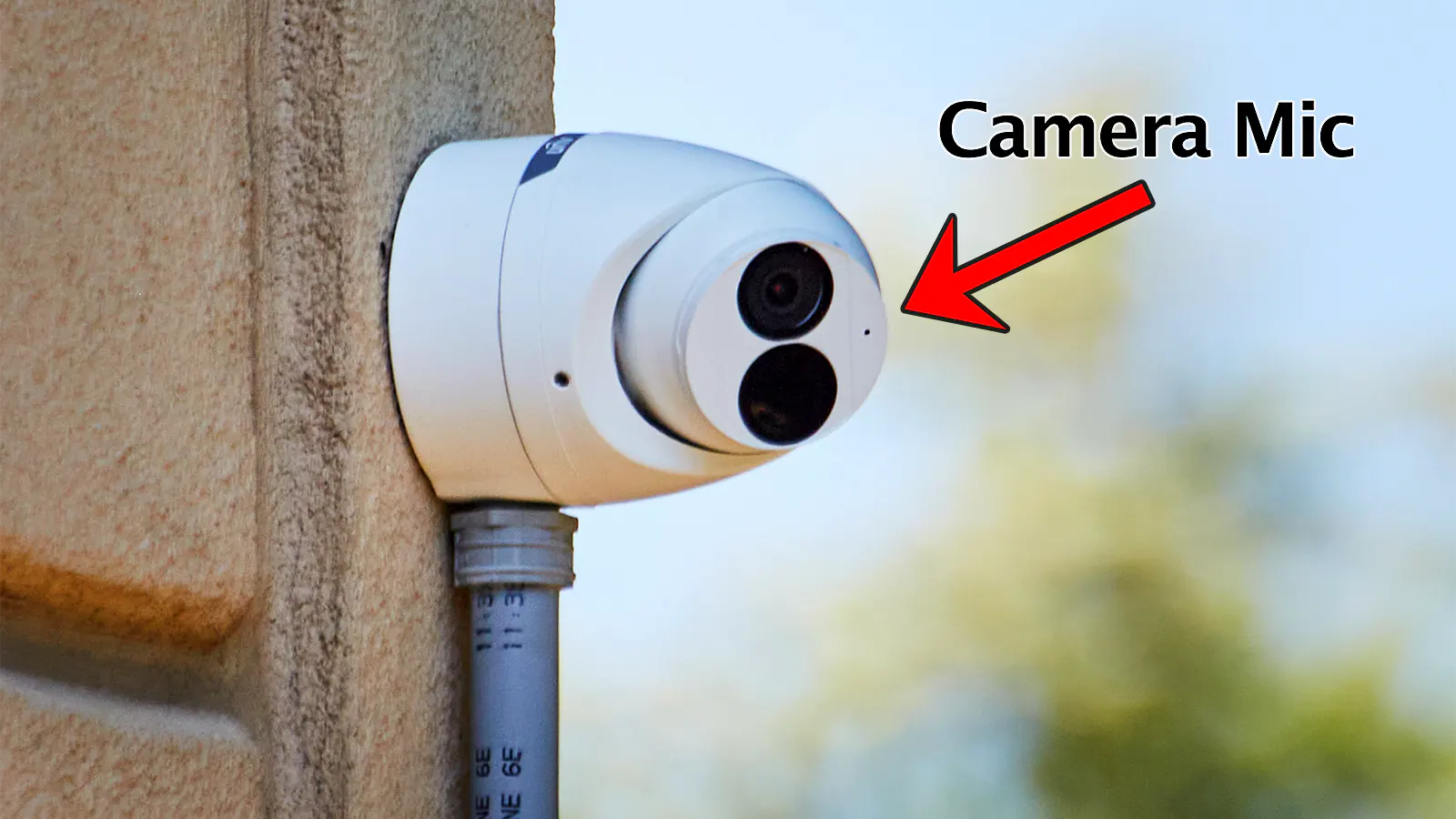
And where there's movement, there might be sound. Listen closely. Some PTZ cameras, especially older or cheaper models, can make a faint whirring or clicking sound as their motors adjust. It's usually very subtle, so you'd have to be quite close and in a quiet environment to pick it up, but it's another arrow in your quiver of detection.
Of course, this only applies to PTZ cameras. A fixed-position camera isn't going to suddenly start doing the cha-cha. But hey, it's worth checking, right?
The "Invisible" Clues (for the truly curious)
Sometimes, cameras are designed to be stealthy, with no obvious lights or sounds. That's when you have to get a little more observant.
First, take a good look at the lens itself. A camera that’s been off for ages might have a dusty, grimy lens. An active camera, especially one indoors, is often kept relatively clean for optimal image quality. While not a definitive sign, a sparkling clean lens points towards recent maintenance and use.
You can also look for a slight glare or reflection from the lens. Many camera lenses have a slight purple, blue, or green tint when light hits them at certain angles. This isn't foolproof, as many things reflect light, but combined with other clues, it can add to the picture.
For the really high-tech IP cameras (internet protocol), you might be able to detect a Wi-Fi signal if you're snooping with the right tools, but that's usually beyond the scope of casual observation. Unless you’re a spy, in which case, you probably already know all this!

The Human Element: Just Ask (or Observe)
Sometimes, the simplest solution is the best. If you're in a private establishment and you're genuinely concerned, you could always politely ask the staff or owner if the cameras are active. They might just tell you! It takes the guesswork out of it.
Alternatively, observe the camera's surroundings and its overall condition. Does it look like it's integrated into an active system? Are there wires leading into a clean, modern setup, or does it look like something a previous tenant forgot to take down? A camera dangling by a single wire, covered in cobwebs, is probably not logging your every move, bless its dusty heart.
Ultimately, being aware of your surroundings and having a few tricks up your sleeve can help you tell if that silent watcher is truly watching. So next time you're about to bust out those air guitar moves, take a quick peek. Your dignity (and my fellow security guards) will thank you.