How To Set Time On Honeywell Thermostat
Ah, the sweet symphony of a perfectly temperate home! That feeling when you step out of bed into a cozy warmth on a frosty morning, or return from a scorching day to an oasis of cool. It’s not magic; it’s the quiet hero on your wall, diligently orchestrating your indoor climate: your thermostat. And for countless homes, that hero wears the name Honeywell.
We often take these unassuming devices for granted, but they are the silent conductors of our domestic comfort. Setting the time on your Honeywell thermostat might seem like a small, mundane task, but it's the fundamental step that unlocks a world of convenience, efficiency, and sheer, blissful comfort. It’s the difference between a reactive battle against the elements and a proactive, effortless embrace of your ideal indoor environment.
The core benefit? Energy savings and unparalleled peace of mind. A properly timed thermostat allows you to program schedules that align with your daily life. Why heat or cool an empty house? By telling your thermostat when you’re typically home, at work, or asleep, you prevent it from working overtime unnecessarily. This means lower energy bills, reduced carbon footprint, and less wear and tear on your HVAC system. It's intelligent climate control, making your home work smarter, not harder.
Must Read
Think about it: waking up to a bathroom that's already toasty, or arriving home from a long day to find your living room perfectly chilled, without having to lift a finger the moment you walk through the door. It’s preparing your house for a dinner party by gradually cooling it throughout the afternoon, or ensuring your beloved pets stay comfortable while you’re out. These are the everyday luxuries a well-programmed, and thus well-timed, thermostat brings to life.
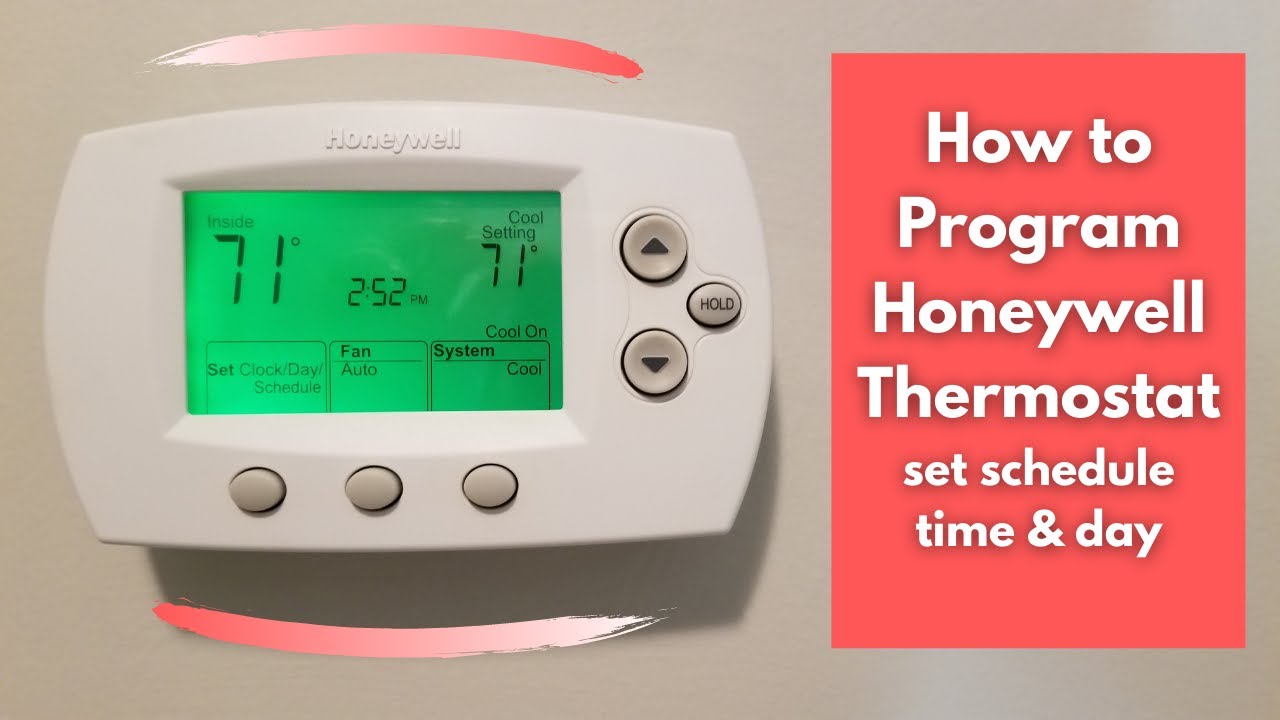
So, how do you harness this power? Let’s conquer the clock on your Honeywell thermostat! While models vary, the general steps are quite similar, like learning to drive different cars – the pedals are always there, just in slightly different places. Don't be intimidated by the buttons; they're your friends!

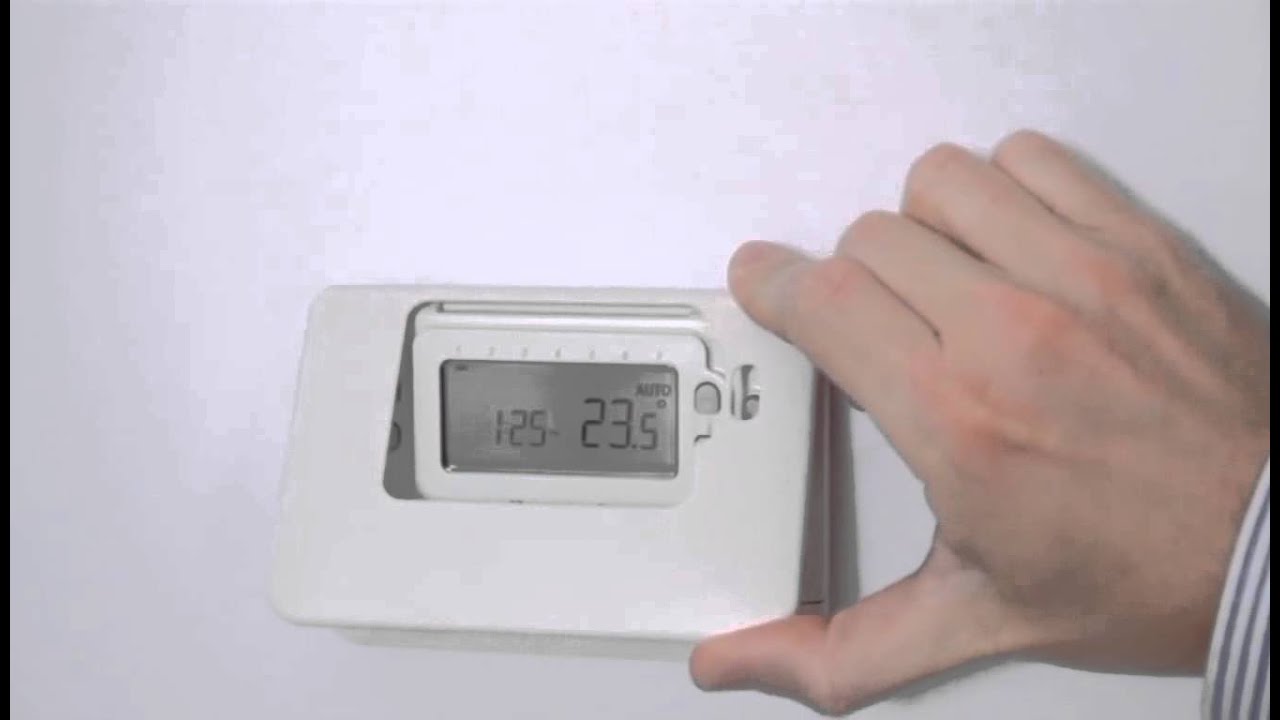
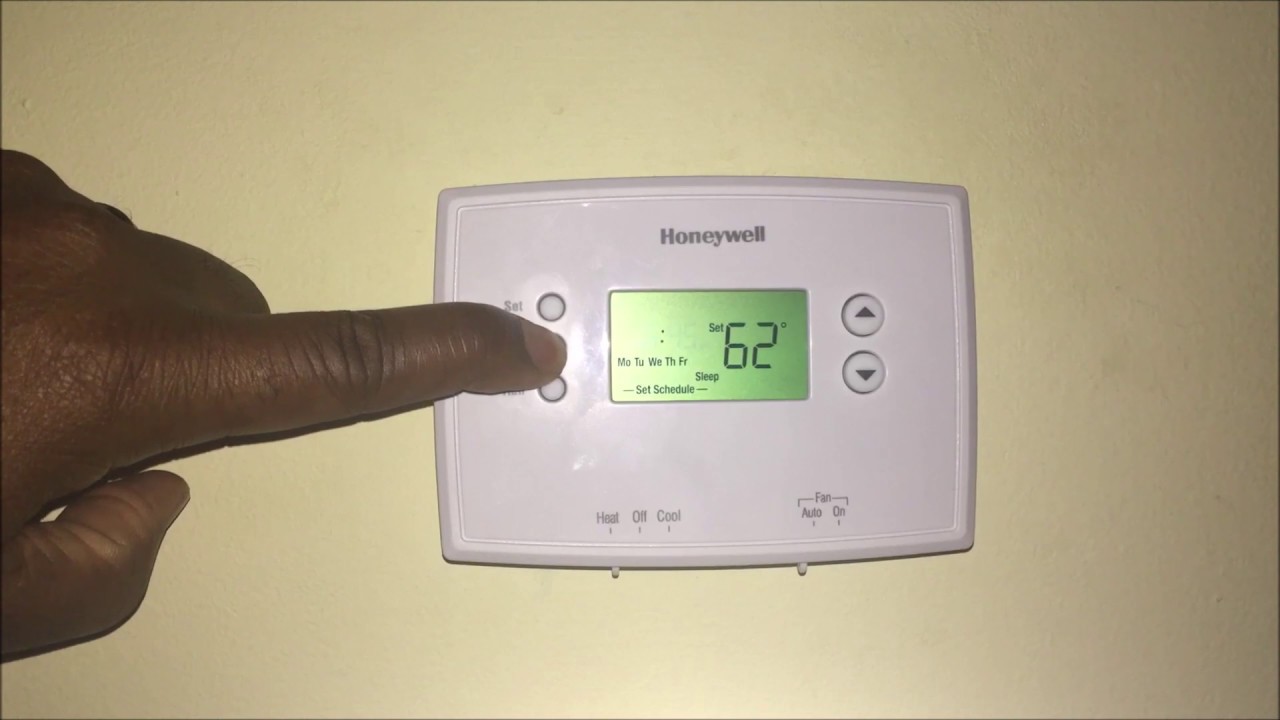
First, locate the necessary button. Most Honeywell models will have a button labeled SET, CLOCK, or a combination like MENU/SET. Give it a gentle press. You might see the current time start to blink, indicating it’s ready for your input. If nothing happens, you might need to press it a second time to enter the specific time-setting mode.
Next, you'll typically find UP and DOWN arrows (sometimes labeled  or
or  ). Use these to adjust the hour. Many thermostats will cycle through AM and PM automatically as you pass noon and midnight, but always double-check. Once the hour is correct, you might press SET or CLOCK again to move to the minutes, then adjust those with the arrows too.
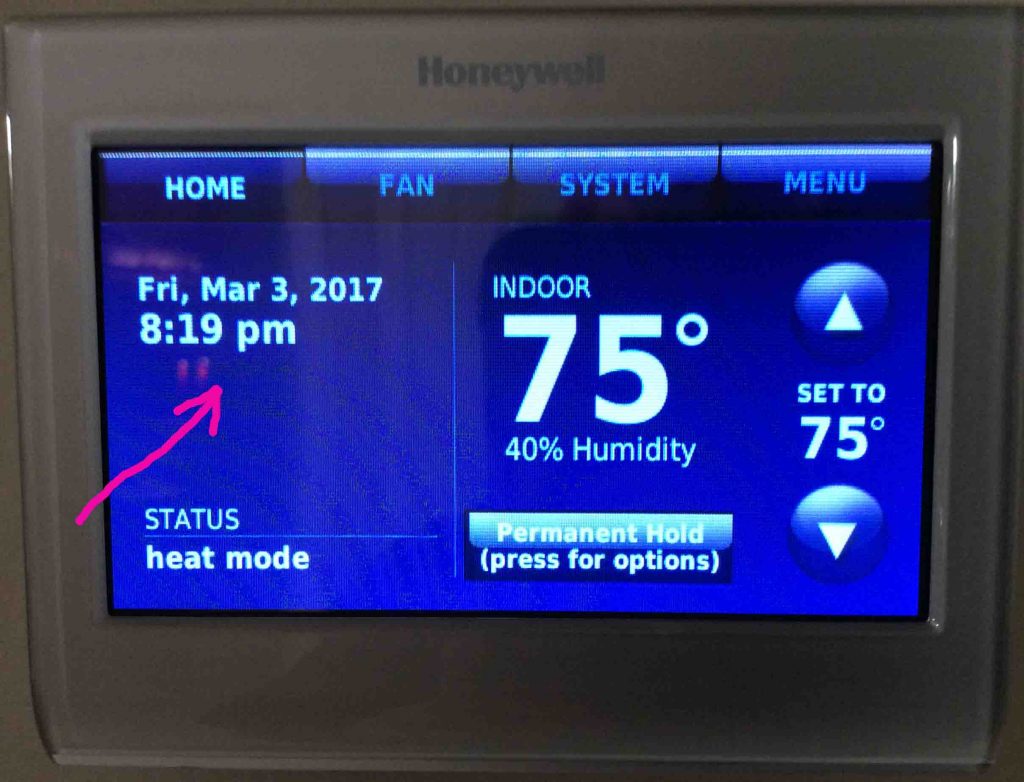
Finally, to save your masterpiece, look for a button like RUN, DONE, or simply press SET/CLOCK until the time stops blinking and the display returns to normal operation. Voilà! You've successfully tamed the digital clock! Remember to re-adjust for Daylight Saving Time if your model doesn't do it automatically, and always ensure your thermostat has fresh batteries to avoid losing your precious settings during a power outage.
Taking a few moments to properly set the time on your Honeywell thermostat isn't just about reading numbers; it's about taking control of your home's ambiance, optimizing your energy usage, and enhancing your everyday comfort. It's a small effort with a big payoff, transforming your house from a simple dwelling into a perfectly orchestrated sanctuary tailored just for you.