
How To Reset Smoke Alarm With Button

Alright, settle in, grab your imaginary latte, because we're about to tackle one of life's most terrifying, yet utterly mundane, challenges: the smoke alarm that just won't quit. You know the one. It’s that piercing shriek that jolts you awake at 3 AM because your cat coughed too close to the sensor, or perhaps you merely looked at your toaster oven with too much intensity. It's the sound of pure, unadulterated panic, usually reserved for horror movies or tax season. And it’s always, always, always when you least expect it.
I’m talking about that moment when you’ve just perfected your artisanal sourdough (or, let’s be real, burnt toast to a charcoal crisp), and suddenly, the symphony of terror begins. BEEP! BEEP! BEEP!
It’s not just a warning; it’s an accusation. It’s the smoke alarm screaming, I KNOW WHAT YOU DID!
at the top of its lungs, ensuring not just you, but also your neighbors, your mail carrier, and possibly a satellite orbiting Mars, are now fully aware of your culinary misadventure.
Before you grab a broom and start wildly jousting at the ceiling (we've all been there, don't lie), let's talk about its secret weapon, its Achilles' heel, its kryptonite: the humble little button. Yes, that unassuming nub on its face is your key to silence, your ticket back to sanity, and frankly, the only thing standing between you and a full-blown existential crisis.
Must Read
Step 1: Identify the Screaming Banshee
First things first. If you live in a place with multiple smoke alarms (congratulations on your commitment to safety!), the first step isn't to start mashing buttons indiscriminately. That's how you end up resetting the one in the guest bathroom while the kitchen one continues its opera. You need to locate the source of the demonic squawk. Walk around. Listen carefully. Which one is the loudest? Which one looks like it's personally offended by your cooking? Sometimes, it’s not even smoke; it could be steam from a hot shower or even a speck of dust having a party inside the sensor. Fun fact: dust is actually a super common culprit for false alarms! Who knew tiny particles could cause such colossal chaos?
Once you’ve identified the prime suspect, stand beneath it. Stare it down. It knows you’re coming for it. You are the hero of this story, armed with nothing but your finger and a desperate longing for quiet.
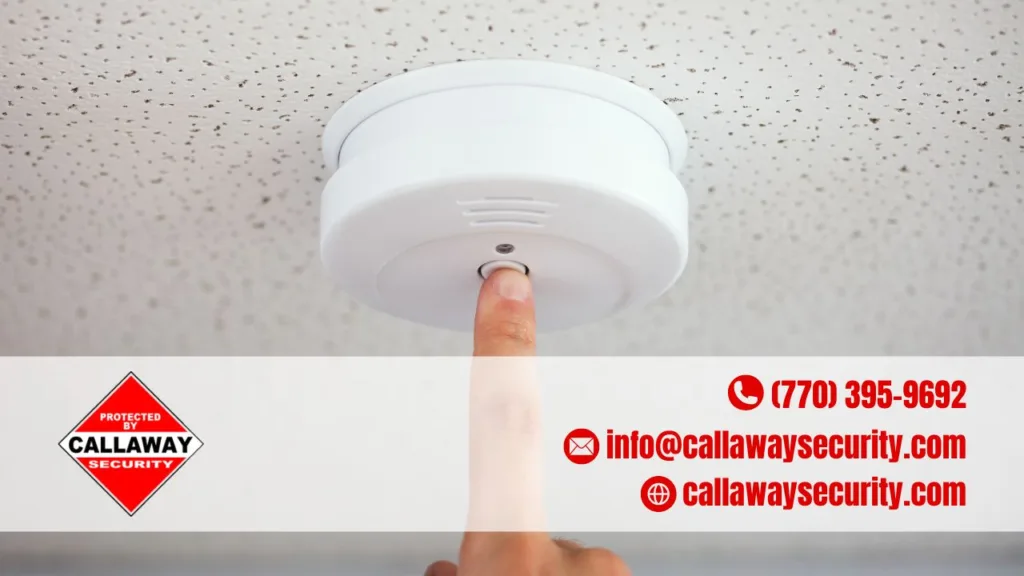
Step 2: The Sacred Act of Pressing and Holding
Now, this is where the magic happens. See that button? It’s usually a single, prominent, often circular button right on the face of the alarm. It might say TEST
or SILENCE
or nothing at all, just silently daring you. This isn't a quick tap like you're double-tapping a social media post. Oh no, dear friend. This requires commitment. This requires resolve.
You need to press and hold that button firmly. We're not talking about a fleeting touch, like you're shyly ringing a doorbell. Think of it more like you’re trying to get a stubborn elevator to go up – you gotta lean into it! You'll typically need to hold it for anywhere from 10 to 20 seconds. Yes, that might feel like an eternity when your ears are being assaulted by a high-pitched siren, but trust me, those seconds are crucial. They're the smoke alarm's timeout period, its moment of reflection.
During this holding period, the alarm might actually get louder for a second or two. Don't panic! It's just having its last hurrah, a final defiant I'M STILL HERE!
before it succumbs to your superior will. It's like a villain's monologue right before they get defeated. Just keep holding!
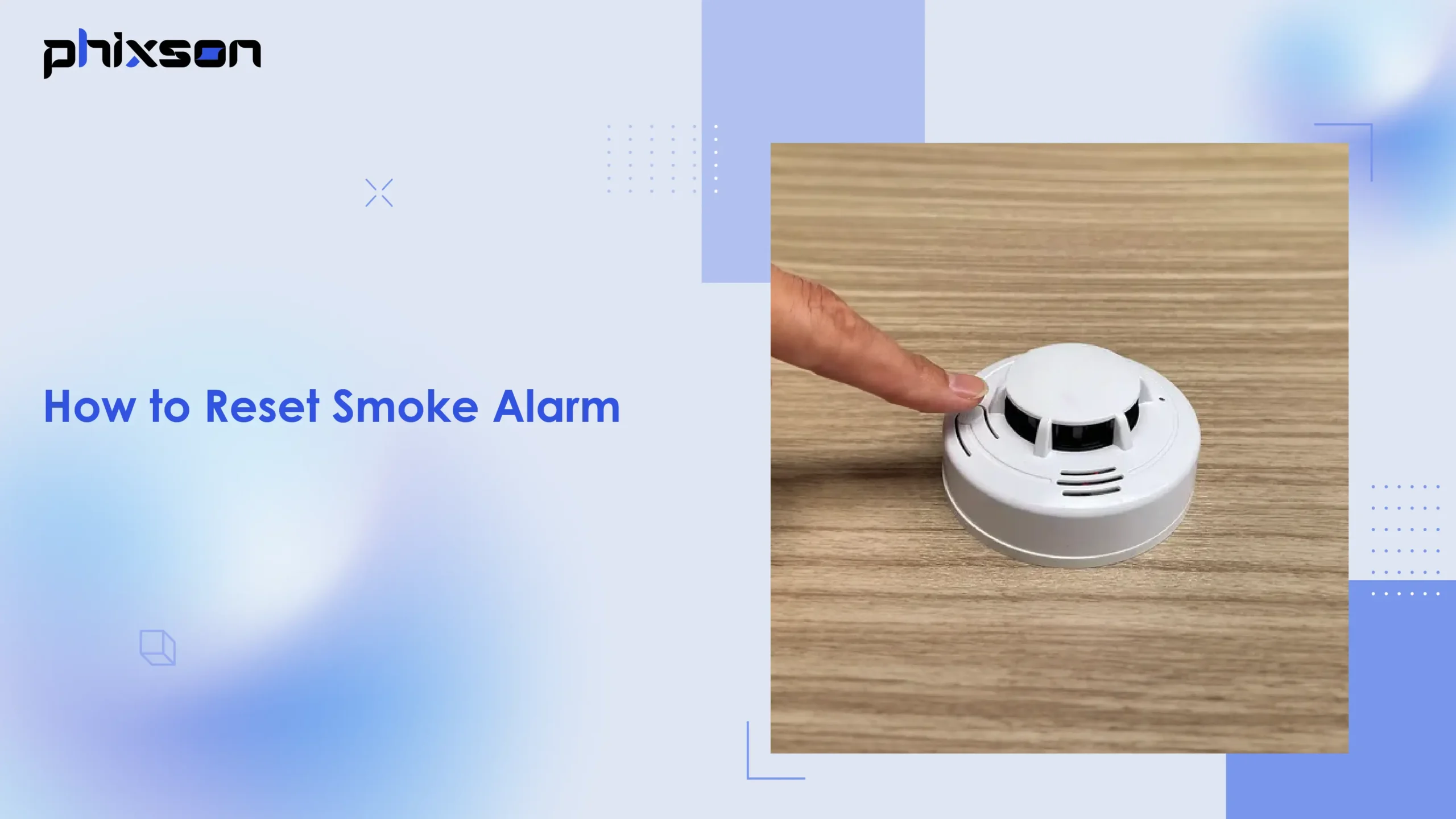
Step 3: The Sweet, Sweet Silence (or a Repeat Performance?)
If you've done it right, after that glorious 10-20 second hold, the alarm should… wait for it… fall completely silent. Ah, the sweet, sweet sound of absolutely nothing! It’s better than any orchestral masterpiece, any birdsong, any lullaby. It's the sound of peace returning to your humble abode. You've done it! You've successfully performed an emergency noise cancellation without needing fancy headphones or an exorcist.
Now, what if it keeps beeping, you ask, with a fresh wave of despair washing over you? Don't despair just yet! Sometimes, it's not the actual "alarm" that needs resetting, but rather a different kind of alert. For instance, a single, short beep every 30-60 seconds usually means the battery is low. That's not a full-blown emergency shriek; that's the smoke alarm politely (or annoyingly, depending on your sleep schedule) asking for a snack. In that case, you'll need to replace the battery, which is a whole other adventure involving stepladders and tiny screwdriver battles.

Another common culprit, as we playfully mentioned, is dust. If your alarm still seems to be complaining after a button press and a battery swap, give it a gentle vacuum or wipe down. Sometimes, those sensitive sensors just need a little spring cleaning.
But for the immediate, ear-splitting, "my-dinner-is-on-fire-even-though-it's-just-steam" kind of alert, that button is your best friend. It’s quicker than finding a ladder, safer than trying to disconnect wires, and definitely less dramatic than calling the fire department because your microwave popcorn went rogue.
So, the next time that infernal din starts, remember your training. Locate, press, hold, and conquer. You are now officially a certified smoke alarm whisperer. Go forth and enjoy the quiet, you magnificent human. You’ve earned it.
