
How To Remove A Honeywell Thermostat Cover
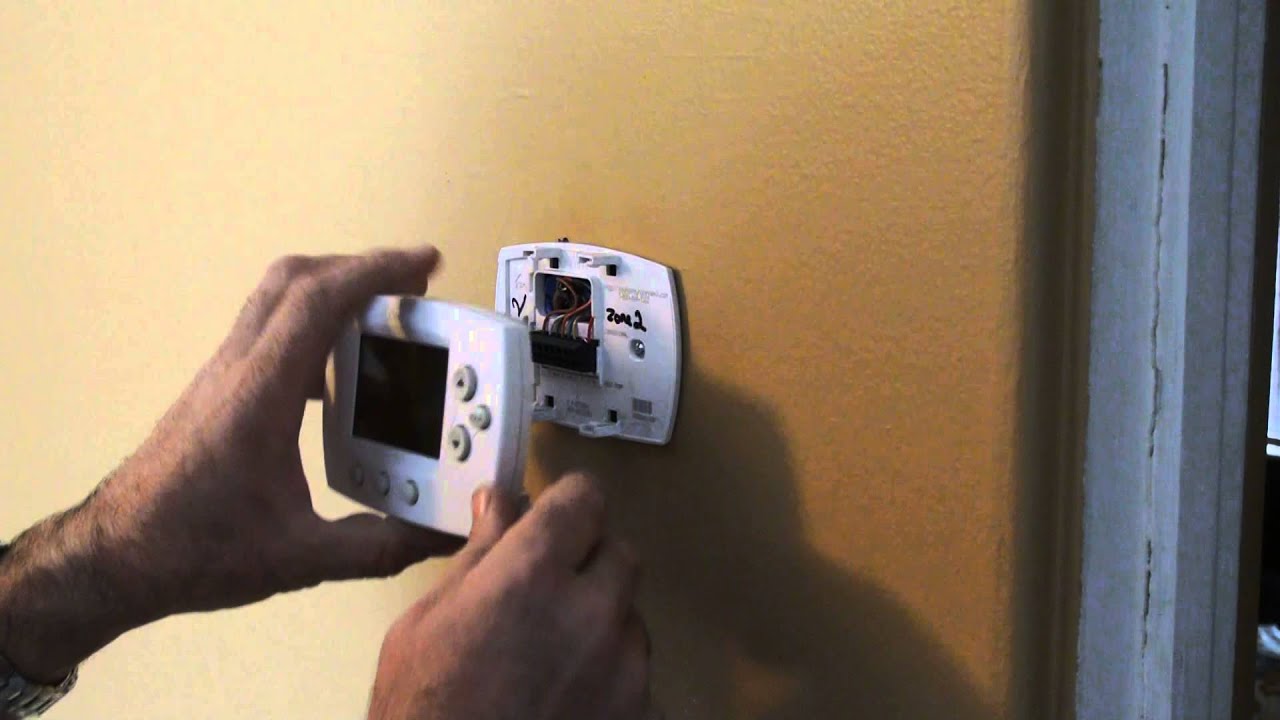
Ever looked at your thermostat, sitting there on the wall, quietly doing its job, and wondered what secrets it holds? It's like a tiny, unassuming guardian of your home's comfort, isn't it? Especially those classic Honeywell ones – they have a certain dependable charm. But have you ever needed to peek behind that calm exterior? Maybe change a battery? Or just... curiosity?
It might sound like a super technical task, like you need a special degree in HVAC wizardry. But I'm here to tell you, dear reader, that removing a Honeywell thermostat cover is often way simpler than you think. It’s less like performing brain surgery and more like... well, let's just say it's an accessible mini-adventure into the heart of your home's climate control!
Why Even Bother with This Mini-Mission?
Good question! Why would you want to take off that innocent-looking cover in the first place?
Must Read
Most commonly, it's for something super practical: changing the batteries. Many older or non-smart Honeywell thermostats run on good old AA or AAA batteries, and when they start to run low, your thermostat might get a bit moody or even stop working altogether. Nobody wants to shiver through winter or swelter through summer because of a couple of dead batteries, right?
Another reason? A little spring cleaning. Dust bunnies, those sneaky little home invaders, love to collect everywhere. Sometimes they can even interfere with the sensitive sensors inside your thermostat. A gentle wipe-down can work wonders!
Or perhaps you're thinking about upgrading to a newer, smarter model. To disconnect the old one, you first need to access its inner workings. It's like saying goodbye to a trusty old friend, but with the promise of a shiny new gadget that can talk to your phone!
And then there’s the best reason of all: pure, unadulterated curiosity. Isn't it just cool to understand how the everyday objects around us work? It's like opening a tiny treasure chest, revealing the humble mechanics that keep your world comfortable.
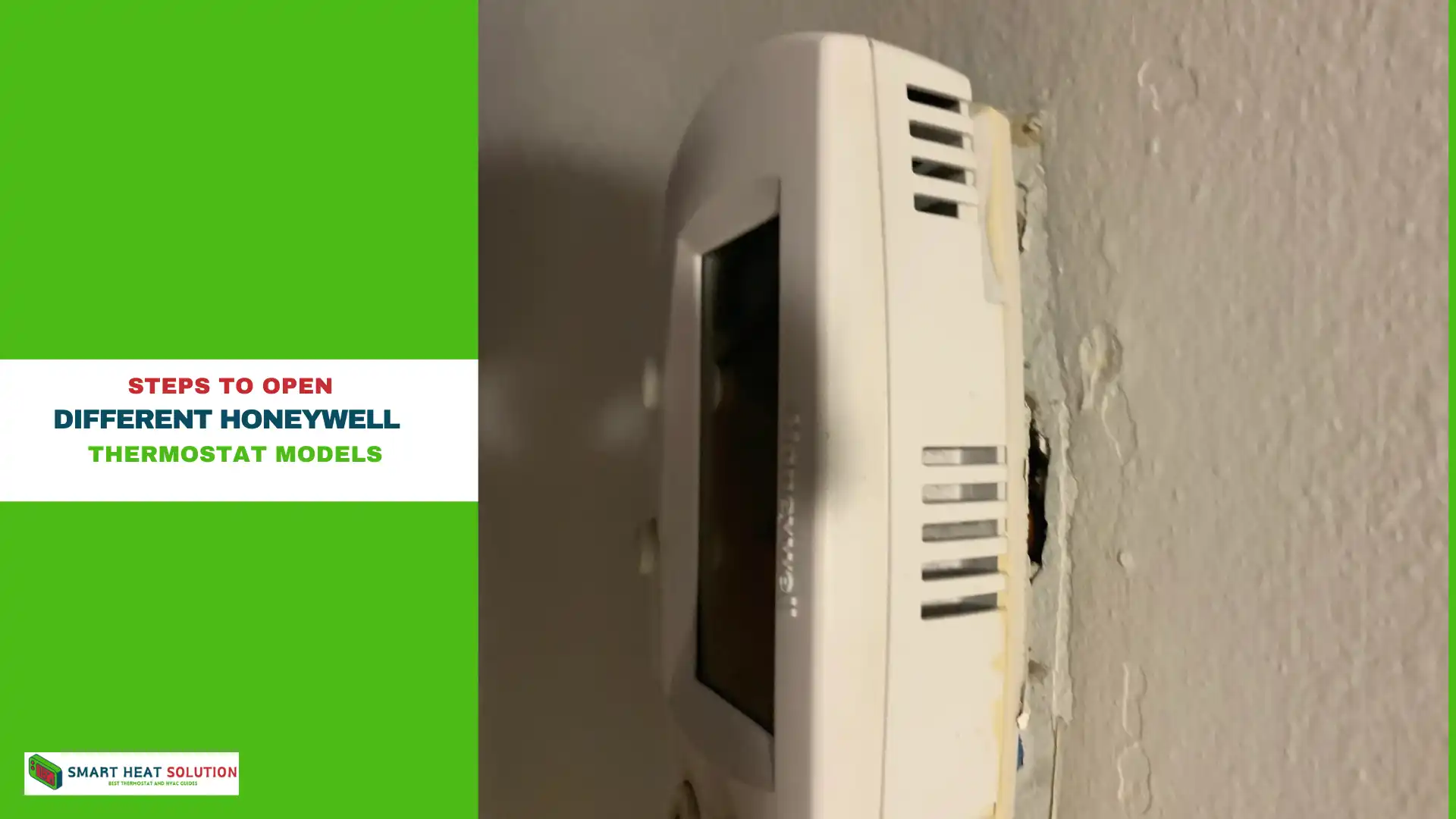
No Tools? No Problem! (Usually)
The beauty of most Honeywell thermostat covers is that they're designed for easy, tool-free access. You won't typically need a screwdriver, a pry bar, or any other gadget that might make you feel like you're about to dismantle a nuclear reactor. It's usually a matter of a gentle push, a soft pull, or a clever little squeeze.
Think of it like opening a child-proof bottle, but for grown-ups. There's usually a specific, intuitive way to do it. The key, as with many things in life, is gentleness and observation. You're not trying to win a wrestling match with your thermostat; you're trying to coax it open.
The Gentle Art of Thermostat Cover Removal
So, how do you actually do it? Let's break down the most common methods for a Honeywell. Remember, different models might have slightly different personalities, but these general approaches cover most of them.
1. The Straight Pull (The Most Common Pal)
For many Honeywell models, especially the older, squarer ones, the cover simply pulls straight off the base plate. Imagine it like pulling the lid off a shoebox – but a snugger fit.
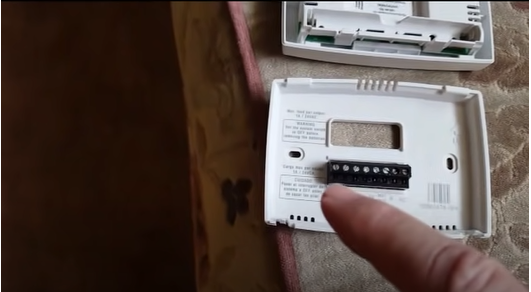
To do this, find a good grip on the top and bottom (or sides) of the cover. Now, with firm but even pressure, gently pull the entire front housing directly away from the wall. You might hear a soft click or a slight resistance as the clips disengage. No yanking, no twisting, just a calm, steady pull. It should feel like it's sliding off.
2. The Side Tab Squeeze (The Secret Handshake)
Some models, particularly those with a slightly more rounded or sleek design, have small tabs or latches on the sides or bottom. These are like little secret buttons.
Look closely along the edges of your thermostat. Do you see any small indentations, slots, or tiny arrows? These often indicate where to apply pressure. You might need to gently squeeze the sides towards the center, or press a small tab at the bottom, and then pull the cover straight off. It's a bit like releasing a safety catch before opening a toy.
3. The Hinge and Swing (The Trapdoor Trick)
Less common for the entire front cover, but some Honeywell thermostats (or their sub-bases) might have a hinge mechanism. This means one side acts as an anchor while the other swings open.
If you don't feel a straight pull or see side tabs, check the top or bottom edge. You might find a small release point that allows the cover to swing open like a tiny door. This is more common for accessing a smaller battery compartment than the main circuit board, but it’s good to be aware of the possibility.
A Word of Caution: Listen to Your Thermostat
The golden rule here is: never force it. If the cover isn't coming off easily with a gentle action, pause. Take a deep breath. Look again. There might be a hidden screw (though rare for the cover itself), a different type of latch, or you might just need to adjust your grip. Forcing it could break the plastic clips or even damage the internal components, turning a simple task into a much bigger headache.
Sometimes a quick search on Honeywell's website with your specific model number (usually found on the side or bottom of the thermostat once the cover is off, or in your original manual) can yield a direct video or diagram. But honestly, most of the time, it's one of the methods above.
What You'll Find Inside (The Big Reveal!)
Once that cover is off, what wonders await?

You'll likely see a small circuit board, some wires, and, most importantly if you're there for batteries, a clearly marked battery compartment. It’s not a mess of complicated wires like a car engine; it's usually quite tidy and straightforward. This is where the magic happens! This little brain is communicating with your furnace or AC, telling it what to do. Pretty neat, huh?
Putting It All Back Together
Guess what? Putting the cover back on is just as easy!
Align the cover with the base plate, ensuring any tabs or clips line up. Gently push it back into place until you hear that satisfying click or snap. It should feel secure and flush against the wall. If it wobbles or feels loose, it might not be seated properly, so give it another gentle push.
A Small Victory for Home Empowerment
And there you have it! Removing a Honeywell thermostat cover – a small, yet satisfying act of home empowerment. It's a reminder that many of the things we interact with daily aren't as mysterious as they seem. With a bit of curiosity and a gentle approach, you can understand and even maintain the little systems that make your home tick.
So next time your thermostat gives you that low-battery warning, don't fret. You're now equipped with the knowledge to tackle it like a pro. Go forth and conquer, you magnificent home maintainer, you!