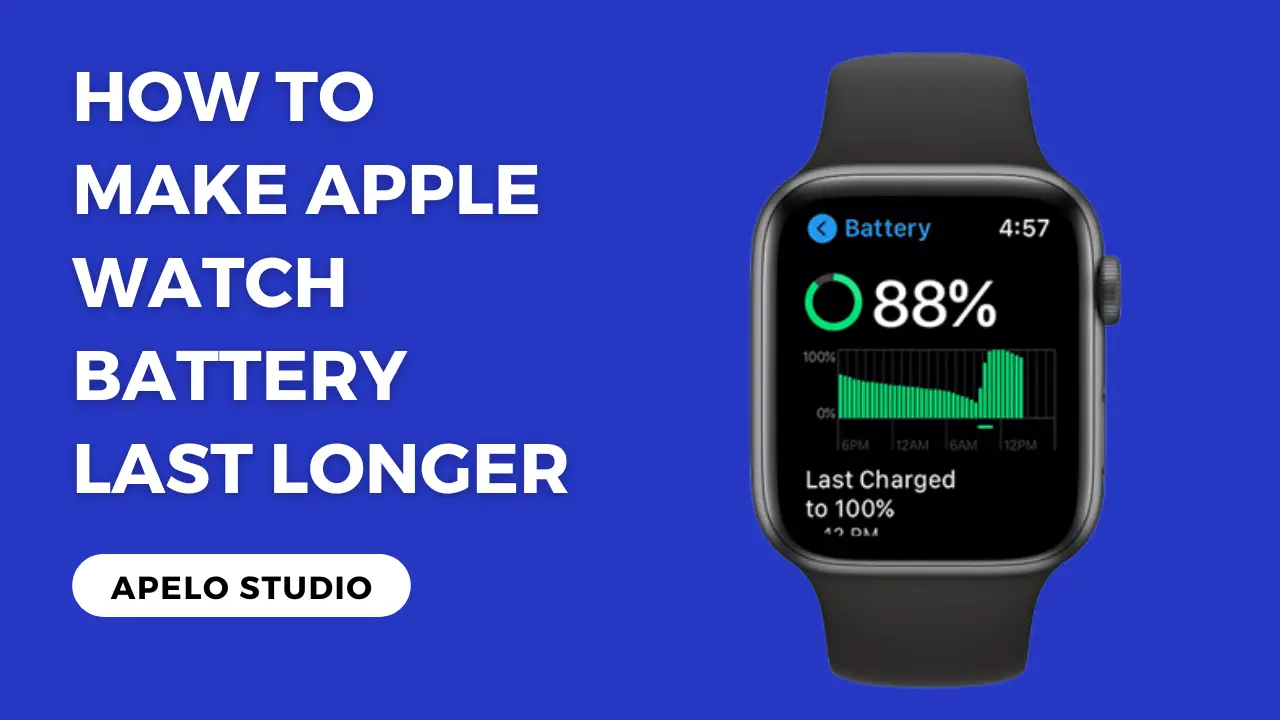
How To Make Your Apple Watch Battery Last Longer

The Apple Watch. It's more than just a timepiece; it's a mini-computer strapped to your wrist. From tracking fitness goals to receiving notifications, this sleek gadget has become a near-constant companion for millions. But let's face it: that constant usage can lead to a common frustration – a rapidly draining battery. Before you resign yourself to charging your watch multiple times a day, let's explore some easy and effective ways to squeeze more life out of your Apple Watch battery.
For artists, hobbyists, and even casual learners, a reliable Apple Watch is invaluable. Imagine a street photographer using their watch to discreetly control their iPhone's camera, capturing candid moments without drawing attention. Or a painter using the watch to track the time spent on a particular piece, helping them understand their workflow better. For those learning new skills, like coding or a new language, the watch can provide quick reminders and flashcards, making learning more accessible and less disruptive. And of course, everyone appreciates the convenience of receiving notifications without constantly reaching for their phone.
Consider the benefits for different users. A digital artist might use their watch to control music playback while sketching, ensuring a seamless creative flow. A woodworker could set timers for glue drying or varnish curing, freeing their hands for other tasks. Even someone simply learning a new recipe can use the watch to keep track of cooking times and measurements without getting flour on their phone. The versatility of the Apple Watch makes it a powerful tool, but only if the battery lasts long enough to support these activities.
Must Read
So, how can you maximize your Apple Watch's battery life? Here are some practical tips you can try at home:
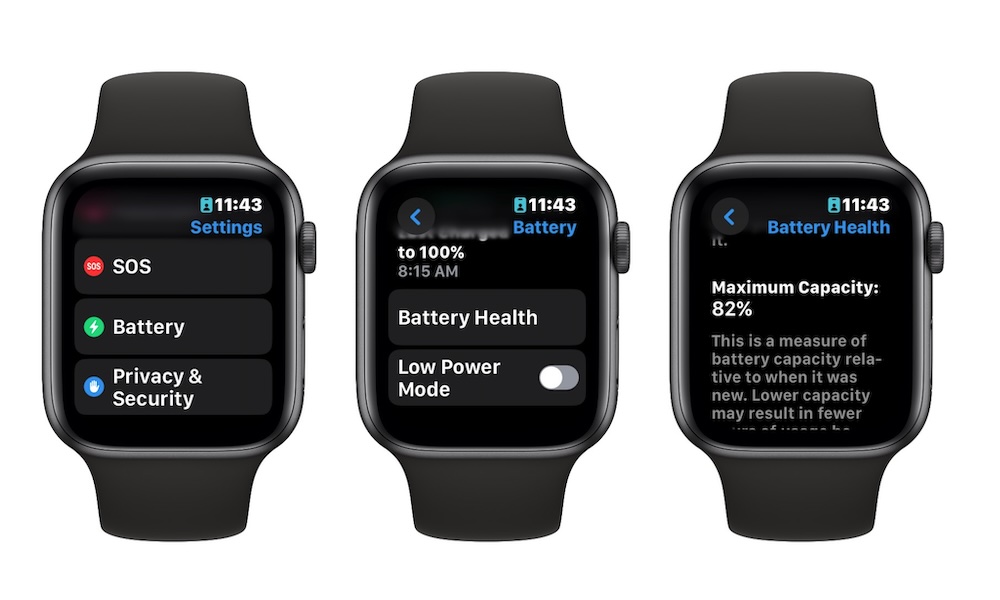
- Turn off Always On Display: This feature, while visually appealing, significantly impacts battery life. Go to Settings > Display & Brightness and disable "Always On."
- Reduce Screen Brightness: A brighter screen drains more power. Adjust the brightness to a comfortable level in Settings > Display & Brightness.
- Disable Background App Refresh: Prevent apps from constantly updating in the background. Go to Settings > General > Background App Refresh and either turn it off completely or customize it for individual apps.
- Limit Notifications: Receive only essential notifications. Go to the Watch app on your iPhone > Notifications and customize which apps can send alerts to your watch.
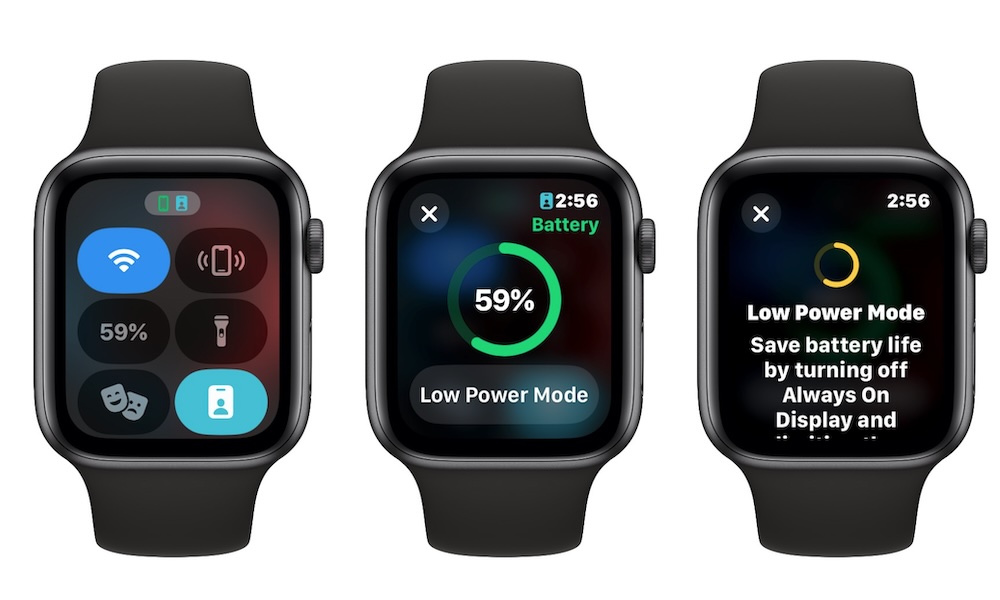
- Use Low Power Mode: When you know you'll be away from a charger for an extended period, enable Low Power Mode. Swipe up from the watch face to open Control Center, then tap the battery percentage and toggle Low Power Mode on.
- Turn off Wi-Fi and Bluetooth when not needed: If you're not using Wi-Fi or Bluetooth, disable them in Control Center.
- Update to the Latest watchOS: Apple often releases software updates that include battery optimization improvements.
Experiment with these settings and find the balance that works best for you. The key is to identify the features you use most frequently and optimize the settings accordingly. For example, if you're not using the heart rate monitor continuously, you can adjust its settings in the Watch app on your iPhone > Privacy > Motion & Fitness to conserve battery. Remember, every little bit helps.
Ultimately, managing your Apple Watch battery life is about finding the sweet spot between functionality and longevity. By implementing these tips, you can enjoy all the benefits of your Apple Watch without constantly worrying about running out of power. Plus, the feeling of mastering your tech and making it work for you, rather than the other way around, is incredibly satisfying. So go ahead, experiment, optimize, and enjoy your well-powered Apple Watch!