
How To Make Carbon Monoxide Detector Stop Beeping
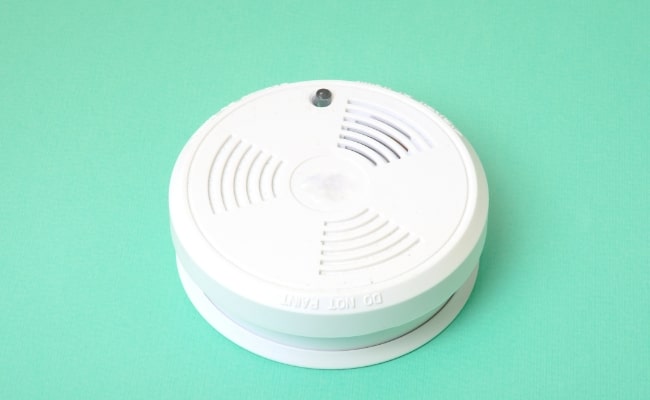
Ah, the sweet symphony of silence. Or, rather, the terrifying jolt of an unexpected, piercing beep in the middle of the night! If you've ever been rudely awakened by your carbon monoxide (CO) detector, you know that frantic feeling. It’s a common household drama, and let's be honest, figuring out how to make that persistent little gadget finally shut up can feel like cracking a secret code. But fear not, intrepid homeowner! Learning how to silence your CO detector isn't just about reclaiming your peace; it's about understanding a vital piece of home safety equipment, and that's genuinely useful (and yes, a little bit fun when you finally conquer it!).
So, why is this topic such a hot commodity? Because that incessant beeping, whether it's a gentle chirp or a full-blown alarm, demands immediate attention. The primary benefit of knowing how to address it is, of course, to stop the noise. But the more profound benefit lies in understanding why it's beeping. Your CO detector is a literal lifesaver, detecting the odorless, colorless, and deadly carbon monoxide gas. Knowing how to interpret its signals empowers you to react correctly, potentially saving lives, including your own! It’s about being prepared, not just annoyed.
First things first: when your CO detector starts beeping, don't panic. Take a deep breath. There are generally two main reasons for the noise, and understanding which one it is will guide your next steps. Is it a loud, continuous, urgent alarm (often three or four loud beeps followed by a pause)? Or is it a single, intermittent chirp every 30-60 seconds?
Must Read
If it’s the loud, continuous alarm, this means your detector has sensed carbon monoxide. This is an emergency! You need to immediately:
- Get everyone, including pets, out of the house and into fresh air.
- Call your local emergency services (like 911 or your fire department) from a safe location.
- Do not re-enter your home until emergency responders have declared it safe.

Now, if your detector is giving you that intermittent single chirp, congratulations! You're likely dealing with a low battery or an end-of-life warning. This is where you can truly become the hero of your home (and your eardrums!). Here’s your game plan:
- Locate the Detector: Find the culprit.
- Silence Button: Many detectors have a "Test/Silence" button. Pressing this can temporarily quiet a low battery chirp for about 30 seconds, giving you a moment of reprieve.
- Replace Batteries: For battery-powered units, the most common solution is to replace the batteries. Make sure to use the correct type (usually AA, AAA, or 9V, check your unit's manual) and put them in correctly.
- Check Expiration Date: This is a big one! CO detectors have a lifespan, usually 5-7 years, printed on the back. If your detector is past its expiration date, it's chirping to tell you it's time for retirement. In this case, simply replacing batteries won't fix it; you need a brand-new unit.
- Unplug (for plug-in units): If it's a plug-in model, unplugging it might silence it. However, if it has a battery backup, you'll still need to address the battery. Again, check the expiration date!
- Replace the Unit: If you've replaced batteries and checked the expiration date, and it's still chirping (or if it's expired), it's time for a new detector. Don't delay; a non-functional detector offers no protection.
By understanding these simple steps, you're not just making the beeping stop; you're taking control of your home safety. So, next time that chirp starts, you'll be armed with knowledge, not just annoyance. And that, my friends, is a truly empowering feeling!


![Carbon Monoxide Detector Beeping? [5 Things You Should Do] 2021](https://homebuyingchecklist.co/wp-content/uploads/2017/10/Carbon-Monoxide-Detector.jpg)