
How To Lock Honeywell Home Thermostat

Alright, let's talk about the thermostat. Specifically, that Honeywell Home wizard on your wall. For many of us, it’s not just a piece of technology; it’s the unwitting battleground for household peace. We’ve all been there: you set the temperature to a glorious, comfortable 72 degrees, only to return an hour later to find it cranked down to a polar 65, or worse, up to a swampy 80. Who’s the culprit? Often, it’s the tiny humans, the perpetually cold significant other, or the roommate who thinks heat is a renewable resource harvested directly from thin air. It’s like a silent, ongoing war for climate control, isn't it?
But what if I told you there was a way to declare a ceasefire? A method to bring order to the thermal chaos? Yes, my friend, we’re talking about locking your Honeywell Home thermostat. Think of it as putting your climate settings in a tiny, digital Fort Knox.
Why Lock It? (Besides the Obvious Sanity Preservation)
Let’s get real. The reasons are as varied and humorous as life itself:
Must Read
- The Little Hands Brigade: Your kids, bless their energy, often think the thermostat is either a fascinating new toy or a direct dial to Santa's workshop. One minute it's summer, the next they've initiated an impromptu ice age.
- The Sweater-Averse Spouse: You know the type. They claim to be "always cold" but refuse to wear a cardigan, opting instead to turn your home into a tropical rainforest.
- The Penny-Pinching Pal: Or the energy-hogging pal, depending on who you're living with! Roommates can have wildly different ideas about what constitutes an acceptable utility bill.
- The Existential Crisis of the Draft: Sometimes, you just want to set it and forget it, without constantly wondering if a rogue gust of wind (or a particularly determined house cat) has changed your carefully calibrated comfort zone.
Locking it isn't about being a dictator; it's about being a benevolent ruler of your home’s climate, ensuring comfort and efficiency without the constant thermostat skirmishes.
The Great Lock-Down: A Step-by-Step Adventure
Fear not, this isn't rocket science. You don't need a special decoder ring or a degree in HVAC engineering. Just follow these simple steps, and you'll be the undisputed temperature champion of your domain.
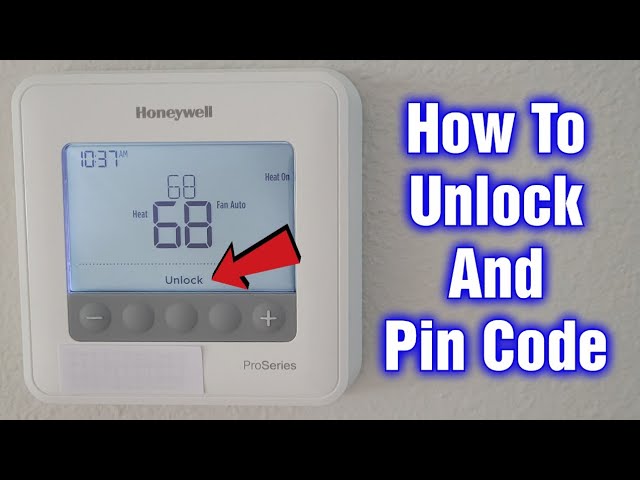
Step 1: Wake Up Your Wall Wizard
If your screen is blank, give it a gentle tap. Like trying to get a sleepy teenager out of bed, sometimes it just needs a little nudge to spring to life.
Step 2: Find the Elusive 'Menu' Button
Look for a button labeled 'Menu' or perhaps a gear icon. It's usually fairly prominent. Think of it as the secret entrance to your thermostat’s control center. Press it with purpose.

Step 3: Navigate the Digital Labyrinth to 'Security'
Once you're in the menu, you'll need to scroll. Use the up/down arrows until you see an option like 'Security', 'Keypad Lock', or sometimes even 'Lock'. It's often nestled amongst other settings like 'Fan' or 'Schedule'. When you find it, select it. This is where the magic begins.
Step 4: Choose Your Level of Zen (The Lock Mode)
Most Honeywell Home thermostats offer a couple of locking options. This is important, as it dictates how much control (or lack thereof) others will have:

- Full Lock: This is the Fort Knox option. No one can change anything without the PIN. It's like putting your thermostat in a tiny, temperature-controlled vault. Perfect for preventing any and all unauthorized adjustments.
- Partial Lock: A slightly more lenient approach. This might allow users to change the fan settings or temporarily adjust the temperature within a very small, pre-approved range (e.g., +/- 3 degrees). Think of it as giving them a toy steering wheel while you do the actual driving. You're still in charge, but they get to feel involved.
Select the option that best suits your household's unique brand of thermal anarchy.
Step 5: Set Your Super-Secret PIN
This is where you become the secret agent of your home climate. The thermostat will prompt you to enter a 4-digit PIN. Choose something memorable, but not something ridiculously obvious like '1234' or '0000'. (Unless you want your five-year-old to crack the code and initiate another ice age.) This PIN is your key to unlocking and changing settings in the future. Write it down somewhere safe if you're prone to memory lapses – maybe not on a sticky note on the thermostat, though!
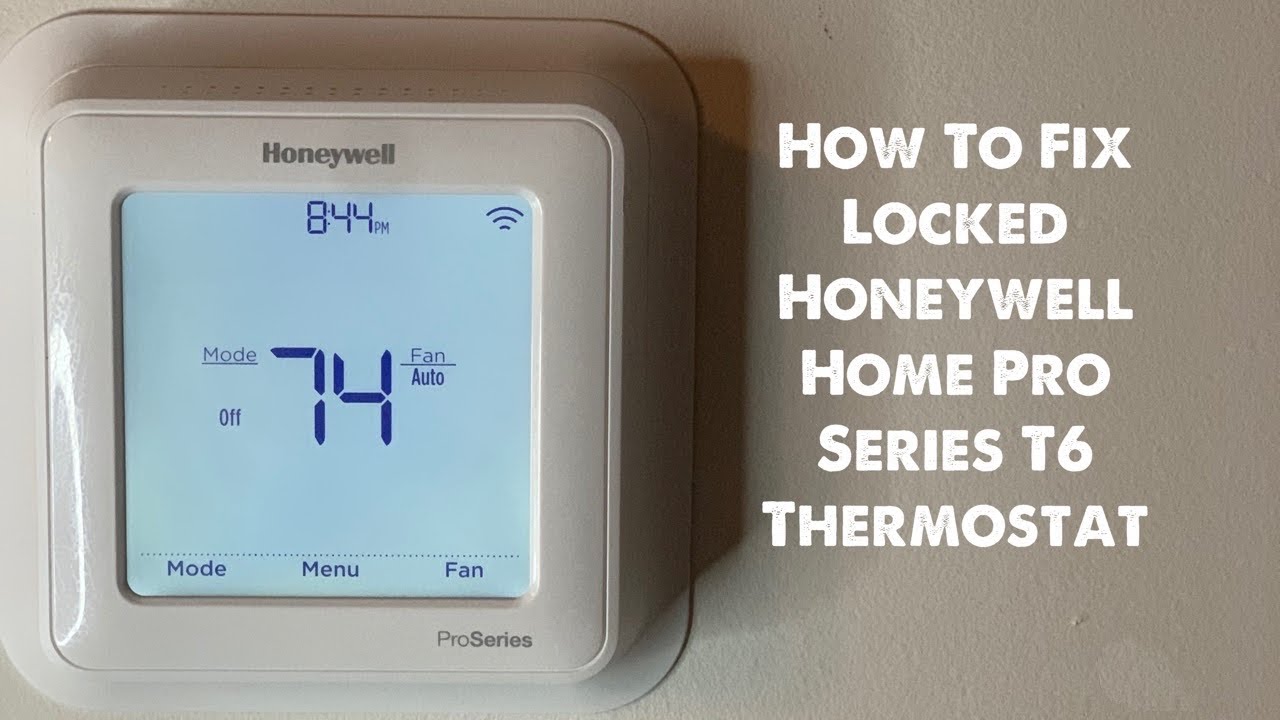
Step 6: Confirm and Celebrate Your Victory!
After entering your PIN, the thermostat will usually ask you to confirm it. Do so, and then press 'Done' or 'Save'. You should see a little padlock icon appear on your thermostat screen. That, my friend, is your victory flag. It signifies that your Honeywell Home thermostat is now securely locked, guarding your perfect temperature with digital vigilance.
A Little Troubleshooting Nudge
"But what if I forget my PIN?" It happens! Don't panic. Most Honeywell Home thermostats have a way to reset the PIN, often requiring you to hold down certain buttons for a few seconds or delve into a deeper service menu. When in doubt, always consult your specific thermostat model's user manual (the one you probably haven't seen since you moved in!) or visit the Honeywell Home support website. They’re pretty good about guiding you through it.
And there you have it! The power, the control, the peace of mind – all at your fingertips. No more surprise temperature swings, no more silent accusations across the living room. You’ve tamed the wild beast that is your thermostat and brought harmony to your home’s climate. Now, go forth and enjoy your perfectly regulated comfort!